


Imagine a world where your morning run is guided by digital creatures hiding in your local park, or where you can test-drive a new car from the comfort of your living room. This isn't science fiction; it's the present and future being shaped by two revolutionary technologies: Augmented Reality and Virtual Reality. While often mentioned in the same breath, they offer profoundly different experiences. Understanding the difference between AR and VR with example is the key to unlocking their potential, not just as entertainment, but as tools that will redefine industries, education, and human connection.
The Core Distinction: Augmentation vs. Immersion
At its most fundamental level, the difference between AR and VR is a difference in philosophy. It’s a question of how each technology relates to and interacts with our physical reality.
Augmented Reality (AR) is best described as an overlay. It takes the existing, real-world environment and enhances it by superimposing digital information—images, text, data, 3D models—onto it. AR does not seek to replace your surroundings but to supplement them. You remain present in your actual environment, but that environment is now enriched with a layer of interactive, computer-generated content. The key principle is that the digital elements are contextually aware of and anchored to the real world.
Virtual Reality (VR), in stark contrast, is an enclosure. Its primary goal is to isolate you from your physical surroundings and fully immerse you in a completely synthetic, digital environment. VR blocks out the real world, replacing your visual and auditory reality with a simulated one. When done effectively, VR creates a powerful sensation of presence—the convincing feeling of being somewhere else, whether that's on the surface of Mars, inside a human cell, or on the front lines of a historical battle.
How They Work: The Technology Behind the Magic
The technological pathways AR and VR take to achieve their goals are distinct, though they share some common underlying principles in computer graphics and motion tracking.
Augmented Reality Technology
AR systems rely on a combination of hardware and sophisticated software to blend the real and the virtual.
- Sensors and Cameras: These are the eyes of an AR device. They continuously scan the user's environment to understand its geometry, surfaces, lighting, and objects. This process, often involving Simultaneous Localization and Mapping (SLAM) algorithms, allows the device to place digital objects convincingly on a table or attached to a wall.
- Processing: The data from the sensors is processed in real-time to determine the device's position and orientation relative to the world. This ensures that a digital dinosaur, for example, stays rooted to a specific spot on the ground even as you walk around it.
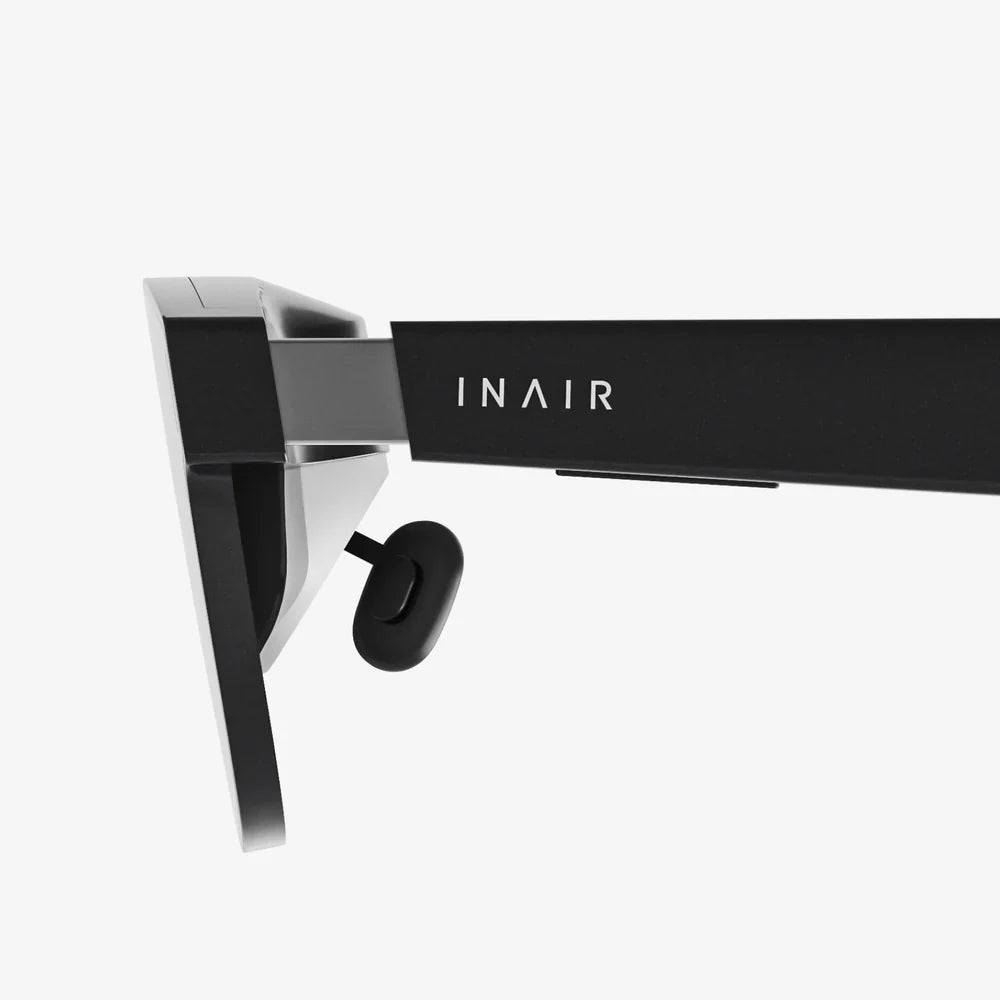
- Projection/Display: The processed digital content is then rendered and displayed to the user. This can be done through transparent lenses (as with smart glasses), a smartphone screen (which acts as a window to the augmented world), or via projection systems that beam light directly onto real-world surfaces.
Virtual Reality Technology
VR technology is architected for one purpose: to create and sell a convincing illusion.
- Head-Mounted Display (HMD): This is the core VR hardware. It features two high-resolution screens (one for each eye) placed very close to the user's face, creating a wide field-of-view that dominates their vision. The screens are housed in an opaque headset that physically blocks out ambient light and the real world.
- Tracking Systems: To make the virtual world respond naturally, the system must track the user's head movements (rotation and translation) with extreme precision and low latency. This is achieved through a combination of internal sensors (gyroscopes, accelerometers) and external sensors or cameras. Advanced systems also track the user's hands and body, often through dedicated controllers or gloves.
- Audio: Immersive 3D spatial audio is critical. Sounds change based on the user's head position, making a virtual waterfall sound like it's to your left and behind you, dramatically enhancing the sense of being in another place.
Real-World Examples: Seeing the Difference in Action
The best way to crystallize the difference between AR and VR is through concrete, relatable examples.
Example of Augmented Reality (AR)
Scenario: Furniture Shopping from Home
You're redecorating your living room and are considering a new sofa. Using an application on your smartphone or tablet, you select a model you like. The app uses your device's camera to view your actual, physical living room. You then tap on the floor where you want the sofa to go. Instantly, a photorealistic 3D model of the sofa appears on your screen, perfectly positioned in your room. You can walk around the room, and the digital sofa stays anchored in place. You can view it from different angles, see how the color matches your walls and existing furniture, and even check if it fits through your doorway by virtually moving it. The real world is your anchor; the digital sofa is the augmentation that helps you make a better decision.
Example of Virtual Reality (VR)
Scenario: Pilot Training in a Flight Simulator
A trainee pilot puts on a VR headset and a pair of motion-tracking controllers. The physical world—the training room—vanishes. They are now sitting in the fully detailed, interactive cockpit of a commercial airliner. Through the headset's visor, they see the runway stretching out ahead, the control panel with working dials and switches, and a virtual sky. When they look left or right, they see the wings of the plane. They can reach out with the controllers to grip the virtual throttle and yoke, feeling haptic feedback as they push and pull. They can practice takeoffs, landings, and emergency procedures in a vast variety of simulated weather conditions and locations, all without ever leaving the ground or risking a multi-million-dollar aircraft. The real world is completely replaced by a simulated one for the purpose of safe, effective training.
Applications Across Industries: More Than Just Games
While gaming was the initial driver for consumer interest, the applications for both AR and VR extend far into the professional world.
Augmented Reality Applications
- Healthcare: Surgeons can use AR overlays during operations to display vital signs, MRI data, or surgical guides directly onto their field of view of the patient, improving precision.
- Manufacturing & Repair: Technicians can wear AR glasses that project step-by-step repair instructions, highlight specific components to work on, or display schematics overlaid on the machinery they are fixing.
- Retail: As in the furniture example, customers can try on clothes, see how makeup looks on their face, or visualize products in their home before purchasing.
- Navigation: AR can project directional arrows and information onto the real world through a car's windshield or a pedestrian's smartphone, making navigation more intuitive.
Virtual Reality Applications
- Education: Students can take virtual field trips to ancient Rome, the depths of the ocean, or inside the human body, experiencing places and concepts that are impossible to visit physically.
- Architecture and Real Estate: Architects and clients can walk through a full-scale, immersive 3D model of a building before the foundation is even poured. Real estate agents can offer virtual tours of properties anywhere in the world.
- Therapy: VR is used for exposure therapy, helping patients safely confront and overcome phobias (like fear of heights or flying) in a controlled, virtual environment. It's also used for pain management and PTSD treatment.
- Remote Collaboration: Teams spread across the globe can meet in a shared virtual workspace as lifelike avatars, interacting with 3D models and data as if they were in the same physical room.
The Blurring Lines: Mixed Reality and the Future
The boundary between AR and VR is not a rigid wall but a spectrum, often referred to as the reality-virtuality continuum. At one end is the completely real environment, and at the other is a completely virtual one. In the middle lies Mixed Reality (MR). MR is an advanced form of AR where digital objects are not just overlaid on the real world but can interact with it in physically believable ways. A virtual ball in MR could bounce off your real table and roll onto the floor, and its movement would be affected by the real-world physics of the surfaces it encounters. This represents the next evolutionary step, combining the immersion of VR with the contextual awareness of AR.
Choosing the Right Tool for the Job
Understanding the difference between AR and VR with example is ultimately about understanding which tool is right for a given task. Ask a simple question: Does this experience require the user to be present in their actual environment, or would it be better if they were transported to another one? If the answer is enhancing the real world, choose AR. If the answer is replacing it for full immersion, choose VR. As the hardware becomes more powerful, affordable, and socially accepted, these technologies will cease to be novelties and become integral, invisible parts of how we work, learn, play, and connect. The line between our digital and physical lives is set to dissolve, and knowing the path each technology takes is the first step into that new frontier.
The journey into these digital dimensions is just beginning. Whether you're a developer crafting the next immersive experience, a business leader seeking a competitive edge, or simply a curious individual, the power to reshape your reality is literally at your fingertips. The only question left is which world you will choose to enhance—or which one you will choose to enter next.
Share:
AR VR Market Growth Forecast 2025: A Deep Dive into the Immersive Future
How to Play VR with Glasses: The Ultimate Comfort and Clarity Guide