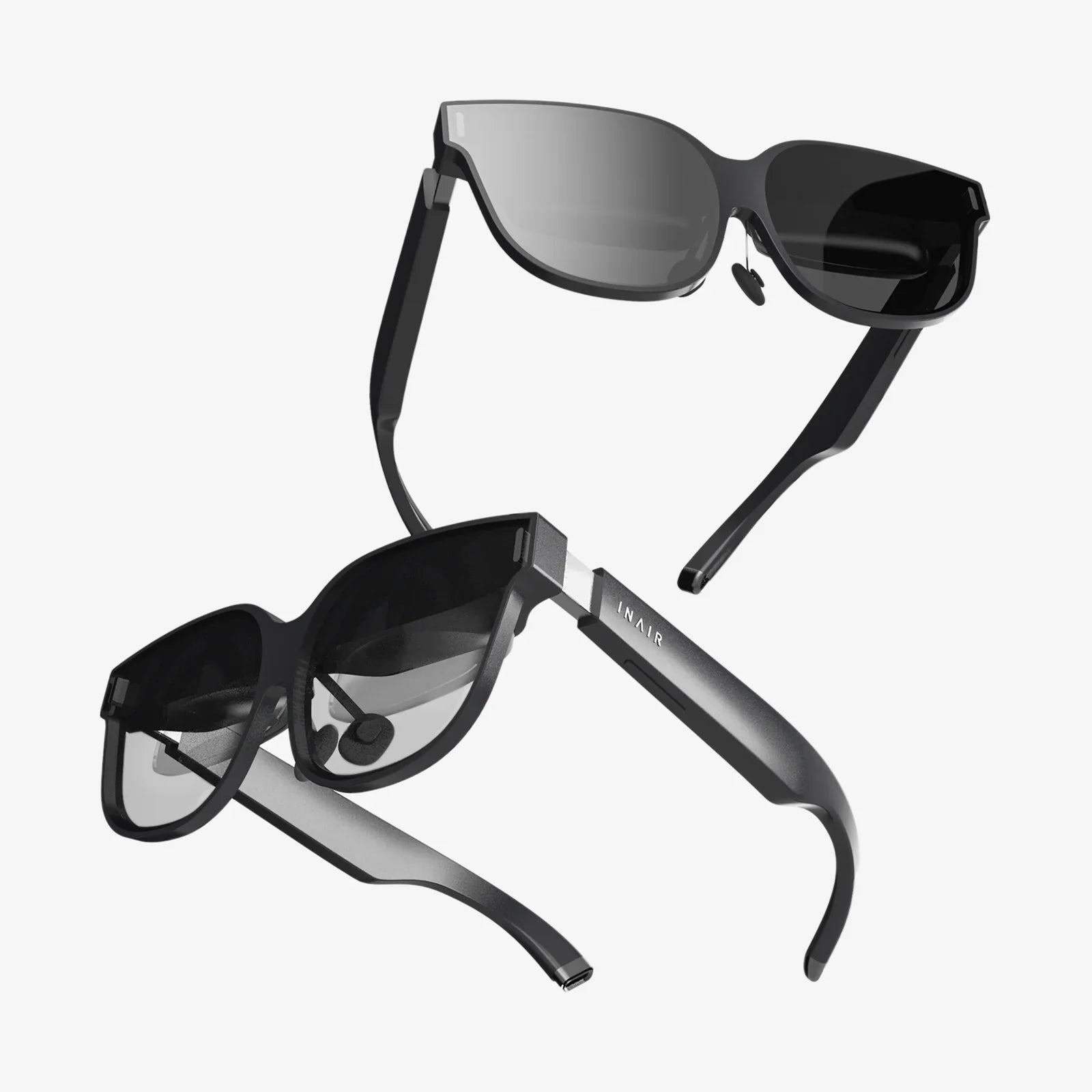
Have you ever wondered what it would be like to step inside your favorite video game, overlay digital schematics onto a broken engine, or collaborate with a holographic colleague sitting across from you? These are no longer scenes from science fiction but realities made possible by a spectrum of immersive technologies. For the uninitiated, the terms Virtual Reality, Augmented Reality, and the newer Mixed Reality can seem interchangeable, a blur of headsets and futuristic promises. Yet, understanding the fundamental difference between AR, VR, and MR is the first step to grasping a technological revolution that is reshaping industries, entertainment, and human connection itself. This isn't just about gadgets; it's about fundamentally new ways to see, interact with, and understand the world around us.
Defining the Reality-Virtuality Continuum
To truly understand these technologies, it's helpful to view them not as separate, distinct boxes but as points on a spectrum known as the Reality-Virtuality Continuum. This concept, introduced by researchers Paul Milgram and Fumio Kishino in 1994, places the completely real environment at one end and a fully virtual environment at the other. The space in between encompasses all the variations and blends of real and virtual objects.
-
The Real Environment: The physical world as we perceive it with our natural senses.
-
Augmented Reality (AR): A primarily real-world view enhanced or "augmented" with digital overlays.
-
Augmented Virtuality (AV): A primarily virtual world that incorporates elements from the real world (often considered a subset of MR).
-
Virtual Reality (VR): A completely computer-generated, immersive digital environment.
-
Mixed Reality (MR): Not just a blend, but a true merger where real and digital objects coexist and interact in real-time.
This continuum is crucial because it shows that AR, VR, and MR are not competitors but complementary technologies, each suited for different tasks and experiences.
Virtual Reality (VR): The Digital Dive
At the far end of the continuum lies Virtual Reality. The core principle of VR is immersion. Its primary goal is to shut out the physical world entirely and transport the user into a fully fictional, computer-simulated environment. This is the most discrete and easily distinguishable of the three technologies.
How VR Works: A Total Sensory Replacement
VR achieves its magic through a combination of hardware and software designed to trick the user's senses into believing they are somewhere else.
-
Headsets: VR headsets, often called Head-Mounted Displays (HMDs), are opaque, blocking the user's view of their physical surroundings. High-resolution displays are placed mere centimeters from the user's eyes, filling their entire field of view.
-
Tracking Systems: Sophisticated sensors (inside-out tracking using cameras, or outside-in tracking using external base stations) monitor the user's head movements—up, down, left, right, and rotational pitch, yaw, and roll. This data is fed to the software in real-time to adjust the virtual perspective accordingly, creating a convincing sense of presence.
-
Controllers: Handheld motion-tracked controllers allow users to interact with the virtual world—to pick up objects, push buttons, fire weapons, or gesture.
-
Audio: Spatial 3D audio is critical. Sounds change based on the user's head position, making a noise behind them actually seem like it's coming from behind, further deepening the immersion.
Key Characteristics of VR
-
Immersion: The user's visual and auditory reality is completely replaced.
-
Isolation: The user is cut off from their physical environment, which can be a safety concern if not managed.
-
Interactivity: Users can navigate and manipulate the virtual world with a high degree of freedom.
-
Presence: The psychological feeling of "being there" inside the digital environment.
Primary Applications of VR
-
Gaming: The most well-known application, offering deeply immersive gameplay.
-
Training and Simulation: Used for high-risk, high-cost training like flight simulators for pilots, surgical practice for medical students, or combat scenarios for soldiers.
-
Virtual Tourism: Allowing people to explore distant museums, historical sites, or even other planets from their homes.
-
Therapy and Rehabilitation: Used for exposure therapy for phobias, PTSD treatment, and physical rehab exercises in engaging virtual settings.
-
Architectural Visualization: Enabling architects and clients to walk through a building design long before the foundation is poured.
Augmented Reality (AR): The Enhanced World
On the opposite end of the spectrum from VR is Augmented Reality. Unlike VR, which aims to replace reality, AR aims to supplement it. AR layers digital information—images, text, animations, 3D models—onto the user's view of the real world. The real environment remains central to the experience, with digital elements adding context or information.
How AR Works: The Digital Overlay
AR technology is often more accessible than VR as it frequently uses devices people already own, like smartphones and tablets.
-
Cameras and Sensors: A device's camera captures the real-world environment. Sensors like accelerometers and gyroscopes understand the device's position and orientation.
-
Processing: The AR software processes the camera feed to identify a "trigger" or "anchor" in the physical world. This could be a flat surface (like a tabletop), a GPS location, a QR code, or a specific image (image target).
-
Projection: Once the anchor is recognized, the software projects the predetermined digital asset onto the screen, aligned with the real-world point. On a smartphone, you see this composite image through your screen. With smart glasses, the digital content is projected directly onto the lenses.
Key Characteristics of AR
-
Real-World Foundation: The experience is built upon and tied to the user's immediate physical environment.
-
Contextual Information: Digital content is relevant to the location or object it's attached to.
-
Non-Immersive: The user remains fully aware of and present in their real surroundings.
-
Accessibility: Often experienced through common mobile devices, lowering the barrier to entry.
Primary Applications of AR
-
Retail: Visualizing how furniture would look in your room before buying or "trying on" clothes or makeup virtually.
-
Navigation: Overlaying directional arrows onto a live view of the street for easier navigation.
-
Maintenance and Repair: Providing technicians with animated instructions overlaid on the machinery they are fixing.
-
Education: Bringing textbooks to life—pointing a device at a diagram of the human heart might show a beating 3D model.
-
Gaming: Games that integrate the real world as the playground, like the popular phenomenon that had players searching for virtual creatures in physical locations.
Mixed Reality (MR): The Seamless Merge
Mixed Reality is the newest and most complex of the three, often causing the most confusion. If AR overlays digital content on the real world, MR anchors that content and allows it to interact with the real world in a believable way. It's not just a overlay; it's an integration. MR understands the physical environment and allows digital objects to behave as if they are truly part of it.
How MR Works: Understanding and Interacting with Reality
MR requires advanced technology that can not only see the world but also understand it in depth.
-
Advanced Sensors: MR headsets are equipped with a suite of cameras and sensors, including depth sensors, infrared cameras, and LiDAR scanners. These map the physical environment in 3D, identifying surfaces, boundaries, and objects.
-
Environmental Understanding: The device creates a spatial map of the room. It knows where the walls, floor, ceiling, and furniture are.
-
Precise Anchoring and Occlusion: This is the key differentiator. A digital character can walk behind your real sofa, disappearing from view and then reappearing on the other side (occlusion). You can place a virtual lamp on your real desk, and it will stay there, casting virtual light that interacts with both real and virtual objects.
-
Natural Interaction: Instead of controllers, MR often uses hand-tracking and voice commands. You can reach out and "grab" a hologram with your bare hands, resize it by pinching, or issue a voice command to move it.
Key Characteristics of MR
-
Seamless Blending: Real and virtual worlds are merged to produce new environments where physical and digital objects coexist and interact.
-
Spatial Awareness: The technology understands the geometry of the physical space.
-
Persistent Content: Digital objects are tethered to a point in real space and remain there even if you look away and come back.
-
Natural Intuitiveness: Interaction is designed to be as natural as interacting with physical objects.
Primary Applications of MR
-
Remote Collaboration: A remote expert can be projected into your field of view as a hologram, able to point to parts of a real machine and draw diagrams in mid-air that everyone can see.
-
Advanced Design and Prototyping: Engineers and designers can interact with full-scale 3D models of products, walking around them and making adjustments in real-time.
-
Next-Generation Entertainment: Transforming your living room into a game level where virtual enemies burst through your real walls or a virtual pet that plays hide-and-seek around your furniture.
-
Data Visualization: Architects can walk through a holographic building model, or medical professionals can explore a 3D scan of a patient's anatomy floating in the operating room.
Side-by-Side Comparison: A Summary Table
| Feature |
Virtual Reality (VR) |
Augmented Reality (AR) |
Mixed Reality (MR) |
| Core Principle |
Replaces reality with a digital environment |
Overlays digital content onto the real world |
Merges real and digital worlds for co-interaction |
| Immersion Level |
Fully Immersive |
Non-Immersive |
Immersive (but aware of real world) |
| Device Examples |
Opaque headsets with controllers |
Smartphones, tablets, smart glasses |
Advanced transparent headsets with sensors |
| Environmental Awareness |
None (or limited for safety) |
Basic (recognizes surfaces/images) |
Advanced (3D maps the environment) |
| Interaction |
Primarily with controllers |
Touchscreen, limited gestures |
Hand-tracking, voice, controllers |
| Content Behavior |
Exists solely in the virtual space |
Overlaid on, but doesn't interact with, reality |
Anchored to and interacts with the real world |
| Primary Use Case |
Simulation, gaming, training |
Information overlay, navigation, simple games |
Complex design, remote collaboration, advanced gaming |
The Future is a Blended One
The lines between these technologies will continue to blur. We are already seeing devices that can switch between VR and MR passthrough modes. The ultimate goal for many in the industry is the concept of the "metaverse"—a persistent network of shared, interconnected virtual spaces that are seamlessly integrated with our physical reality. This vision will likely be powered by a fusion of AR, VR, and MR technologies, each used for the experiences they are best suited for. The future won't be about choosing one reality over another, but about having the agency to fluidly move between enhanced, virtual, and mixed worlds as the task or moment demands. The device on your face won't be just for VR or just for AR; it will be your portal to the entire spectrum of human experience, limited only by imagination.
Imagine a world where your workspace extends infinitely beyond the walls of your office, where learning history means walking through a photorealistic recreation of ancient Rome, and where connecting with a loved one across the globe feels as natural as sitting across the kitchen table. This is the promise held within the nuanced difference between AR, VR, and MR. It's a journey from simply observing content to inhabiting it, from being a user to becoming a participant in a new layer of reality. The revolution isn't coming; it's already being built, one pixel, one sensor, and one interaction at a time, and understanding this spectrum is your key to stepping into it.