


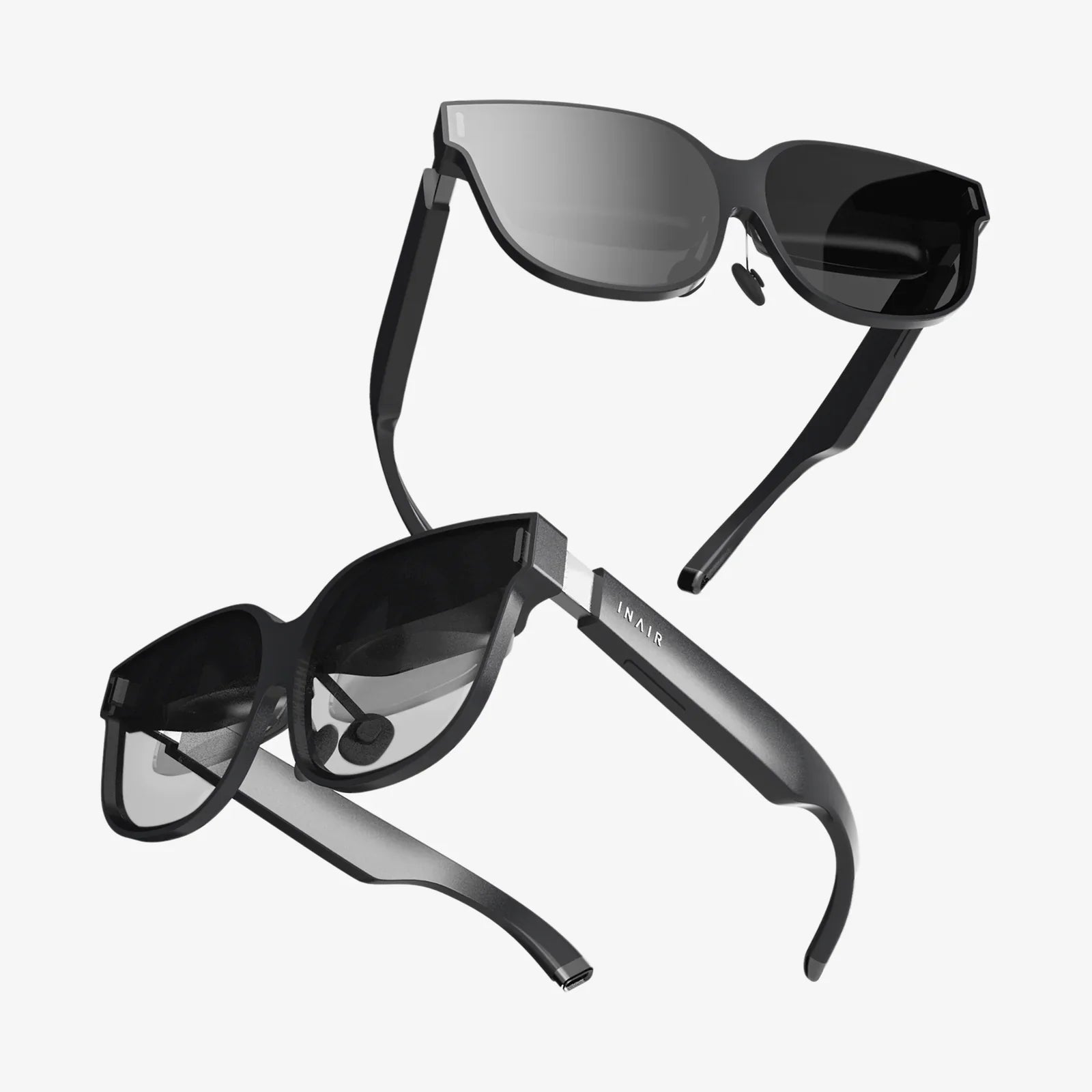
You've seen the breathtaking videos, heard the incredible stories, and felt that tug of curiosity about virtual reality. The world of immersive gaming, mind-blowing simulations, and social spaces that defy physics is calling. But as you consider taking the plunge, one fundamental, budget-defining question stops you cold: Do I need a computer for a VR headset? The answer, like the virtual worlds themselves, is more complex and fascinating than a simple yes or no. Buckle up as we dive deep into the ecosystem of modern VR, unraveling the requirements and empowering you to make the perfect choice for your journey into the metaverse.
The Great VR Divide: Understanding the Two Main Categories
At its core, the VR market has split into two distinct philosophical approaches, each with its own hardware requirements, advantages, and trade-offs. Understanding this divide is the first step to answering our central question.
Standalone VR Headsets: The All-in-One Revolution
Imagine a VR headset that requires no wires, no external sensors, and no powerful desktop computer. This is the reality of standalone VR. These devices are marvels of modern engineering, packing a screen, speakers, batteries, and a full computing system—essentially a smartphone's brain—all within the headset itself.
The primary appeal of standalone VR is its unparalleled simplicity and accessibility. You simply put on the headset, define your play area by looking around your room, and you're ready to go. There are no cables to trip over, no complex driver installations, and no need to check if your graphics card meets the minimum specs. It's the ultimate plug-and-play experience, making it the dominant choice for first-time VR users, families, and those who value convenience above all else.
However, this convenience comes with compromises. The internal processors, while impressive for their size and power efficiency, cannot compete with the raw graphical horsepower of a high-end desktop computer. Games and experiences on standalone platforms are often less complex, with simpler textures, shorter draw distances, and more conservative physics simulations to ensure smooth performance on mobile-grade chipsets. The visual fidelity, while still immersive, is a noticeable step below what is possible on a PC-powered system.
PC-Powered VR Headsets: The High-End Experience
On the other side of the spectrum are PC-powered, or PCVR, headsets. These devices act as ultra-high-resolution displays and motion-tracking sensors, but they offload all the actual computing work to a powerful desktop computer. A thick, high-bandwidth cable (or a high-quality wireless adapter) connects the headset to the PC, which acts as the engine room for the entire experience.
The result is nothing short of spectacular. PCVR is the domain of breathtaking visual fidelity, with incredibly detailed textures, complex lighting and shadow effects, vast, sprawling environments, and a level of realism that standalone VR can't yet match. This is where you find the most hardcore simulation games, the most graphically ambitious adventures, and modded versions of flat-screen games that have been transformed into full VR experiences.
The trade-off, of course, is cost and complexity. You not only need to purchase the headset itself but also a computer powerful enough to run it. This isn't just any computer; it requires a specific set of powerful and often expensive components. The setup process is also more involved, involving software installation, sensor or base station calibration (for some models), and cable management. It's a more dedicated, enthusiast-oriented path.
Demystifying the Hardware: What Does "Powerful Computer" Actually Mean?
If you're considering a PCVR headset, the term "powerful computer" needs to be quantified. Let's break down the key components and what you should look for.
The Graphics Processing Unit (GPU)
The GPU, or graphics card, is the single most important component for a smooth PCVR experience. It is responsible for rendering two high-resolution images at a very high frame rate (typically 90Hz or more)—one for each eye. Any stutter or lag here can immediately break immersion and, for some, induce motion sickness.
\nFor a decent entry-level PCVR experience today, you should aim for a GPU that was considered upper-mid-range or high-end within the last two to three generations. The specific model numbers change frequently, but the key is to look for a card with ample video memory (at least 8GB GDDR6 or better) and strong performance in modern gaming benchmarks. Manufacturers provide minimum and recommended specifications for their headsets, which is the best place to start. Meeting the minimum specs might run simpler games, but aiming for the recommended or even higher specs will future-proof your setup and provide a much more comfortable experience.
The Central Processing Unit (CPU)
While the GPU does the heavy lifting of drawing the scene, the CPU (processor) is the master coordinator. It handles the game's logic, physics calculations, artificial intelligence for non-player characters, and instructions for the GPU. A weak CPU can become a bottleneck, causing performance issues even if you have a powerful graphics card.
For VR, you'll want a modern multi-core processor. Most game engines are well-optimized to utilize multiple cores. A current-generation or previous-generation mid-range CPU from either major manufacturer is typically sufficient to avoid bottlenecks and ensure a stable experience.
Memory (RAM) and Storage
System memory, or RAM, is where the computer holds active data for quick access. VR applications can be memory-hungry. 16GB of RAM is the comfortable standard for a VR-ready PC today. 8GB is often considered the absolute minimum but may lead to performance issues in more demanding titles.
For storage, a Solid State Drive (SSD) is highly recommended, if not essential. An SSD drastically reduces game loading times compared to a traditional Hard Disk Drive (HDD). Waiting minutes for a VR environment to load while you're blindfolded by the headset is a frustrating experience that an SSD virtually eliminates.
Ports and Connectivity
Don't forget the physical connection! Most modern PCVR headsets connect via a high-speed USB port and a DisplayPort or HDMI cable. Ensure your computer has the correct ports available. For a wireless PCVR setup, a high-quality Wi-Fi 6 or Wi-Fi 6E router dedicated to your VR space is often recommended for the best performance.
The Console Wildcard: A Third Path to VR
There is a third, hybrid category that deserves mention: console-based VR. This system uses a headset designed to work exclusively with a specific video game console. The console itself, which is a specialized computer, provides the processing power.
This approach offers a compelling middle ground. It's more accessible than a high-end gaming PC, as the hardware requirements are fixed and guaranteed to work. The experience is typically more curated and optimized, as developers target a single set of hardware specifications. The visual quality and library of games sit between standalone and PCVR, offering high-fidelity experiences without the cost and complexity of a top-tier gaming rig.
Making Your Choice: Which VR Path is Right for You?
Now that we've explored the landscape, how do you decide? Ask yourself these questions.
What is your budget?
This is often the deciding factor. If your budget is tight and you want to avoid a major investment, a standalone headset is the clear winner. If you already own a capable gaming PC, your effective entry cost is just the price of a PCVR headset, making that path very attractive. If you're starting from scratch and want the highest-end experience, be prepared to invest in both a headset and a powerful computer.
What are your performance and quality expectations?
Are you primarily interested in casual fitness games, social apps, and mobile-style experiences? Standalone VR will likely satisfy you. Do you dream of hyper-realistic racing simulators, vast open-world RPGs, and visually stunning adventures? Then the power of PCVR is what you crave.
Where and how do you want to play?
Do you have a dedicated, spacious room for VR with room for a computer desk? PCVR is feasible. Do you live in a small apartment or want the freedom to play in your living room, backyard, or even while traveling? The untethered freedom of a standalone headset is a game-changer.
What is your technical comfort level?
Are you comfortable installing hardware drivers, troubleshooting software conflicts, and tweaking graphics settings for optimal performance? PCVR offers this level of control. Do you prefer a seamless, app-store-like experience where everything "just works" with minimal fuss? The curated simplicity of standalone VR is designed for you.
The Future is Flexible: The Blurring Lines of VR
The lines between these categories are beginning to blur, offering users more flexibility than ever before. Many modern standalone headsets also offer a feature called PC Link or Air Link. This allows them to connect to a gaming PC via a cable or wirelessly. In this mode, they essentially transform into a PCVR headset, leveraging the computer's power to run high-end games from PC storefronts.
This hybrid capability is a huge advantage. It means you can start with the simplicity and affordability of a standalone device for native mobile games. Then, if you ever decide to invest in or upgrade a gaming PC, you can unlock a vast new library of premium experiences without needing to buy a second, dedicated PCVR headset. It's the ultimate best-of-both-worlds scenario and is becoming a standard feature on higher-end standalone devices.
So, do you need a computer for a VR headset? The journey through the modern VR landscape reveals a more exciting answer than a simple binary. You can choose the all-in-one freedom of standalone VR, requiring nothing more than the headset itself and a space to play. You can pursue the breathtaking fidelity of PC-powered VR, anchored by a robust gaming desktop. Or you can find a middle ground with a console-based system. The power is no longer a barrier to entry but a spectrum of choice. The real question has evolved: not if you have a computer, but what kind of immersive experience you want to create. The perfect portal into virtual reality is waiting, and it's tailored precisely to the world you want to explore and the hardware you want to build it with.
Share:
Best VR for iPhone 7: A Comprehensive Guide to Immersive Mobile Experiences
Best VR Headset for Immersion: A Deep Dive into Total Sensory Presence