


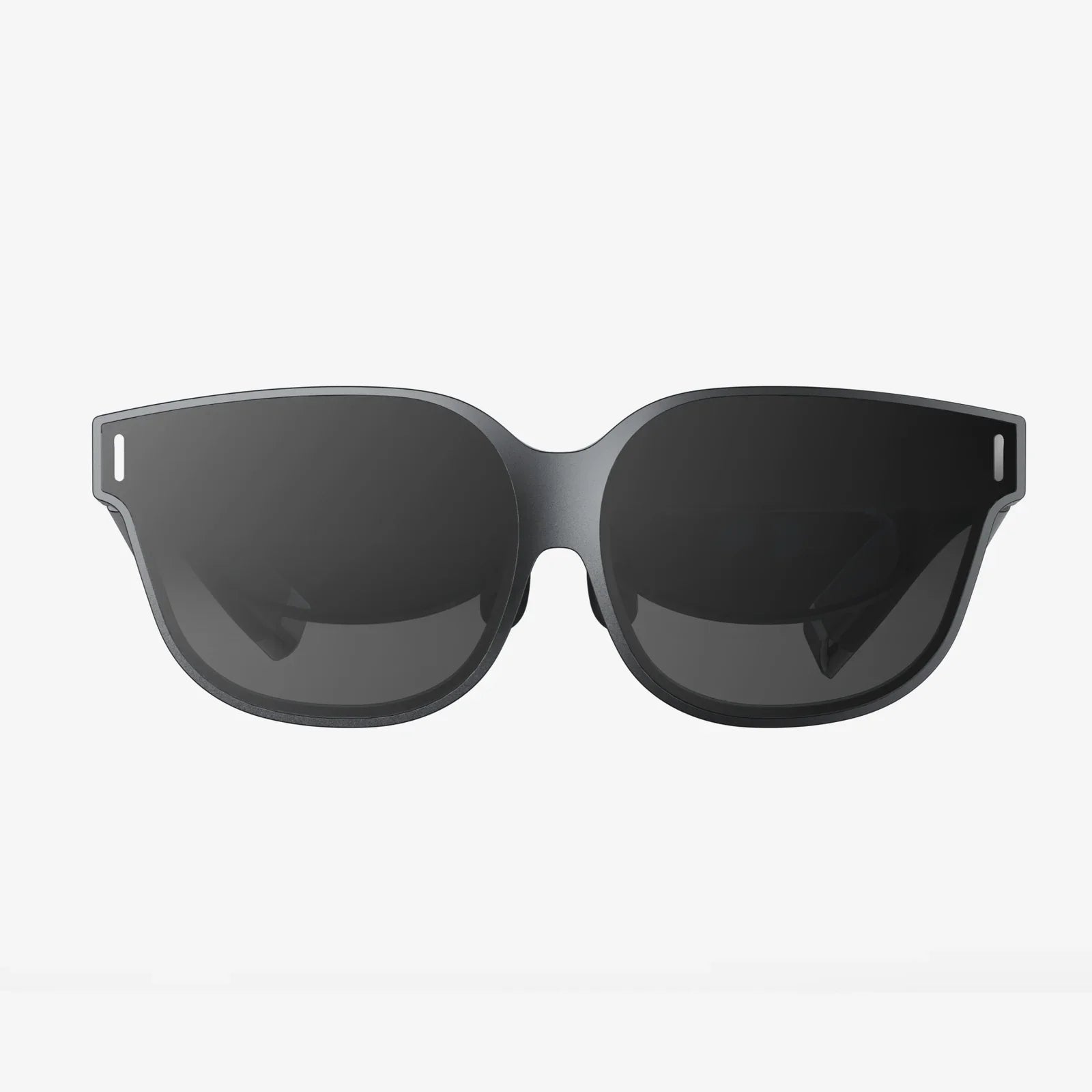
You’ve seen the breathtaking trailers, read the hype, and now you’re ready to dive into the immersive worlds of virtual reality. But as you start your research, a fundamental question stops you cold: does a VR headset need a PC? The answer isn't a simple yes or no; it's the key that unlocks two entirely different paths into the virtual realm, each with its own set of rules, experiences, and costs. Understanding this divide is the single most important step in your VR journey, determining everything from your initial investment to the worlds you can explore. Let's demystify the landscape and find the perfect portal for your adventures.
The Great Divide: Two Types of Virtual Reality
At its core, the VR market is split into two distinct categories, defined by their relationship with external computing power.
Standalone VR Headsets: The All-in-One Marvels
Imagine a self-contained universe in a single device. That's the promise of a standalone VR headset. These devices are engineering marvels, packing a screen, speakers, sensors, tracking cameras, and a complete computer system—including a processor (CPU), graphics chip (GPU), memory (RAM), and storage—all within the sleek housing you wear on your face. They are truly all-in-one units. They connect to the internet via Wi-Fi, run a dedicated operating system, and have their own application stores. Their primary advantage is breathtaking simplicity. You put them on, and you're in. There are no wires trailing behind you (beyond perhaps a battery pack cable), no complex setup procedures, and no need for any other expensive hardware. They represent accessibility and freedom, both in terms of physical movement and from the constraints of a traditional computer setup.
PC-Tethered VR Headsets: The Powerhouse Performers
On the other side of the spectrum lies the PC-tethered, or PC-connected, VR headset. These devices are best thought of as incredibly advanced peripheral displays. They contain the screens, lenses, and sensors for tracking your movement, but they lack their own internal computing brain. Instead, they act as a window, a conduit, through which a powerful desktop computer delivers the virtual experience. This external PC is responsible for all the heavy lifting: running the software, calculating the complex physics, and rendering the stunning high-fidelity graphics at exceptionally high frame rates. The headset is connected to this computer via a thick cable (often called a tether) that carries data, video, and power. This symbiotic relationship means the headset itself can be more focused on its core job: providing a pristine visual and auditory experience, unburdened by the heat and weight of internal computer components.
The Heart of the Matter: Processing Power and Performance
The need for a PC boils down to one thing: raw processing power. The difference in capability between a standalone headset's mobile-grade chipset and a high-end desktop gaming PC's components is vast, and this gap directly translates to the virtual experience.
Graphical Fidelity: A Question of Detail
This is the most immediately noticeable difference. PC VR experiences are renowned for their stunning visual clarity, complex lighting effects (like ray tracing), highly detailed textures, and vast draw distances. You can see individual scratches on a virtual weapon, count the bricks on a distant castle wall, and be mesmerized by lifelike reflections in a puddle. Standalone headsets, while improving every year, must make significant compromises. To run on mobile processors, developers reduce polygon counts, simplify lighting and shadow effects, and use lower-resolution textures. The results are often impressive for the hardware but generally fall short of the visual spectacle a gaming PC can produce. It's the difference between watching a modern animated film on a maxed-out gaming rig and playing a mobile game on your phone—both can be fun, but one is undeniably more visually rich.
World Complexity and Physics
Beyond mere textures, a PC's power allows for more complex and dynamic game worlds. Think of environments where every object can be picked up and manipulated, with realistic physics governing how they interact. Enemies can exhibit more advanced artificial intelligence, and worlds can feel more alive and reactive to your presence. The computational overhead for these systems is immense and is typically pared back in standalone titles to ensure stable performance.
Frame Rate: The Key to Comfort
Perhaps the most critical technical factor in VR is the frame rate, measured in frames per second (FPS). To trick your brain into believing a virtual world is real, the image must be updated incredibly quickly and smoothly. Most VR systems target a minimum of 90 FPS, with high-end PC setups pushing 120 FPS or even 144 FPS. A low or inconsistent frame rate is the primary cause of VR-induced motion sickness and discomfort. A powerful PC guarantees these high, rock-solid frame rates even in demanding scenes, while standalone headsets must carefully balance visual quality against maintaining that crucial smooth performance, sometimes having to dynamically reduce detail to avoid a nauseating frame drop.
Breaking the Chains: The Wireless Revolution
The historical drawback of PC VR has been the tether—a cable that limits movement and can be immersion-breaking if you trip over it. However, technology has evolved to offer a compelling middle ground. Wireless adapter kits exist that allow certain PC-tethered headsets to communicate with the computer over a high-speed Wi-Fi 6 or 6E connection. This setup offers the best of both worlds: the unparalleled graphical power of a desktop PC combined with the physical freedom of a standalone headset. It's important to note that this requires a very robust wireless network environment and adds to the overall cost, but it effectively severs the last physical tether to the computer, making the PC requirement feel far less restrictive.
The Standalone Advantage: Freedom and Accessibility
Choosing a standalone headset isn't just a compromise; it's a conscious decision to prioritize a different set of values that are incredibly compelling for a huge segment of users.
Unmatched Convenience and Portability
The ease of use is standalone VR's killer feature. There is no setup process beyond charging the device and connecting to Wi-Fi. You can take it to a friend's house, play in your living room, or even use it in a large empty garage (with careful supervision). It is a pick-up-and-play device in the purest sense. This eliminates the single biggest barrier to entry for many potential VR users: technical complexity.
A Lower Barrier to Entry
Financially, the standalone path is far more accessible. The cost of a headset is a single, upfront price. In contrast, entering the PC VR ecosystem requires a significant investment not only in the headset itself but also in a computer that meets, and ideally exceeds, the often-steep recommended hardware specifications. For someone who doesn't already own a capable gaming rig, the total cost can be two to three times higher than buying a standalone device.
The curated, Social Experience
Standalone platforms have excelled at creating social and experiential applications. From intuitive fitness apps and engaging social hubs to immersive media viewing, these devices are often designed as platforms for shared experiences and casual, accessible fun.
The PC VR Advantage: The Cutting-Edge Experience
For the enthusiast, the hardcore gamer, or the professional user, the PC requirement is not a drawback but a badge of honor—the ticket to the most advanced experiences available.
The Vast Library of Content
PC-based VR has been around longer and has a massive, deep, and diverse library of content. This includes mods for existing flat-screen games that have been transformed into incredible VR experiences by dedicated communities—a feat impossible on closed standalone platforms. If you want to play the most hardcore simulations, the most graphically intense adventures, or niche experimental projects, the PC is your home.
Beyond Gaming: Professional Applications
The power of PC VR extends far beyond entertainment. It is the standard for professional virtual reality applications. Architects walk clients through photorealistic renderings of unbuilt homes, medical students practice complex surgeries on virtual patients, and automotive designers review full-scale 3D models of new cars. These applications demand the highest possible resolution and processing power, making a powerful PC an absolute necessity.
Future-Proofing and Upgradability
A standalone headset is a fixed package; its performance is locked at the time of purchase. A PC, however, is upgradable. You can swap out a graphics card two years from now and instantly breathe new life into your VR headset, enabling higher settings, better performance, and compatibility with future software that demands more power. The headset becomes a window that gets clearer every time you upgrade the computer behind it.
Making Your Choice: Which Path Is Right for You?
So, does a VR headset need a PC? The answer depends entirely on you. Ask yourself these questions:
Choose a Standalone VR Headset if:
* You value simplicity, convenience, and a wire-free experience above all else.
* You do not own a powerful gaming PC and do not want to invest in building one.
* Your primary interests are in fitness apps, social experiences, casual gaming, and media consumption.
* You want the ability to easily bring VR to different locations.
* Your budget is focused on a single, all-inclusive device.
Choose a PC-Tethered VR Headset if:
* You are a gaming enthusiast who craves the highest possible graphical fidelity and performance.
* You already own a VR-ready gaming PC or are willing to build one.
* You want access to the largest and deepest library of VR content, including mods and hardcore simulations.
* You intend to use VR for professional work like design, architecture, or data visualization.
* You believe in future-proofing and plan to upgrade your PC hardware over time.
The Blurring Line: The Future of VR Hardware
The distinction between standalone and PC VR is beginning to blur in exciting ways. The latest generation of standalone headsets is so powerful that they can now connect to a PC via a single USB-C cable, effectively functioning as both a standalone device and a high-resolution PC VR headset. This hybrid approach offers unprecedented flexibility, allowing users to enjoy mobile simplicity most of the time but dock into a powerhouse PC for those times when they want the absolute best experience. Furthermore, cloud computing and streaming services are emerging that could one day allow standalone headsets to tap into remote supercomputers, potentially making local PC hardware obsolete. While still in its infancy, this technology promises a future where the line between mobile and tethered power is erased completely.
Ultimately, the question isn't just about what a headset needs, but what you need from your headset. The VR landscape is richer than ever, offering a path for every type of user. Whether you choose the elegant, accessible freedom of a standalone device or the raw, untethered power of a PC-driven experience, you're stepping into a future once confined to science fiction. Your gateway to other worlds is waiting; the only remaining step is to decide which key you use to unlock it.
Share:
Top 10 VR Headset - The Ultimate Buyer's Guide for an Immersive Experience
When Will the Next VR Headset Come Out: A Deep Dive into the Future of Immersive Technology