


- by wangfred
Does iPhone XR Support VR? A Deep Dive Into Its Virtual Capabilities
- by wangfred
You're holding a sleek piece of modern technology, the iPhone XR, and a question pops into your head, one that could unlock entirely new digital dimensions: can this device truly handle virtual reality? The world of VR is no longer a distant sci-fi fantasy; it's here, and your pocket-sized computer might just be the key to experiencing it. The answer is more nuanced and fascinating than a simple yes or no, weaving together hardware specs, software magic, and the very definition of VR itself. Prepare to have your curiosity satisfied as we dive deep into the immersive capabilities of this popular device.
At the heart of any VR experience lies the raw processing power required to render two separate, high-frame-rate images for each eye, all while tracking your head movements with imperceptible latency. This is a monumental task that has felled many seemingly powerful smartphones. So, where does the iPhone XR stand?
The iPhone XR is powered by the A12 Bionic chip, a technological marvel at its time of release. This chip features a six-core CPU, a four-core GPU, and an next-generation Neural Engine. For VR, the GPU (Graphics Processing Unit) is the undisputed star of the show. It's responsible for generating the complex, immersive 3D environments that define virtual reality. The A12's GPU was a significant leap over its predecessors, offering dramatically improved graphics performance and efficiency. This means it possesses the sheer computational muscle to drive compelling VR content without immediately stuttering or overheating.
Another critical component for convincing VR is the display. The iPhone XR features a 6.1-inch Liquid Retina display. While it forgoes the OLED technology found in its more expensive siblings in favor of an advanced LCD, it boasts excellent color accuracy and brightness. For VR, a high refresh rate is crucial to avoid motion sickness and create a smooth experience. While the XR's display doesn't reach the 90Hz or 120Hz found on dedicated VR headsets or modern flagship phones, its solid performance, combined with the A12's power, provides a capable foundation for mobile VR.
Finally, we have the sensors. VR is nothing without precise head tracking. The iPhone XR is equipped with a three-axis gyroscope and an accelerometer. These work in tandem to detect the slightest tilt, turn, and movement of your head, translating them instantly into the virtual world. This sensor package is highly refined and provides the low-latency tracking essential for a believable experience, ensuring the virtual world doesn't lag behind your real-world actions.
Hardware is nothing without software to bring it to life. The iPhone XR runs on iOS, which has a complex but ultimately supportive relationship with VR. Unlike some platforms built with VR as a core focus, Apple's primary public-facing push has been toward Augmented Reality (AR) with its ARKit framework. However, this doesn't mean VR is left out in the cold.
VR on iOS primarily exists through two avenues: web-based VR and dedicated applications. Modern mobile browsers can deliver surprisingly good VR experiences directly through a webpage. You can often find 360-degree videos and interactive VR scenes that you can access by simply clicking a link and inserting your phone into a headset. This is one of the most accessible ways to dabble in VR on the iPhone XR.
The second avenue is the App Store. A search for "VR" or "virtual reality" reveals a wealth of applications, from games and virtual tours to educational experiences. These apps are designed to leverage the phone's hardware directly. Furthermore, many popular VR content platforms have iOS apps that serve as portals to a vast library of 360-degree videos and images. The processing power of the A12 Bionic ensures these apps run smoothly, providing engaging and immersive content.
It's also important to distinguish between different levels of VR immersion. The iPhone XR fully supports what is known as "3DoF" (Three Degrees of Freedom) VR. This means you can look around the virtual environment by rotating your head—looking up, down, left, and right. It does not, however, support "6DoF" (Six Degrees of Freedom) out of the box, which would allow you to physically walk around and lean into the virtual space. Achieving 6DoF typically requires external sensors or cameras that the iPhone XR alone does not possess.
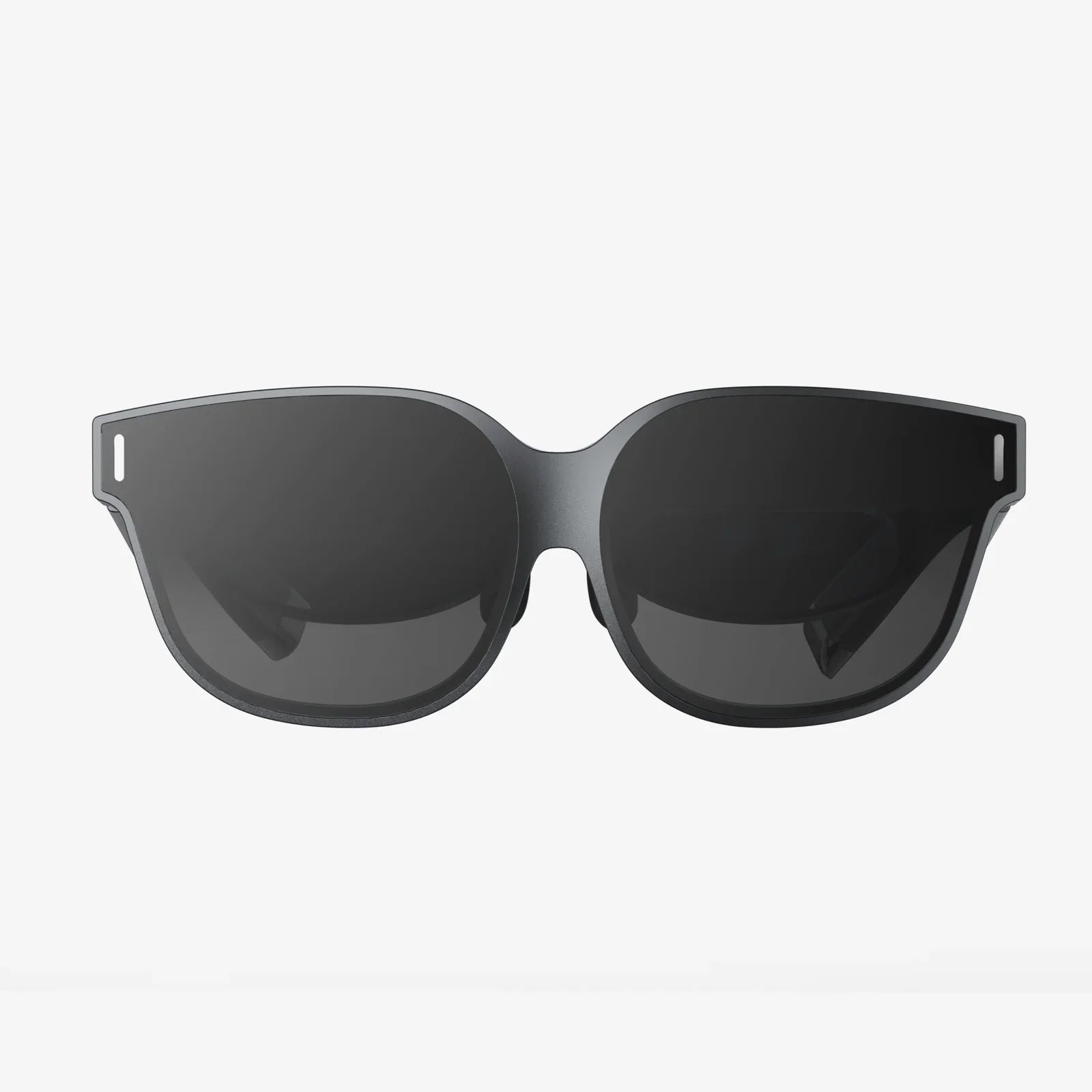
To experience VR, the iPhone XR needs a partner: a head-mounted display, or HMD. This is a crucial piece of the puzzle. The headset serves two main purposes: it houses the phone right in front of your eyes, and it uses lenses to magnify and reshape the screen's image, creating a wide, immersive field of view that fills your vision.
The market offers a spectrum of headsets compatible with the iPhone XR. On one end, you have simple, affordable plastic or cardboard viewers. These are basic holders with lenses; you manually insert your phone, and the experience is entirely powered by the phone's own sensors and screen. They provide a fantastic and very low-cost entry point into mobile VR.
On the other end, there are more advanced headsets. These may include additional features like a dedicated controller for interaction, improved comfort with better padding and straps, and sometimes even their own internal sensors to enhance tracking. These headsets elevate the experience from a novelty to a genuine entertainment platform. When paired with a quality headset, the iPhone XR transforms from a communication device into a portable cinema, a gaming console, and a travel machine.
While exploring VR, it's impossible to ignore the iPhone XR's truly exceptional capability in a related field: Augmented Reality (AR). Powered by ARKit, Apple's robust AR platform, the XR's combination of the A12 Bionic chip, advanced sensors, and camera system makes it an AR powerhouse.
ARKit allows digital objects to be placed and interacted with in the real world with astonishing accuracy. You can measure objects simply by pointing your camera, see how new furniture would look in your living room at full scale, play games on your kitchen table, or explore detailed anatomical models in a classroom. The line between the digital and physical worlds blurs seamlessly. For many users, the cutting-edge, readily accessible AR experiences might even surpass their interest in fully immersive VR, as AR enhances your existing reality rather than replacing it.
While the iPhone XR is undoubtedly capable, it's important to understand its limitations in the current VR landscape. Technology has marched on since its release. The most significant limitation is its LCD screen. Compared to the OLED displays on other models, the XR's LCD has a lower contrast ratio, meaning blacks can appear more as dark grays. In a VR headset, where the screen is magnified and you're in a dark environment, this can slightly reduce the immersiveness of space scenes or dark games.
Furthermore, as mentioned, the experience is largely confined to 3DoF. The lack of positional tracking means you can't duck, dodge, or walk around. For immersive games that require physical movement, this is a notable constraint. The VR experience is also entirely dependent on the phone's battery, and rendering complex VR scenes is a power-intensive process that can drain it quickly.
Finally, the broader industry trend is worth noting. Major tech companies are increasingly focusing on standalone VR headsets that have all the necessary processing power, sensors, and displays built into a single wireless unit. These devices offer a more seamless and high-fidelity experience than a phone-based setup. However, they also represent a separate purchase. For someone who already owns an iPhone XR, buying a simple viewer is a incredibly cost-effective way to explore VR.
If you're ready to take the plunge, a few tips can ensure you get the most out of your iPhone XR VR sessions. First, invest in the best headset your budget allows. Even a mid-range model with a comfortable strap and adjustable lenses will be far superior to a flimsy cardboard viewer for prolonged use.
Second, manage your phone's resources. Close background apps before launching a VR experience to free up RAM and CPU cycles for the demanding task ahead. Ensure your phone is fully charged or keep it plugged in during use to avoid a sudden shutdown. Third, explore the content libraries. Don't just stop at the first game you find. Dive into virtual travel apps, educational experiences, and 360-degree videos on platforms to truly appreciate the medium's potential.
Finally, take breaks. VR can be intense, and it's easy to lose track of time. Start with shorter sessions to acclimatize yourself and avoid eye strain or motion discomfort. Find a clear, safe space to enjoy your virtual adventures without bumping into real-world furniture.
So, you've seen the specs, understood the software, and considered the headset. The journey from asking a simple question to comprehending the full scope of the iPhone XR's potential is complete. This device is not just a communication tool; it's a verified portal to immersive worlds, a testament to the powerful technology we carry every day. While it may not be at the absolute bleeding edge of dedicated VR hardware, its capabilities are profound, accessible, and waiting to be explored. Your iPhone XR is more than ready for its virtual reality close-up; the only question left is, what world will you choose to step into first?
Share:
Cheapest VR Headset 2025: The Ultimate Guide to Affordable Immersion
Best Affordable VR Headset 2025: The Ultimate Buyer's Guide