


How to Eliminate Spatial Multi-Window Processing Latency
What causes spatial multi-window processing latency?
Spatial multi-window processing latency occurs when a device's GPU and CPU struggle to simultaneously render multiple high-resolution virtual screens, process 6DoF sensor tracking data, and run background apps. When AR glasses are tethered to a standard smartphone, thermal throttling quickly causes the virtual windows to lag, stutter, and jitter when you move your head. To eliminate this latency, you need a dedicated spatial computing hub, like the INAIR Pod, engineered with a specialized AI chip purely for rendering multiple AR displays.
Why Your Smartphone Fails at Spatial Multitasking
Opening 3 to 6 virtual screens in augmented reality is not the same as opening tabs in a web browser. It requires massive computational power.
When you rely on your phone's processor (via apps like Nebula or SpaceWalker) to drive multiple virtual monitors, your phone rapidly overheats. To prevent melting, the phone drops its frame rate (thermal throttling).
- The Result: The moment you try to drag a window or turn your head, the screens lag behind your movement. This micro-stuttering is the #1 cause of AR-induced motion sickness.
The Dedicated Decoupled Chip (The INAIR Advantage)
You wouldn't use a smartphone to render a heavy 3D PC game, so why use it to render a 6-screen spatial office?
The INAIR Pod solves spatial latency through its decoupled hardware architecture. It features a powerful, dedicated processor with one singular job: Flawless Spatial Computing.
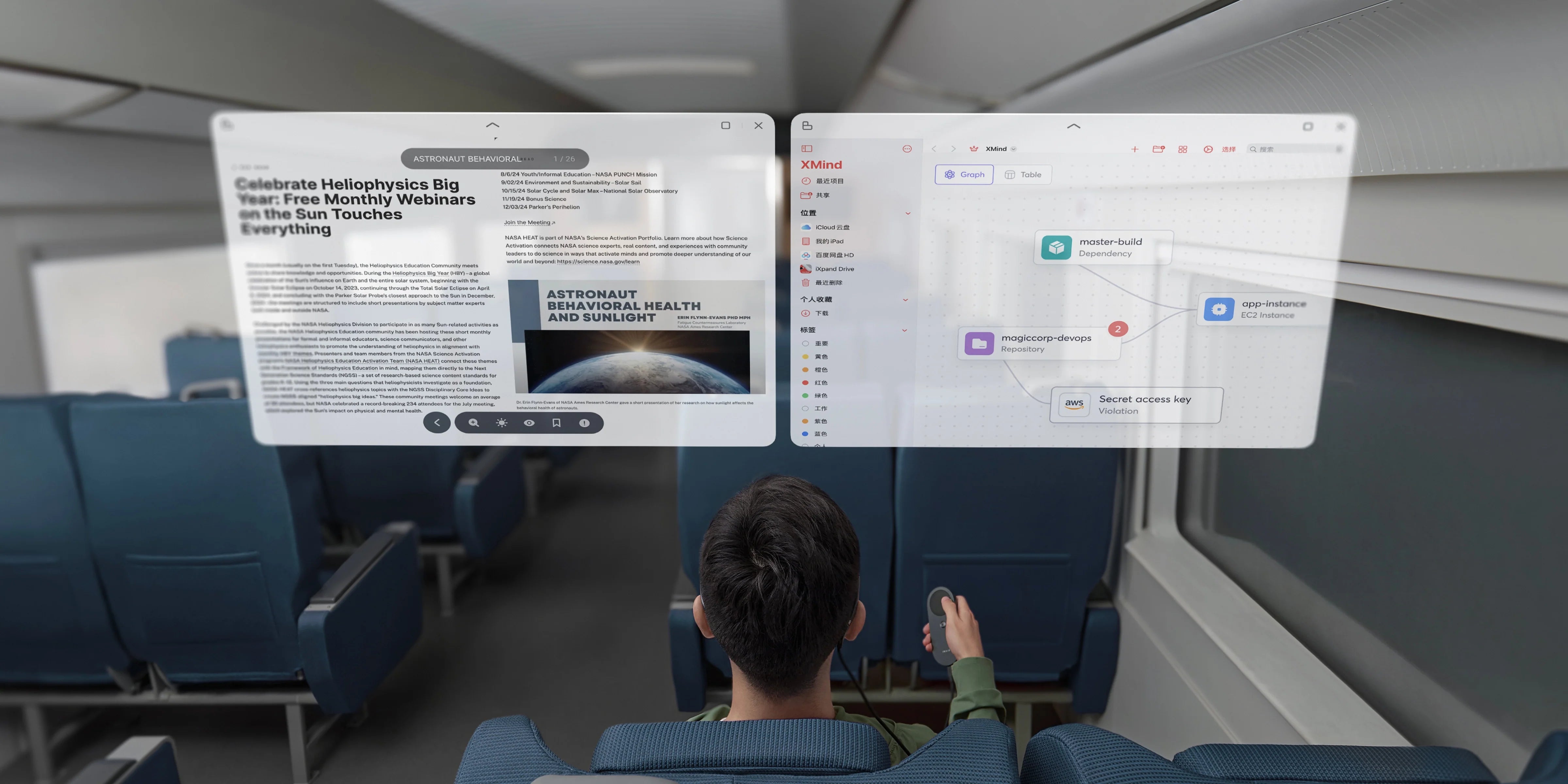
- Zero-Lag 6-Window UI: Because the Pod isn't bogged down by cellular antennas or background phone tasks, it can run up to 6 application windows simultaneously at a rock-solid, ultra-high refresh rate.
- Silky Smooth Air Mouse: This low latency extends to the controls. When you point the INAIR Pod to drag and zoom a window, the cursor reacts instantly, making your spatial workspace feel as responsive as a physical MacBook.

Upgrade to Professional Processing
Stop settling for a choppy, nausea-inducing AR experience. Your workflow demands fluid, instant responsiveness. [Discover the dedicated power of the INAIR Pod] and say goodbye to spatial latency forever.
Share:
Open vs Closed AR Ecosystem: Why Proprietary Lock-in Ruins Smart Glasses
How to Watch YouTube VR on AR Glasses (Without a Bulky Headset)