Imagine a world where digital information doesn't just live on your screen but is seamlessly woven into the fabric of your everyday life. You point your device at a historical monument, and a virtual tour guide appears, narrating its history. You glance at a complex instruction manual, and animated arrows spring to life, showing you exactly how to assemble the parts. This is the promise of augmented reality (AR), a technology that is rapidly moving from science fiction to an accessible tool for creators, developers, and everyday users. The journey into this exciting realm is closer than you think, and the first step is understanding how to bridge the gap between the physical and the digital.
Demystifying the Magic: What Exactly is Augmented Reality?
At its core, augmented reality is a technology that superimposes a computer-generated image, video, or 3D model onto a user's view of the real world. Unlike Virtual Reality (VR), which creates a completely artificial environment, AR uses the existing environment and overlays new information on top of it. Think of it as a digital layer on the lens through which you see the world. This is achieved through a combination of hardware—like cameras, sensors, and displays—and sophisticated software that understands the environment. The goal is not to replace reality but to augment it, enhancing our perception and interaction with our surroundings.
The Engine Room: Core Technologies Powering AR
To truly grasp how to get started, it's helpful to understand the fundamental technologies that make AR possible. You don't need to be an engineer, but knowing the basics will inform your choices.
1. Tracking and Registration
This is the heart of AR. For a digital object to appear stable in the real world, the system must understand its environment and its own position within it. This is done through:
-
Marker-based Tracking: Uses a predefined visual marker (like a QR code or a specific image) to anchor the digital content. The device's camera recognizes the marker and places the object relative to it.
-
Markerless Tracking (SLAM): Simultaneous Localization and Mapping (SLAM) is a more advanced technique. The device uses its sensors to map the environment in real-time and place digital objects on surfaces like tables, floors, or walls without needing a marker.
-
Projection-based AR: Projects artificial light onto real-world surfaces, often used for interactive projections on walls or floors.
-
Location-based AR: Uses GPS, compass, and accelerometer data to anchor digital content to a specific geographic location, popular in games and tourism apps.
2. Display Technologies
How you see the augmented world varies:
-
Smartphone and Tablet Displays: The most common and accessible entry point. The device's screen acts as a window into the augmented world.
-
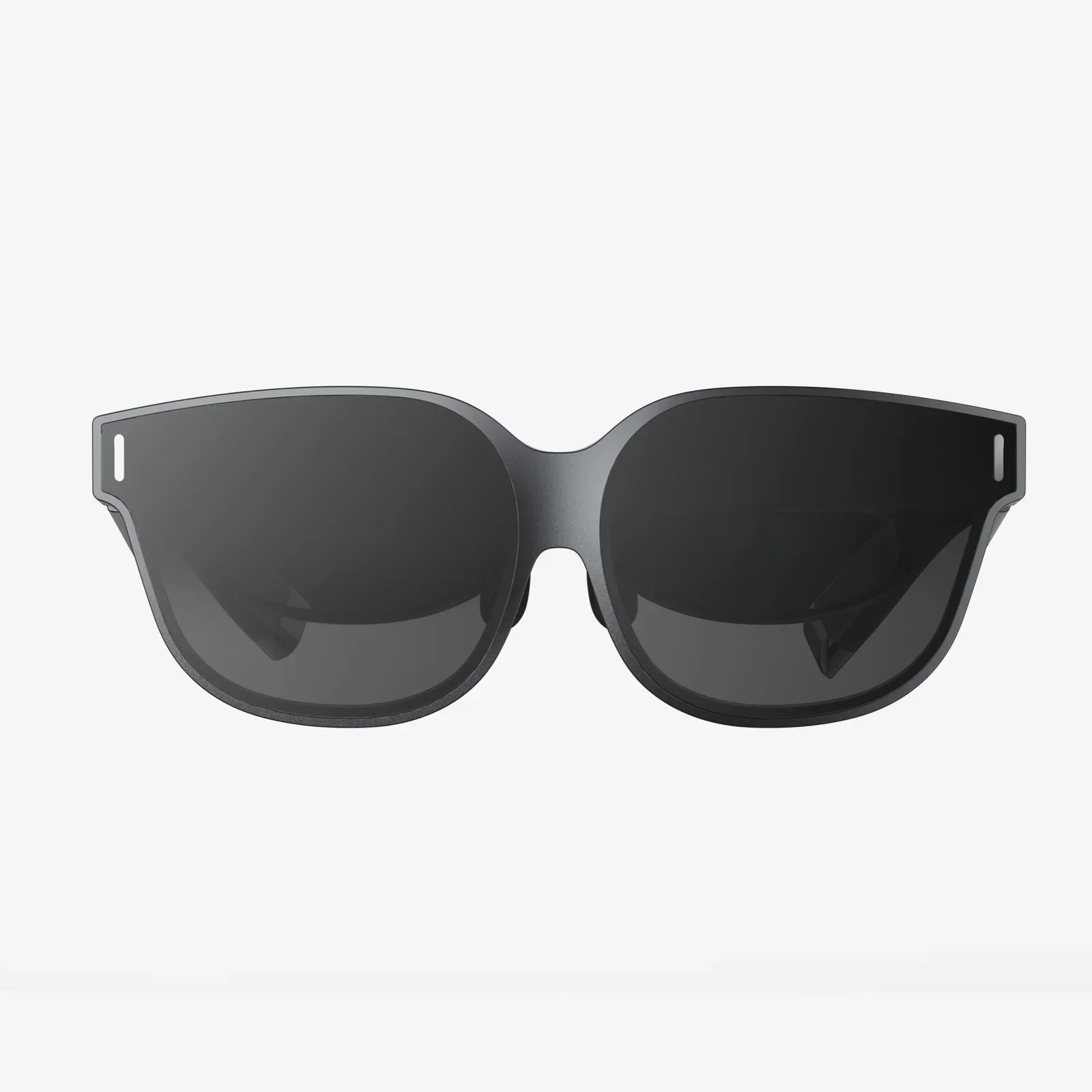
Smart Glasses and Headsets: Wearable devices like optical head-mounted displays that project imagery directly onto the user's retina or use a small screen in front of the eye. These offer a hands-free experience.
-
Heads-Up Displays (HUDs): Project information onto a transparent display, like a car windshield or a fighter pilot's visor.
Your AR Toolkit: What You Need to Begin
Fortunately, the barrier to entry for creating and experiencing AR is lower than ever. You likely already possess the most important tool.
For Experiencing AR
-
A Modern Smartphone or Tablet: Most devices from the last few years have capable processors, high-resolution cameras, and the necessary sensors (gyroscope, accelerometer) to run AR experiences smoothly.
-
AR-enabled Applications: Download apps from your device's app store. Many are built for entertainment, shopping, education, and navigation.
For Creating AR
-
A Computer: A standard modern laptop or desktop is sufficient for most beginner and intermediate development.
-
Development Software (SDKs and Platforms): This is where the magic happens. Several powerful and often free platforms provide the tools to build AR experiences without writing code from scratch. They handle the complex tracking and rendering, allowing you to focus on the content and interaction.
-
Design Software: To create the 3D models, animations, and visual assets that will populate your AR world. Options range from professional-grade suites to free, browser-based modeling tools.
Choosing Your Path: No-Code, Low-Code, and Pro-Code Platforms
The journey into AR creation is not one-size-fits-all. Your starting point depends on your skills and goals.
The No-Code/Low-Code Route
Ideal for marketers, designers, educators, and hobbyists. These web-based platforms offer drag-and-drop interfaces and pre-built templates.
-
Strengths: Incredibly fast to prototype and publish; no programming knowledge required; often include hosting and analytics.
-
Use Cases: Simple product visualizations, interactive posters, AR business cards, basic educational content.
-
Process: You upload your images or 3D models, use the platform's editor to define interactions (e.g., tap to animate), and publish. The platform generates a QR code or a web link that users can scan to launch the experience instantly in their mobile browser.
The Pro-Code (Development) Route
For software developers and those aiming to build complex, custom applications with advanced features.
-
Strengths: Total creative control; ability to integrate with other systems and databases; optimized performance; can be published as standalone apps.
-
Use Cases: Complex games, enterprise training simulations, sophisticated retail apps with payment integration, medical visualization tools.
-
Tools: This path involves using Software Development Kits (SDKs) within game engines. These engines provide a powerful, integrated environment for building 3D applications.
-
Learning Curve: Requires knowledge of programming languages like C# or C++ and an understanding of 3D development concepts.
Crafting Your First AR Experience: A Step-by-Step Guide
Let's walk through creating a simple marker-based AR experience using a no-code platform, a perfect weekend project for anyone.
Step 1: Define Your Goal and Storyboard
Start simple. What do you want to augment? A birthday card? A company logo? A textbook diagram? Sketch it out. Decide what will happen when a user points their camera at it. Will a 3D character pop out? Will a video play? Planning first saves time later.
Step 2: Create or Source Your Assets
You need a trigger image (the marker) and the digital content. The trigger image should be high-contrast and have unique features for easy tracking. For content, you can:
- Find free 3D models on online repositories.
- Create a simple animation.
- Use a short video.
Step 3: Choose a Platform and Build
Sign up for a free tier of a web-based AR creation platform. The interface will typically guide you to:
- Upload your trigger image.
- Upload your 3D model or video.
- Position, scale, and rotate the digital asset over the trigger image in the preview window.
- Add simple interactions if desired (e.g., start animation on touch).
Step 4: Test Relentlessly
The platform will provide a test link. Open it on your phone and point it at your trigger image. Test in different lighting conditions. Ask friends to test it. Does it track well? Is the scale correct? Is the experience intuitive? Iteration is key.
Step 5: Share and Deploy
Once you're happy, publish the project. The platform will generate a URL and QR code. You can share the link directly, embed the QR code in a document, or print it on physical materials. Anyone with a smartphone can now access your augmented reality creation.
Beyond the Basics: Principles of Good AR Design
As you progress, creating compelling experiences requires thoughtful design.
-
User Experience (UX) is King: The AR interaction should feel natural and add genuine value. Don't use AR just for the sake of it. Ask: does this augmentation solve a problem or enhance understanding?
-
Consider the Environment: Design for how and where the experience will be used. A game meant for a large, open space is different from an app for viewing furniture in your living room.
-
Performance Matters: Optimize your 3D models and textures. Heavy, unoptimized assets will cause lag, ruining the sense of immersion and causing "jank."
-
Accessibility: Ensure your experience is usable by people with diverse abilities. Provide alternatives for interactions that require precise movements.
The Future is Augmented: Where This Journey Leads
The technology is evolving at a breathtaking pace. The future points towards more seamless integration through lighter, more powerful wearable glasses, improved spatial understanding allowing for persistent AR worlds that multiple people can interact with simultaneously, and a deeper convergence with Artificial Intelligence, enabling AR systems to intelligently understand and react to context. The skills you build today, from simple content creation to full-scale development, are the foundation for interacting with and shaping this upcoming spatial computing era.
The door to a layered world is now open, and the tools to build within it are sitting in your pocket and on your desk. This isn't a distant future for a select few; it's a creative medium waiting for your ideas. Your reality is ready to be augmented—the only question left is what you will create first and how you will change the way we see, learn, and connect with the world around us.