


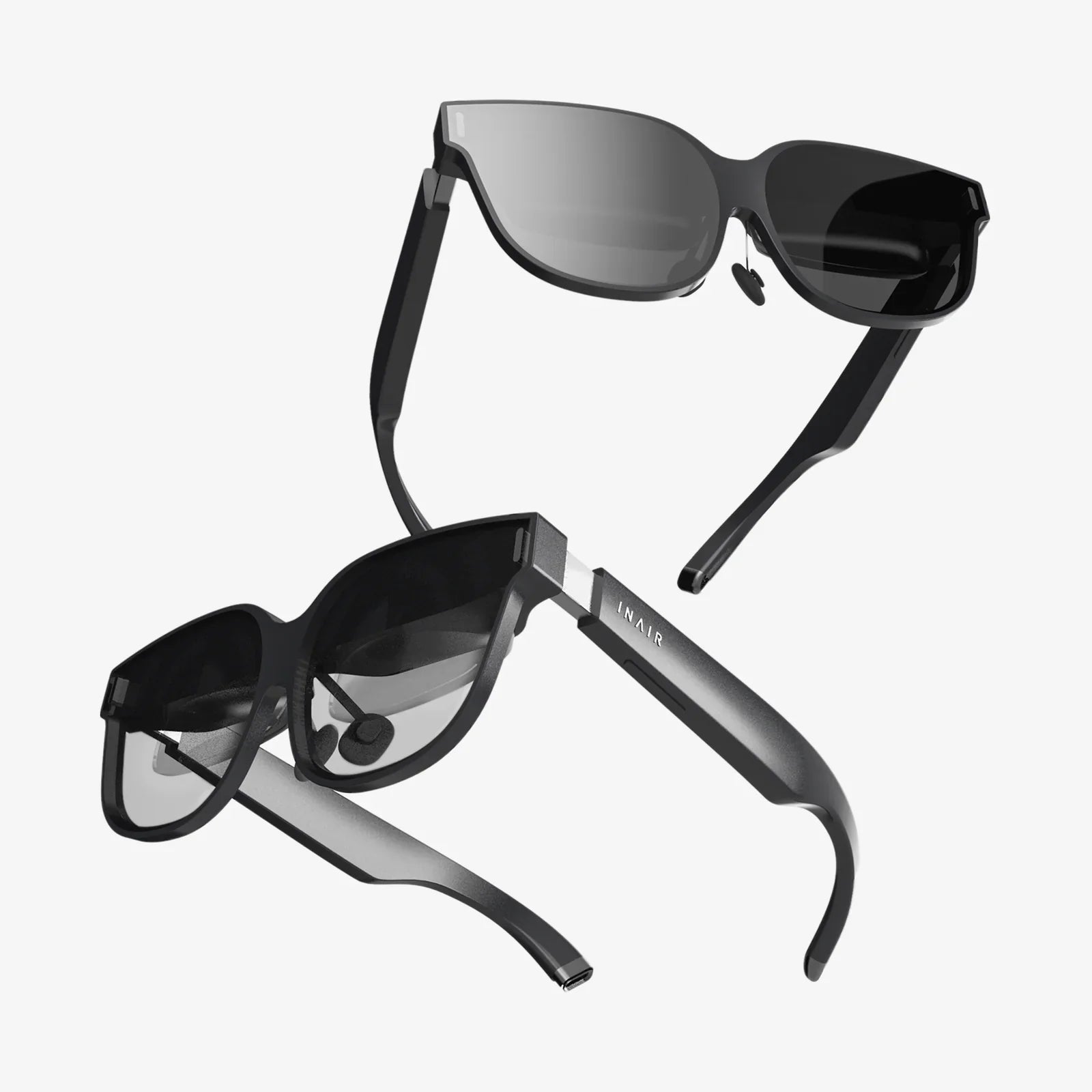
Imagine stepping through a portal into another world, where every detail is so crisp, every movement so fluid, that the line between reality and simulation completely dissolves. This is the promise of a good VR for PC—a gateway to experiences so profound they can leave you breathless, challenge your perceptions, and redefine your understanding of entertainment, creativity, and connection. The quest for this level of immersion isn't just about buying a headset; it's about understanding the symphony of technology that orchestrates true virtual presence. This journey will demystify the components, performance metrics, and setup intricacies that separate a merely functional VR experience from a truly transcendent one.
The Pillars of PC VR Performance
Unlike standalone systems that are confined to mobile-grade processors and batteries, PC VR leverages the raw, untamed power of a desktop computer. This partnership is the foundation of high-fidelity virtual reality. The quality of your experience is directly tied to the capabilities of your computer. At its core, a good VR for PC setup demands a robust graphics card. This component is the workhorse, responsible for rendering two high-resolution displays at exceptionally high frame rates, often 90Hz or higher, to maintain smoothness and prevent the disorientation of motion sickness. A powerful central processor is equally critical, managing the complex physics calculations, audio processing, and tracking data that form the backbone of a believable virtual world. Pair this with sufficient RAM and fast storage, and you have a machine capable of delivering the rich, detailed, and expansive environments that define top-tier VR.
Decoding Display Technology: Resolution, Refresh Rate, and Lenses
When you look inside a headset, you are looking at the very window into the virtual world. The quality of this window is paramount. Resolution is the most obvious starting point. Early headsets suffered from the 'screen-door effect,' where users could see fine lines between pixels, breaking immersion. A good VR for PC today features high-resolution displays, often exceeding 2K per eye, which virtually eliminates this effect and delivers stunning clarity. Text is sharp, distant objects are discernible, and worlds feel solid and real.
But resolution is only part of the story. The refresh rate, measured in Hertz (Hz), determines how many times per second the image is updated. A higher refresh rate, such as 90Hz, 120Hz, or even 144Hz, translates to smoother motion. This is not merely a visual nicety; it is a physiological necessity. Smooth motion is crucial for combating VR-induced nausea and achieving what is known as 'comfort.' Furthermore, the technology behind the display matters. OLED panels offer deep, inky blacks and vibrant colors, perfect for space sims and horror games, while fast-switch LCDs provide clearer motion and often higher effective resolution due to their different pixel structure.
Finally, the lenses placed between these displays and your eyes are the final arbiters of visual quality. Fresnel lenses have been common, but they can introduce god rays and glare in high-contrast scenes. The latest and most sought-after headsets are now adopting pancake lenses or other advanced optical stacks. These designs are thinner, lighter, and can provide a much larger 'sweet spot'—the area where the image is perfectly in focus—with drastically reduced visual artifacts, making the entire experience more comfortable and visually consistent.
The Art and Science of Tracking: Inside-Out vs. Outside-In
For your virtual body to mirror your real-world movements with perfect accuracy, the headset must know precisely where it is in space. This is the domain of tracking systems, which come in two primary flavors: outside-in and inside-out.
Outside-in tracking was the original standard for a good VR for PC. This method uses external sensors or base stations placed around your play area. These devices emit lasers or infrared light that is detected by sensors on the headset and controllers. This setup provides incredibly precise, low-latency, and rock-solid tracking, making it the gold standard for professional applications and enthusiasts who demand the absolute best performance for competitive gaming or detailed creative work. The trade-off is a more complex setup process involving mounting hardware and cable management.
\nInside-out tracking has become the more popular consumer solution. With this system, cameras mounted on the headset itself look outward to track the environment and the controllers. Modern inside-out systems are highly accurate, offer excellent convenience with a much simpler setup (often just plug-and-play), and allow for easy portability. The technology has advanced to the point where it can handle most gaming and social applications with aplomb. However, it can sometimes struggle with tracking controllers that are held very close to the headset or directly behind the user's back, as they move outside the cameras' field of view.
Comfort: The Unseen Essential
You can have the highest-resolution displays and the most precise tracking, but if the headset is uncomfortable to wear, your sessions will be short and frustrating. A good VR for PC is designed for long-term wear. This means thoughtful weight distribution. Front-heavy designs can cause neck strain and pressure on the cheeks. Premium headsets combat this with counter-balancing, often through a reinforced rear strap or built-in battery packs in the back.
The materials matter immensely. Plush, breathable facial interfaces that can be washed or replaced are crucial for hygiene and comfort, especially during active sessions. The strap system is also critical. While simple elastic straps are common on entry-level kits, deluxe audio straps or rigid halo designs that cradle the back of the skull are far superior, allowing you to dial in a secure and balanced fit without overtightening. Finally, integrated, high-quality headphones that provide spatial audio can complete the immersion without the hassle of managing another separate peripheral.
The Controllers: Your Hands in the Virtual World
The controllers are your primary interface with the digital realm. They are how you manipulate objects, express yourself, and interact with others. A good VR for PC system will feature controllers that feel like a natural extension of your hands. Ergonomic design is key; they should sit comfortably in your palms during long play sessions. They must be tracked with the same precision as the headset, with minimal latency.
Beyond basic input, haptic feedback has become a sophisticated tool for immersion. Advanced rumble motors can simulate everything from the gentle patter of rain on your virtual hands to the jarring recoil of a powerful weapon. Some systems even incorporate finger-tracking, allowing for nuanced gestures like pointing, giving a thumbs-up, or making a fist, which adds a powerful layer of social presence and intuitive interaction in supported applications.
Software and Ecosystem: The Content That Breathes Life into the Hardware
Powerful hardware is meaningless without compelling software. The ecosystem surrounding a good VR for PC is vast and diverse. The primary storefronts offer thousands of experiences, from AAA titles with production values rivaling flat-screen games to innovative indie projects that explore entirely new genres. Beyond gaming, the PC VR landscape is rich with creative and productive applications. Powerful 3D modeling and sculpting tools allow artists to create within a virtual space, architectural programs let you walk through unbuilt designs, and social platforms connect you with friends in shared virtual environments that feel startlingly real. The openness of the PC platform also means robust support for mods, allowing the community to add VR support to classic games or create entirely new experiences, extending the value and longevity of your hardware immensely.
Building Your Setup: From Room Scale to Seated Experiences
A significant advantage of PC VR is its flexibility. Your play space can be tailored to your environment. Room-scale VR is the most immersive option, requiring a cleared area of several square meters. Using boundary systems, you define your play area, and the software will warn you if you get too close to the real-world walls. This allows you to physically walk around, crouch, and dodge within the virtual world. For those with limited space, standing or seated experiences are equally supported. A swiveling office chair can become your cockpit for flight sims or racing games, offering a incredibly immersive experience without requiring you to leave your seat. A good VR for PC system will seamlessly adapt to your chosen mode of play.
The Future is Now, and It's Waiting for You
The world of high-end PC virtual reality is no longer a distant future; it's an accessible, breathtaking present. It's the thrill of looking over the edge of a skyscraper and feeling your stomach drop, the focus of lining up a perfect shot in a competitive shooter, the wonder of sharing a laugh with a friend who is physically thousands of miles away. By prioritizing high-resolution displays, smooth performance, precise tracking, and sublime comfort, you are not just purchasing a piece of technology. You are investing in a key to infinite worlds, boundless creativity, and a new dimension of human connection. The only question that remains is which world you will step into first.
Share:
XR Pro: The Next Frontier in Immersive Technology and Human Experience
Best Standalone VR - A Comprehensive Guide to Untethered Virtual Reality