


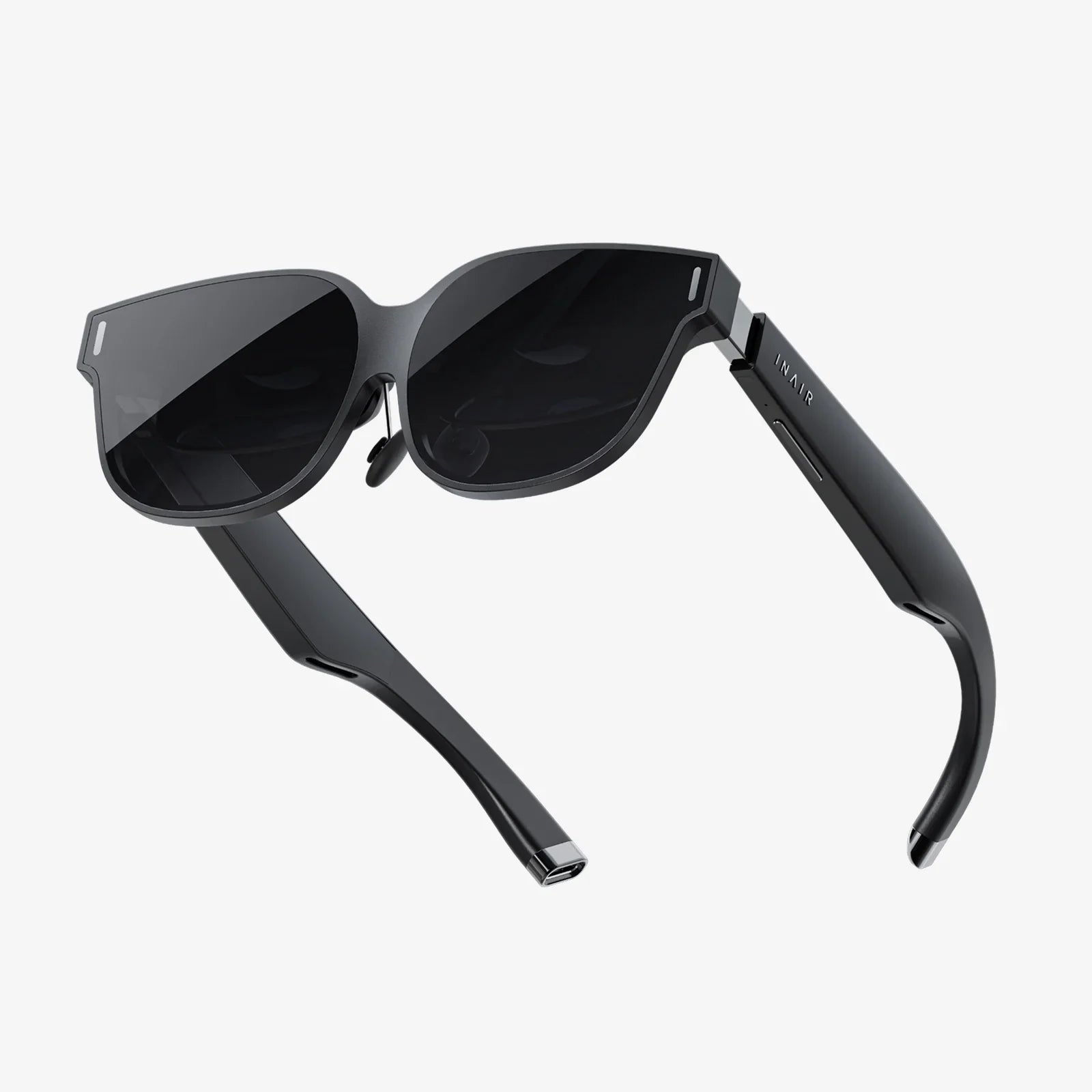
You’ve built a powerful gaming rig, you’ve conquered the latest flat-screen epics, and now you’re ready for the final frontier of digital immersion—a world where you don’t just play the game, you step inside it. The quest for a good VR headset for PC is the gateway to experiences that defy the ordinary, from heart-pounding adventures to breathtaking creative tools. But with a landscape of options, how do you find the perfect portal to these virtual realms? This guide will demystify the technology, outline the critical features, and prepare you for a journey beyond the screen.
The Pillars of PC VR: What Truly Defines a Good Headset?
Unlike standalone VR systems that are all-in-one units, a PC VR headset acts as a high-resolution display and tracking interface, leveraging the immense processing power of your computer. This symbiotic relationship is what enables the most graphically rich, complex, and immersive virtual experiences available today. When evaluating a good VR headset for PC, several core pillars demand your attention.
Visual Fidelity: Resolution, Refresh Rate, and Lens Clarity
The primary goal is to forget you're looking at screens at all. This is achieved through a combination of factors:
- Resolution and Pixel Density (PPI): Measured in pixels per inch, this is the sharpness of the image. A higher resolution (e.g., 2160 x 2160 per eye or more) drastically reduces the "screen door effect"—that faint grid-like pattern that can break immersion—and makes text legible and distant objects clear.
- Refresh Rate: Measured in Hertz (Hz), this is how many times the image updates per second. A higher refresh rate (90Hz, 120Hz, or even 144Hz) translates to smoother motion, which is crucial for comfort and preventing simulation sickness, especially in fast-paced games.
- Lens Technology & Field of View (FoV): The quality of the lenses determines edge-to-edge clarity and the size of your virtual window to the world. A wider FoV (over 100 degrees is standard, with higher being better) increases the feeling of "being there." Advanced lens designs like aspherical or Fresnel hybrids help minimize god rays and glare.
- Display Type: Most modern headsets use Fast-switch LCDs for their high resolution and reduced persistence, or OLED panels for their perfect blacks and vibrant colors, though often at a slightly lower pixel density.
Precision Tracking: The Art of Knowing Where You Are
For your virtual hands and body to move in lockstep with your real ones, the headset needs to track your position in space with millimetric accuracy. There are two primary methods:
- Outside-In Tracking: This system uses external sensors or base stations placed around your play area. These devices constantly beam signals (laser or infrared) to the headset and controllers, triangulating their exact position. It is renowned for its exceptional precision and stability, making it the gold standard for competitive VR gaming and professional applications.
- Inside-Out Tracking: Cameras mounted directly on the headset itself observe the real world and track the position of the controllers. This method is incredibly user-friendly, requiring no external setup, and is perfect for smaller spaces. While its precision has improved dramatically and is excellent for most users, purists may note a tiny amount of latency compared to outside-in systems.
Comfort and Ergonomics: Designed for Long Hauls
A headset can have the best specs in the world, but if it's a pain to wear, it will gather dust. Comfort is a multi-faceted feature:
- Weight Distribution: A good headset doesn't just sit on your face; it's properly balanced. A rigid headstrap with a rear counterweight is far superior to simple elastic straps, distributing weight evenly across your head and relieving pressure on your cheeks.
- Materials and Adjustability: Plush, breathable facial interfaces (often replaceable), adjustable IPD (Interpupillary Distance—the distance between your pupils), and customizable strap systems are non-negotiable for a comfortable fit across different users.
- Audio: High-quality, integrated spatial audio speakers that hover near the ears provide immersive sound without isolating you from your environment. Alternatively, some prefer the privacy and bass of a dedicated pair of headphones, often with a 3.5mm jack provided.
The Controllers: Your Virtual Hands
Your primary interface with the virtual world, controllers must feel like an extension of yourself. Look for ergonomic designs that fit naturally in your hand, with intuitive button placement. Haptic feedback provides crucial tactile information, from the gentle buzz of a virtual button press to the jarring recoil of a weapon. Advanced features like individual finger tracking can elevate social and creative applications to new levels of expressiveness.
Preparing Your PC: The Engine Behind the Experience
A good VR headset for PC is only as powerful as the computer driving it. Pushing two high-resolution displays at a high frame rate is one of the most demanding tasks for a GPU.
- Graphics Card (GPU): This is the most critical component. You will want a powerful, modern dedicated GPU. While entry-level cards can handle simpler experiences, for high-fidelity gaming, a higher-tier card is essential. Always check the specific recommended specifications for the headset you are considering.
- Processor (CPU) and RAM: A modern multi-core processor and sufficient RAM (16GB is the current sweet spot) are necessary to handle the physics, AI, and overall game logic without introducing stuttering or lag.
- Ports: Most modern headsets connect via a single high-bandwidth USB-C port, often leveraging a standards like DisplayPort over USB-C. Some older or high-end models may require a dedicated DisplayPort cable in addition to USB. Ensure your PC has the correct, available ports.
- Play Space: Consider the area you have available. While many games can be played standing in one spot or even seated, room-scale VR—where you physically walk around a cleared space—is the pinnacle of immersion. Measure your area to see if you can meet the recommended room-scale dimensions.
A Universe of Experiences: What Can You Actually Do?
Investing in a good VR headset for PC unlocks a vast and growing library of content that leverages this raw power.
- Gaming: This is the main event. Experience blockbuster titles with deep narratives, incredible visuals, and hours of gameplay. Feel the adrenaline of piloting a starfighter, the tension of a horror game that surrounds you, or the physical thrill of scaling a mythical mountain. The PC platform is also the heart of innovative sim racing and flight sim communities, where VR adds an unparalleled layer of realism.
- Social and Collaborative Platforms: Step into virtual meeting rooms where avatars express body language, attend live concerts with friends from across the globe, or simply hang out in fantastical worlds. These persistent platforms are becoming new digital social hubs.
- Creative and Productivity Tools: Sculpt 3D models in virtual clay as if you were in a real studio, paint in 3D space with light, or design architecture and walk through it at full scale before a single brick is laid. VR is a revolutionary tool for artists, engineers, and designers.
- Fitness and Wellbeing: Rhythm games that have you ducking and weaving are a legitimate and incredibly fun workout. Other applications focus on meditation and mindfulness, placing you in serene, calming environments to escape the stress of the day.
Setting Up for Success: Your First Steps into VR
Once you've chosen your headset, proper setup is key. Designate a clear play area, free of obstacles and fragile items. Calibrate your headset carefully—taking the time to adjust the IPD correctly for your eyes is vital for visual comfort. Run through the built-in tutorials to learn how to use your guardian or chaperone system (the virtual boundary that keeps you safe). Start with less intense experiences to get your "VR legs" before jumping into games with intense locomotion. Most importantly, take breaks! Hydrate and rest your eyes every 30-60 minutes.
The journey to find a good VR headset for PC is an investment in the future of interactive entertainment and creativity. It’s about prioritizing the features that matter most to your desired experience—whether that’s pixel-perfect clarity for simulation, rock-solid tracking for competitive play, or sheer comfort for losing yourself in another world for hours on end. By understanding the technology and aligning it with your PC's capabilities and your personal preferences, you’re not just buying a peripheral; you’re purchasing a ticket to infinite realities, limited only by the imagination of developers and the power of your rig. The virtual frontier awaits, and it’s more breathtaking than you can possibly imagine.
Share:
How to Hook Up a VR Headset to a TV: The Ultimate Guide for Spectators
VR Headset News Today 2025: The Year Virtual Reality Became Indistinguishable From Reality