


Imagine pointing your phone at a empty street corner and seeing a life-sized dinosaur roar, or looking through smart glasses at a complex engine to see animated repair instructions overlaid on the real parts. This is the magic promised by augmented reality (AR), a technology that seamlessly blends the digital and physical worlds. But have you ever stopped to wonder how an augmented reality app actually works? The process is a sophisticated dance of hardware and software, a feat of modern engineering that makes the impossible appear right before your eyes. It’s more than just a cool filter; it’s a complex system of perception, processing, and projection that is rapidly changing how we interact with information.
The Foundation: Hardware Components That See and Sense
Before any digital content can appear, the AR application must first understand the world around it. This crucial first step is handled by a suite of hardware components found in modern smart devices.
The Camera: The Digital Eye
The primary sensor for most AR experiences is the camera. It acts as the app's eye, continuously capturing a live video feed of the user's environment. This raw visual data is the essential feedstock for everything that follows. The quality of the camera directly impacts the AR experience; a higher resolution sensor can capture more detail, allowing for more precise digital placement and interaction.
Sensors: Understanding Position and Movement
While the camera sees the world, a array of other sensors help the app understand its position and movement within that world. This is critical for making digital objects feel anchored in real space.
- Gyroscope: Measures the orientation and rotational movement of the device (tilt, pitch, and roll).
- Accelerometer: Tracks linear acceleration and movement, helping determine the direction of motion.
- Magnetometer: Acts as a digital compass, detecting the Earth's magnetic field to establish cardinal direction.
- GPS (Global Positioning System): Provides coarse location data, useful for large-scale outdoor AR experiences like those found in location-based games.
In more advanced systems, such as dedicated AR headsets, these are supplemented by even more sophisticated technology.
Depth Sensors and LiDAR
Many modern devices now include dedicated depth-sensing technology, like a LiDAR (Light Detection and Ranging) scanner. This component projects a grid of invisible infrared dots onto the environment and measures how long it takes for the light to return. This creates a detailed depth map—a precise, point-by-point understanding of the distance to every surface in the camera's view. This allows for incredibly accurate occlusion (where digital objects can hide behind real-world furniture) and realistic object placement, as the app knows not just the flat image but the full 3D geometry of the space.
The Brain: Software and Algorithms That Process and Understand
The hardware captures data, but the software is the brain that makes sense of it all. This is where the true magic of computer vision and complex algorithms comes into play.
Simultaneous Localization and Mapping (SLAM)
At the heart of most modern AR apps is a critical algorithm called SLAM. This is the core technology that allows a device to understand its environment and its own place within it simultaneously. As you move your device, SLAM analyzes the video feed, identifying unique features and points of interest in the room (like the corner of a table, a power outlet, or a painting on the wall). It tracks how these feature points move from frame to frame to deduce the device's own movement and, in the process, begins to construct a rough 3D map of the environment. This map is what allows a virtual cartoon character to stay pinned to the floor even as you walk around it.
Surface Detection and Plane Finding
Once SLAM has a basic understanding of the space, the app needs to find surfaces to place objects on. Algorithms analyze the SLAM data and the depth map (if available) to identify horizontal planes (like floors and tables) and vertical planes (like walls). When you see an app prompt you to "find a flat surface," it's actively scanning for these planes. Once detected, these planes become the anchor points for digital content.
Object Recognition and Image Tracking
Some AR experiences are triggered by specific objects or images. This requires a pre-trained machine learning model. For example, an AR app for a magazine might be programmed to recognize the cover. The app compares the live camera feed against the stored image data of the target. When it finds a match, it calculates the pose (position and orientation) of the target image relative to the camera and uses that as the anchor point to launch the associated AR experience, such as making a static photo on the page come to life as a video.
The Illusion: Rendering and Displaying the Digital Overlay
After the app has perceived and understood the environment, the final step is to create the illusion that digital content exists within it. This process is called rendering.
3D Rendering Engines
Powerful 3D rendering engines, often the same ones used in video games, draw the digital assets. These engines use the data from SLAM, surface detection, and the device's sensors to render the 3D models or 2D images with the correct perspective, lighting, and scale. They calculate how the virtual object should look from the device's exact viewpoint at that precise moment, frame by frame. For the illusion to be convincing, the rendering must happen in real-time, at a high frame rate, to match the movement of the physical world without any noticeable lag.
Compositing: Blending the Real and the Virtual
The rendered digital image is then composited—layered on top of—the live camera feed. This isn't just a simple overlay; advanced techniques are used to blend the two worlds seamlessly.
- Occlusion: This is the technique that allows real-world objects to appear in front of digital ones. Using depth data, the app can determine that your coffee cup is closer to the camera than the virtual table it's sitting on, so it renders the cup blocking part of the virtual asset, making the illusion perfect.
- Lighting Estimation: To make a digital object look like it belongs, it must match the lighting of its environment. The app analyzes the camera feed to determine the direction, color, and intensity of the real-world light sources and then dynamically lights the 3D model to match, casting consistent shadows and highlights.
The Display: See-Through Screens and Smart Glasses
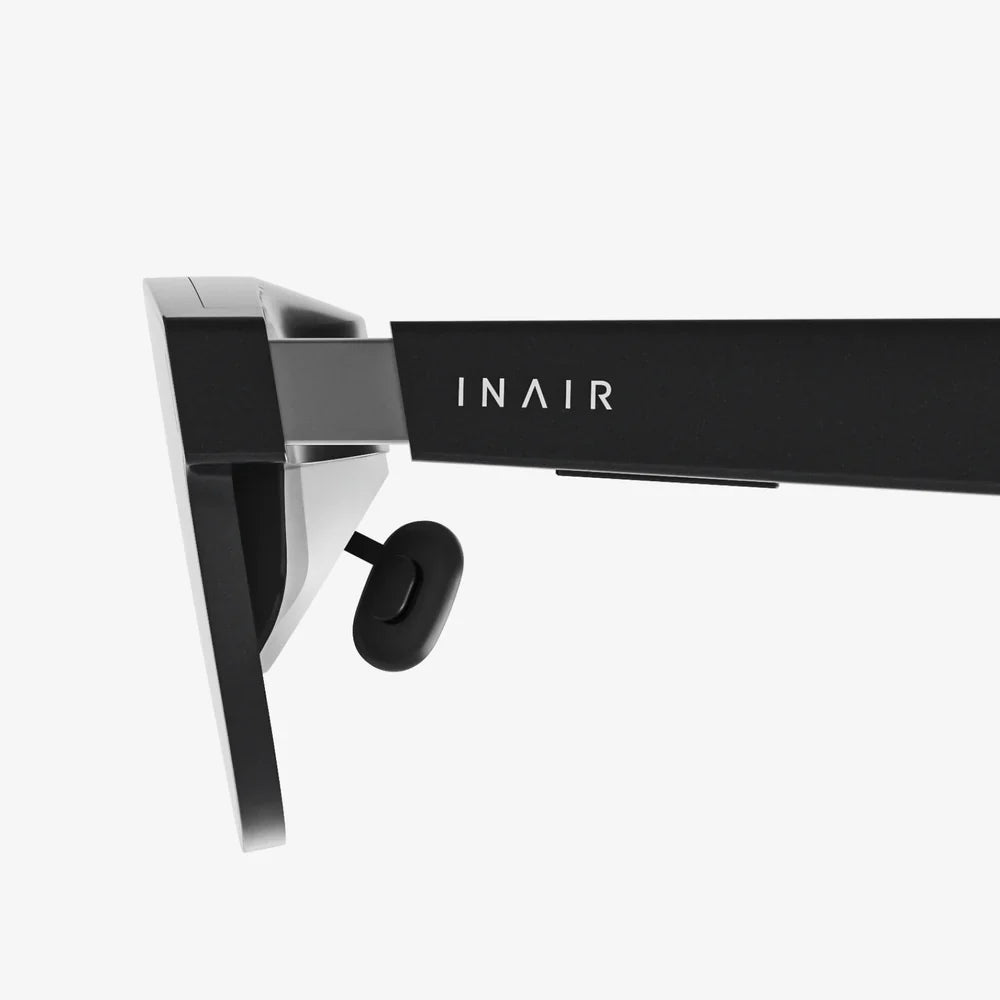
On a smartphone or tablet, the composited image is simply shown on the screen, with the real world seen through the camera's perspective. With optical see-through devices like AR smart glasses, the process is different. The user looks directly at the real world through transparent lenses. miniature projectors inside the glasses' frame beam light onto the lenses, which then reflect it into the user's eyes, superimposing the digital imagery onto their direct view of reality. This creates a more immersive and hands-free experience.
Interaction: How We Communicate With the AR World
A static overlay is impressive, but the real power of AR is interactive. Users need ways to manipulate and engage with the digital content.
- Touchscreen Input: The most common method on mobile devices. You can tap, swipe, or pinch to select, move, rotate, or scale virtual objects.
- Gesture Recognition: Using the camera and computer vision, the app can recognize hand gestures. You might pinch your fingers in the air to select a menu item or make a swiping motion to change a virtual object's color.
- Voice Commands: Natural language processing allows users to control the AR experience hands-free by speaking commands.
- Gaze Tracking: Advanced headsets can track where the user is looking, allowing for selection and interaction simply by staring at a virtual button for a moment.
Beyond the Phone: The Future of AR Functionality
While smartphone-based AR is widespread, the future lies in wearable, unobtrusive technology. Dedicated AR headsets and smart glasses will integrate all these components—cameras, sensors, processors, and displays—into a single, sleek device. They will move from recognizing simple images to understanding entire scenes and contexts, powered by ever-improving artificial intelligence. The cloud will also play a larger role, offloading intense processing tasks to remote servers, enabling more complex and persistent AR experiences that multiple users can share and interact with simultaneously in a single, unified space.
The next time you unlock a dancing hotdog on your screen or use an app to visualize a new sofa in your living room, you'll appreciate the incredible technological symphony happening in milliseconds. From the camera's first glimpse to the sensor's subtle readings, processed by powerful algorithms and rendered into a believable illusion, how an augmented reality app works is a testament to human ingenuity. This is just the beginning; as the hardware shrinks and the software gets smarter, the line between our world and the digital one will continue to blur, opening up possibilities we are only just starting to imagine.
Share:
AR Devices Are Reshaping Our Reality: A Deep Dive into the Present and Future
AR Devices Are Reshaping Our Reality: A Deep Dive into the Present and Future