


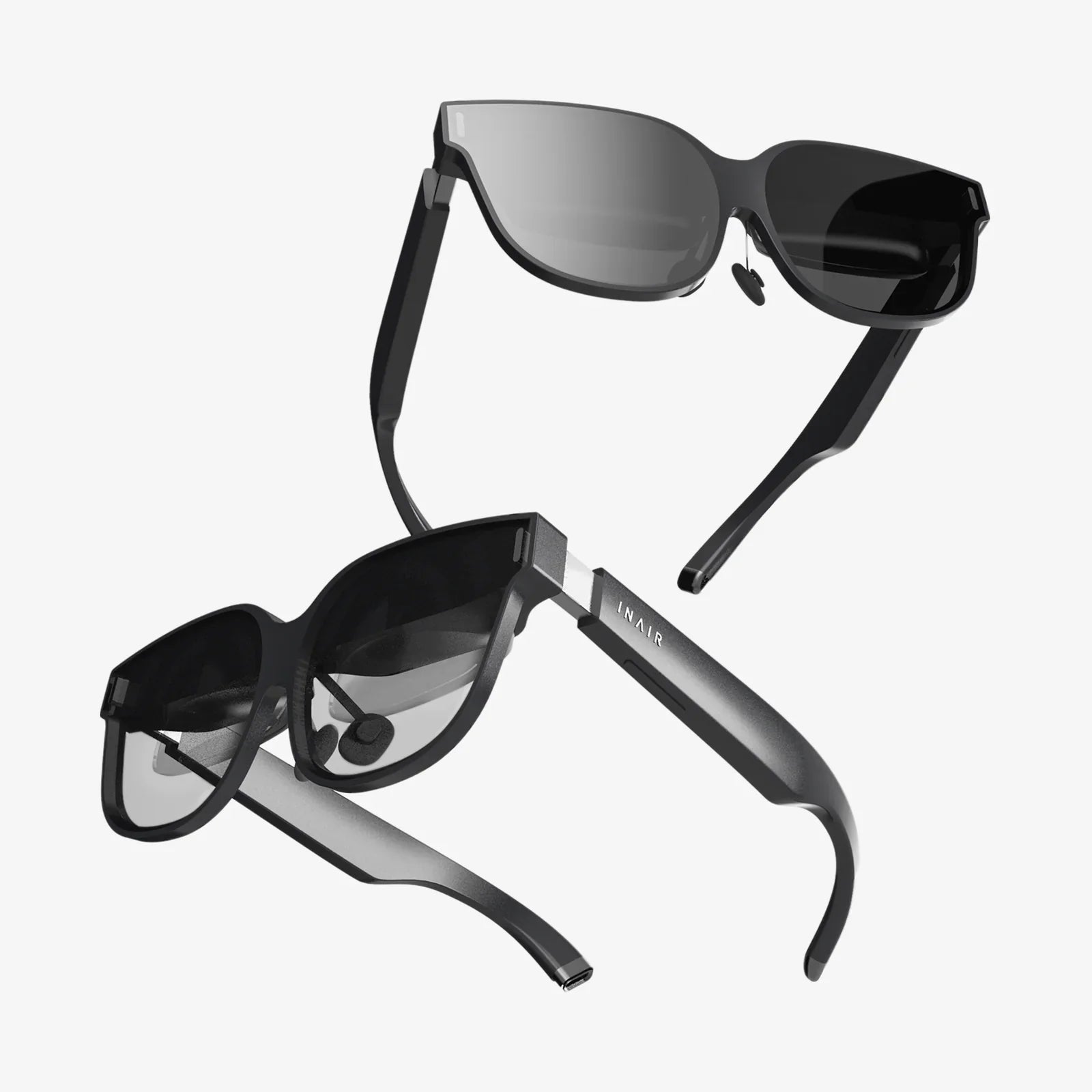
Imagine driving down a winding road at night, a sudden downpour obscuring your vision. Instead of glancing down at your dashboard to check your speed, the number 55 MPH is magically floating just above the hood of your car, seamlessly integrated into your view of the wet asphalt ahead. Or picture a pilot approaching a runway in thick fog, not squinting at a panel of dials but seeing their altitude, airspeed, and heading projected onto the cockpit windshield, perfectly aligned with the outside world. This isn't science fiction; it's the practical magic of Heads Up Display technology, a innovation that keeps your eyes up and your focus ahead by painting information onto your reality.
The Core Principle: Projection and Superimposition
At its most fundamental level, a Heads Up Display works on a simple yet elegant principle: it projects a image containing data onto a transparent surface, called a combiner, which reflects the image into the user's eyes while still allowing them to see through it. The result is a superimposition of digital information onto the user's natural field of view. The genius of the system lies not in the projection itself, but in the optical trickery that makes this projected data appear at a fixed, focused distance, often seemingly floating out in the world ahead. This eliminates the constant and often dangerous refocusing effort required when our eyes shift from a distant object to a close-up screen, a process that can take a precious fraction of a second.
Deconstructing the HUD: Essential Components
To understand how this illusion is achieved, we must break down the system into its core components. While designs vary in complexity, from simple aftermarket modules to integrated military-grade systems, they all share these basic building blocks.
The Projector Unit (PGU - Picture Generation Unit)
The heart of any HUD is the projector. This is the engine that creates the image to be displayed. Over the years, several technologies have been employed for this task.
- CRT (Cathode Ray Tube): The original technology used in fighter jet HUDs. A CRT fires a focused electron beam onto a phosphor-coated screen, causing it to glow. This miniature monochrome (typically green) display is then what gets projected. CRTs are incredibly bright and have a high refresh rate, making them suitable for high-stakes environments, but they are also bulky, power-hungry, and generate significant heat.
- LCD (Liquid Crystal Display) / DLP (Digital Light Processing): These solid-state technologies have largely replaced CRTs in modern applications. An LCD projector uses a bright light source behind a small LCD panel, which acts as a light valve, letting light through specific pixels to form an image. DLP technology uses a microscopic array of mirrors, each representing a pixel, to reflect light. These systems are more compact, efficient, and can more easily produce full-color images.
- LED/Laser Scanning: The cutting edge of HUD projection involves using lasers. Instead of projecting a pre-formed image from a screen, a laser scanning system uses tiny, fast-moving mirrors (MEMS mirrors) to literally draw the image line-by-line directly onto the combiner. This method allows for exceptionally high brightness, incredible contrast, and a much larger potential field of view, as it isn't limited by the physical size of an LCD panel.
The Combiner: The Magic Window
If the projector is the heart, the combiner is the soul of the HUD. This is the transparent surface that performs the critical dual function of reflecting the projected image toward the user's eyes while transmitting light from the real world. It's not a simple piece of glass. Combiners are often coated with a very specific, thin optical coating that is tuned to be highly reflective to the narrow wavelength of light (e.g., a specific shade of green or blue) emitted by the projector, while being completely transparent to all other wavelengths of visible light. This maximizes the brightness of the display without unnecessarily darkening the outside world. In some simpler systems, like those in consumer vehicles, the windshield itself is engineered to act as the combiner.
The Optics: The Brain of the Operation
Between the projector and the combiner lies a series of lenses and mirrors—the optics. This assembly has one paramount job: collimation. Collimation is the process of making light rays parallel. When you look at a nearby object, like your phone, the light rays entering your eyes are diverging. Your eye's lens must bend them to focus on your retina. When you look at a distant object, like a mountain, the light rays are virtually parallel, requiring much less effort to focus.
The HUD's optics take the diverging light rays coming from the small, bright image on the projector and collimate them. When these now-parallel rays reflect off the combiner and into your eyes, your eye's lens interprets them as coming from a great distance away. This is why the HUD imagery appears to be floating far out in front of the vehicle, not on the windshield itself. This optical trick is what eliminates eyestrain and allows you to focus on both the data and the road almost simultaneously. The optics also correct for distortion, like pincushion or barrel effects, to ensure that straight lines on the display appear straight to the user.
The Computer: The Storyteller
None of this hardware is useful without intelligence. A computer or dedicated electronic control unit (ECU) is the component that gathers data from various sensors—GPS, vehicle speed sensors, engine computers, gyroscopes, accelerometers, and more—and decides what information to display, how to display it, and where to place it. It renders the graphics, determines the correct symbology (e.g., a chevron for a targeted location, a circle for a turn indicator), and sends the final video signal to the projector unit. In advanced augmented reality HUDs, this computer is also processing a live video feed from a forward-facing camera to understand the environment and precisely anchor graphics to real-world objects, like highlighting the lane you should be in or outlining a car ahead that is too close.
The User's Perspective: Eyebox and Field of View
Two critical concepts define the quality and usability of a HUD from the driver's or pilot's seat: Eyebox and Field of View (FOV).
The eyebox is the three-dimensional volume in space where the user's eyes must be positioned to see the entire displayed image. If you move your head too far up, down, left, or right, the image will become clipped or disappear entirely. A large, forgiving eyebox is a hallmark of a well-designed HUD, as it allows the user more natural head movement without losing the display. This is achieved through careful optical design.
The Field of View is the angular size of the projected virtual image as seen by the user. It is typically measured horizontally and vertically (e.g., 10° x 5°). A larger FOV can display more information or larger graphics, which is crucial for complex data or AR overlays that need to span a wide area of the real world. Expanding the FOV without making the unit prohibitively large and expensive is one of the biggest challenges in HUD design.
From Concept to Cockpit: A Brief Historical Journey
The genesis of the HUD is a story of military necessity. The concept was first developed during World War II with simple reflector sights for fighter aircraft, allowing pilots to aim their guns without taking their eyes off enemy aircraft. The modern, computerized HUD as we understand it today emerged in the 1960s and 1970s, becoming a staple of fighter jet cockpits. It gave pilots a monumental tactical advantage, allowing them to access targeting, navigation, and flight data without ever looking down—a practice known as "head-down time" that could be fatal in a dogfight. This military pedigree established the HUD as a critical life-and-death technology, setting a high bar for reliability and clarity that continues to influence its development today.
Heads Up vs. Augmented Reality: The Next Evolutionary Step
It's important to distinguish between a standard HUD and a true Augmented Reality HUD (AR-HUD). A conventional HUD presents a set of data that is fixed in its position on the combiner. The speed number is always in the same corner; the altitude tape is always on the same side. It provides information, but it doesn't interact with the environment.
An AR-HUD is a significant leap forward. It uses a more complex set of optics, often involving a second set of mirrors, to create a much larger field of view and project a image that appears much farther away, typically at a virtual distance of 10 meters or more. More importantly, it uses sensor fusion—combining GPS, camera data, and inertial measurement units—to understand the world in real-time. This allows it to anchor graphics to specific real-world objects.
For example, an AR-HUD doesn't just show a arrow telling you to turn right. It can project a glowing ribbon that appears to lie on the road itself, leading your eye exactly into the correct lane. It can highlight a pedestrian detected by the camera by drawing a bright框 around them, even if they are partially obscured by darkness or rain. It can project a holographic brake warning that seems to be hovering over the rear bumper of the car ahead if it suddenly slows down. This contextual, environmental integration is what transforms a passive display into an active safety and navigation aid.
The Challenges and Limitations of Current Technology
Despite their advanced capabilities, HUDs are not without their challenges. Brightness is a constant battle; the display must be visible against a brilliant sunny sky but not blindingly bright at night. Automatic brightness control is essential. The issue of ghosting or double imaging can occur, especially when using the windshield as a combiner, which is actually a laminated piece of glass with two curved surfaces. The reflection can bounce off both the inner and outer surfaces, creating a faint secondary image. Special optical coatings and windshield shaping are required to mitigate this.
Furthermore, the size and packaging of the unit, which typically sits deep in the dashboard, can be a constraint for vehicle designers. And perhaps the most significant hurdle for AR-HUDs is the immense computational power required to process camera imagery, recognize objects, and render complex 3D graphics with extremely low latency. Any delay between a real-world event and the AR display's reaction could make the information useless or, worse, dangerously misleading.
The Future is Transparent: What's Next for HUDs?
The trajectory of HUD technology is pointing toward larger, fuller windshields becoming fully interactive displays. Research is ongoing into technologies like holographic waveguides, where the combiner is a flat, thin piece of glass etched with microscopic structures that bend light, potentially allowing for a very large eyebox and FOV in a much smaller package. The ultimate goal is a full-color, windshield-wide AR experience that can highlight points of interest, warn of hidden hazards, and provide intuitive navigation, effectively turning the entire world into a user interface.
The once-simple act of driving is being fundamentally redefined by the seamless merger of the digital and physical worlds happening right on your windshield. This technology, born from the intense pressure of aerial combat, is now poised to become a standard guardian angel on the road, quietly projecting its guidance onto the path ahead, ensuring that the most critical screen you'll ever use is the one you were already looking at.
Share:
Wearable Tech Trends: The Future on Your Wrist and Beyond
Stuff for VR: The Ultimate Guide to Essential Gear and Immersive Accessories