


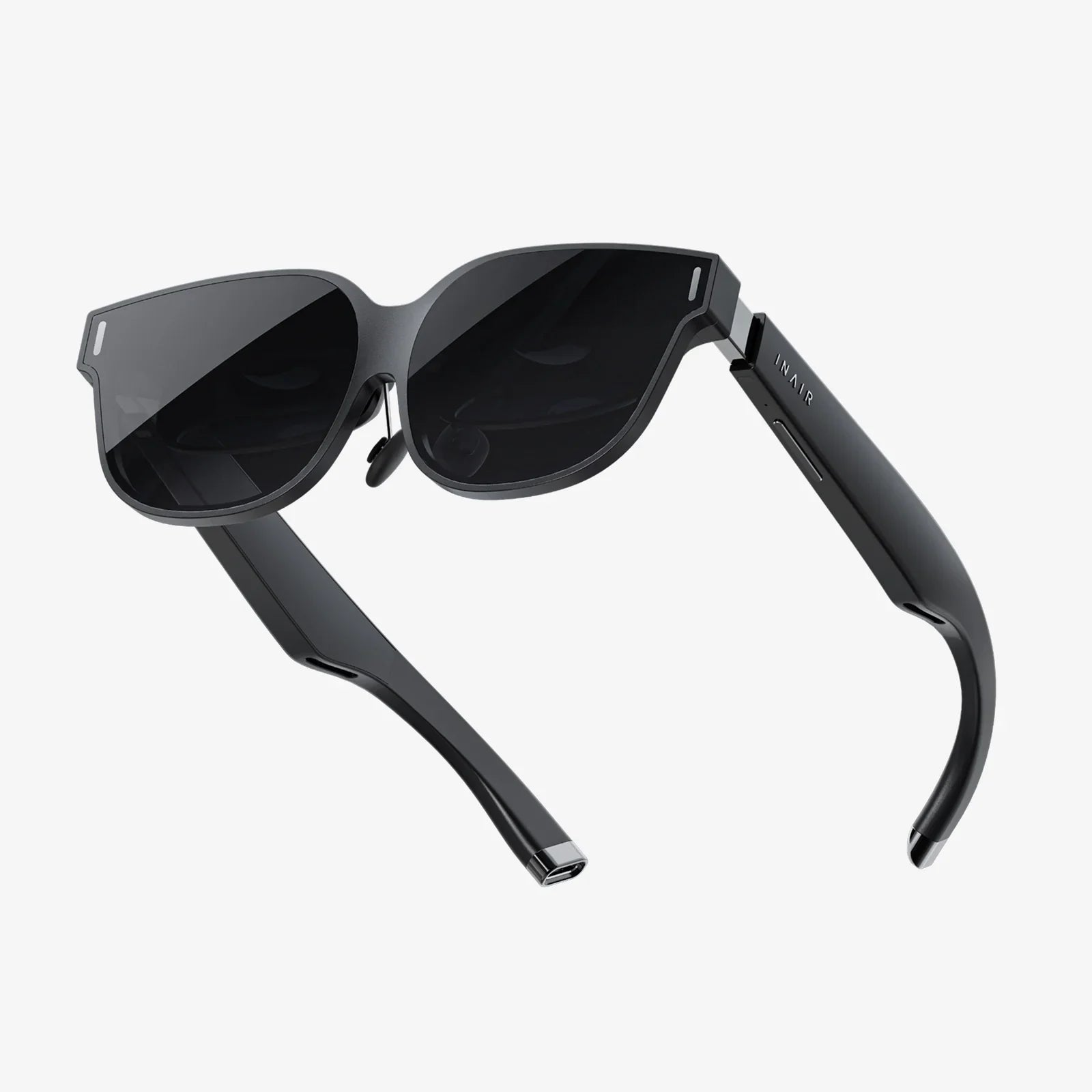
Imagine this: you sink into a plush, virtual seat in a private IMAX theater, the lights dim around you, and a screen the size of a building flickers to life. Or perhaps you’re floating in the serene silence of space, with a cosmic panorama as your backdrop while your favorite sci-fi epic unfolds before your eyes. This isn’t a glimpse into the distant future; it’s the breathtaking reality of watching movies on a modern VR headset today. The promise of a personal, immersive cinema experience is one of the most compelling reasons to own VR hardware, transforming your living room into an infinite multiplex of possibilities. If you’ve ever wondered, "How do I make this magic happen?" you’ve come to the right place. This definitive guide will walk you through every step, from initial setup to pro-level tips, ensuring your next movie night is nothing short of spectacular.
Laying the Foundation: Pre-Flight Checklist
Before you can step into your virtual cinema, there are a few essential boxes to tick. A little preparation ensures a smooth, high-quality experience free from frustrating interruptions.
Gear Up: What You'll Need
First, ensure your VR headset is fully charged or plugged in. A dead battery in the middle of the climax of a film is a special kind of tragedy. For standalone headsets, a charge is vital. For PC-connected models, ensure your computer meets the necessary specifications for both VR and high-resolution video playback.
Next, consider your audio. While most headsets have built-in speakers or rudimentary headphones, for truly immersive sound, a quality pair of over-ear headphones connected to your headset will make a world of difference, fully enveloping you in the film’s soundtrack and audio design.
Finally, think about your physical space. You’ll likely be seated, but ensuring you have a comfortable swivel chair and a clear area free of obstacles is crucial for both safety and comfort. A small rug or mat under your feet can also help you stay oriented in your real-world space.
The Content Conundrum: Where Will Your Movies Come From?
Your cinematic journey can start from several sources. The method you choose will impact quality and convenience.
- Dedicated VR Media Apps: These are your one-stop shops, offering access to vast libraries of both 2D and 3D content, often in specialized virtual environments.
- Video Streaming Services: Many popular flat (2D) streaming services have official or unofficial ways to access their content through a VR web browser.
- Your Personal Media Library: Do you have a collection of digital movie files? You can play these directly on your headset, often with the highest possible quality and control.
- Screen Mirroring: This involves casting your computer or smartphone’s desktop directly into a virtual screen within VR.
Your Virtual Theater Lobby: Choosing the Right App
The software you use is your ticket and your theater. It defines your environment, your screen, and your access to content. Here’s a breakdown of the primary options.
The Premier First-Party Experience
Most headset manufacturers provide a flagship media player application, available for free on their respective app stores. These apps are typically finely tuned for the specific hardware, offering a high-quality, low-friction experience. They often feature a selection of stunning virtual environments, from minimalist home theaters to breathtaking alien landscapes. Their main strength is seamless integration, but their weakness can be a more limited set of supported file formats for personal media compared to third-party alternatives.
The Powerhouse Third-Party Players
For the ultimate in control, compatibility, and customization, third-party media players are the gold standard. These applications are often developed by dedicated teams focused solely on the VR video experience. They boast incredibly robust feature sets:
- Extensive File Format Support: They can play virtually any video file you throw at them, including high-bitrate 4K, HDR, and 3D formats (like SBS and OU).
- Advanced Playback Controls: Fine-tune everything from the virtual screen’s curvature, size, and distance to color correction and subtitles.
- Custom Environments: Many allow you to load custom 3D environments or even simulate a void space with just a screen, minimizing distractions.
- Network Streaming: Easily connect to media servers on your home network, so you don’t have to copy large files directly to your headset.
The Big Screen Web Browser
Don’t underestimate the humble web browser. Modern VR headsets include capable browsers that allow you to navigate to your favorite streaming websites. Log in, and you can watch content directly in a virtual browser window or a dedicated theater environment. This is a fantastic way to access services that may not have a dedicated VR app. The experience can vary greatly depending on the website’s DRM and player compatibility, but it’s a versatile and essential tool in your arsenal.
The Main Event: A Step-by-Step Guide to Watching
Let’s translate the theory into action. Here’s how a typical movie-watching session unfolds.
Step 1: Launch Your Chosen Application
Power on your headset and navigate to your home menu. Find your media player app—whether it’s the first-party default, a powerful third-party option, or the web browser—and launch it.
Step 2: Select Your Environment
Once inside the app, you’ll usually be presented with a choice of environments. Take a moment to choose one that suits the movie’s mood. A dark, cozy cinema is a classic for a reason, but don’t be afraid to try a moonbase lounge or a serene lakeside cabin at night.
Step 3: Source Your Content
This is where your path diverges based on your earlier choice.
- In a VR Media App: Browse the integrated storefront or library. These often have categories for 3D movies, immersive 180°/360° videos, and standard films.
- Using a Personal Media Player: Navigate to the “Videos” or “Files” section. You can browse videos stored directly on your headset’s internal storage or, more commonly, connect to a network media server like Plex, Jellyfin, or a simple SMB share from your computer.
- Using the Web Browser: Type in the URL of your chosen streaming service, log into your account, and find the movie you want to watch.
Step 4: Optimize Your Viewing Experience
Before hitting play, take 30 seconds to dial in the settings. Use the app’s tools to adjust the virtual screen’s size and position so it feels comfortable—you shouldn’t have to strain your neck. If you’re watching a 3D movie, ensure the correct format (e.g., Side-by-Side) is selected. Check that the resolution is set to the highest available, and confirm your subtitles are on and correctly timed if you need them.
Step 5: Press Play and Be Immersed
That’s it! Sit back, relax, and let the real world fade away. Use the playback controls to pause, rewind, or adjust volume as needed, all without leaving the experience.
Beyond the Flat Screen: Exploring 3D and 360° Content
While watching traditional 2D films in a virtual theater is amazing, VR truly shines when you explore formats designed specifically for it.
The Triumphant Return of 3D
Remember the brief 3D TV revolution? In VR, it not only works but thrives. Without the need for cheap glasses and with perfect alignment guaranteed, 3D movies in VR are a revelation. The depth feels natural and impactful, pulling you into the action in a way that flat screens never could. Many VR media stores offer a selection of 3D films for purchase or rental. This is arguably the best way to experience 3D cinema today, in the comfort of your own headset.
Diving into 180° and 360° Videos
For a taste of true immersion, seek out 180° and 360° videos. These are not traditional narratives but experiential pieces. You could find yourself on stage with a famous band, in the middle of a documentary about wildlife, or witnessing a short film where you can look anywhere you want. The quality can vary, but high-resolution videos in this format offer a truly unique and captivating experience that is exclusive to VR.
Mastering Your Craft: Pro Tips and Troubleshooting
Elevate your experience from great to flawless with these expert recommendations.
Maximizing Visual Fidelity
- Resolution is King: Always source the highest resolution file possible, preferably 4K or higher for on-demand content. A high-bitrate 1080p file will often look better than a low-bitrate 4K stream.
- Mind the Codec: For personal media, use efficient modern codecs like HEVC (H.265) to maintain high quality without creating enormous file sizes.
- Dark Environment: Play in a dimly lit room. This reduces light leakage around the headset and increases your sense of presence.
- Lens Care: Keep your VR lenses clean and smudge-free. A microfibre cloth is your best friend.
Ensuring Comfort for Long Features
- Perfect the Fit: Adjust your headstrap and facial interface for even pressure distribution. A well-balanced headset feels noticeably lighter.
- Take Micro-Breaks: During a long film, quickly lift the headset off your eyes for 15 seconds during a calm scene. It helps reduce eye strain.
- Climate Control: A small fan blowing gently in your direction can keep you cool and enhance immersion with a subtle breeze.
Solving Common Hiccups
- Audio Not Working: First, check your headset’s audio output settings to ensure it’s not routed to your TV or computer speakers.
- Video Stuttering or Buffering: For network streams, ensure your Wi-Fi connection is strong (5GHz band is ideal) or connect via Ethernet if your headset supports it. For local files, they might be too high-bitrate for your headset to decode smoothly; try a different player or transcode the file.
- Screen Drift: If your virtual screen slowly moves, recenter your view using the app’s recenter button (often mapped to a controller button).
The curtain hasn't fallen on your movie night; it has simply expanded to encompass entire worlds. Your VR headset is more than a gaming gadget; it's a passport to the most personal, customizable, and awe-inspiring cinema ever conceived. From the crystal-clear thrill of a 3D blockbuster to the intimate wonder of a private screening in a virtual world of your choosing, the power to craft the perfect viewing experience is now strapped to your face. So tonight, don't just watch a movie. Step into it. Command a theater for one, explore narratives from the inside out, and rediscover the magic of cinema in a way that was, until very recently, pure science fiction. Your infinite-screen multiplex awaits.
Share:
VR Headset Not Clear? The Ultimate Guide to Fixing Blurry Immersion
VR Headset Price Korea: A Complete Guide to Costs, Trends, and Buying Smart in 2024