


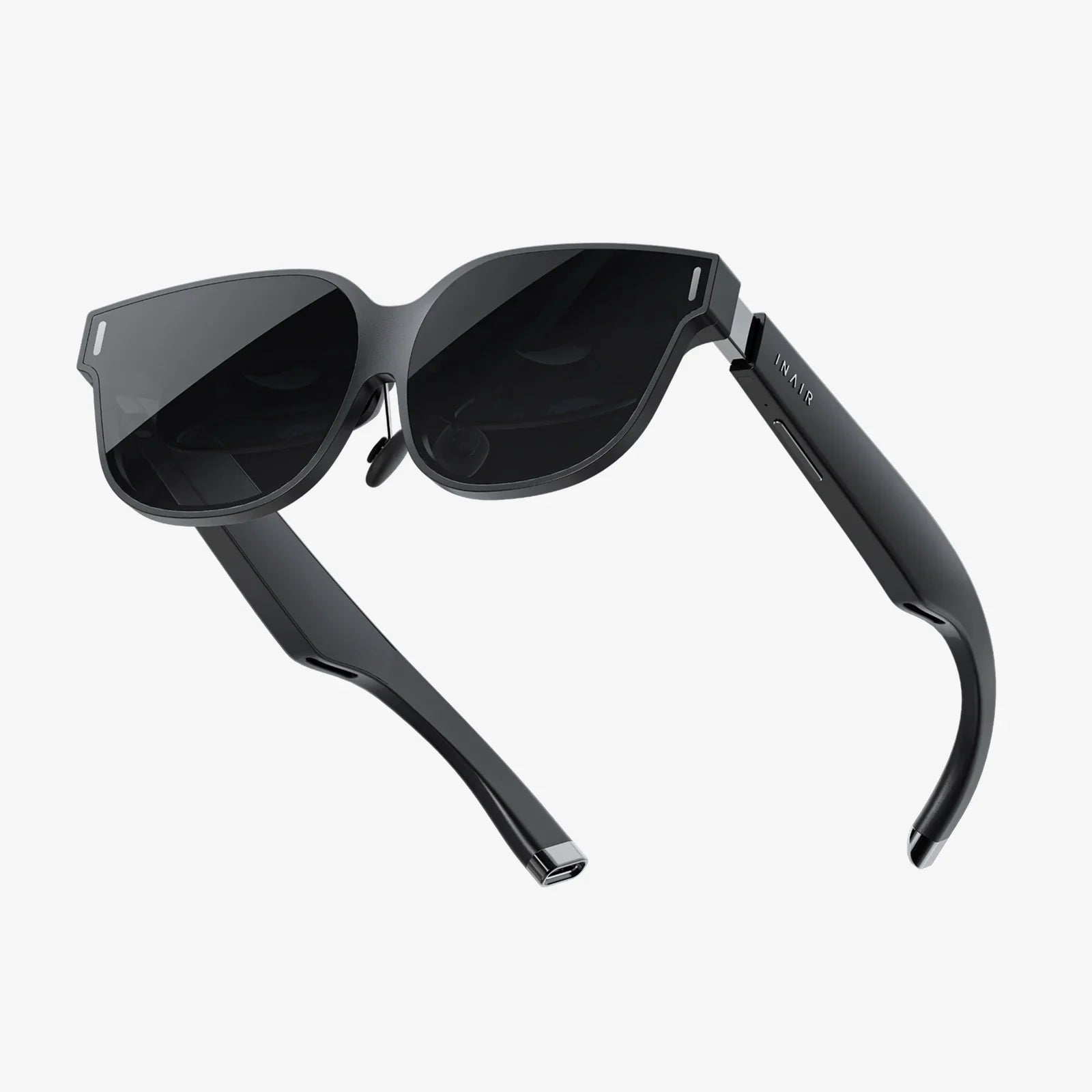
You put on a headset, and in an instant, the familiar room around you vanishes. You're now standing on the surface of Mars, the red dust swirling at your feet. You reach out a hand, half-expecting to feel the cold metal of a rover, and your brain screams that the experience is real. This is the magic of virtual reality, a technological sleight of hand that fools our senses so completely. But have you ever stopped to wonder, amidst the awe, just how this incredible illusion is engineered? The journey from a pair of goggles to a believable universe is a fascinating tale of cutting-edge hardware, sophisticated software, and a deep understanding of human biology.
The Fundamental Pillars: Creating Presence
At its core, the goal of any high-end virtual reality system is to achieve a state known as presence. Presence is the undeniable, visceral feeling of being physically located in a digital environment. It's the moment your logical mind surrenders to the sensory input, and you accept the virtual world as your reality. This doesn't happen by accident. It is the direct result of a system successfully executing three critical tasks:
- Tracking: The system must continuously and precisely monitor the position and orientation of your head and, often, your body in real space.
- Rendering: It must use this tracking data to generate the appropriate images and sounds for your perspective, updated instantly with every movement.
- Display: It must present these rendered visuals and audio to your eyes and ears in a way that feels natural and seamless.
A failure in any one of these pillars shatters the illusion. Latency, or lag, in tracking or rendering is the arch-nemesis of presence, often leading to disorientation or simulator sickness. Therefore, every component of a VR system is designed to minimize latency and maximize fidelity across these three areas.
The Hardware: Your Gateway to Another World
The most visible component of any VR system is the head-mounted display (HMD), but it is far more than just a screen you wear on your face. It's a sophisticated package of sensors and components working in concert.
The Display and Lenses
Inside the headset, one or two high-resolution screens are positioned very close to your eyes. These are typically fast-switching LCD or OLED panels chosen for their quick response times to prevent motion blur. However, if you were to look at these screens directly, the image would be a blurry mess. This is where specialized lenses come in.
The lenses are placed between your eyes and the screens. Their primary job is to refocus and reshape the light from the flat panel into a stereoscopic, panoramic image that fills your field of view (FOV). They create a sweet spot where the image is in focus, allowing your eyes to relax as if looking into the distance rather than at a screen inches away. Advanced systems also feature mechanisms for adjusting the distance between lenses (interpupillary distance or IPD) to match the user's eyes for perfect clarity and comfort.
The Tracking Systems
How does the system know where you are looking? This is the domain of the tracking system, the unsung hero of VR. There are two main types of tracking: outside-in and inside-out.
Outside-In Tracking: This method uses external sensors or base stations placed around the play area. These units emit signals (like infrared light or lasers) that are detected by sensors on the headset and controllers. By triangulating the position of these sensors, the system can pinpoint their location in space with extreme precision. This method is renowned for its high accuracy and low latency but requires external hardware to be set up.
Inside-Out Tracking: This more modern approach moves all the sensors onto the headset itself. Using a array of outward-facing cameras and inertial measurement units (IMUs), the headset observes its surroundings. The IMU—a combination of accelerometers, gyroscopes, and magnetometers—tracks rapid movements and orientation. The cameras, using a process called simultaneous localization and mapping (SLAM), visually track fixed points in the room to understand its position relative to the environment. This creates a map of the room and allows the headset to track its own movement within it, eliminating the need for external sensors.
Audio and Haptics
Immersion is not a visual-only experience. Spatial audio is crucial for selling the illusion. Instead of standard stereo sound, advanced audio algorithms simulate how sound waves interact with the human head and ears. A noise from your left will sound slightly different in your left ear than your right, and will have specific frequency cues that your brain interprets as directionality and distance. This 3D audio makes a world feel alive and cohesive.
Haptics, or touch feedback, further bridges the gap between real and virtual. This can range from simple vibrations in controllers to more advanced vests and gloves that simulate pressure, impact, and even texture. This tactile feedback provides a powerful physical connection to the digital world.
The Software: Building and Inhabiting the World
Hardware is nothing without the software that brings it to life. The software stack for VR is complex, involving multiple layers from the core engine to the final application.
The Game Engine and Stereoscopic Rendering
Most VR experiences are built on powerful game engines. These engines do the heavy lifting of creating the 3D world, managing its physics, lighting, and objects. For VR, the rendering process is unique. The engine must render two slightly different perspectives—one for the left eye and one for the right—to create the stereoscopic 3D effect that provides depth perception. This is effectively rendering the entire scene twice, which is why VR demands such high graphical processing power.
Low-Level APIs and Timewarp
To minimize the dreaded latency, VR systems bypass standard graphical processes and use low-level application programming interfaces (APIs) designed specifically for VR. These APIs allow the software to communicate directly and efficiently with the hardware, shaving off precious milliseconds.
Another critical software trick is called asynchronous timewarp. Even on powerful systems, maintaining a perfectly steady frame rate is challenging. If the rendering falls behind, instead of showing a stuttering image, timewarp takes the last fully rendered frame and warps or adjusts it geometrically based on the latest head-tracking data. This creates a smooth image that matches your latest head position, even if the full, complex new frame isn't ready yet. It's a clever safety net that is vital for maintaining comfort.
The Role of the Platform
Between the hardware and the experience sits a software platform. This is the operating system of the VR world. It manages the home environment, launches applications, handles system updates, and provides essential services like the virtual boundary system (also known as a chaperone or guardian system). This safety feature uses the tracking cameras to map your physical room and then draws a digital grid wall that appears in your virtual view whenever you get too close to the edge of your play area, preventing you from walking into a real-world wall.
The Human Factor: Tricking the Brain
Ultimately, VR technology is an exercise in neurobiology. It works because it hijacks the human sensory and perceptual systems in a convincing way.
Vision and the Vestibular System
The most directly engaged sense is vision. By providing a wide field of view and stereoscopic depth, the HMD presents a visual reality that matches the cues our brains have evolved to process. However, a major challenge arises with motion. When you move your head in the real world, your inner ear's vestibular system senses this acceleration and rotation. In a well-synced VR system, the visual motion you see perfectly matches the motion your vestibular system feels. If latency is present, these cues conflict—your eyes tell your brain you're moving, but your inner ear says you're stationary. This sensory mismatch is a primary cause of simulator sickness, a feeling similar to motion sickness.
Proprioception and Agency
Proprioception is your body's ability to sense its own position in space. Effective VR supports this by tracking your controllers and, in full-body setups, your limbs. When your virtual hands move exactly as your real hands do, it reinforces the illusion of ownership over your digital body. This, combined with agency—your ability to cause change in the virtual environment—is incredibly powerful. Pushing a virtual button and having a door open creates a feedback loop that solidifies the reality of the experience for your brain.
Beyond the Basics: The Cutting Edge
The technology is constantly evolving. Eye-tracking technology is becoming more common, unlocking two major advancements: foveated rendering and more intuitive interaction. Foveated rendering uses eye-tracking to determine where you are looking and renders only that central point of vision in full detail, while subtly reducing the detail in your peripheral vision—mimicking how the human eye actually works. This drastically reduces the GPU workload. Other areas of development include varifocal displays that adjust for depth of field, haptic technology that can simulate a wider range of sensations, and brain-computer interfaces that could one day allow for control through thought alone.
The next time you step into a virtual world, you'll appreciate the immense orchestration of technology required to make it happen. It's a symphony of optics, mechanics, software code, and biological trickery, all conducted at nanosecond speeds. This intricate dance between human perception and engineering ingenuity is what makes the impossible feel real, transforming a simple headset into a portal to anywhere.
Share:
Advantages and Disadvantages of Virtual Reality: A Deep Dive Into Our Digital Future
Where Can I Get a Virtual Reality Headset - Your Ultimate Guide to Finding the Perfect VR Experience