


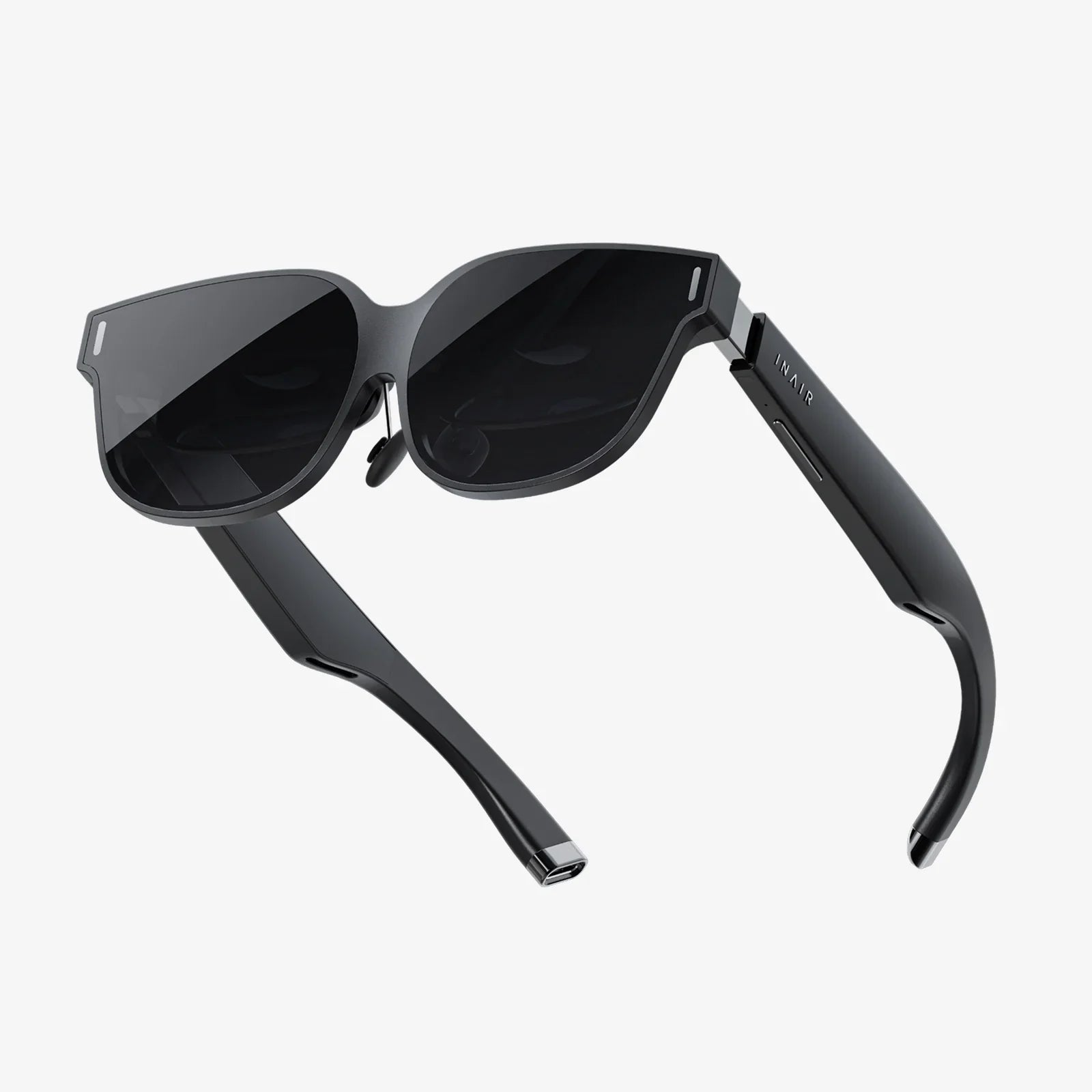
Imagine you're navigating a complex task, your focus locked on the world ahead of you. Now, imagine crucial data—speed, direction, warnings—floating seamlessly in your field of vision, perfectly aligned with the reality you see. You never glance down, your attention never wavers. This isn't science fiction; it's the reality enabled by a Head-Up Display, or HUD. The magic of seeing information suspended in mid-air is one of modern technology's most elegant feats, blending the digital and physical worlds to enhance safety, efficiency, and awareness. But the burning question remains: how does a HUD actually create this mesmerizing effect?
The Core Principle: Projection and Combiner
At its most fundamental level, a HUD works on a simple principle: it projects an image onto a transparent surface, called a combiner, which reflects the image into the user's eyes while allowing them to see through it. This superimposes the digital information over the user's real-world view. The genius of the system lies in its optical trickery, making a tiny, internally generated image appear as a large, distant, and stable part of the outside world.
Deconstructing the HUD: Key Components
To understand the mechanics, we must break down the HUD into its essential components. Each part plays a critical role in the journey from data to displayed image.
1. The Projection Unit (PGU - Picture Generation Unit)
This is the engine of the HUD, the source of the image. It's a small, high-brightness display that generates the symbology—the numbers, icons, and lines you see. Historically, cathode ray tubes (CRTs) were used, but modern systems almost exclusively use solid-state technologies like:
- TFT-LCD (Thin-Film-Transistor Liquid Crystal Display): A backlight shines through a liquid crystal panel to form the image.
- OLED (Organic Light-Emitting Diode): Each pixel produces its own light, enabling perfect blacks, high contrast ratios, and a wider field of view.
- DLP (Digital Light Processing): A chip with microscopic mirrors tilts to reflect light and create the image, known for its high efficiency and reliability.
The PGU is meticulously engineered for extreme brightness to overcome bright ambient light conditions, such as direct sunlight.
2. The Combiner Glass
This is the magic window. It's not ordinary glass; it's a specially coated, partially reflective surface. Its job is twofold: to reflect the specific wavelengths of light coming from the projector toward the user's eyes and to be transparent enough to allow a clear view of the outside world. The coating is tuned to be highly efficient, ensuring a bright image without overly dimming the real world. In some systems, like those in aviation, the combiner is a separate piece of glass. In many others, the entire windshield is specially coated to act as the combiner.
3. The Optics Assembly
This is the brain of the operation, a series of lenses and mirrors that manipulate the image from the PGU. The optics have several crucial functions:
- Collimation: This is the most important optical feat. The lenses take the diverging light rays from the small PGU and make them parallel. To the human eye, light rays that are parallel appear to be coming from a great distance (effectively infinity). This is why the HUD image doesn't look like it's on a screen inches from your face; it appears to be floating far ahead, allowing your eyes to focus on it and the distant road simultaneously without strain.
- Image Flipping and Correcting: The image generated by the PGU is often inverted or reversed. The optics assembly, using a series of mirrors, flips and corrects the image so it appears right-side-up and correctly oriented to the user.
- Focusing: It ensures the projected symbology is sharp and clear.
4. The Computer / Symbol Generator
This is the intelligence behind the graphics. It's a dedicated computer that takes data from various vehicle sensors (GPS, accelerometers, gyroscopes, engine computers, etc.) and renders the appropriate symbology in real-time. It decides what to show, where to place it, and how it should behave. For example, it takes raw speed data and turns it into a numerical readout, or it takes navigation data to draw a path on the road ahead.
The Journey of a Single Pixel
Let's trace the path of a single point of light, say, the top-left pixel of the number "5" in a speed reading:
- Generation: The symbol generator instructs the PGU to illuminate this specific pixel at maximum brightness.
- Projection: Light emanates from that tiny point on the PGU's display surface.
- Optical Manipulation: The diverging light rays from that pixel enter the optics assembly. The lenses collimate the rays, making them parallel. Mirrors then fold the light path and correct its orientation, directing it precisely toward the combiner.
- Reflection: The parallel rays of light hit the specially coated combiner glass. A large percentage of this specific light is reflected back toward the driver's eyes.
- Perception: The driver's eye receives these parallel light rays. Because they are parallel, the human visual system interprets them as originating from a point far out on the roadway, not from the dashboard. The brain seamlessly integrates this bright, distant-appearing "5" with the view of the road ahead.
This process happens millions of times over, for every pixel, at a incredibly high speed, creating a stable, cohesive image.
Beyond the Basics: Advanced HUD Functionality
Modern HUDs are far more sophisticated than simple speed projectors. They incorporate advanced technologies to create richer, more integrated experiences.
Augmented Reality (AR) Overlays
This is the next evolutionary step. While a traditional HUD shows static information that appears to be floating in space, an AR-HUD dynamically anchors graphics to the real world. It uses a wider field of view and precise real-time tracking to do this. For example:
- A navigation arrow can be drawn directly onto the road, appearing to point into the exact lane you need to enter.
- A highlighted box can appear to frame the vehicle ahead that the adaptive cruise control is tracking.
- Warning symbols can appear to hover directly over a hazard detected by the sensors.
This requires immensely complex processing, combining ultra-precise GPS data, camera feeds, and radar inputs to understand the environment and place graphics with centimeter-level accuracy.
Adaptive Brightness and Biometrics
Sophisticated HUDs use ambient light sensors to automatically adjust the brightness of the projection to ensure ideal visibility day and night, preventing it from being washed out or blindingly bright. Future systems may even use cameras to track the driver's eye position and gaze, adjusting the projection angle and focus to perfectly align with their viewpoint for a personalized experience.
The Human Factor: Why HUDs Are So Effective
The technology is impressive, but its true value lies in human factors engineering. The primary benefit is a drastic reduction in what is known as "cognitive load" and "task switching."
When a driver looks down at a traditional instrument cluster, their eyes must refocus from the distant road to the nearby screen. This takes a fraction of a second, but at highway speeds, a vehicle travels a significant distance during this "eyes-off-road" time. Mentally, the brain must disengage from the primary task of driving, process the information on the cluster, and then re-engage with the dynamic driving environment. This constant switching is mentally taxing and increases reaction time to unforeseen events.
A HUD eliminates this. Information is presented in the context of the task. The user's eyes remain up, and their focus remains on the environment. The information is assimilated peripherally, almost subconsciously, allowing for faster recognition and reaction to critical data like sudden speed changes or collision warnings. This seamless integration of data and reality is the ultimate goal of the technology, creating a state of heightened situational awareness.
Challenges and Limitations
Despite its advantages, HUD technology is not without its challenges. Designing the optics to be compact, affordable, and free of distortion is difficult. A phenomenon called "ghosting" or "double imaging" can occur if the combiner's reflective properties are not perfectly tuned, creating a faint secondary image. Furthermore, the placement of the image must be carefully calibrated so it does not obscure important real-world objects. There's also an ongoing debate about potential distraction, though most research suggests well-designed HUDs significantly reduce distraction compared to looking away.
The Future of Seeing Through Technology
The evolution of HUD technology is moving towards larger, full-color, high-resolution displays with ever-wider fields of view. We are progressing towards windshields that act as giant, immersive augmented reality canvases. The combiner of the future may be a pair of smart glasses or even contact lenses, projecting information directly onto our retinas, making the display personal, portable, and ubiquitous. The line between the digital interface and our perception of reality will continue to blur, all thanks to the foundational principles of how a HUD works.
The ability to have data dance on the edge of your vision, to have guidance painted onto the pavement itself, transforms a mundane task into an interactive experience. It represents a fundamental shift in how we interact with machines, moving information from isolated screens into our world. This isn't just about convenience; it's about building a more intuitive and safer bridge between human intention and machine function. The next time you see that ghostly image hovering ahead, you'll appreciate the incredible symphony of light, glass, and data working in perfect harmony to expand your reality.
Share:
Best VR for PC Gaming - The Ultimate 2024 Hardware Guide
Headset Glasses: The Invisible Bridge Between You and the Digital Universe