


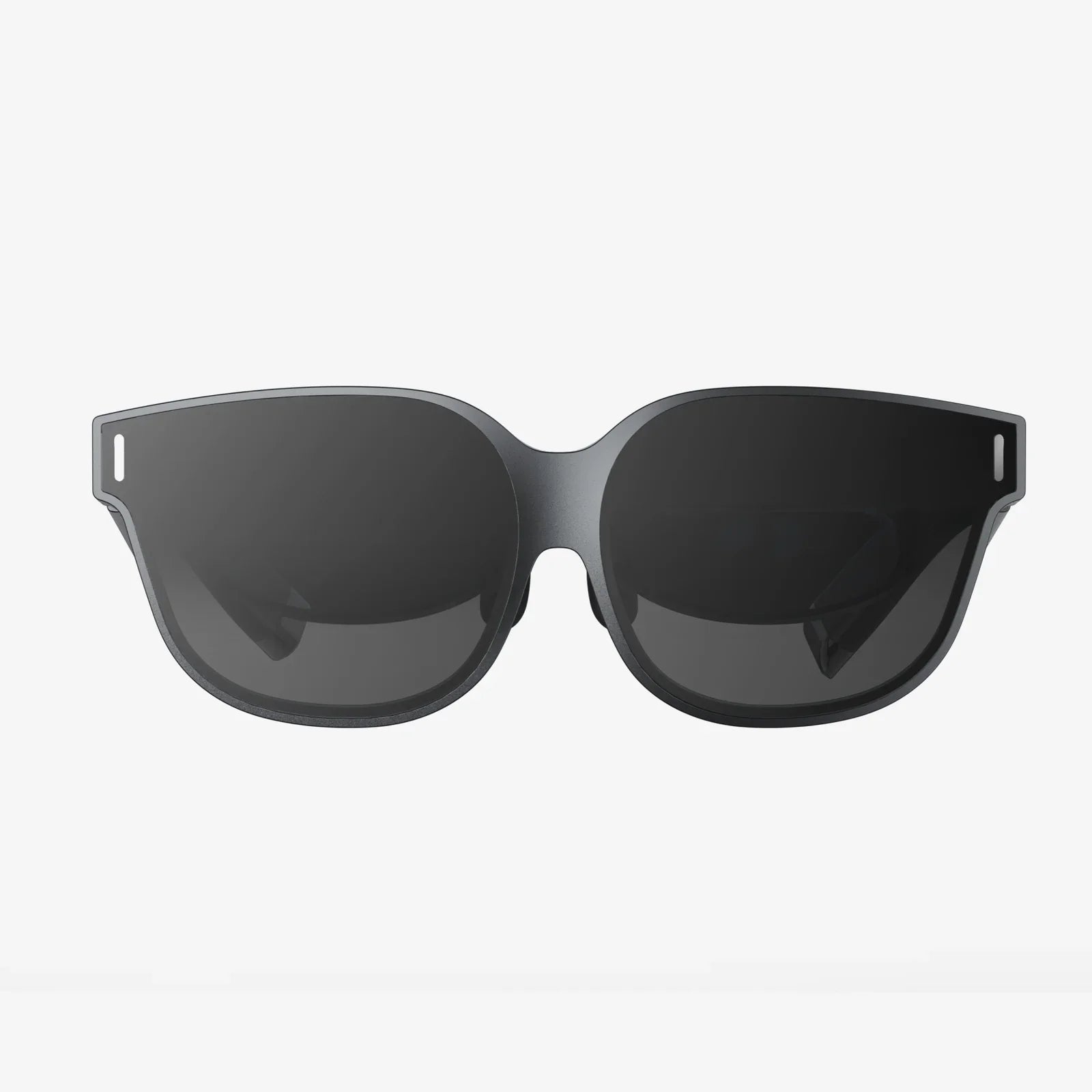
You've just unboxed your sleek new virtual reality headset, the gateway to breathtaking digital worlds, epic adventures, and immersive experiences beyond your wildest imagination. You lift it to your face with anticipation, but then reality—the physical kind—hits you. Your glasses, the very things that let you see the real world clearly, now feel like a cumbersome barrier to the virtual one. The excitement curdles into a familiar frustration. Will you have to choose between seeing a crisp virtual landscape and enduring a headache from an awkward, uncomfortable fit? This is the first hurdle for millions of potential VR users, but it doesn't have to be yours. The intersection of vision correction and virtual reality is not a dead end; it's a fascinating puzzle that has been solved in myriad ingenious ways. The question isn't if you can use VR with glasses, but how to do it perfectly for your unique eyes.
The Core Challenge: Two Sets of Lenses, One Headset
To understand the solutions, we must first appreciate the fundamental problem. A VR headset is, at its heart, a sophisticated optical system. Its primary job is to take a small screen placed just inches from your eyes and make it appear as a vast, distant world. This illusion is created by two key components: the screen itself and a set of specialized lenses.
The Magic of Fresnel and Aspheric Lenses
Most modern VR headsets utilize lenses based on the Fresnel design or more advanced hybrid aspheric designs. These lenses are engineered with a specific focal length—the fixed distance at which the image from the screen is perfectly sharp and in focus. This is known as the headset's fixed focal plane. For the user, this means the virtual world is always in focus, regardless of whether a digital object is right in front of you or on the horizon. Your eyes' natural ability to converge (point inward for close objects) and accommodate (change focus) is somewhat tricked by this setup.
Where Prescription Glasses Come In
This is where the wearer of prescription glasses encounters the issue. Your glasses are custom-ground lenses that pre-correct the light entering your eyes to account for your specific refractive errors—myopia (nearsightedness), hyperopia (farsightedness), astigmatism, or presbyopia (age-related farsightedness). They bend the light so that it focuses perfectly on your retina. When you place a VR headset over uncorrected eyes, the headset's lenses are designed to work with light that has already been perfectly focused for a "20/20" eye. If your eyes don't focus light correctly, the image you see will be blurry.
Essentially, you are asking two optical systems—your glasses and the headset's lenses—to work in harmony. The challenges this creates are primarily physical, not visual:
- Space: There is limited physical space inside the headset's eyecup (the light-shield foam that surrounds your eyes). Glasses add a significant layer of thickness, forcing the headset to sit farther from your face.
- Comfort: The arms (temples) of your glasses can be pressed painfully against your temples by the headset's side straps and padding.
- Clarity: If the headset is forced too far from your eyes, you lose the full field of view (FOV), seeing the virtual world as if looking through binoculars, often with a distracting "screen door effect" becoming more pronounced at the edges.
- Safety: There is a risk, however small, of your glasses' lenses scratching the delicate, coated lenses of the VR headset, potentially causing permanent damage to both sets of optics.
Navigating the Solutions: From DIY to Custom-Fit
Thankfully, the VR industry and a vibrant aftermarket have developed a range of solutions to address these challenges. The best option for you depends on your prescription strength, budget, and how often you plan to use VR.
1. Wearing Your Own Glasses Inside the Headset
This is the most straightforward and immediate solution. Many modern headsets are designed with glasses-wearers in mind, featuring:
- Spacer inserts or an adjustable eye-relief dial that physically moves the headset's lenses farther from your face, creating a deeper eyecup.
- Softer, more flexible light-shield gaskets that can form a seal around the frames of your glasses.
Best practices for this method:
- Always use the provided glasses spacer. This is non-negotiable for protecting the headset's lenses.
- Adjust the headset's straps carefully. The goal is a secure but not crushing fit. The weight should be distributed across your forehead and the back of your skull, not pinning your glasses to your face.
- Choose your frames wisely. Smaller, more compact glasses with thin metal frames work far better than large, thick plastic frames.
- Consider purchasing inexpensive, slim-fitting "VR use only" glasses from an online retailer if your everyday frames are too large.
2. Prescription Lens Inserts: The Gold Standard
For frequent VR users, prescription lens inserts are overwhelmingly the best solution. These are custom magnetic or clip-on adapters that hold prescription lenses specifically shaped to fit inside your exact model of VR headset. They sit directly over the headset's built-in lenses.
Advantages:
- Perfect Comfort: Your glasses are eliminated from the equation entirely. The headset fits flush against your face as intended, maximizing comfort and field of view.
- Optimal Clarity: The lenses are precisely aligned with the optical center of the headset's lenses, providing a crisp image from edge to edge.
- Full Protection: They act as a permanent protective cover, shielding the headset's expensive lenses from dust, sweat, and scratches.
- Convenience: They pop on and off with magnets in seconds, allowing multiple users with different prescriptions to share the same headset easily.
The process involves ordering from a specialized online vendor, providing your prescription (including Pupillary Distance or PD), and selecting your headset model. While this represents an additional upfront cost, it transforms the VR experience from a compromise into a seamless one.
3. Contact Lenses: The Invisible Solution
For those who already wear and tolerate contact lenses, they offer a simple and effective way to use VR. By correcting your vision directly on your eye, you interact with the headset's optics as if you had naturally perfect vision. There are no comfort, space, or FOV issues to contend with. This is often the preferred method for VR arcades and shared headsets.
Understanding Your Prescription in a Virtual World
Not all vision corrections interact with VR in the same way.
Nearsightedness (Myopia) and Farsightedness (Hyperopia)
These are the most common conditions and are directly addressed by the solutions above. Since VR headsets have a fixed focal plane (typically simulating a distance of 1.5 to 2 meters), your distance prescription is what you need. If you are nearsighted and can't see clearly at two meters, you will need correction in VR. If you are only farsighted and struggle with reading, you may find you don't need your glasses for VR, as the simulated world is at a distance.
Astigmatism
Astigmatism causes blurriness at all distances due to an irregularly shaped cornea. It must be corrected in VR, as an uncorrected astigmatism will result in a consistently blurry and often distorted image, regardless of the virtual object's distance.
Presbyopia (Reading Glasses)
This is a fascinating case. Presbyopia is the age-related loss of ability to focus on close objects. Since the VR screen is physically close but optically far, many users with presbyopia discover they do not need their reading glasses to see the virtual world clearly. The headset's lenses are doing the focusing work for them. However, if the headset has a user interface with tiny text or a virtual menu that "floats" close to your face, some users might experience strain. This is where adjustable software focus, found on some enterprise headsets, can be beneficial.
The Future is Clear: Emerging Technologies
The long-term goal of the VR industry is to make headsets accessible to everyone without the need for external solutions. Several promising technologies are on the horizon:
Varifocal and Lightfield Displays
Current VR headsets have a fixed focus, which can cause a disconnect between where your eyes point (vergence) and where they focus (accommodation), leading to eye strain for some. Next-generation prototypes feature varifocal systems that physically move displays or lenses, or use liquid crystal lenses to dynamically adjust the focal plane to match where you are looking in the virtual world. This not only creates a more natural and comfortable experience but could also inherently correct for certain prescriptions by adapting to the user's needs.
Waveguide Technology and Integrated Correction
Inspired by augmented reality displays, some research involves embedding prescription correction directly into the waveguide optics of the device itself. Imagine a headset with a small dial on the side that you adjust until the image snaps into focus for your eyes, effectively building your prescription into the headset's optical path.
Software-Based Correction
Researchers are exploring whether they can use software to pre-distort the image on the screen in a way that counteracts the user's specific refractive error. While challenging, this could potentially offer a zero-hardware solution for mild prescriptions.
The journey into virtual reality should begin with wonder, not with worry about your eyewear. The barrier between glasses and VR headsets, once a significant obstacle, has been all but demolished by a combination of thoughtful design, clever aftermarket innovation, and a growing understanding of human optics. Whether you opt for the simple spacer, invest in the clarity of custom inserts, or wait for the next wave of adaptive technology, a crystal-clear and comfortable virtual experience is not just possible—it's easily within your reach. The digital frontier is waiting, and it's perfectly okay to bring your frames along for the ride.
Share:
How Augmented Reality Works: A Deep Dive Into The Digital Overlay
Best XR Glasses 2025: The Ultimate Guide to the Future of Immersive Computing