


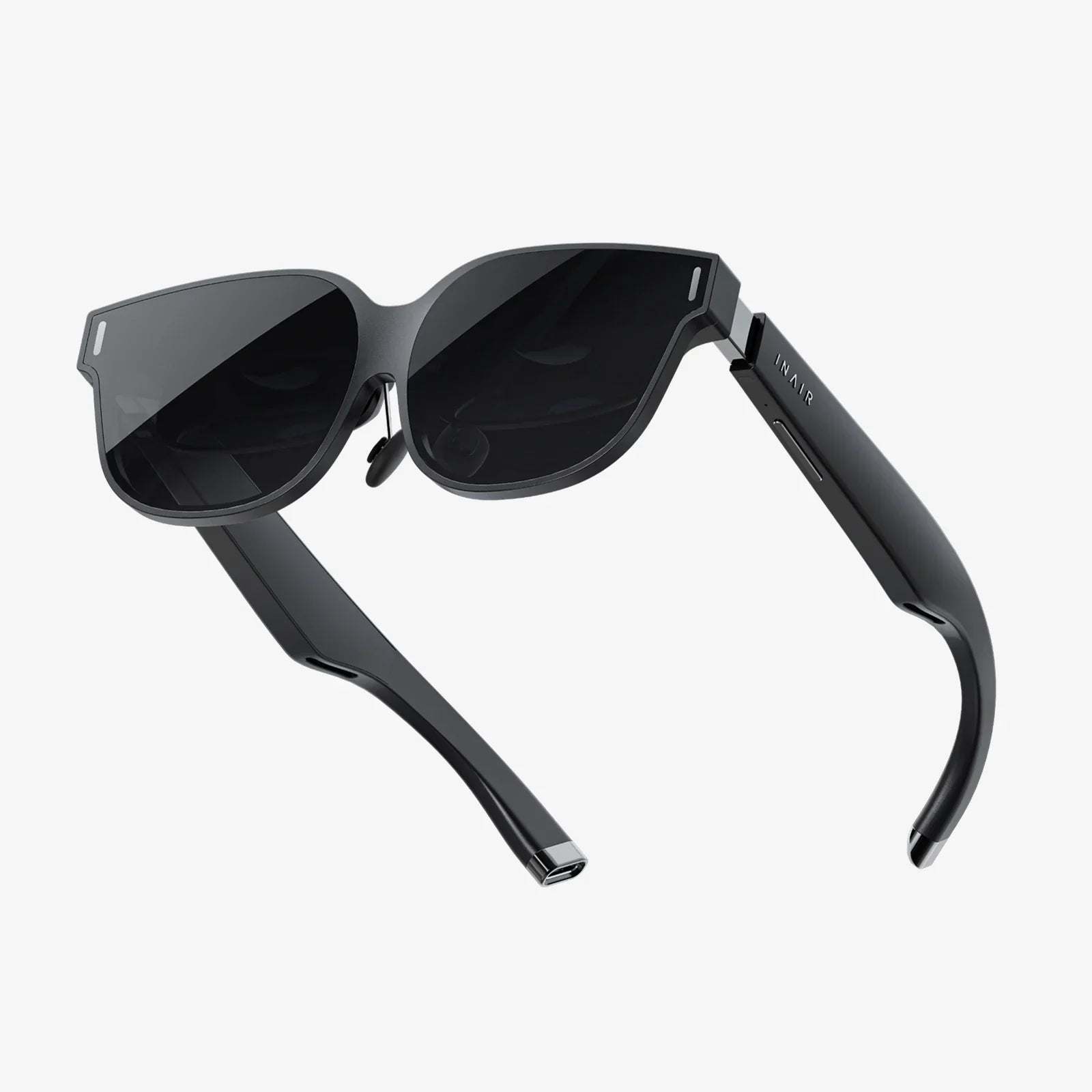
You’ve just battled intergalactic invaders for two hours, your forehead is beaded with sweat, and your immersive adventure is over. As you peel your virtual reality headset from your face, you’re greeted not by the crisp digital world you left, but by a smudgy, blurry mess of fingerprints, dust, and moisture on the lenses. This familiar frustration is the number one immersion-breaker for VR enthusiasts, but the solution is deceptively simple. Knowing how to clean VR goggles properly is not just about maintaining a clear view; it’s about protecting a significant investment, ensuring hygiene, and guaranteeing every session is as breathtaking as the first. A single wrong move, one spritz of the wrong cleaner, can mean the difference between crystal-clear visuals and permanently damaged, costly optics. This definitive guide will walk you through every step, from the daily quick wipe to the deep clean, ensuring your portal to other worlds remains pristine and perfect.
The Critical Importance of Proper VR Lens Care
Before diving into the cleaning process itself, it's vital to understand why a specialized approach is non-negotiable. VR goggles are not like eyeglasses, camera lenses, or smartphone screens. They represent a unique combination of sophisticated optics and delicate coatings.
At the heart of the experience are the lenses. These are precision-ground optical components, often made of high-quality plastic or specialized glass. To enhance performance and reduce glare, manufacturers apply incredibly thin, delicate coatings to the lens surface. These anti-reflective (AR) and anti-scratch coatings are easily compromised by harsh chemicals and abrasive materials. Using a standard glass cleaner or a rough cloth is a surefire way to degrade these coatings, leading to permanent haze, smearing, and a overall reduction in image quality that no amount of cleaning can ever fix.
Beyond the lenses, hygiene is a paramount concern. VR is an intimate experience. The headset sits against your skin, absorbing sweat and natural oils. This warm, moist environment, combined with skin cells, creates a perfect breeding ground for bacteria. Regular cleaning prevents skin irritation, breakouts, and the general unpleasantness of sharing a grimy device with friends or family. A clean headset is a safe and comfortable headset.
Assembling Your VR Cleaning Toolkit: What You Need and What to Avoid
Success in cleaning VR goggles begins with having the right tools. You likely already have most of these items at home, but their specific type matters greatly.
The Essentials:
- Microfiber Cloths: This is your first and most important line of defense. You must use a clean, high-quality microfiber cloth designed for optics. These cloths are woven to trap dust and debris without scratching and are lint-free. Designate one or two cloths solely for your VR headset to avoid contaminating them with other debris. Never use paper towels, facial tissues, napkins, or the hem of your shirt, as these can contain wood fibers that act like sandpaper on the delicate coatings.
- Compressed Air: A can of compressed air is invaluable for dislodging dust and grit from the crevices around the lenses and the body of the headset before you touch it with a cloth. This prevents you from grinding particles across the lens surface during wiping.
- Distilled Water: In most cases, your microfiber cloth alone will be sufficient. For more stubborn smudges, slightly dampening the cloth with distilled water is safe. The key is to never spray liquid directly onto the lenses. The distilled water is important because it lacks the minerals found in tap water, which can leave behind residues.
- Lens Cleaning Pens: These are optional but highly effective tools. They typically feature a soft brush on one end for dusting and a felt tip on the other that dispenses a small amount of safe cleaning fluid when pressed against the lens.
Strictly Forbidden Items:
- Household Cleaners: Windex, multi-surface sprays, ammonia-based cleaners, and alcohol-based solutions are absolutely forbidden. Their chemical composition will rapidly dissolve the protective coatings on the lenses.
- Acetone or Solvents: These are far too aggressive and will instantly ruin the optics.
- Vinegar Solutions: While a natural cleaner, its acidic nature can damage lens coatings over time.
- Abvasive Cloths: Anything rough, like paper products or towels used for household cleaning, will create micro-scratches.
The Step-by-Step Guide to a Perfect Clean
Follow this meticulous process to ensure a thorough and safe cleaning every time.
Step 1: Preparation and Power Down
Always begin by completely powering down your VR headset and unplugging it from any power source. This is a critical safety step. Not only does it prevent any potential electrical issues, but it also allows you to see smudges and dust more clearly on the blank lenses. Find a clean, well-lit, and flat workspace to perform the cleaning.
Step 2: The Initial Dry Dusting
Before any liquid is introduced, you must remove all loose, dry debris. Take your can of compressed air and, holding it upright, use short, controlled bursts to blow dust away from the lenses, the facial interface foam, and the surrounding housing. Keep the nozzle a few inches away to avoid any risk of condensation from the can contacting the device.
Next, take your dry microfiber cloth and gently fold it into a pad. Using a very light pressure, gently wipe the lenses in a slow, circular motion from the center outward. The goal here is to pick up any remaining dust particles. If you hear a gritty sound, stop immediately, as this indicates a particle is being dragged. Use a new, clean section of the cloth or the compressed air again to remove the obstacle.
Step 3: Addressing Smudges and Oils
If dry dusting hasn't removed all fingerprints and smudges, it's time to introduce minimal moisture. Take a second, clean microfiber cloth and lightly dampen a small section of it with distilled water. It should be barely damp to the touch, not wet. Wring it out thoroughly if needed.
Again, using gentle circular motions, wipe the lenses. Start from the center and spiral outward. Avoid excessive pressure. For a lens cleaning pen, follow the manufacturer's instructions: typically, you would use the brush to sweep away dust, then press the felt tip against the lens to moisten it slightly before wiping with a clean microfiber cloth.
Step 4: Cleaning the Headset Body and Straps
The plastic body, facial interface, and straps also require attention. For the plastic housing, a slightly damp microfiber cloth is perfect for wiping away grime. For the foam or silicone facial interface, you can use a cloth dampened with a small amount of mild soapy water (using a drop of dish soap), but be extremely careful to avoid any contact with the lenses. Wipe it down and then use another cloth dampened with just water to remove any soap residue. Allow it to air dry completely before using the headset again.
The straps, often made of fabric, can be gently cleaned with a damp cloth. For deeper cleaning, some removable straps may be hand-washable, but always check your device's guidelines first.
Step 5: The Final Polish and Inspection
Once you are satisfied, take your original dry microfiber cloth and give the lenses one final, gentle polish to remove any lingering moisture streaks. Hold the headset up to a light source and inspect the lenses from multiple angles to ensure they are perfectly clear and streak-free.
Advanced Tips and Troubleshooting Common Problems
Dealing with Stubborn Grime
If a smudge seems persistent, do not press harder. Re-moisten the cloth very slightly and try again with the same gentle technique. Patience is more effective than force.
Preventing Fogging
Lens fogging occurs when warm, moist air from your face meets the cooler lens surface. To prevent this, allow your headset to acclimate to room temperature before use. Some users find that applying a small, dedicated anti-fog solution designed for optics (again, applied sparingly to the cloth, not the lens) can help, but ensure it is compatible with anti-reflective coatings.
Long-Term Storage
When storing your headset for an extended period, give it a complete clean first. Store it in its original case or a clean, dry box away from direct sunlight and dust. Do not store it with the lenses facing downward on a surface.
Establishing a Cleaning Routine
Consistency is key to maintaining your headset.
- After Every Use: Give the lenses a quick, dry wipe with a microfiber cloth to remove any skin oils or dust.
- Weekly: Perform a more thorough cleaning as outlined in the steps above, including the facial interface and straps.
- Before Sharing: Always clean the headset thoroughly before and after sharing it with another person.
Imagine slipping on your headset and being instantly transported, without a single blurry speck or smudge to remind you of the real world. The alien landscapes are vivid, the text is sharp, and the only thing you feel is the thrill of the experience, not the grime of past adventures. By dedicating a few minutes and the right materials to the care of your VR goggles, you preserve the magic. You’re not just wiping away fingerprints; you’re safeguarding your ticket to countless other realities, ensuring that every journey begins and ends with perfect, pristine clarity. Your next adventure deserves nothing less.
Share:
Lone Worker Wearable Technology: The Ultimate Guide to Safety and Connectivity
Lone Worker Wearable Technology: The Ultimate Guide to Safety and Connectivity