


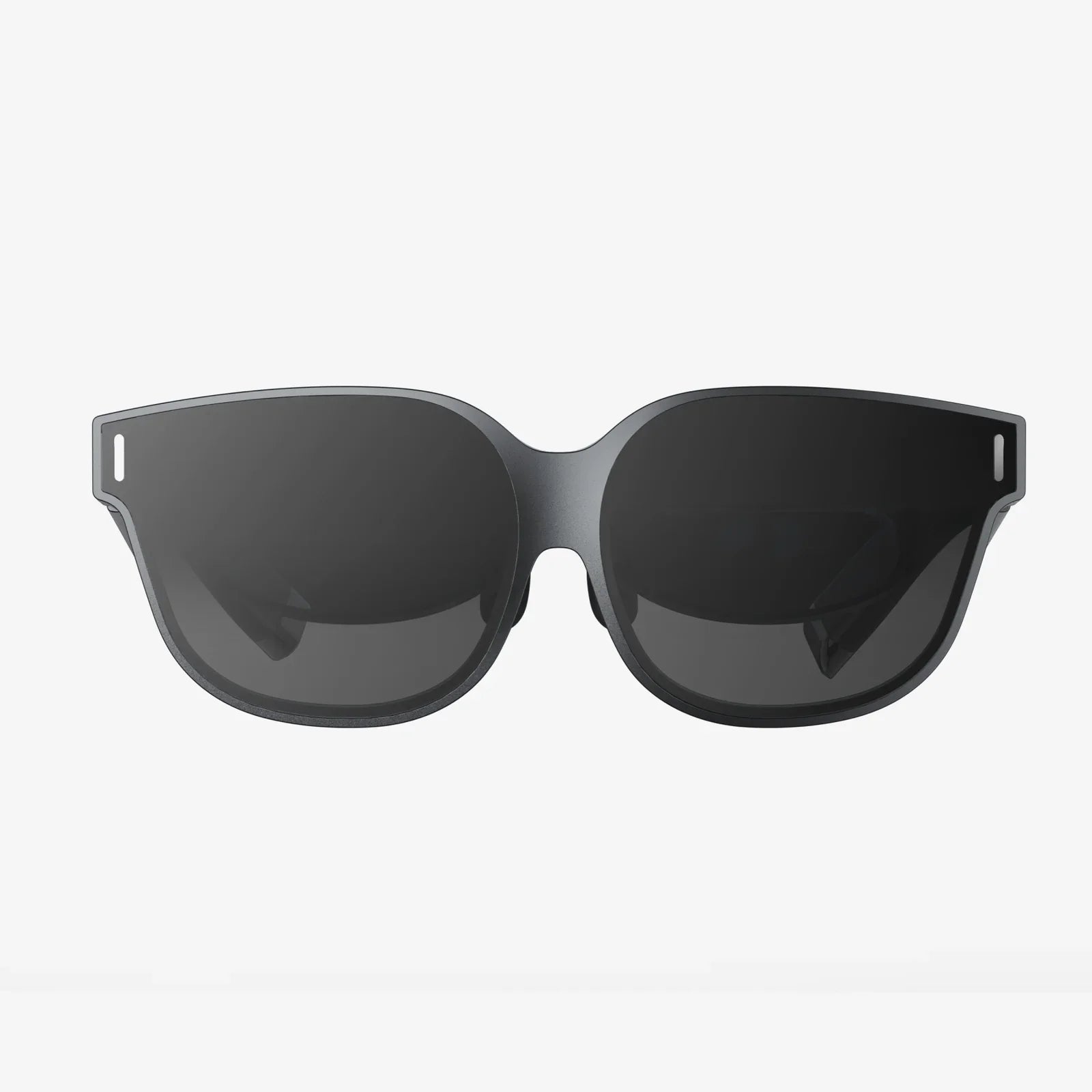
You’ve just strapped into your virtual world, ready for an epic adventure or a critical meeting, only to be greeted by a frustrating array of smudges, dust, and blurry patches obscuring your view. Nothing shatters the pristine illusion of virtual reality faster than dirty lenses. Knowing how to clean VR headset lenses isn't just about maintenance; it's about preserving the magic of immersion and protecting a significant investment from irreversible damage. This ultimate guide will walk you through every step, tool, and technique you need to know, ensuring your view into the metaverse remains crystal clear.
Why Proper Lens Cleaning is Non-Negotiable
VR headset lenses are the gateway to your digital experiences. They are precision optical components, often made with specialized coatings to reduce glare, enhance clarity, and protect against blue light. Unlike standard eyeglasses or camera lenses, they are exceptionally delicate. An improper cleaning technique can instantly and permanently degrade their performance.
The primary risks of cleaning VR lenses incorrectly include:
- Micro-Scratches: Using rough cloths or tissues can create tiny, hairline scratches on the lens surface. Once scratched, these imperfections scatter light, creating a permanent haze or blur that can ruin the visual fidelity of the headset.
- Coating Damage: Many lenses have anti-reflective (AR) and oleophobic (anti-smudge) coatings. Harsh chemicals, alcohol, ammonia, or excessive moisture can dissolve or strip these coatings, leaving behind a patchy, discolored surface that is more prone to smudging and glare.
- Liquid Damage: If excess liquid seeps past the lens gasket and into the internal electronics of the headset, it can cause catastrophic and costly failure, rendering the entire device unusable.
Understanding these risks is the first step toward safe and effective cleaning. The goal is always to remove debris and oils without ever touching the actual lens surface with anything abrasive or corrosive.
What You'll Need: Building Your VR Lens Cleaning Kit
Before you begin, gather the right tools. Using the correct materials is 80% of the battle in learning how to clean VR headset lenses properly.
- Microfiber Cloths: This is your number one, most important tool. Use only clean, high-quality microfiber cloths designed for optics (like those for cameras or eyeglasses). These cloths are woven to trap dust and lift oils without scratching. Never use paper towels, napkins, shirt sleeves, or coarse fabrics.
- Manual Air Blower (Rocket Blower): A bulb-style air blower is indispensable for dislodging dry, particulate dust without any physical contact.
- Lens Cleaning Brushes: A soft, clean brush with fine, soft bristles can help gently sweep away larger dust particles.
- Pre-Moistened Lens Wipes (Optional): If you must use a liquid, only use pre-moistened wipes specifically formulated for coated lenses and eyeglasses. Ensure they are alcohol-free and ammonia-free.
- Distilled Water (Optional, as a last resort): If a dry cleaning isn't sufficient, a tiny drop of distilled water on your microfiber cloth can help. Distilled water is preferred over tap water because it lacks minerals that can leave behind residues.
The Step-by-Step Guide to a Flawless Clean
Follow this methodical process to ensure a safe and thorough cleaning every time.
Step 1: Power Down and Cool Off
Always fully power down your headset and unplug it. This is a critical safety precaution. Furthermore, allow the device to cool to room temperature if you've been using it. Cleaning warm lenses can cause any liquid to evaporate too quickly, potentially leaving streaks or residue.
Step 2: The Initial Dry Removal
Your first action should never involve wiping. Start by using your manual air blower. Hold the headset with the lenses facing downward and give several firm squeezes of the blower around the lens surface. This encourages gravity to help pull the dust particles away and out of the headset. For any stubborn, larger particles, use your soft brush to gently flick them off the surface.
Step 3: The Microfiber Wipe (Dry Method)
Take your clean, dry microfiber cloth. Fold it into quarters to create a soft, padded surface. Using extremely light pressure, gently wipe the lens in a slow, circular motion, starting from the center and moving outward. Do not press down. The goal is to allow the microfiber to grab onto the skin oils and remaining fine dust. If the cloth doesn't seem to be picking up a stubborn smudge, stop. Do not press harder.
Step 4: The Damp Method (For Stubborn Smudges)
If a dry cloth is insufficient, you can introduce minimal moisture. Do not spray any liquid directly onto the lens. The correct technique is to apply one small drop of distilled water to your microfiber cloth, just enough to barely dampen a small section of it. Alternatively, you can use a pre-moistened lens wipe to dampen the cloth. Never let the lens get wet; the cloth should be only slightly damp.
Again, using very light pressure, wipe in a gentle circular motion. Immediately follow up with the dry side of your microfiber cloth (or a second clean, dry cloth) to buff the lens completely dry and eliminate any potential streaking.
Step 5: Final Inspection
Hold the lenses up to a light source and examine them from different angles. Look for any remaining smudges, streaks, or dust. If you see anything, repeat the dry process with a clean section of your cloth or a brand-new cloth. A common mistake is using a dirty section of a cloth, which just re-spreads grease.
Common Pitfalls and What to Avoid at All Costs
Knowing what not to do is just as important as knowing the correct procedure.
- NO Household Cleaners: Window cleaner, disinfectant wipes, alcohol, ammonia, acetone, or any solvent-based liquid will destroy the lens coatings. They are far too harsh.
- NO Compressed Air Cans: The force of the propellant from a can of compressed air can be too powerful and might drive dust further into the headset housing or, worse, risk condensing moisture from the air onto the internal electronics.
- NO Excessive Pressure: Pressing hard on the lens will not make it cleaner. It only increases the risk of grinding particles into the surface and causing scratches. The plastic or polycarbonate used in many VR lenses is softer than glass and scratches easily.
- NO Breathing on the Lenses: While a common trick for glasses, the moisture from your breath can contain tiny particles and acids that might harm the coatings over time.
Prevention: The Best Cleaning Strategy
The less you need to clean your lenses, the better. Implement these habits to minimize cleaning frequency and keep your lenses pristine.
- Manage Facial Oils: Ensure your face and especially your forehead are clean and dry before using the headset. If you sweat during intense sessions, consider using a VR headset cover or sweatband that can be washed regularly.
- Proper Storage: Always store your headset in its provided case or a clean, dry place away from dust and sunlight. Do not leave it lying on a surface with the lenses facing up, where they can accumulate dust.
- Use Lens Covers: When not in use, employ soft, magnetic, or silicone lens covers to create a physical barrier against dust and accidental contact.
- Educate Other Users: If you share your headset with family or friends, briefly show them the correct way to inspect and clean the lenses if needed. A few seconds of instruction can prevent a costly accident.
Addressing Specific Scenarios
What if you encounter more than just dust and fingerprints?
- After a Sweaty Session: If the lenses get foggy from sweat and humidity, the best course of action is to simply power down the headset, remove the facial interface, and let everything air dry completely for at least an hour. Once fully dry, use the dry cleaning method outlined above to remove any residual salts or oils.
- Sticky Residues: If a substance like a drink splash or a child's sticky fingerprint finds its way onto the lens, do not scrub. Dampen a very small corner of a microfiber cloth with distilled water and use a single, very gentle pass over the spot. Immediately dry it with another part of the cloth. You may need to repeat this patiently with minimal moisture.
Your VR headset is a portal to incredible worlds, and its lenses are the most critical component of that experience. A few minutes spent learning and applying the correct cleaning techniques will pay dividends for years to come, ensuring every journey into virtual reality is defined by stunning clarity, not by distracting smudges and the anxiety of potential damage. Treat them with care, and they will provide a window to endless possibilities.
Share:
Standalone VR Headset: The Ultimate Guide to Untethered Virtual Reality
Standalone VR Headset: The Ultimate Guide to Untethered Virtual Reality