


- by wangfred
How to Create Augmented Reality Content: The Ultimate Guide for 2024
- by wangfred
Imagine a world where digital information seamlessly blends with your physical surroundings, where educational diagrams leap off textbook pages, historical figures narrate their stories from museum exhibits, and complex repair instructions are overlaid directly onto machinery. This is the promise of augmented reality (AR), a technology rapidly transitioning from science fiction to an essential tool for creators, marketers, educators, and developers. The ability to craft these experiences is no longer confined to tech giants with limitless budgets; it's a skill within reach for anyone with a compelling idea and the right guidance. If you've ever wondered how to bridge the gap between the digital and the real, to create something truly interactive and memorable, then you're about to embark on the right journey. The power to overlay the world with your imagination is closer than you think.
Before diving into the practical steps, it's crucial to understand what creating AR content truly entails. At its core, AR development is about building an experience that recognizes the real world through a device's sensors and convincingly renders digital assets within that context. This process can be broken down into three fundamental stages: tracking, rendering, and interaction. Tracking involves the software identifying a specific point, object, or environment to anchor the digital content. Rendering is the process of generating the 3D models, animations, or videos and compositing them into the live camera feed in a visually coherent way. Finally, interaction defines how a user can engage with the AR elements, whether through touch, voice, or device movement.
The first and most critical step is not technical; it's conceptual. A successful AR experience is built on a clear purpose and a deep understanding of its intended audience. Ask yourself: What problem does this AR content solve? What story does it tell? Is the goal to educate, entertain, market a service, or simplify a complex task? Defining this objective will shape every subsequent decision, from the complexity of the 3D models to the choice of development platform. Simultaneously, consider your audience. A game for children requires intuitive, gesture-based controls and bright, engaging visuals, while a industrial maintenance guide for engineers demands precision, clarity, and minimalistic design. Knowing your user's context—where they will be, what device they will use, and how much time they will spend—is paramount to creating an intuitive and valuable experience.
The landscape of AR creation tools is vast, catering to a wide spectrum of skill sets. Your choice here will define your workflow, capabilities, and required budget.
For beginners, marketers, and designers without a programming background, no-code web-based platforms are the ideal starting point. These platforms offer drag-and-drop interfaces, pre-built templates, and asset libraries that allow you to create simple AR experiences quickly. You can often upload an image to serve as a tracker (like a poster or product package) and then add 3D models, videos, or buttons that appear when the image is scanned by a camera. These tools are excellent for prototyping ideas, creating marketing campaigns, or producing educational content without writing a single line of code. They typically host the experience on their own servers and provide a simple link or QR code for distribution.
For high-fidelity, interactive, and complex AR experiences, game engines are the industry standard. These powerful environments provide a full suite of tools for building, rendering, and deploying rich AR applications. They require a steeper learning curve and knowledge of programming languages like C# (for Unity) or C++ (for Unreal Engine), but they offer unparalleled control and flexibility. Using these engines, developers can create persistent world-scale AR, multi-user experiences, and deeply interactive scenarios. They integrate with advanced AR Software Development Kits (SDKs) to handle sophisticated computer vision tasks like plane detection, occlusion, and environmental understanding.
SDKs are the underlying technology that powers AR functionality within game engines or native apps. They provide the crucial libraries for motion tracking, environmental understanding, and light estimation. Major SDKs offer cross-platform support, allowing you to build an app once and deploy it to both iOS and Android devices. They are typically integrated into a game engine project, providing the essential bridge between the device's hardware and your digital creation.
Regardless of your chosen tool, every AR experience is built from a set of core digital components.
The heart of most AR experiences is 3D content. Creating these assets requires 3D modeling software. Artists use these programs to sculpt, texture, and animate objects that will inhabit the user's world. For AR, optimization is key. Models must be created with a low polygon count and compressed textures to ensure they load quickly and run smoothly on mobile devices without causing excessive battery drain or overheating. The industry standard file format for sharing these models is gITF, which is designed to be compact and fast to load.
Most AR experiences need a trigger to know where and when to place digital content. The most common trigger is an image target, also known as a marker. This is a distinct, high-contrast image that the AR device's camera recognizes. When the camera sees the marker, it activates the associated content, anchoring it perfectly to the image. More advanced triggers include object targets (recognizing a 3D object like a toy or machine part), plane detection (placing content on a horizontal or vertical surface like a floor or wall), and instant tracking (placing content immediately in the environment without a predefined target).
Designing for AR is fundamentally different from designing for a 2D screen. The UI must exist in 3D space and feel like a natural part of the environment. Considerations include:
Let's walk through a generalized workflow for creating a common type of AR experience using a game engine and an SDK.
To ensure your AR content is effective and engaging, adhere to these guiding principles:
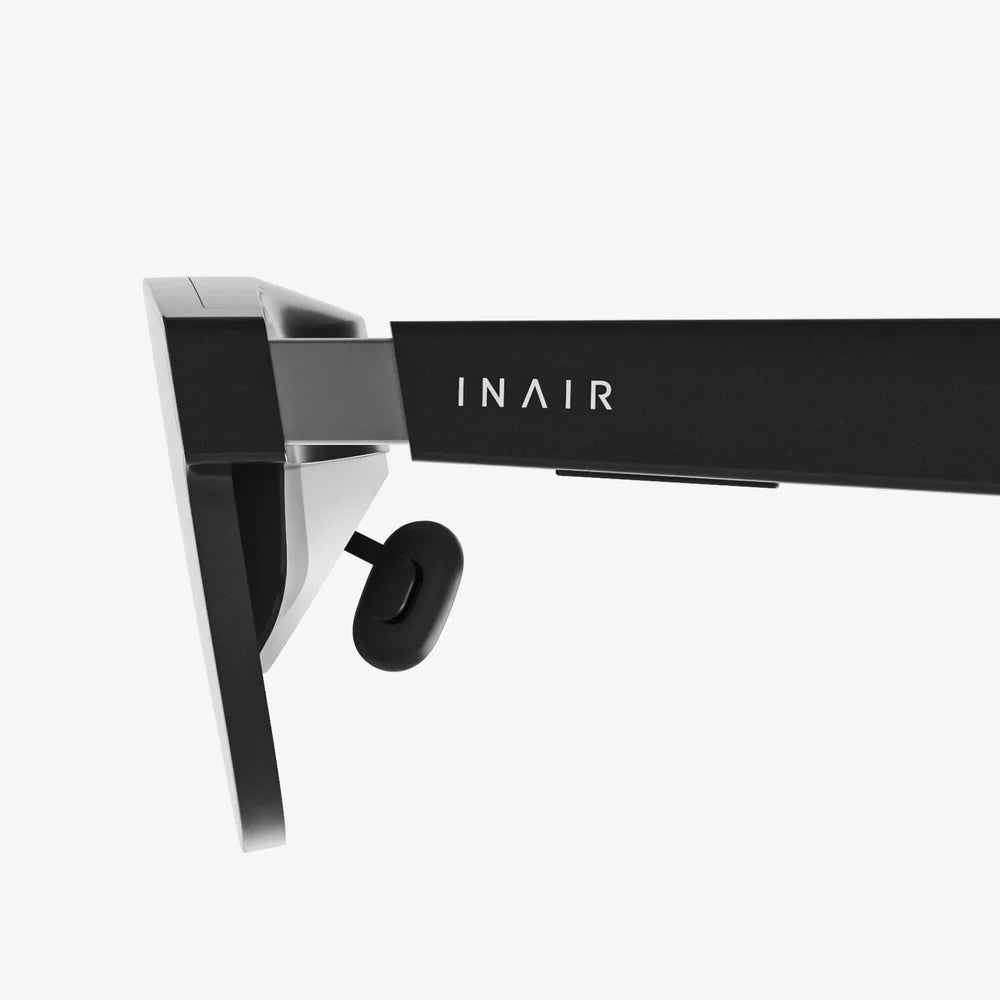
The tools for creating AR are becoming more accessible and powerful every day. Emerging trends include the rise of AI-assisted creation, where generative algorithms can help create 3D models from text prompts or 2D images. WebAR is also eliminating the friction of app downloads, making AR experiences instantly available to billions of smartphone users. Furthermore, the advent of more comfortable and capable AR glasses will open up new paradigms for spatial computing, moving experiences beyond the confines of a handheld screen and into a truly hands-free, always-available context.
The barrier to entering the world of AR creation has never been lower, yet the ceiling for what can be achieved has never been higher. Whether you choose a simple no-code platform to bring a poster to life or embark on a deep dive into game engine development to build the next killer app, the principles remain the same: start with a solid idea, understand your user, and meticulously craft an experience that adds magic to their reality. The digital layer over our world is being painted now, and the tools are waiting for you to become the artist. Your audience is ready to point their cameras and see what you've made—what will they find?
Share:
Are Aura Frames Worth It? An In-Depth Look at Digital Photo Frames
Augmented Reality News Past 24 Hours: A Wave of Major Announcements Reshapes the Industry