


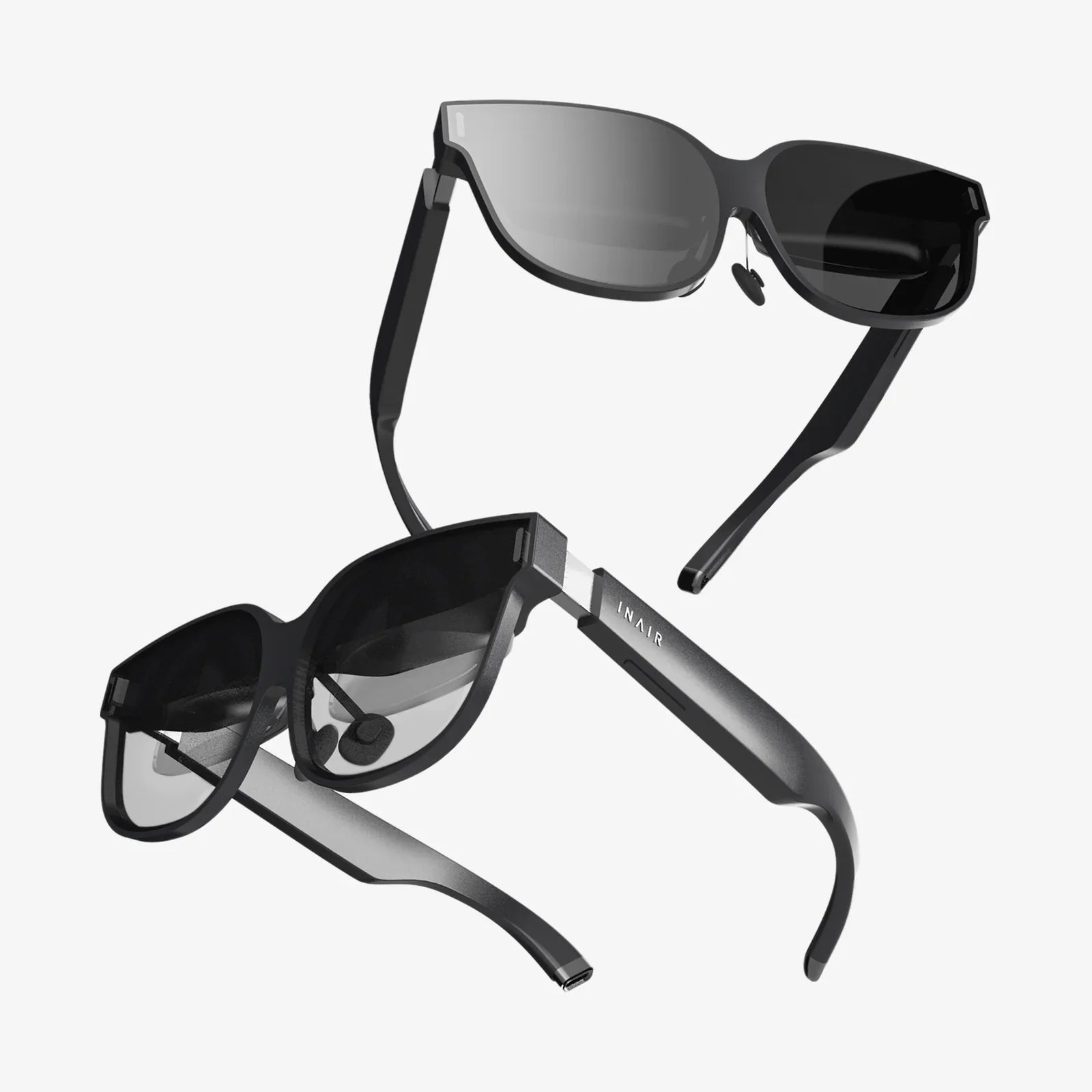
Imagine a world where digital information seamlessly blends with your physical reality, where data floats before your eyes and interactive elements enhance your everyday experiences—this is the promise of augmented reality glasses, and the possibility of building your own is more accessible than ever before. The journey from concept to functional prototype is complex, demanding a multidisciplinary approach that merges hardware engineering, software development, and user-centric design. While commercial products often represent years of research and development, a determined creator can assemble a compelling proof-of-concept that reveals the magic of AR. This guide will illuminate the path, breaking down the monumental task into manageable components and considerations, empowering you to embark on the ambitious project of creating your own augmented reality glasses.
Deconstructing the Vision: Core Components of AR Glasses
Before assembling tools or writing a single line of code, it is crucial to understand the fundamental building blocks that constitute a functional AR wearable. These systems work in concert to create the illusion of digital content existing within your real-world environment.
The Optical Heart: Waveguides and Combiners
At the core of any AR glasses design is the optical system. This is the mechanism that projects digital images into your eye, overlaying them onto your view of the real world. The challenge lies in doing this without blocking your natural vision with a large, opaque screen. Several technologies exist, but for a DIY project, certain approaches are more feasible.
Birdbath Optics: This is one of the most accessible entry points for creators. A birdbath system uses a beamsplitter—a semi-transparent mirror—angled at 45 degrees in front of the eye. A micro-display, typically an OLED or LCD screen, is mounted above the eye, projecting its image downward onto the beamsplitter. This mirror then reflects the image into the eye while allowing real-world light to pass through. While relatively simple to prototype, birdbath designs can be bulkier than other solutions.
Waveguides: This is the technology used in many high-end commercial devices. Waveguides are thin, transparent substrates (often glass or plastic) that use diffraction gratings or other nanostructures to "pipe" light from a projector on the temple of the glasses into the eye. Creating custom waveguides is extremely complex and requires precision nanotechnology manufacturing, making them prohibitively expensive for most DIYers. However, sourcing off-the-shelf waveguide modules from component suppliers can be a viable option for a more advanced project.
Curved Mirror Combiners: A simpler alternative involves using a curved, semi-transparent mirror placed directly in front of the eye. The display module is positioned to project onto this combiner. This method can offer a wide field of view but often struggles with image clarity and can be challenging to align perfectly.
The Digital Canvas: Displays and Projectors
The choice of display technology is intimately tied to the optical system. You need a micro-display that is incredibly bright, high-resolution, and small enough to be mounted on the frame of glasses.
Micro-OLED Displays: These are miniature, high-density screens that offer exceptional contrast, color accuracy, and fast response times. They are a popular choice for their visual quality and are available in small sizes suitable for near-eye applications.
LCoS (Liquid Crystal on Silicon): LCoS is a reflective technology that uses a liquid crystal layer on top of a silicon mirror. It can be very efficient and is known for achieving high resolutions in a small form factor. It often requires a dedicated light source.
Laser Beam Scanning (LBS): Instead of a pixel-based display, LBS systems use microscopic mirrors (MEMS) to raster-scan red, green, and blue laser beams directly onto the retina. This can create a always-in-focus image with high brightness and efficiency, but it introduces complexities in laser safety and control.
For a prototype, sourcing a micro-OLED display module designed for AR/VR applications is often the most straightforward path. These modules typically include the driver electronics, simplifying integration.
The Digital Brain: Processing Unit
Augmented reality is computationally intensive. The device must capture the world through sensors, understand it through complex algorithms, render graphics, and handle user input—all in real-time. There are two primary architectural approaches to processing.
Standalone (Integrated Processing): This architecture embeds a full computing system, including a System-on-Chip (SoC), memory, and storage, directly into the glasses themselves. This offers complete untethered freedom but presents significant challenges in managing power consumption, heat dissipation, and weight. Designing a compact, efficient, and cool-running motherboard is a formidable task.
Tethered (External Processing): A much more practical approach for a prototype is to house the primary computer externally. The glasses themselves contain the displays, sensors, and a simpler controller board. They connect via a cable (like USB-C or proprietary) to a powerful external device, such as a laptop, desktop computer, or even a smartphone. This setup offloads the heaviest computation, drastically reducing the size, weight, and power requirements of the headset itself. It is the recommended starting point for any DIY project.
The Perceptive Soul: Tracking and Sensors
For digital content to stay locked in place in the real world, the glasses must continuously understand their own position and the geometry of their surroundings. This is achieved through a suite of sensors.
- IMU (Inertial Measurement Unit): A combination of accelerometers, gyroscopes, and magnetometers, the IMU provides high-frequency data on the headset's rotational movement and acceleration. It's crucial for tracking quick, sharp movements but suffers from positional drift over time.
- Cameras: One or more monochrome or RGB cameras are used for computer vision. They enable SLAM (Simultaneous Localization and Mapping), the core algorithm that builds a map of the unknown environment while simultaneously tracking the device's position within it. Cameras can also be used for hand tracking, gesture recognition, and capturing the pass-through video for video-see-through AR.
- Depth Sensors: Time-of-Flight (ToF) sensors or structured light projectors actively measure the distance to objects in the environment, creating a 3D depth map. This greatly enhances the accuracy of the SLAM system and enables more realistic occlusion, where virtual objects can be hidden behind real-world ones.
- Eye-Tracking Cameras: By tracking the user's pupil position, these sensors enable advanced features like foveated rendering (where only the center of vision is rendered in full detail to save processing power) and more intuitive interaction.
For a basic prototype, starting with a robust IMU and a single camera is sufficient to begin experimenting with SLAM.
The Lifeline: Power and Connectivity
Power management is a critical hurdle. Even a tethered device needs power for its displays, sensors, and controller. This requires a carefully designed battery system, often using lithium-polymer cells, with dedicated charging and power regulation circuits. Efficient power design is essential for achieving acceptable battery life and ensuring safe operation. Connectivity options like Wi-Fi, Bluetooth, and a data cable for tethering must also be integrated and managed.
Assembling the Hardware: A Prototyping Roadmap
With an understanding of the components, the next phase is physical assembly. This is an iterative process of prototyping and testing.
Step 1: The Proof-of-Concept ("Breadboard") Stage
Do not attempt to build the final form factor immediately. Start by gathering your core components: a micro-display module, a lens/combiner kit, an IMU sensor (like a BNO085), a camera module, and a development board. Popular choices include Raspberry Pi, NVIDIA Jetson Nano, or an ESP32 for simpler tasks, but for serious AR processing, a board capable of running Linux with good GPU support is key.
Mount these components on a optical bench or even a modified virtual reality headset strap. The goal is to physically connect everything, ensure the display is visible through your optics, and that sensor data is being read by your software. This messy setup is where you validate your core technical assumptions.
Step 2: The Integration Stage
Once the core functionality is proven, focus on integration. Design a custom printed circuit board (PCB) that combines your microcontroller, sensor hubs, power regulation, and display drivers into a single, compact board. Services now make small-batch PCB fabrication and assembly accessible to hobbyists. Simultaneously, begin 3D modeling the enclosure and mechanical parts for the glasses frame. 3D printing, using technologies like SLA or SLS for higher detail, is perfect for creating custom mounts for your optics, displays, and PCB.
Step 3: The Form Factor Stage
This is the most difficult stage: miniaturization. The challenge is to take your working prototype and shrink it into something that resembles wearable glasses. This involves sourcing the smallest possible components, designing intricate PCBs that fit into the arms of the glasses, and managing the trade-offs between performance, battery life, size, and weight. Expect to go through many iterations of the frame design to achieve a comfortable and balanced fit.
Breathing Life into the Device: The Software Stack
Hardware is only half the battle. The software is what transforms the collection of components into an augmented reality experience.
Choosing a Development Platform
You have two main paths for developing AR software. You can use a existing game engine, which provides a full suite of tools for 3D rendering, physics, and—crucially—AR plugins. Alternatively, you can work with a dedicated AR foundation framework, which offers lower-level access but requires you to build more from scratch.
Game Engines:
- Unity with AR Foundation: This is highly recommended for beginners and experts alike. AR Foundation is a cross-platform framework that provides a unified API for accessing AR features like plane detection, raycasting, and image tracking. It abstracts the underlying AR software development kit (SDK), allowing you to write code that can theoretically target different devices.
- Unreal Engine: Offers stunning graphical fidelity and powerful tools. Its AR support is robust but can have a steeper learning curve than Unity for this specific application.
AR SDKs and Frameworks: For a truly custom implementation, you might interface directly with a SDK like Google's ARCore or a open-source computer vision library like OpenCV to build your own SLAM system from the ground up. This is a massive undertaking but offers ultimate control.
Implementing Core AR Functionality
Your software must perform several key tasks continuously in a loop:
- Sensor Fusion: Combine the high-frequency data from the IMU with the slower, more accurate positional data from the camera-based SLAM. This creates a smooth, stable, and precise track of the headset's movement.
- Environmental Understanding: Use the camera feed to detect horizontal and vertical planes (floors, walls, tables). This allows virtual objects to be placed on real surfaces.
- Rendering: For each frame, the engine must render the 3D scene from the precise perspective of each eye, accounting for the distortion profile of your lenses to ensure straight lines in the virtual world appear straight to the user.
- Interaction: Implement methods for the user to interact with the digital world. This could be through a handheld controller, voice commands, or, more challengingly, hand gestures tracked by the onboard cameras.
Navigating the Inevitable Challenges
The path to functional AR glasses is paved with technical obstacles. Awareness of these challenges is key to overcoming them.
- Latency: The total delay between moving your head and the image updating must be less than 20 milliseconds to avoid simulator sickness. Every step in the pipeline—sensor capture, data transmission, processing, rendering, and scanning to the display—must be ruthlessly optimized.
- Field of View (FoV): A common limitation of DIY and early commercial AR glasses is a narrow FoV, where the digital content is confined to a small "window" in your vision. Achieving a wide, immersive FoV requires advanced, and often expensive, optics.
- Calibration: The system must be precisely calibrated for each user. This includes interpupillary distance (IPD) adjustment for the optics and calibrating the eye position relative to the cameras for accurate hand-tracking.
- Thermal Management: High-performance processors and bright displays generate heat. Dissipating this heat in a tiny, wearable device without making it uncomfortable is a serious engineering puzzle.
The journey to create your own augmented reality glasses is a demanding yet profoundly rewarding endeavor that blends the boundaries of the physical and digital worlds. It requires a fusion of electrical engineering, optical physics, mechanical design, and sophisticated software development. While the challenges are significant, each obstacle overcome brings you closer to holding a portal to a blended reality in your hands. By starting with a tethered system, leveraging accessible game engines, and embracing an iterative prototyping process, you can transform this ambitious vision into a tangible, functioning device. This project is not just about building a piece of technology; it's about actively participating in the creation of the next fundamental shift in how humans perceive and interact with information, starting from the ground up in your own workshop.
Share:
Virtual Product Visualization with AR: The Future of Shopping is Here
Integrate AR Technology Directly: The Seamless Future of Digital Interaction