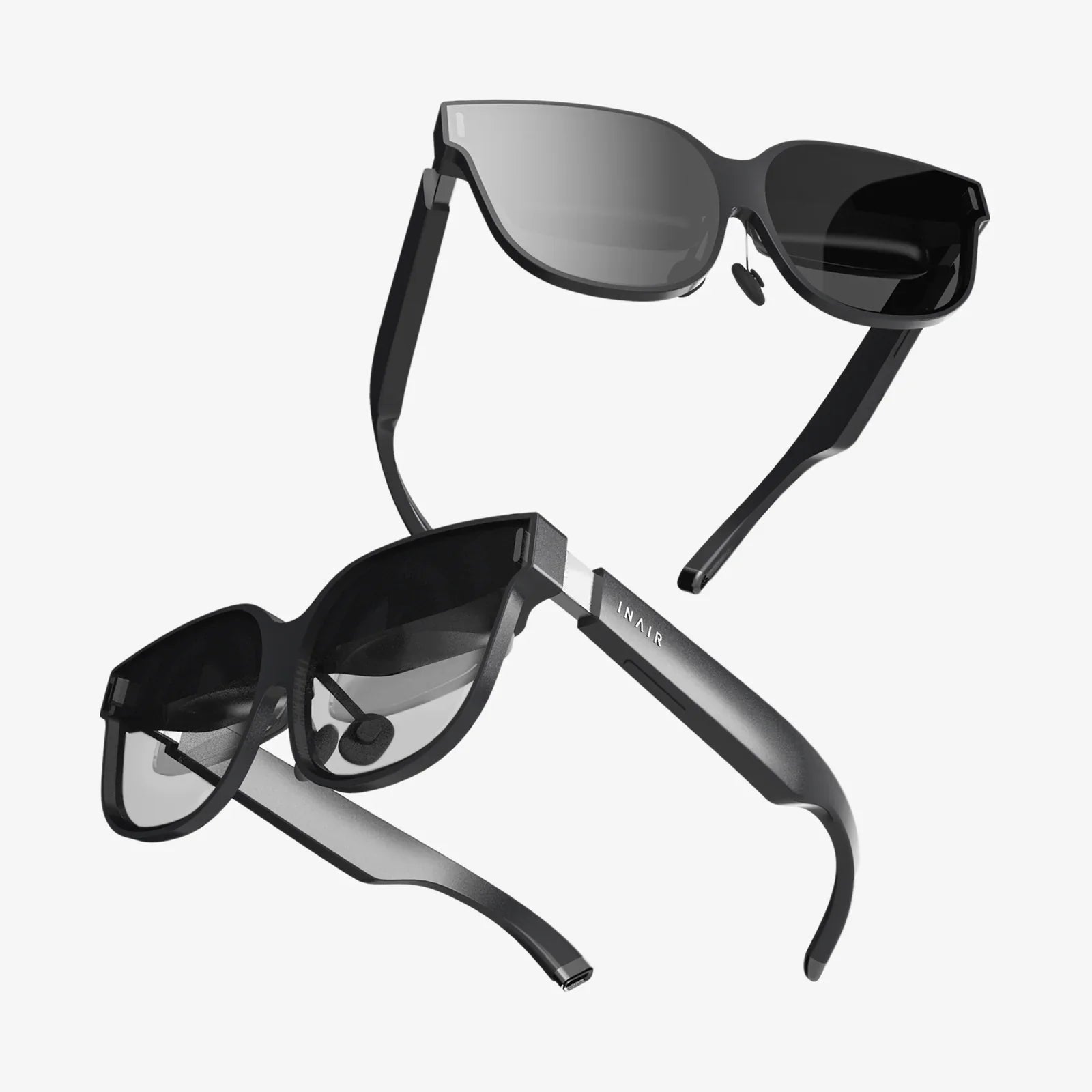
Imagine holding a portal to another dimension in the palm of your hand. With the powerful computer nestled inside your Android device and a few clever accessories, you can dive into breathtaking virtual worlds, experience heart-pounding adventures, and learn in ways you never thought possible. The gateway to virtual reality is no longer a distant, expensive future—it's here, and it's more accessible than ever. This ultimate guide will demystify the entire process, transforming your Android phone from a communication device into a window to limitless experiences.
The Foundation: Understanding Android VR
Before we dive into the 'how,' it's crucial to understand the 'what.' Virtual Reality on Android primarily falls into two categories: Standalone VR and Mobile VR. Standalone headsets are all-in-one units with their own built-in Android-based operating system, processors, and displays. They offer a high-quality, untethered experience but represent a separate hardware purchase.
This guide focuses on the second category: Mobile VR. This approach leverages the smartphone you already own as the brain and screen of the VR experience. You slot your Android device into a head-mounted display (HMD), which uses lenses to transform the phone's screen into a stereoscopic, immersive 3D environment. This method is incredibly cost-effective, making it the perfect entry point for VR curiousity.
Essential Hardware: What You'll Need
Embarking on your VR journey requires a few key pieces of hardware. Let's break them down.
1. The Android Smartphone
Not all Android phones are created equal for VR. The experience is demanding, requiring substantial processing power, a high-quality display, and specific sensors. For a smooth and enjoyable experience, look for the following specifications:
-
A Powerful Processor (SoC): A mid-to-high-range chipset is essential for rendering two high-resolution images (one for each eye) at a stable frame rate (ideally 60fps or higher to avoid motion sickness).
-
High-Resolution Display: A Quad HD (2560x1440) or higher resolution screen is highly recommended. Since the display is magnified by the headset's lenses, a lower resolution can result in a visible "screen door effect," where you see the gaps between pixels.
-
Robust Sensors: Accurate head-tracking is the cornerstone of VR. This requires a gyroscope, an accelerometer, and a magnetometer. Nearly all modern smartphones have these, but their quality varies.
-
Android Operating System: While many experiences work on older versions, Android 10 or newer is ideal for compatibility with the latest apps and services.
2. The Head-Mounted Display (HMD)
This is the housing unit that holds your phone and contains the lenses. There are two main types:
-
Cardboard & Basic Viewers: These are inexpensive, often made from cardboard or plastic, and provide a simple, passive holder for your phone. They rely solely on your phone's sensors for tracking and typically lack any additional input methods. They are a fantastic, low-cost way to try VR for the first time.
-
Advanced Mobile Headsets: These headsets, which were pioneered by early industry leaders, include additional features like a dedicated motion controller, improved ergonomics, better lenses, and often an external tracking sensor for more accurate input. While production of some models has ceased, they remain a popular and capable option on the secondary market.
3. Input Methods: Controllers and Beyond
Interacting with the virtual world is half the fun. Input can range from simple to complex:
-
Head Gaze & Screen Tap: The most basic method. You look at an object in the VR space and tap your phone's screen or a button on the headset to select it.
-
Bluetooth Gamepad: A standard Bluetooth gamepad can be paired with your phone for playing VR games that are better suited for traditional input, like platformers or driving simulators.
-
3-DoF Motion Controller: Many advanced mobile headsets came bundled with a dedicated 3-Degrees-of-Freedom (3-DoF) controller. This means it tracks rotation (pitch, yaw, roll) but not its position in space. It's a significant step up from gaze-based input.
-
Phone-as-Controller: Some innovative apps use your phone itself as a 3-DoF or even 6-DoF controller by leveraging its internal sensors, allowing you to point and interact with the virtual world by moving your hand.
The Software Ecosystem: Apps, Stores, and Platforms
Your hardware is nothing without software. The Google Play Store is your primary destination for VR content, but knowing where to look is key.
Key Applications to Install First
-
VR Services & Launchers: Depending on your headset, you may need to install a specific platform app that acts as a launcher and hub for your VR experiences. This software manages the crucial switch to VR mode on your phone.
-
YouTube VR: This is arguably the killer app for mobile VR. It provides access to a massive library of 360-degree videos and VR180 content, from music videos and travel documentaries to short films. Navigating the virtual interface feels natural and is a great demonstration of the technology's potential.
-
Google Cardboard (App): Even if you have a more advanced headset, the demo app originally designed for Cardboard is a great collection of simple experiences and showcases to introduce friends and family to VR.
Discovering Content: Games, Experiences, and Tools
Searching for "VR" on the Play Store will yield results, but it can be overwhelming. Look for sections dedicated to VR apps. Content generally falls into a few categories:
-
Games: From simple puzzle games and roller coaster simulators to more immersive adventures and shooters. The complexity varies widely based on your input method.
-
360° Videos & Experiences: Be a front-row spectator at a concert, stand on the surface of Mars, or swim with whales. These passive experiences are abundant and incredibly compelling.
-
Educational Apps: Explore the human body in 3D, walk through ancient historical sites, or learn about the solar system by holding it in your hands. VR is a powerful educational tool.
-
Productivity & Social: Apps that allow you to watch movies on a giant virtual screen, browse the web, or even meet and chat with others in virtual spaces.
Step-by-Step: Setting Up Your First VR Experience
Let's walk through the process from unboxing to immersion.
-
Prepare Your Phone: Ensure your phone's operating system is up to date. Free up storage space—VR apps and 360 videos can be large. Fully charge your phone; VR is a power-intensive activity. Consider enabling Do Not Disturb mode to prevent notifications from popping up and breaking your immersion.
-
Assemble Your Headset: Follow the instructions for your specific headset. If it's a Cardboard viewer, you may need to fold it into shape. For more advanced headsets, ensure any straps are adjusted for comfort and that the front tray where the phone sits is accessible.
-
Install a VR Platform App: If your headset requires a specific app (e.g., for a dedicated mobile HMD), download and install it from the Play Store. Open the app and follow any initial setup instructions, which may include pairing a controller.
-
Insert Your Phone: Launch your VR app or platform first. Once it's running and displaying a split-screen view, carefully place your phone into the headset's compartment. Ensure it is seated correctly and that the screen is centered behind the lenses.
-
Secure the Headset and Calibrate: Place the headset on your head and adjust the straps for a snug but comfortable fit. Use the interpupillary distance (IPD) adjustment slider, if your headset has one, to match the lens separation to the distance between your eyes. This will make the image clear and sharp. Look around! The world should track with your head movements.
-
Start Exploring: Use your chosen input method to navigate the menus and launch your first app or video. Welcome to virtual reality.
Optimizing Your Experience: Tips and Tricks
To go from a good experience to a great one, consider these pro tips.
Managing Performance and Battery Life
VR pushes your phone to its limits. To avoid stutter and lag, close all background applications before starting. If your experience feels choppy, check the app's settings for a lower quality or performance mode. For battery life, consider connecting a portable power bank to your phone and placing it in your pocket during longer sessions. VR can also make your phone quite warm; removing the case before inserting it into the headset can aid in heat dissipation.
Ensuring Comfort and Avoiding Sim Sickness
"Sim Sickness" (a form of motion sickness) is a common hurdle for new VR users. Your brain is confused by the disconnect between seeing movement and not feeling it. To mitigate this:
-
Start Slow: Begin with stationary experiences like 360 videos or simple games with minimal movement.
-
Take Frequent Breaks: Don't push through feelings of discomfort. Start with 10-15 minute sessions and gradually increase your time.
-
Use Comfort Settings: Many games offer "comfort modes" like reducing the field of view during movement or adding a virtual nose to the view to give your brain a fixed reference point.
-
Ensure a Stable Frame Rate: Performance hiccups are a major trigger. Stick to well-optimized apps and ensure your phone isn't overheating and throttling its performance.
-
Fan Yourself: A gentle breeze from a fan aimed at your body can surprisingly help ground you and reduce nausea.
The Future of Android VR
The landscape of mobile VR is shifting. While the dedicated mobile HMD market has cooled, the future is bright and evolving in two key directions. First, the line between mobile and standalone is blurring with the advent of more affordable, accessible standalone headsets that still run on a modified Android core. Second, the concepts of AR (Augmented Reality) and VR are merging into what is known as XR (Extended Reality). Modern Android phones are packed with powerful AR capabilities through ARCore, allowing digital objects to be placed and interacted with in your real-world environment. This technology is the foundation for more advanced passthrough AR experiences on future headsets, potentially creating a unified platform for mixed reality on mobile hardware.
Your Android device is a dormant universe of potential experiences, waiting for a simple headset to unlock its true depth. From the moment you strap it on and gaze into a new reality, you'll understand that the most powerful VR headset isn't necessarily the most expensive one—it might just be the one you already use every day. The adventure doesn't require a high-end PC or a complicated setup; it begins with a single download and a curious mind. So, what are you waiting for? Your next reality is ready to explore.