


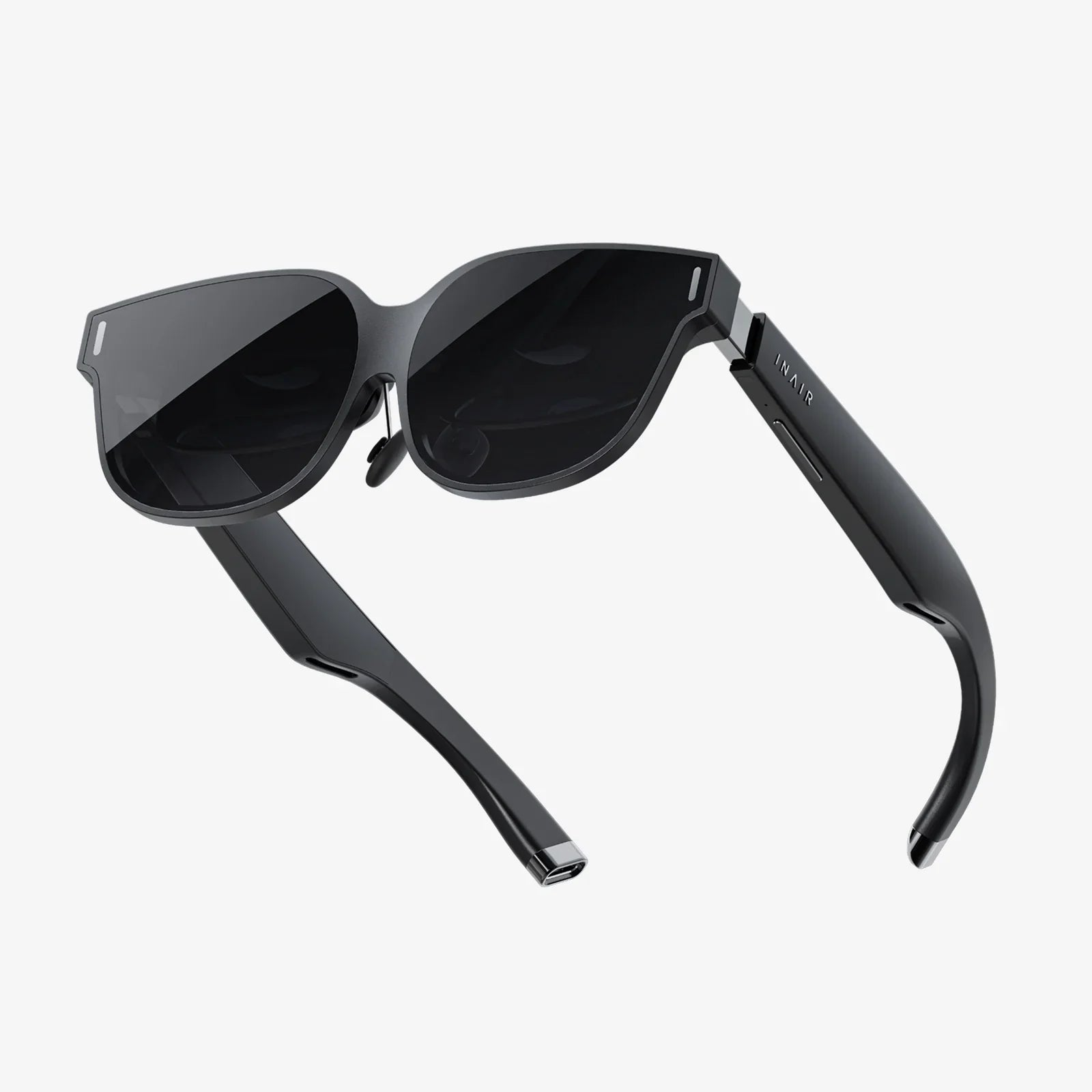
Imagine stepping into a breathtaking virtual world, exploring alien landscapes, or walking through historical sites—all without strapping a bulky headset to your face. The common misconception is that virtual reality is an exclusive club requiring expensive, specialized equipment. But what if you could dip your toes into the immersive waters of VR using nothing more than the devices already in your home? The truth is, the gateway to virtual experiences is more accessible than ever, and it doesn't always require a dedicated head-mounted display. This comprehensive guide will unveil the surprising array of methods that let you experience the wonder of VR right now, transforming your smartphone, computer, and even your living room into portals to other dimensions.
The Foundation: Understanding VR Without a Dedicated Headset
Before we dive into the 'how,' it's crucial to understand the 'what.' Virtual reality, at its core, is about creating a sense of presence within a computer-generated environment. While high-end headsets achieve this through precise head-tracking and stereoscopic 3D visuals displayed inches from your eyes, the fundamental principles can be approximated through other means. These alternative methods often trade some degree of immersion for unparalleled accessibility and convenience.
The technology leverages something you likely already possess: a powerful smartphone. Modern smartphones are equipped with high-resolution displays, sophisticated motion sensors (gyroscopes and accelerometers), and powerful processors—all the essential ingredients for a basic VR experience. The missing piece isn't the hardware but the method of delivery and interaction.
Method 1: Smartphone-Powered VR Experiences
Your smartphone is your ticket to the virtual world. The simplest way to start is by exploring content designed specifically for mobile VR. This doesn't require any headset at all; instead, it utilizes your phone's screen and motion sensors to create an interactive, 360-degree experience.
How It Works
You hold your phone and move it around your environment. The screen acts as a window into a virtual space. As you pan your phone left, right, up, or down, the perspective within the application changes accordingly, mimicking the act of turning your head in a virtual world. This technique is often called "magic window" mode.
Where to Find Content
Major video platforms host vast libraries of 360-degree videos. By searching for "360 video" or "VR180," you can find content ranging from scenic nature documentaries and thrilling roller coaster rides to music videos and short narrative films. Simply open the video on your phone's app, and as you move your device, you'll be able to look around the entire scene. It's a passive but profoundly engaging experience.
Furthermore, dedicated mobile applications offer more interactive adventures. These can include virtual tours of museums and landmarks, simple games where you look around to aim and interact, and educational experiences that let you explore the human body or the solar system. The key is to ensure the app description mentions "360," "VR," or "gyro" controls.
Method 2: Browser-Based Virtual Reality (WebXR)
Perhaps the most revolutionary development in accessible VR is the advent of WebXR. This open web standard allows you to experience virtual and augmented reality directly through a web browser on your computer, phone, or tablet—no app downloads or installations required.
Getting Started with WebXR
To access this world, you simply need a compatible browser. Most modern browsers now support WebXR. On a computer, you can use your mouse to click and drag to look around the virtual environment. On a smartphone, you again use the device itself as your viewport, moving it to change your perspective. It's incredibly seamless.
Exploring WebXR Content
A simple web search for "WebXR experiences" will lead you to galleries and showcases featuring hundreds of demos. You can:
- Step inside a virtual art gallery and examine sculptures from every angle.
- Explore a detailed 3D model of a complex machine.
- Play simple games where your gaze is the primary control mechanism.
- Visit recreated historical sites and walk through them virtually.
The beauty of WebXR is its instant accessibility. You click a link, grant the browser permission to use your motion sensors (on mobile), and you're instantly transported. It removes all barriers to entry and represents the true future of democratized virtual reality.
Method 3: Desktop and Console VR Simulations
For those seeking a more traditional gaming-oriented VR experience without the headset, several innovative software solutions on computers and consoles fill this niche. These experiences are designed to be played on a standard monitor or television but are built from the ground up to evoke the feel of VR.
The "VR-Like" Game Genre
Many games are designed with a first-person perspective and gameplay mechanics typically associated with VR, such as physics-based interaction, puzzle-solving through environmental manipulation, and a strong emphasis on immersion and atmosphere. Playing these games on a large screen with a good sound system and a controller can provide a surprisingly compelling substitute for a full VR setup. They capture the spirit and gameplay of VR, just from a fixed perspective.
Experiences Built for a Screen
Beyond games, there are numerous applications designed for virtual tourism, education, and storytelling that are best experienced on a large monitor or TV. These programs often allow you to navigate breathtaking 3D environments using a gamepad, keyboard, or mouse. You can fly over cities, swim through the ocean, or walk on Mars. While you're not controlling the view with your head, the sense of scale and exploration can be deeply impressive and is a fantastic way to appreciate the potential of virtual worlds.
Method 4: Cardboard and DIY Viewers (The Almost-Headset)
This method flirts with the definition of "without a headset" but is worth mentioning due to its ultra-low cost and accessibility. If you crave a more immersive, hands-free experience than holding your phone allows, simple viewers made from cardboard or plastic provide a middle ground.
What Are They?
These are simple holders for your smartphone, featuring lenses that transform the screen into a stereoscopic 3D display. They are not powered and contain no electronics; your phone does all the work. By placing your phone inside one of these viewers and holding it up to your face, you get a much more convincing VR experience that isolates you from your surroundings.
The DIY Spirit
The original concept was famously pioneered with a cardboard design, and you can still find templates online to make your own. However, inexpensive and more durable plastic versions are readily available online. While this technically uses a viewer, it's a far cry from investing in a costly, dedicated electronic headset and relies entirely on the smartphone you already own. It demonstrates that the core technology of VR is, quite literally, in the palm of your hand.
Weighing the Experience: Pros and Cons
Experiencing VR without a dedicated headset is a trade-off. It's essential to manage expectations.
The Advantages: Accessibility and Ease
- Cost-Effective: It leverages hardware you already own, requiring little to no additional investment.
- **Instant Access:** No complex setup process. You can be exploring a virtual world within seconds of discovering it.
- Convenience: There's no heavy hardware on your face, no wires to trip over, and no concerns about battery life for a headset.
- A Perfect Introduction: It's an excellent way to determine if you enjoy VR content before considering a larger investment in more advanced equipment.
The Limitations: The Immersion Gap
- Reduced Immersion: The single biggest drawback. Without a headset blocking your view of the real world and providing stereoscopic 3D vision (in the non-viewer methods), the sense of "being there" is less pronounced.
- Lack of Interactivity: Many of these methods are passive (like 360 videos) or have limited interaction (gaze-based controls). You won't get the hand-presence of controllers tracked in 3D space.
- Potential for Fatigue: Holding your phone up for extended periods can become tiresome.
Think of it as the difference between watching a documentary about a place and actually visiting it. Both are valuable and engaging, but they offer different levels of presence. These methods provide a fantastic tourist's view of VR.
The Future is Already Here
The landscape of accessible VR is constantly evolving. As WebXR becomes more powerful and developers continue to create innovative content for it, the line between headset-based and headset-free VR will continue to blur. The technologies that power your devices are only getting better, with improved sensors, higher-resolution screens, and faster processors making these experiences more convincing with each passing year.
The goal is no longer to replicate the high-end, tethered experience perfectly but to provide a legitimate and compelling path into virtual worlds that stands on its own merits. It's about democratizing access and proving that the magic of VR isn't confined to a specific piece of hardware.
So, the next time you find yourself curious about virtual reality but hesitant about the cost or complexity, remember the powerful device in your pocket or on your desk. A vast universe of immersive experiences is waiting just a click away, ready to challenge your perception of what's possible without a single strap or sensor bar. The portal to other worlds is open, and all you need to step through is the curiosity to try.
Share:
What Is AR In iPhone X: A Comprehensive Guide To The Augmented Revolution In Your Pocket
7K VR Headset: The New Frontier of Hyper-Realistic Immersion