


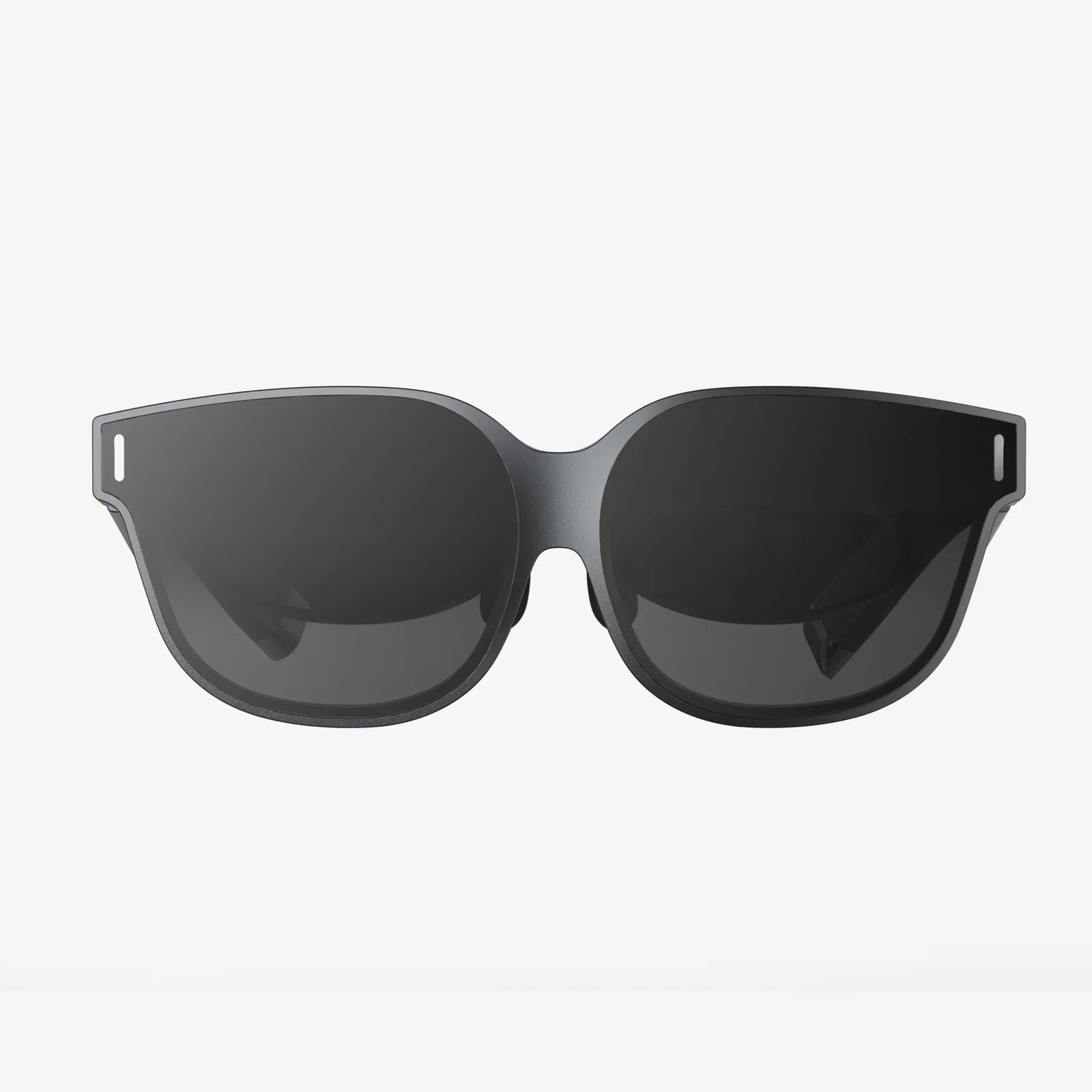
You strap on your headset, heart racing with anticipation for a new adventure, a breathtaking landscape, or an intense game. But instead of crisp, immersive clarity, you’re greeted by a frustrating, eye-straining blur. The magic fades instantly, replaced by squinting and a nagging headache. If this sounds familiar, you’re not alone. Achieving perfect focus is the single most critical step in unlocking the true potential of virtual reality, transforming it from a nauseating novelty into a seamless window to another world. Mastering this skill is the difference between merely seeing a virtual environment and truly feeling like you’re inside it. Let's dive into the art and science of optical perfection.
The Foundation of Focus: Understanding Your Eyes and Your Headset
Before twisting any knobs or sliding any sliders, it's essential to understand why things appear blurry in the first place. VR focus isn't just about one setting; it's a symphony of mechanical, optical, and software adjustments working in harmony with your unique physiology.
The primary culprit for blurriness is almost always a mismatch between the headset's optical system and the user's Interpupillary Distance (IPD). This is the measurement, in millimeters, of the space between the centers of your pupils. Think of it as the unique fingerprint for your eyes. VR headsets have lenses that project images from two screens (one for each eye). If the distance between these lenses doesn't match your IPD, the images won't align correctly with your pupils, causing blurriness, distortion, and even eye strain or nausea.
Other factors play a significant role:
- Lens Sweet Spot: The lenses in a headset have a central area of maximum clarity, known as the "sweet spot." If the headset is sitting incorrectly on your face—too high, too low, or at an angle—your eyes fall outside this zone, making the entire view soft.
- Individual Visual Acuity: Not everyone has 20/20 vision. If you are nearsighted, farsighted, or have astigmatism, the headset's fixed focal distance (usually around 6.5 to 10 feet) may not be correct for you, requiring additional correction.
- Headset Positioning: The simple act of how the headset straps sit on your head can pull the device away from your eyes or tilt it, instantly ruining the focus you worked so hard to achieve.
The Golden Adjustment: Mastering IPD
This is the most important step for the majority of users. There are generally three methods for IPD adjustment, each with its own process.
1. Physical IPD Adjustment (The Gold Standard)
Many higher-end headsets feature a physical dial or slider, usually located on the bottom or between the lenses. Adjusting this physically moves the lenses closer together or further apart.
- Find the IPD measurement tool within your headset's software settings. This often displays a green crosshair or a similar image.
- Slowly turn the dial or slide the mechanism with the headset on.
- Your goal is maximum clarity and minimal "ghosting" or doubling of the image. The text should appear razor-sharp, and the overall image should feel comfortable and "locked in."
- If no software tool exists, pull up a screen with small text and adjust until it is clearest.
2. Software IPD Adjustment
Some headsets forgo a physical mechanism and instead use a software-based solution. This doesn't move the lenses but digitally shifts the rendered images on the screens to simulate a change in lens separation.
- Navigate to the Settings menu on your headset's dashboard.
- Find the IPD or Display section.
- Use the on-screen slider to adjust while focusing on text clarity. The effect is similar to physical IPD but can sometimes feel less precise for extreme IPD values.
3. Fixed IPD
Some older or more affordable headsets have a fixed IPD, meaning the lens distance cannot be changed. If you fall significantly outside the headset's predefined range (e.g., an IPD of 58mm on a headset fixed at 64mm), you may never achieve perfect focus. In these cases, achieving the perfect "sweet spot" through positioning becomes even more critical.
How to Measure Your IPD
You can find your IPD in several ways:
- Optometrist Prescription: Your most recent eye exam paperwork almost certainly includes your IPD.
- Mobile Apps: Several reputable apps use your phone's camera and a standard credit card for scale to provide a surprisingly accurate measurement.
- The Mirror and Ruler Method: Stand about 8 inches from a mirror. Hold a ruler against your brow. Close your right eye and align the ruler's 0mm mark with the center of your left pupil. Then, close your left eye and open your right. The measurement over the center of your right pupil is your IPD. Do this several times for an average.
Beyond IPD: Fine-Tuning for Absolute Clarity
IPD is the big one, but it's not the end of the journey. Here’s how to refine your experience further.
Finding the Optical Sweet Spot
With your IPD set, it's time to play with the headset's position. The goal is to center your pupils perfectly in the middle of the lenses.
- Loosen the side straps so the headset can move freely on your face.
- Put the headset on and slide it up and down on your face. You will notice the clarity change dramatically. Find the position where the image is clearest from edge to edge.
- Next, tighten the top strap. This is the key to supporting the headset's weight. Adjust it so the front and back of the headset feel balanced, and the visuals remain clear.
- Finally, tighten the side straps just enough to hold this perfect position securely without uncomfortable pressure.
Addressing Prescription Lenses
If you wear glasses, you have three options, listed here from most to least recommended:
- Prescription Lens Inserts: These are custom magnetic lenses that clip directly onto the lenses inside your headset. They are the ultimate solution, offering perfect correction, protecting your headset's lenses from scratches, and allowing for a more comfortable fit without your frames pressed against your face.
- Contact Lenses: A simple and effective way to get corrected vision inside VR without any extra hardware.
- Wearing Glasses: If you must wear your glasses, ensure they are relatively small-framed. Use the headset's provided glasses spacer (a plastic insert that pushes the headset's lenses further from your face) to prevent your glasses from scratching the expensive VR lenses. Be extra careful when putting the headset on and taking it off.
Warning: Never wear your glasses inside a headset without a spacer if one is provided. The scratches they cause are permanent and will forever ruin your visual experience.
Software and Calibration Settings
Don't overlook the software side of your experience. Within your headset's settings or within specific applications, you may find:
- Brightness Settings: A screen that is too bright can cause blur perception and eye fatigue. Adjust it to a comfortable level.
- Render Resolution/Super Sampling: If your connected computer is powerful enough, increasing the render resolution beyond the headset's native display resolution can provide a noticeably sharper image by reducing the "screen door effect" and improving text clarity. This is done via the companion software on the computer.
Troubleshooting Persistent Blur and Eye Strain
Even after all adjustments, issues can persist. Here’s how to diagnose them.
- If the center is clear but the edges are blurry: This is normal to a small degree but should be minimal. It likely means you are still slightly outside the sweet spot. Try micro-adjustments to the headset's vertical position and the tilt angle of the visor.
- If everything is blurry: Double-check your IPD measurement and adjustment. Ensure you are using a glasses spacer if needed. Clean the lenses thoroughly with a microfiber cloth—a single fingerprint can ruin clarity.
- If you experience eye strain or headaches: You are likely straining to overcome an incorrect IPD setting. Re-calibrate your IPD, and ensure you take regular breaks. The 20-20-20 rule is excellent for VR: every 20 minutes, look at something 20 feet away for 20 seconds.
Advanced Tips and Maintenance
For those seeking perfection, a few extra steps can make all the difference.
- Lens Care: Always use a dry, clean microfiber cloth to clean your lenses. Never use harsh chemicals, window cleaner, or rough paper towels, as they will destroy the delicate anti-reflective coatings.
- Facial Interface: The foam or silicone padding that touches your face can wear down over time, changing how the headset sits. Many companies offer different sizes of facial interfaces (e.g., "wide," "narrow," "thin") that can dramatically improve comfort and positioning for different face shapes.
- Environment: Ensure your play area is well-lit for the headset's tracking cameras to work best, but avoid shining bright lights directly into the lenses when the headset is off, as this can damage the screens.
The journey to perfect VR focus is deeply personal. It requires patience and a methodical approach, tuning the hardware to the unique specifications of your own body. It’s not a one-time setup but a skill you hone. Once mastered, the process becomes second nature, a quick ritual that guarantees every single virtual journey begins with absolute, stunning clarity. The blur fades away forever, leaving only the boundless, sharp, and incredible worlds waiting for you to explore. That moment of perfect immersion, where the real world completely dissolves, is now just a few simple adjustments away.
Share:
Augmented Reality Hashtags: The New Frontier in Social Discovery and Digital Interaction
Which VR Headset Should I Buy? The Ultimate 2024 Buyer's Guide