


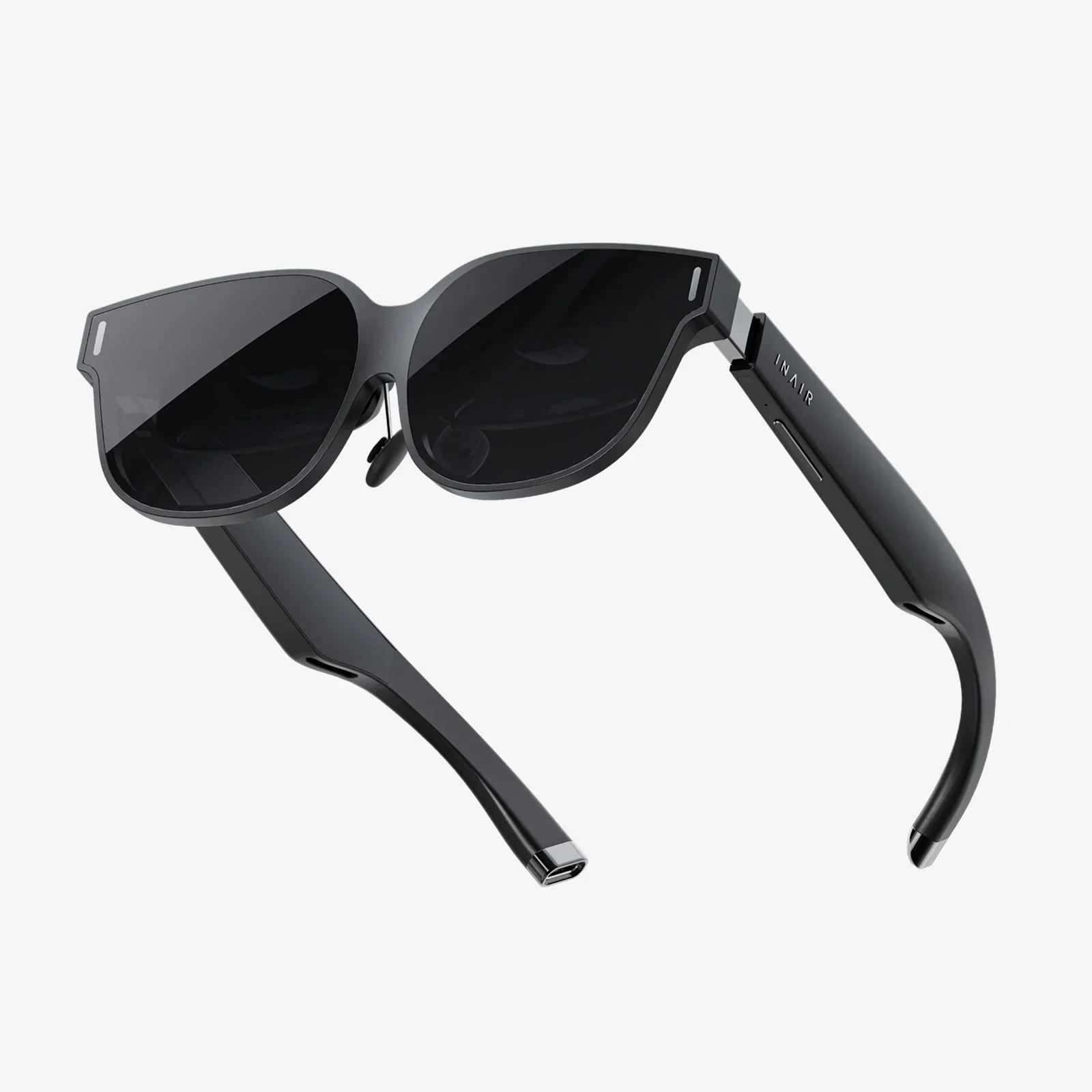
Imagine capturing a moment so vividly that viewers feel they can step right into the scene, experiencing the depth, the scale, and the emotion as if they were truly there. This is the magic of 3D video, a realm once reserved for Hollywood studios with million-dollar rigs. But now, that power is in your pocket. Your Android device, a technological marvel you carry every day, is a capable portal into the world of stereoscopic filmmaking. The process might seem like a complex puzzle, but this guide is here to provide all the pieces. We will dismantle the mystery and provide a clear, step-by-step roadmap for transforming your creative vision into stunning, immersive 3D videos that will captivate any audience.
Demystifying the Magic: How 3D Video Actually Works
Before you press record, it's crucial to understand the simple yet brilliant principle that makes 3D possible: stereoscopy. Human vision is binocular, meaning we see the world through two eyes, each positioned slightly apart. This separation provides two slightly different perspectives of the same scene. Our brain seamlessly merges these two images into one, interpreting the differences to calculate depth and distance.
3D video replicates this exact phenomenon. It presents a unique image to each eye, tricking the brain into perceiving a three-dimensional world on a two-dimensional screen. There are two primary methods to achieve this on an Android device, each with its own advantages and creative considerations.
The Two-Eyed Approach: The Stereoscopic Method
This is the classic and most authentic way to capture 3D. It involves using two lenses, separated by a distance similar to that between human eyes (known as the interocular distance), to record two simultaneous videos—one for the left eye and one for the right.
How it works on Android: While a single-lens phone camera can't do this natively, you can simulate a two-camera rig. The most effective way is to use a dedicated stereoscopic camera rig that holds two identical Android phones side-by-side, precisely aligned and triggered to record at the exact same time. Alternatively, you can record a scene, move the phone a few inches to the right (maintaining the exact same height and angle), and record again. This "cha-cha" method works best for completely static scenes but is less ideal for anything involving movement.
The resulting footage consists of two separate video files that must be meticulously synchronized and combined in post-production—a process we will cover in detail later.
The AI Illusionist: Depth Map and 2D-to-3D Conversion
This modern, software-driven technique is often more accessible for the solo creator. Instead of using two cameras, this method relies on a single camera and sophisticated algorithms.
How it works: You shoot a standard 2D video with your Android phone. Specialized software then analyzes each frame of this video to generate a "depth map." A depth map is a grayscale image where the brightness of each pixel represents its perceived distance from the camera; lighter areas are closer, and darker areas are farther away. The software uses this depth information to create a second, slightly offset view, effectively generating the "second eye's" perspective artificially.
The final output is a video file that already contains the encoded 3D information, ready to be viewed on compatible devices. The quality of the effect hinges entirely on the accuracy of the AI's depth detection.
Gearing Up: What You'll Need to Get Started
You don't need a truckload of equipment, but a few key items will dramatically improve your results.
1. Your Android Device
Any moderately modern Android phone or tablet with a good camera will work. However, for the best experience, prioritize a device with:
- High Resolution: 4K recording is ideal as the 3D process can sometimes reduce perceived sharpness.
- Manual Controls: The ability to lock focus, exposure, and white balance (often found in a "Pro" or "Manual" mode) is invaluable for maintaining consistency between shots, especially if using a two-camera rig.
- Stable Performance: Good processing power ensures smooth recording and handles resource-intensive editing apps.
- Ample Storage: Video files are large, and 3D projects often involve working with multiple files simultaneously. Ensure you have plenty of free space.
2. Essential Software
Your software choices will depend on your chosen method.
For Stereoscopic Recording: You'll need a camera app that can trigger multiple devices simultaneously. Some apps are designed specifically for this purpose, allowing you to use an old phone as a second camera controlled by your primary device.
For Editing and Conversion: This is non-negotiable. You will need a powerful video editing application. While some mobile options exist, for serious work, transferring your files to a desktop computer and using a full-featured professional or prosumer video editor is highly recommended. These programs offer the precision needed for aligning stereoscopic footage. For the AI conversion method, you will need dedicated conversion software, which can be found for both mobile and desktop platforms.
3. Optional (But Highly Recommended) Hardware
- Tripod and Mount: Stability is paramount in 3D videography. Any camera shake is doubled and can cause viewer discomfort. A sturdy tripod is your best friend. If using a two-phone rig, you will need a custom bar to mount them both to the tripod.
- Stereo Rig: For the dedicated enthusiast, a hardware rig that holds two phones in perfect alignment eliminates guesswork and ensures consistency.
- External Microphone: Good audio is just as important in 3D as it is in 2D. An external mic drastically improves sound quality.
The Filmmaker's Process: A Step-by-Step Workflow
Step 1: Pre-Production and Planning
Never just point and shoot. Planning is everything.
- Storyboarding: Sketch your shots. Think about how you can use depth to tell your story. What will be in the foreground? What will be in the background?
- Choosing Your Method: Decide whether the stereoscopic or conversion method best suits your project, skills, and equipment.
- Scout Your Location: Look for scenes with obvious depth and distinct layers—a long corridor, a forest path, or a city street with interesting foreground elements like signs or lampposts.
Step 2: The Shoot - Capturing Your Footage
This is where you execute your plan.
If Using a Stereoscopic Rig:
- Alignment is Key: Ensure both cameras are level with each other and pointing perfectly parallel. Any tilt or misalignment will cause vertical parallax, the number one cause of eye strain.
- Sync Everything: Use a clapperboard or a simple hand clap at the start of each take to create both an audio and visual cue for syncing your clips later.
- Mind the Interocular Distance: For subjects at a normal distance, a separation similar to human eyes (~2.5 inches or ~63mm) works well. For vast landscapes, you can increase this distance to exaggerate the depth. For extreme close-ups, you may need to reduce it.
- Movement: Move the camera slowly and smoothly. Panning and tilting can be very effective but must be done with care.
If Shooting for 2D-to-3D Conversion:
- Maximize Depth Cues: Compose your shots with clear foreground, midground, and background elements. This gives the AI clear data to work with.
- Stay Steady: Use a tripod. A stable shot is easier for software to analyze.
- Lighting: Ensure your scene is well-lit. Avoid murky, flat lighting. Contrast and shadows help the software understand the contours of objects.
Step 3: Post-Production - Where the Magic Happens
This is the most technical phase.
For Stereoscopic Footage:
- Import and Sync: Import both video tracks into your editor. Use the clap or marker from your shoot to synchronize them frame-perfectly.
- Align: Use your editing software's transform tools (position, scale, rotate) to align the two videos. The goal is to eliminate any vertical differences and ensure the horizontal alignment feels natural.
- Combine: You now need to package these two streams into a recognized 3D format. The most common method is a side-by-side format, where you scale both videos down by 50% and place them next to each other in a single 1920x1080 frame (left eye on left, right eye on right). This single video file can then be played back on most 3D TVs and headsets.
- Color Grade: Adjust the color and exposure of both streams to match perfectly.
For 2D-to-3D Conversion:
- Import: Bring your standard 2D video into your chosen conversion software.
- Let the AI Work: Run the conversion process. This can take some time depending on the length of the clip and the power of your device.
- Fine-Tune: Many apps offer manual controls to adjust the depth effect's strength ("convergence" or "pop-out"). Use these sliders to tweak the effect until it looks convincing and comfortable.
- Export: Export the video in your desired 3D format (like side-by-side).
Step 4: Sharing Your Masterpiece
Your stunning 3D video is ready, but how can people see it?
- Video Platforms: Platforms like YouTube support 3D uploads. You must upload in a compatible format like side-by-side and then tag the video as 3D in the advanced settings during upload. Viewers can then watch it in 3D on compatible devices, TVs, or using a VR headset.
- Social Media: Native support for 3D is limited on most social platforms. The most reliable way to share is to create anaglyph versions (the classic red/cyan glasses) for teasers, directing viewers to a platform like YouTube for the full experience.
- VR Headsets: This is arguably the best way to view 3D videos. You can load your side-by-side video file directly into a headset's media player for a truly immersive, large-screen experience.
Mastering the Craft: Pro Tips for Stunning Results
- Control Your Depth: The point where the left and right eye images converge is where the screen appears to be. Objects in front of this plane will appear to pop out of the screen, while objects behind will recede into it. Use this creatively but avoid extreme pop-out effects that can cause discomfort.
- Mind the edges: Objects that are only visible in one eye's view (because they are at the very edge of the frame) can cause confusion. Keep important action within a "safe" area in the center of the frame.
- Start Simple: Your first projects should be static shots of interesting landscapes or objects. Avoid complex camera moves and fast action until you're comfortable with the basics.
- Watch Your Work: Regularly preview your work on the intended display device (3D TV, VR headset) throughout the editing process. What looks okay on a 2D monitor might have issues only visible in 3D.
The journey from a flat screen to a window into another world is an incredibly rewarding creative pursuit. It challenges you to see not just what's in front of your lens, but to perceive the space between objects, the layers of a scene, and the depth of a moment. Your Android device is the key, and this guide has provided the map. Now, the only thing left to do is to start creating. Grab your phone, find a scene with depth, and take your first step into a larger, more immersive world of storytelling. The third dimension is waiting for you.
Share:
How to Adjust Windows Screen: The Ultimate Guide to Clarity and Comfort
Interactive Smart Board Price in India - A Comprehensive Buyer's Guide for 2024