


Imagine a world where digital information seamlessly blends with your physical surroundings, where instructions float over a complex machine you're repairing, or where a historical figure steps out of a painting to tell their story. This is the promise of Augmented Reality (AR), and the gateway to this world is the AR display. The ability to craft your own AR experience is no longer confined to major tech corporations; with the right knowledge and tools, it's an accessible and profoundly creative endeavor. This guide will walk you through the entire process, from the fundamental principles to the code that brings digital magic into our reality.
Deconstructing the Magic: What is an AR Display?
At its core, an AR display is a system that superimposes computer-generated sensory input—be it visuals, audio, or haptic feedback—onto a user's view of the real world. Unlike Virtual Reality (VR), which creates a completely artificial environment, AR enhances the real world by adding a layer of digital information. The 'display' itself can be a screen on a mobile device, specialized glasses, or even futuristic concepts like retinal projection.
The Essential Toolkit: Technologies and Platforms
Before writing a single line of code, it's crucial to understand the technological landscape. Your choice of tools will define the capabilities and reach of your AR display.
Hardware: The Window to Your AR World
The hardware is the physical medium through which the AR experience is delivered. There are three primary categories:
- Mobile Devices (Smartphones and Tablets): The most accessible entry point. They contain all the necessary components: a high-resolution screen, a camera for capturing the real world, sensors (accelerometer, gyroscope, magnetometer) for tracking movement and orientation, and powerful processors. Developing for mobile allows you to reach the largest audience instantly.
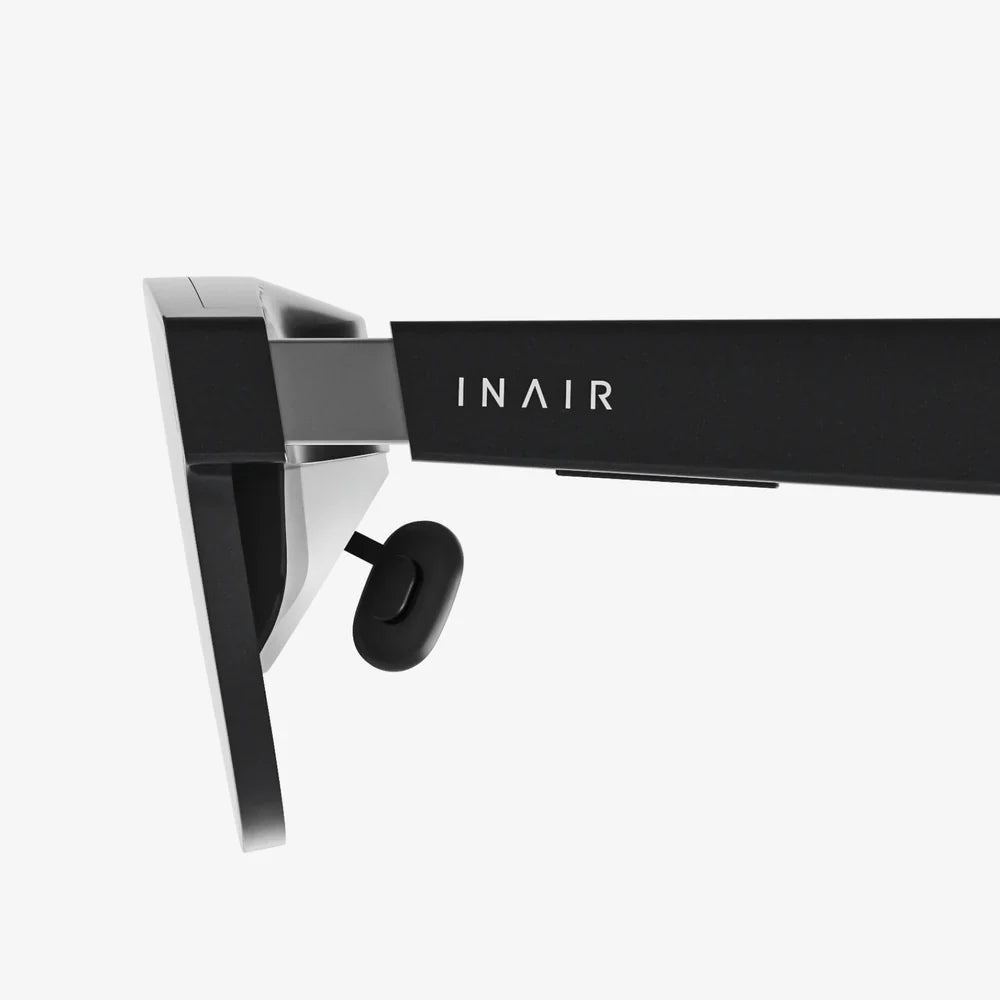
- Smart Glasses and Headsets: These wearable devices offer a hands-free, immersive experience. They range from simpler models that primarily use audio and simple visual cues to sophisticated optical see-through displays that overlay high-fidelity graphics directly onto the user's field of view. Development for these platforms is often more complex and hardware-specific.
- Specialized and Emerging Hardware: This includes heads-up displays (HUDs) in vehicles or aircraft and experimental technologies like spatial projectors that can turn any surface into a display.
Software and SDKs: The Brain of the Operation
This is where you will spend most of your development time. Several powerful Software Development Kits (SDKs) provide the foundational software for building AR applications. These SDKs handle the incredibly complex tasks of:
- Motion Tracking: Understanding the device's position and orientation in space.
- Environmental Understanding: Detecting horizontal and vertical surfaces (like floors and walls) and estimating lighting conditions.
- Raycasting: Shooting an invisible ray from the screen into the real world to determine where a user is tapping to place an object.
The Development Lifecycle: A Step-by-Step Guide
Creating a functional and engaging AR display is a multi-stage process that blends creativity with technical precision.
Step 1: Ideation and Defining the Experience
Every successful project starts with a clear goal. Ask yourself: What problem does my AR display solve? What story does it tell? Is it a game that transforms a tabletop into a battlefield? Is it a furniture app that lets users visualize a new sofa in their living room? Is it an educational tool that animates human anatomy? Defining a clear use case will guide every subsequent decision, from platform choice to user interface design.
Step 2: Choosing Your Development Platform
Based on your target hardware and experience goal, select an SDK. For beginners and those targeting mobile devices, platforms like ARCore for Android and ARKit for iOS are industry standards. They offer robust features and extensive documentation. For cross-platform development or more experimental projects, engines like Unity or Unreal Engine, which have integrated AR development modules, are incredibly powerful. They allow you to build once and deploy to multiple device types.
Step 3: Setting Up Your Development Environment
This involves installing your chosen game engine (e.g., Unity Hub) and the necessary SDK packages. You will also need to set up the software for your target device (e.g., Android Studio for Android devices or Xcode for Apple devices). Ensure your development machine meets the system requirements for these often resource-intensive applications.
Step 4: Environmental Setup and Tracking
This is the first technical hurdle. Your application must learn to see and understand the world. Using your SDK, you will write code to:
- Request camera permissions.
- Start a session that manages the AR system's state.
- Enable plane detection to find flat surfaces like floors and tables.
- Implement light estimation to match the lighting of your virtual objects to the real environment, a critical factor for immersion.
Step 5: Creating and Importing 3D Assets
The digital content you overlay is the heart of the experience. You can create 3D models in software like Blender, Maya, or Cinema 4D, or source them from online marketplaces. These models must be exported in a compatible format (such as .fbx or .obj) and imported into your game engine. Here, you can apply materials, textures, and shaders to give them a realistic or stylized appearance.
Step 6: Anchoring Objects in the Real World
This is where the magic truly happens. You cannot simply place a 3D model at an X, Y, Z coordinate in the game engine. You must anchor it to a point in the real world. This is typically done through raycasting. When a user taps the screen, the application casts a ray from that point into the virtual camera's view. If that ray hits a detected plane (e.g., the floor), the SDK returns a "pose" (position and rotation) in the real world. You then instantiate your 3D asset at that pose, effectively tethering it to a physical location.
Step 7: Implementing Interactivity
A static object is rarely engaging. You need to give users control. This can range from simple interactions like tapping an object to display information, to complex gestures like using two fingers to rotate and scale the object. This involves writing scripts that listen for user input (touch, click, etc.) and manipulate the anchored objects accordingly—changing their state, triggering animations, or playing sounds.
Step 8: Testing, Testing, and More Testing
AR experiences are highly dependent on the physical environment. You must test your application extensively on the target device(s) in various lighting conditions and on different types of surfaces. Performance optimization is key; a laggy or jittery AR display quickly breaks immersion and can cause user discomfort.
Step 9: Building and Deployment
Once your application is polished and tested, you use your game engine to build a executable package—an APK file for Android or an IPA file for iOS. For public distribution, you would then submit this package to the respective app stores (Google Play Store or Apple App Store) for review and publication.
Advanced Techniques for a Polished Experience
Moving beyond the basics can elevate your AR display from a neat tech demo to a professional-grade application.
- Occlusion: This technique allows real-world objects to pass in front of your virtual objects. For example, a virtual character should hide behind a real chair, not float in front of it. This requires more advanced depth-sensing capabilities, often provided by a dedicated depth sensor or LiDAR scanner on modern devices.
- Multiplayer and Shared Experiences: Enabling multiple users to see and interact with the same virtual objects in the same physical space. This involves complex networking and shared spatial anchors to ensure everyone's device agrees on the virtual world's layout.
- Persistent AR: Saving the state and location of your AR scene so that a user can leave and return to find everything exactly as they left it. This often involves mapping and saving a point cloud of the environment.
The Future of AR Displays and Your Role in It
The trajectory of AR is pointing towards lighter, more powerful glasses with ever-expanding fields of view and more intuitive interaction paradigms like gesture and eye-tracking. The line between the digital and physical will continue to blur. By understanding the fundamentals of how to make an AR display, you are not just learning a current skill but positioning yourself at the forefront of the next major computing platform. The tools are here, the knowledge is available, and the only limit is your imagination. What world will you build on top of ours?
The journey from concept to a functioning AR display is a challenging yet immensely rewarding fusion of art and engineering. You are not merely coding an app; you are architecting a new layer of reality, crafting experiences that have the power to educate, entertain, and assist in ways we are only beginning to explore. The digital realm is waiting to break free from the glass screen—your creativity is the key that will unlock it and bring it into the world around us.
Share:
Intelligent Device Development: The Invisible Revolution Reshaping Our Daily Lives
Buy Best Smart Wearables: The Ultimate Guide to Choosing Your Perfect Device