


- by wangfred
How to Make Any Phone AR Compatible: The Ultimate Guide to Unlocking Augmented Reality
- by wangfred
Imagine pointing your phone at your living room and watching a virtual dinosaur stomp across your coffee table, or seeing how a new piece of furniture would look in your space before you even buy it. This is the magic of Augmented Reality (AR), a technology that seamlessly blends digital content with our physical world. You might think this futuristic experience is reserved for only the latest, most expensive flagship phones, but that’s a common misconception. The truth is, the gateway to these incredible experiences might already be in your pocket. Unlocking AR on your device is less about having the newest hardware and more about understanding the tools and techniques that can bridge the gap between your current phone and the vast universe of augmented reality.
Before we dive into the "how," it's crucial to understand the "what." Augmented Reality is not a single app or feature; it's a suite of technologies that use your phone's camera, sensors, and processing power to overlay digital information—images, 3D models, data, and animations—onto your real-world view. Unlike Virtual Reality (VR), which creates a completely immersive digital environment, AR enhances your existing environment.
The core components that power AR on a mobile device are:
For a phone to be considered "AR-ready" out of the box, it typically needs to be certified to run either ARCore (Google's platform for Android) or ARKit (Apple's platform for iOS). These platforms require a specific combination of hardware and software calibration to function properly. They perform a process called "simultaneous localization and mapping" (SLAM), which allows your phone to create a 3D map of your space on the fly.
Officially supported devices are listed on the developers' websites. However, the lack of official support does not mean your phone is incapable of any form of AR. It simply means it may not run the most advanced, surface-aware experiences perfectly. Many fantastic AR applications operate perfectly well without these advanced features.
Let's break down the absolute minimum and recommended specifications for a decent AR experience.
For Android Phones:
For iPhones:
The most common limiting factor on older Android devices is not the camera, but the absence of a well-calibrated gyroscope. This sensor is essential for stable tracking.
The first and simplest step is to ensure your phone's operating system is up to date. Software updates often include crucial driver improvements for sensors and better optimization for emerging technologies like AR. Go to your Settings > Software Update and install any available updates.
This is the most important step for Android users whose phones are not officially supported. ARCore functionality is delivered through an app called "Google Play Services for AR." Normally, this app is pre-installed and updated automatically on supported phones. However, you can often manually install it from the Google Play Store.
If the app works after installation, your phone has just gained a significant level of AR compatibility! Many phones with capable hardware that lack official certification will run ARCore experiences after this manual install. If the app is incompatible and won't install, or crashes upon opening, don't worry—move on to the next steps.
For determined users with older phones, sideloading a compatible version of the ARCore APK (the app installation file) can sometimes work. Websites like APKMirror host historical versions of apps. The key is to find an older version of "Google Play Services for AR" that might be less demanding and compatible with your phone's hardware. This process is not guaranteed and carries a small risk, so only download from reputable sources.
If your phone struggles with advanced, surface-based AR, you are not locked out of the AR ecosystem. A vast world of "marker-based" or "location-based" AR apps awaits you. These apps are far less demanding because they don't need to understand your environment from scratch.
AR is resource-intensive. To give it the best chance of running smoothly, optimize your phone:
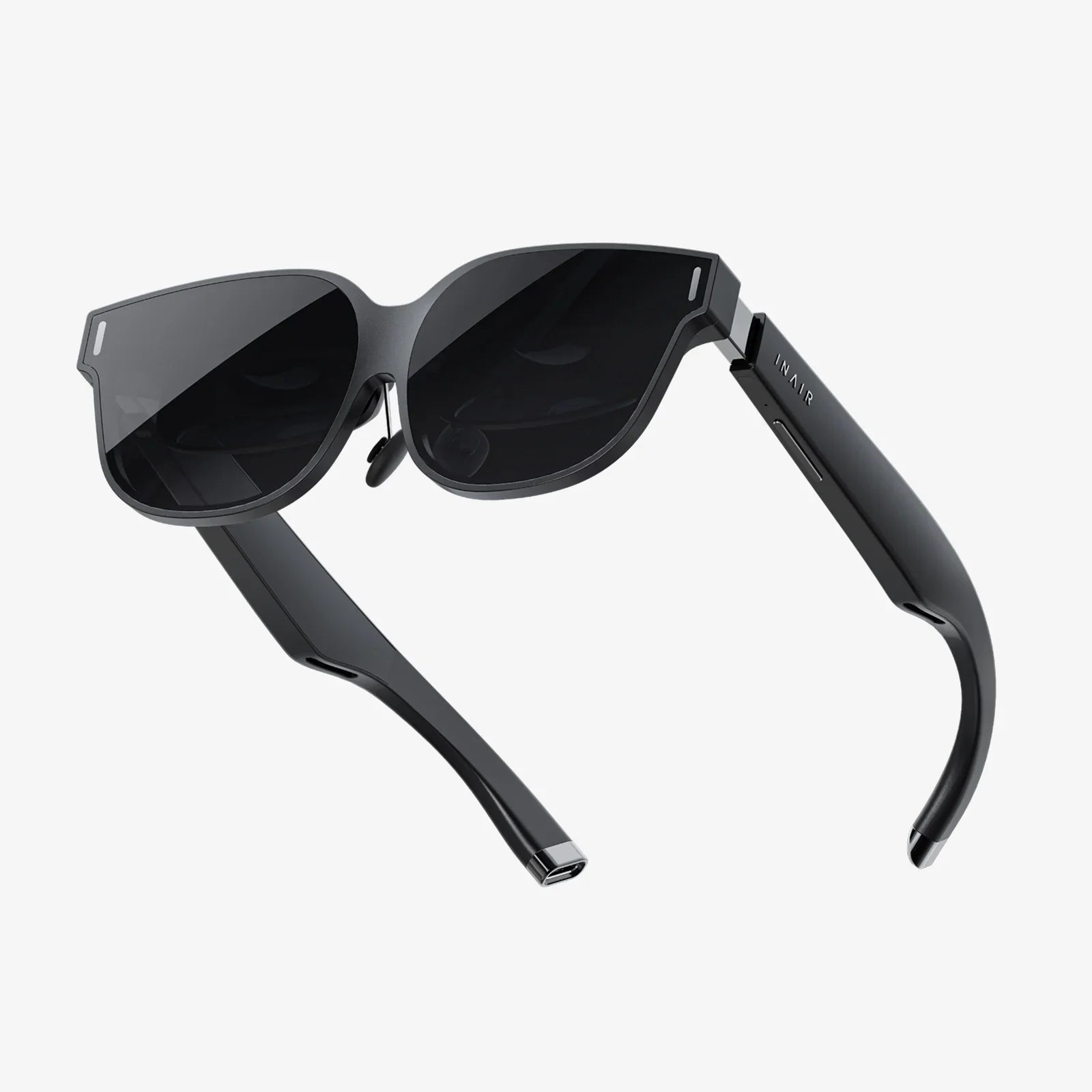
For truly ancient devices or those missing critical hardware like a gyroscope, internal options may be limited. However, the world of external accessories offers a fascinating, if niche, solution. There exist wearable AR viewers—essentially headsets that you slot your phone into. Some higher-end models include their own external sensors and processors, which can offload the tracking work from your phone, effectively upgrading its AR capabilities. While not a mainstream solution for most, it proves that where there's a will, there's a way.
The barrier to entry for AR is lowering every day. Software is becoming more efficient, and machine learning algorithms are getting better at compensating for weaker hardware. Cloud-based AR, where the heavy processing is done on remote servers instead of your phone, is also on the horizon. This technology could one day stream complex AR experiences to virtually any device with a good internet connection and a camera, making the concept of "AR compatibility" obsolete.
The dream of universal AR access is getting closer to reality. By understanding the technology, creatively using available software, and choosing the right applications, you can shatter the myth that your phone isn't good enough. The digital world is waiting to overlay your reality—all it takes is a few savvy tweaks to unlock the potential you already hold in your hand. Your journey into an augmented world starts now, and the only limit is your curiosity.
Share:
AR Center Meetings: The Future of Collaboration is Here
What Smart Devices Do I Need? A Guide to Building Your Connected Home