


- by wangfred
How to Make AR Technology: A Comprehensive Guide to Building Immersive Experiences
- by wangfred
Imagine a world where digital information seamlessly blends with your physical surroundings, where instructional manuals spring to life from a flat page, historical figures reenact battles on empty fields, and the very way we learn, work, and play is transformed. This is the promise of Augmented Reality (AR), a technology that once seemed like science fiction but is now accessible to creators and developers worldwide. The journey of how to make AR technology is no longer reserved for tech giants with limitless budgets; it's a path open to anyone with curiosity, a good idea, and the willingness to learn. This guide will serve as your comprehensive roadmap, breaking down the complex process into manageable steps, from understanding the fundamental principles to deploying your own interactive, world-altering experiences. Prepare to unlock the potential of the world as your canvas.
Before writing a single line of code, it's crucial to understand what makes AR work. At its heart, AR is about superimposing computer-generated sensory input—be it sound, video, graphics, or GPS data—onto a user's view of the real world. This magic rests on three core technological pillars.
For a digital object to exist convincingly in your space, the AR system must first understand that space. This is achieved through a process called Simultaneous Localization and Mapping (SLAM). SLAM algorithms use data from cameras and sensors to simultaneously map an unknown environment and track the device's position within it. This creates a digital twin of the physical world, allowing the system to place and anchor virtual objects accurately. Key components include:
Once the environment is understood, the system must render the digital content. This involves creating realistic 3D models, textures, and animations that can be composited into the live camera feed in real-time. The goal is to make the virtual object obey the laws of physics in the real world, including proper lighting, shadows, occlusion (where real objects pass in front of virtual ones), and perspective. High-performance graphics engines are essential for this computationally intensive task.
The final pillar is user interaction. A compelling AR experience allows the user to engage with the digital content naturally. This can be achieved through:
Creating an AR application follows a structured process, blending creative design with technical implementation.
Every successful project starts with a strong idea. Ask yourself: What problem does this AR experience solve? How does it enhance the user's reality? Is it for entertainment, education, commerce, or industrial training? Define your target audience and the core functionality. A well-scoped concept, like a simple product visualizer for an online store, is more achievable than a complex, multi-player AR game for your first project.
The choice of development tools is critical and depends on your target device (smartphone, headset, glasses) and your team's skills.
This is the creative heart of the process. 3D artists model and texture assets according to the project's design. Key considerations include:
This is where the magic happens. Developers import assets into the chosen game engine and begin scripting the functionality.
AR is highly dependent on the physical environment, making rigorous testing paramount.
The final step is getting your creation into the hands of users.
As you master the basics, you can explore more sophisticated techniques that push the boundaries of AR.
Machine Learning (ML) is supercharging AR capabilities. ML model inference can be integrated to enable more advanced recognition, such as identifying specific objects (e.g., a car model or plant species) rather than just flat images. It can also power more realistic avatars through facial expression tracking and gesture recognition.
Complex AR experiences, especially those requiring shared persistent worlds or heavy graphics, can offload processing to the cloud. Cloud anchors allow multiple users to see and interact with the same virtual object in the same physical location, even if they are on different devices. This is the foundation for persistent AR worlds and sophisticated multi-user applications.
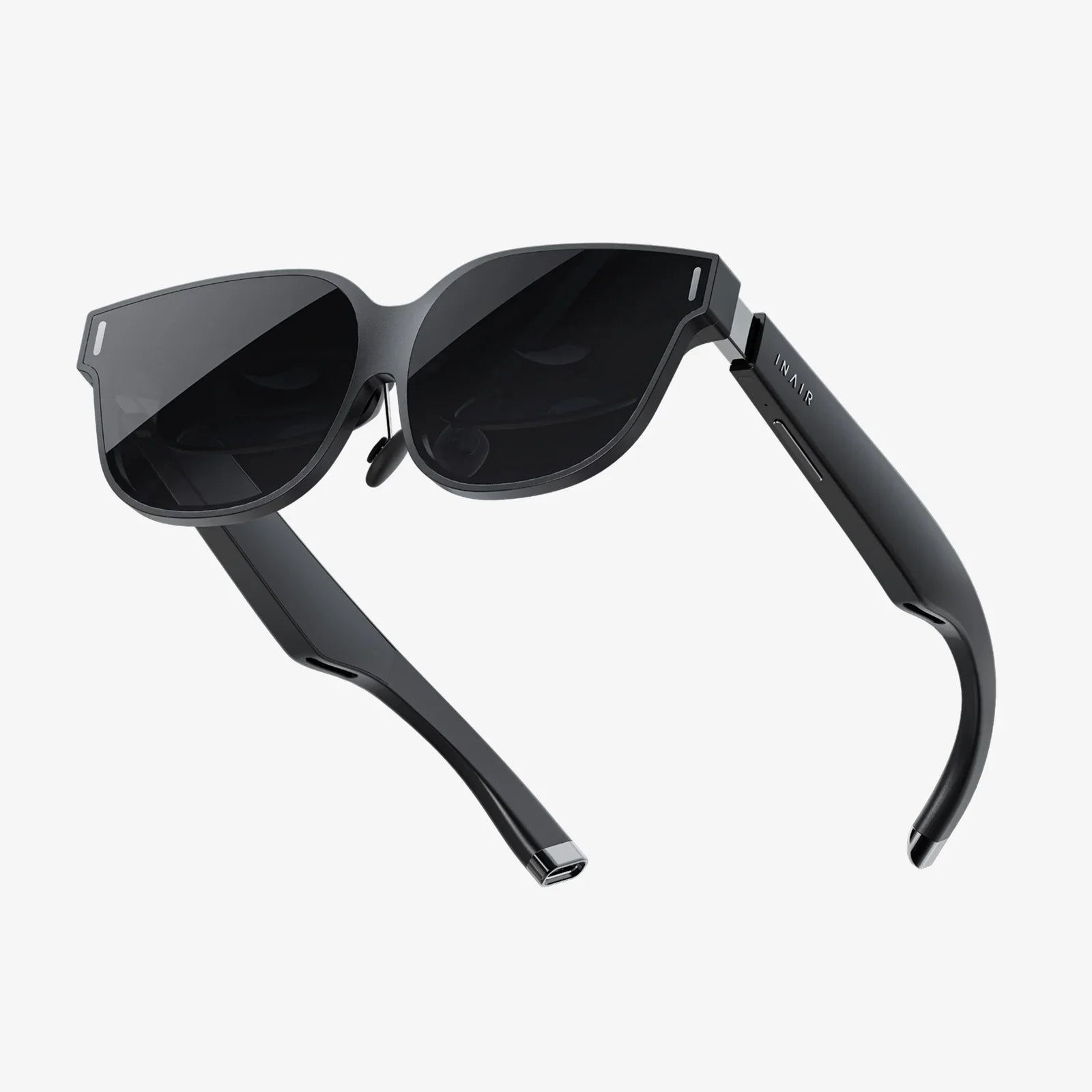
While smartphone-based AR is widespread, the future lies in wearable glasses. Developing for optical see-through displays introduces new challenges and opportunities, such as designing for a hands-free interface, always-available information, and a more natural form of interaction. Understanding the principles of how to make AR technology now prepares you for this impending shift to a more immersive and integrated computing paradigm.
The door to building your own augmented worlds is wide open. The tools are more powerful and accessible than ever, waiting for your vision to give them purpose. You now hold the blueprint—from the core concepts of environmental tracking to the detailed steps of development and deployment. This knowledge is not just about coding; it's about becoming a creator of new realities, a designer of experiences that can inform, assist, and delight. The gap between imagination and creation has never been smaller. What will you build?