


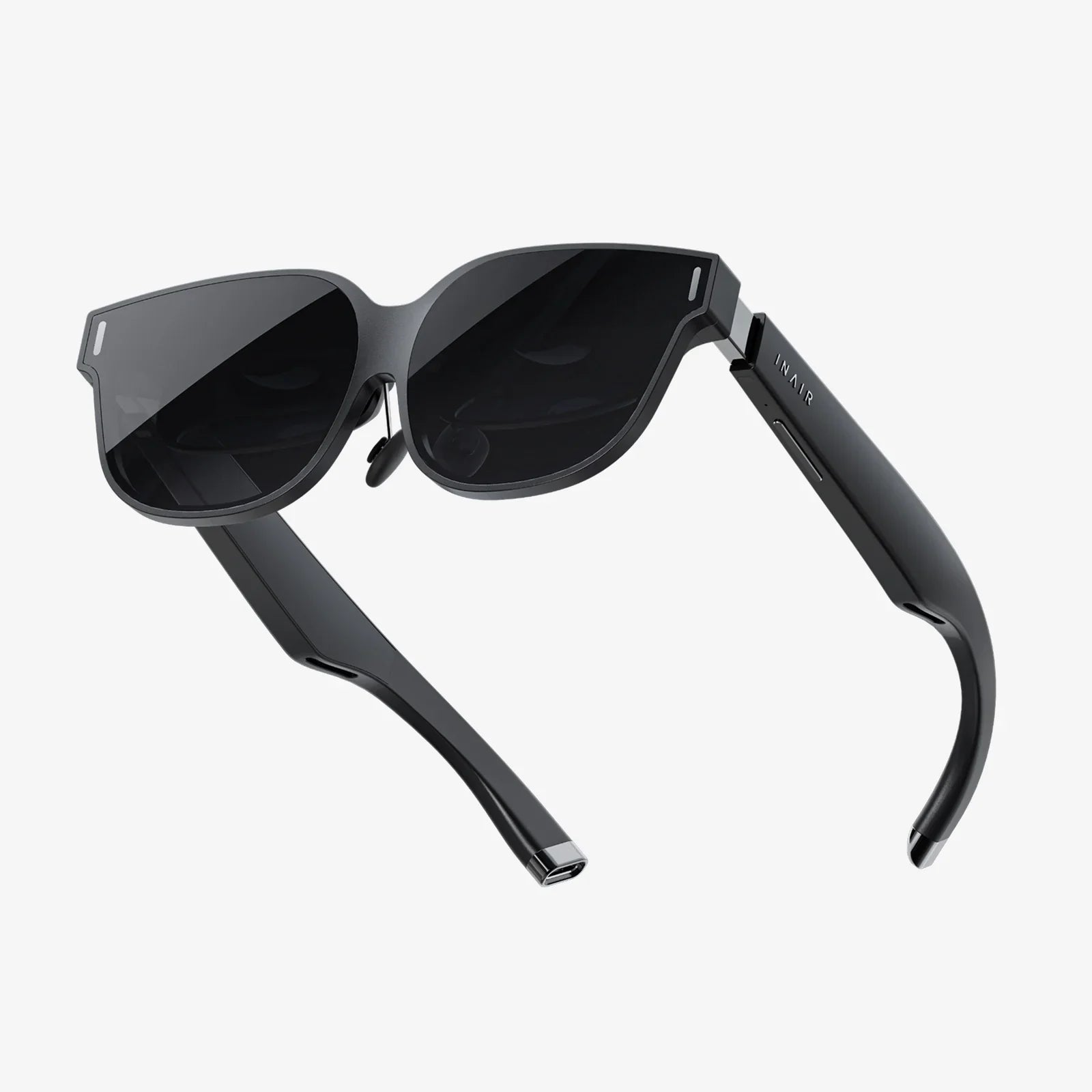
Imagine a world where digital information seamlessly blends with your physical surroundings, where instructions float over complex machinery, historical figures step out of textbooks to tell their stories, and your living room becomes a battlefield for fantastical creatures. This is the promise of augmented reality (AR), a technology rapidly moving from science fiction to practical tool and entertainment medium. The allure of crafting these experiences—of being the architect of a blended reality—is powerful. But where does one even begin? The journey from a spark of an idea to a functional AR application is a fascinating fusion of creativity and technical precision, and it's more accessible than you might think. This comprehensive guide will walk you through the entire process, equipping you with the knowledge to turn your visionary concepts into interactive realities.
Understanding the Core Concepts of AR
Before writing a single line of code, it's crucial to grasp the fundamental principles that make AR possible. At its heart, AR is the real-time overlay of digitally created content—be it 3D models, video, sound, or GPS data—onto a user's view of the physical world. Unlike Virtual Reality (VR), which creates a completely immersive digital environment, AR enhances reality rather than replacing it.
Key AR Technologies
Different methods are used to achieve this overlay, each with its own strengths and applications.
- Marker-Based AR (Image Recognition): This method uses a camera to identify a specific visual pattern, known as a marker or target (often a QR code or a custom-designed image). Once the marker is recognized, the AR software superimposes the digital content onto it. This is highly reliable and precise, making it ideal for industrial training, interactive print media, and educational toys.
- Markerless AR (Location-Based or SLAM): This is the more advanced and common approach for modern applications. It uses technologies like GPS, digital compasses, and accelerometers in smartphones to place digital content in a specific location in the real world. A subset, known as SLAM (Simultaneous Localization and Mapping), allows devices to understand and map their environment in real-time without pre-defined markers. This is what enables you to place a virtual sofa in your actual living room or see Pokémon wandering in your local park.
- Projection-Based AR: This technique projects synthetic light onto physical surfaces, sometimes allowing for interaction. These projections can be used for complex industrial or artistic installations.
- Superimposition-Based AR: This method partially or fully replaces the original view of an object with a newly augmented view of that same object. It relies heavily on object recognition to replace an object with an augmented version.
The AR Development Pipeline: A Step-by-Step Guide
Creating an AR experience follows a structured pipeline, blending design thinking with technical execution.
Step 1: Ideation and Defining the Use Case
The most successful AR projects start with a clear purpose. Ask yourself: What problem does this solve? What experience does it create? Is AR the right technology for this goal, or would another medium be more effective? Defining your target audience and the platform (smartphone, tablet, AR glasses) is essential at this stage. A concept for a museum exhibit using tablet-based AR will have vastly different requirements than an industrial maintenance guide for smart glasses.
Step 2: Choosing Your Development Tools and Platform
This is a critical technical decision. You don't need to build an AR framework from scratch. Instead, developers leverage powerful Software Development Kits (SDKs) and game engines.
Game Engines
- Unity: Arguably the most popular engine for AR development, especially for mobile. Its user-friendly editor, massive asset store, and robust support for all major AR SDKs make it the go-to choice for prototypes and full-scale production.
- Unreal Engine: Known for its high-fidelity graphics, Unreal is the engine of choice for AR experiences that demand the highest level of visual realism, such as in high-end marketing or film pre-visualization.
AR SDKs (Software Development Kits)
- ARKit (Apple) and ARCore (Google): These are the native platforms for iOS and Android development, respectively. They provide a robust set of features like motion tracking, environmental understanding ( detecting horizontal planes like floors and tables), and light estimation. They are free to use and offer the best performance on their respective operating systems.
- WebAR: This allows for AR experiences to run directly in a mobile web browser without the need to download an app. While currently more limited in capability than native apps, WebAR offers incredible accessibility and ease of use for users, making it perfect for marketing campaigns and quick interactions.
- Cross-Platform SDKs: Some SDKs are designed to work across multiple platforms, often building on top of ARKit and ARCore. These can be useful for teams wanting to deploy a single codebase to both iOS and Android.
Step 3: 3D Asset Creation and Preparation
AR is a visual medium, and its currency is 3D content. You will need digital models, animations, and textures. These can be created in 3D modeling software like Blender (free and open-source), Maya, or 3ds Max. Key considerations for AR assets include:
- Polygon Count: Mobile devices have limited processing power. Models must be optimized with a low polygon count to ensure a smooth frame rate.
- Texture Optimization: Image textures should be compressed to appropriate sizes (e.g., power-of-two dimensions like 512x512) to save on memory and loading times.
- Rigging and Animation: If your AR character or object needs to move, it must be rigged (given a digital skeleton) and animated.
Step 4: Environment and User Experience (UX) Design
Designing for AR is uniquely challenging. The user interface (UI) exists not on a static screen but in the unpredictable, three-dimensional space of the real world. Principles of good AR UX include:
- World-Space UI: Placing UI elements directly in the environment, attached to physical objects or floating in space, rather than as an overlay on the screen.
- Minimalism: Avoiding clutter. The real world is already full of visual information; the digital overlay should be concise and contextually relevant.
- Intuitive Interaction: How will the user interact with the digital content? Common methods include touch gestures (tap, swipe, pinch-to-scale), gaze-based targeting, and voice commands. The interaction model must feel natural and be easy to discover.
Step 5: Development and Coding
This is where the magic happens. Developers work within their chosen engine (e.g., Unity) using the chosen SDK to:
- Initialize the AR session.
- Handle plane detection (finding floors and other surfaces).
- Implement gesture recognition to allow users to place and manipulate objects.
- Code the specific logic of the application (e.g., game mechanics, data visualization, animation triggers).
- Manage the device's camera and sensors.
This phase involves scripting in languages like C# (for Unity) or C++ (for Unreal).
Step 6: Testing, Testing, and More Testing
AR is profoundly affected by its environment. Rigorous testing is non-negotiable and must be conducted in a variety of real-world conditions:
- Lighting: Test in bright sun, low light, and mixed lighting. Poor lighting can break tracking.
- Surfaces: Test on carpets, hardwood, tile, patterned surfaces, and outdoors. Does plane detection work reliably?
- Device Performance: Test on a range of target devices (old and new smartphones/tablets) to ensure consistent performance.
- User Testing: Observe real users interacting with your experience. Where do they get confused? What feels intuitive? This feedback is invaluable.
Step 7: Deployment and Distribution
For a native app, this means submitting your application to the Apple App Store and/or Google Play Store, following their specific guidelines. For WebAR, you simply host the experience on a web server, and users access it via a URL. Consider how you will market your creation and get it into the hands of your intended audience.
Advanced Techniques and The Future
As you master the basics, you can explore more sophisticated AR capabilities that create even deeper immersion.
Occlusion
This technique allows virtual objects to be realistically hidden behind real-world objects. If a digital character walks behind a real sofa, they should disappear from view. Advanced SDKs and depth-sensing cameras (like LiDAR) are making this increasingly achievable on consumer devices.
Physics and Environmental Interaction
Making digital objects obey the laws of physics—rolling down a real ramp, colliding with a real wall, or casting accurate shadows based on the room's lighting—dramatically increases the perceived realism of the experience. Game engines have powerful built-in physics engines that can be leveraged for this.
Multi-user and Persistent AR
The next frontier is shared AR experiences, where multiple users in different locations can see and interact with the same digital objects placed in a persistent real-world location. This requires cloud anchors and networked synchronization, enabling collaborative design, multiplayer games, and social experiences that are anchored to the world around us.
Getting Started on Your First Project
The best way to learn is by doing. Start simple.
- Download Unity Hub and the Unity Editor (the Personal edition is free).
- Add an AR Foundation package through the Package Manager. AR Foundation is a Unity package that allows you to build cross-platform AR apps for both ARKit and ARCore.
- Follow a beginner tutorial to create a simple "Place an Object on a Plane" app. This will walk you through setting up the AR session, detecting a horizontal plane, and placing a 3D cube when the user taps the screen.
- Iterate: From there, try replacing the cube with a more complex 3D model from the Asset Store, add a simple animation, or implement a pinch gesture to allow scaling of the object.
The barrier to entry for creating compelling augmented reality has never been lower. With free, professional-grade tools and a wealth of online knowledge, the power to blend the digital and physical is literally in your hands. The process is a challenging but immensely rewarding puzzle, demanding equal parts artistic vision and technical problem-solving. Whether you aim to revolutionize an industry, tell a new kind of story, or simply bring a playful idea to life, the framework is now in place. Your reality is waiting to be augmented; all you need to do is start building it.
Share:
Prescription Smart Sunglasses The Future of Vision is Here and Now
High Quality Smart Glass The Invisible Technology Revolutionizing Modern Living