


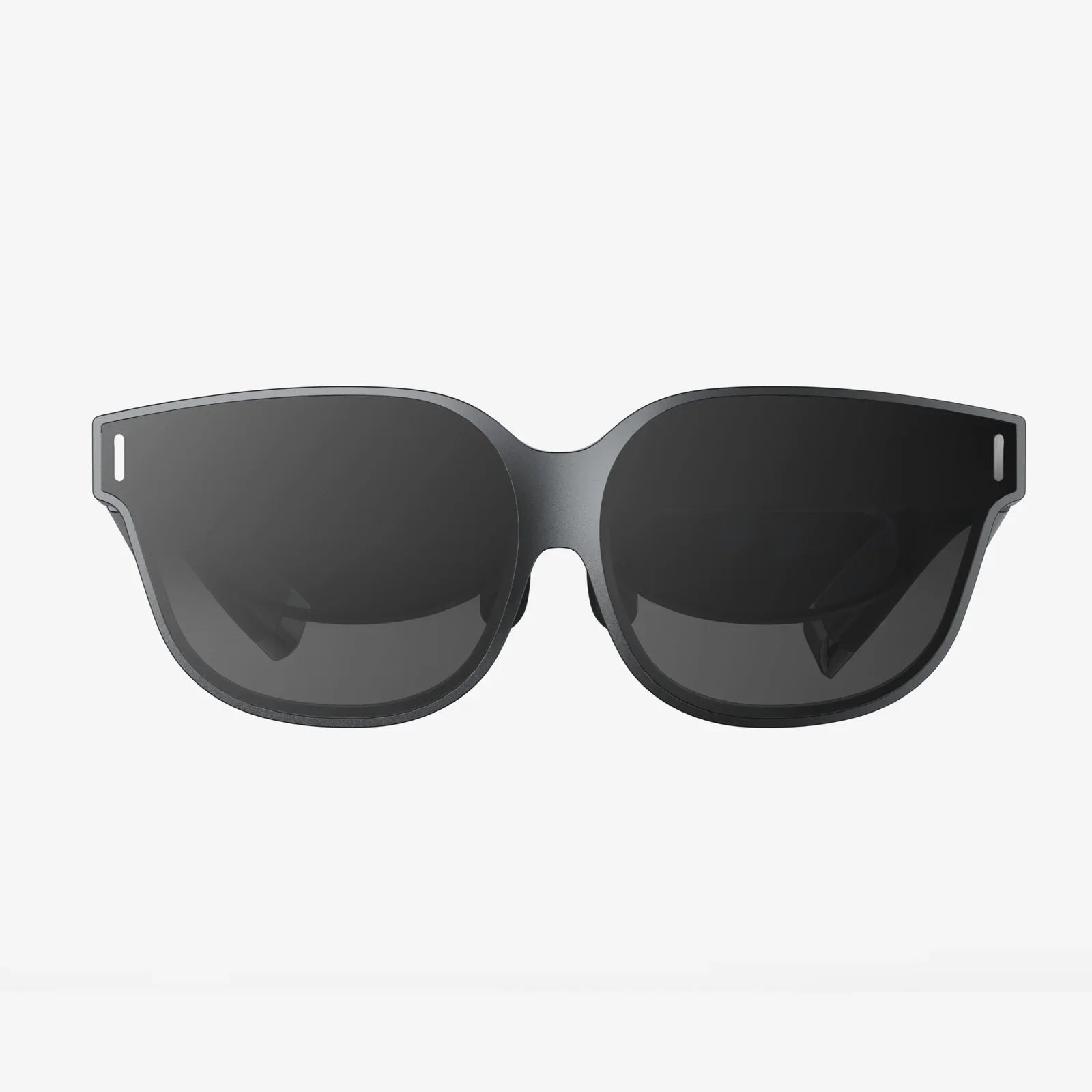
You've just unboxed your shiny new portal to other worlds, eager to dive into breathtaking landscapes and pulse-pounding adventures. But within minutes, the magic is shattered by a nagging, pressing pain on your forehead, a foggy lens, and the creeping sensation that a small elephant is sitting on the bridge of your nose. If you've ever frantically searched 'how to make my VR headset more comfortabl' only to find fragmented advice, your quest ends here. This definitive guide is your deep dive into engineering personal comfort, transforming your VR sessions from a chore into a seamless extension of your reality.
Deconstructing Discomfort: Why Your Headset Hurts
Before applying solutions, understanding the root causes of VR discomfort is crucial. It's rarely one single issue but a combination of factors that pull you out of immersion.
The Pressure Point Problem: Most headsets are designed for an average head shape, but our anatomy is wonderfully unique. The front-heavy nature of the device means it must clamp firmly to your face to stay in place, often concentrating immense pressure on your cheekbones and forehead. This is the primary culprit for the dreaded "VR face" — those red, painful marks left after a session.
Weight Distribution Failure: Think of your headset as a seesaw. The display, lenses, and computing hardware are all at the front, creating a significant forward weight. Your body instinctively fights to keep your head upright, straining neck muscles you rarely use. Without counterbalancing this weight, even the lightest headset can become a burden over time.
The Heat and Hygiene Hurdle: VR is an active medium. As you move, your body temperature rises. The headset creates a sealed environment around your eyes, trapping heat and moisture. This leads to lens fogging and a sweaty, uncomfortable interface foam, which can also become a breeding ground for bacteria if not properly maintained.
Visual Strain and Vergence-Accommodation Conflict: This technical-sounding issue is a major source of eye fatigue and nausea. Your eyes have to constantly reconcile two cues: the focal distance (how your eyes adjust to focus on an object) and the vergence (the angle of your eyes converging on an object). In the real world, these are linked. In VR, the focal distance is fixed on the screen a few centimeters from your face, while the vergence changes as you look at virtual objects near and far. This conflict can cause significant discomfort for many users.
The Hardware Hacks: Physical Modifications for Lasting Relief
This is where we get hands-on. Simple, often inexpensive modifications can yield the most dramatic improvements in comfort.
1. Master the Art of Counterweights
This is the single most effective upgrade for many users. By adding a small amount of weight to the back of the head strap, you balance the front-heavy load, transferring pressure from your face to the crown of your head. You can purchase dedicated counterweight kits or create a DIY solution. A common method is to use a power bank; it not only balances the headset but also extends playtime for models with external battery options. Secure it firmly to the center-back of the strap with strong velcro or a dedicated holder.
2. Upgrade Your Facial Interface and Foam
The standard foam that comes with most headsets is often a sponge for sweat and can be abrasive. Investing in a replacement interface made from materials like silicone or pleather is a game-changer.
- Silicone Covers: These are inexpensive, hypoallergenic, and incredibly easy to wipe clean with a disinfectant cloth. They create a cooler, less absorbent barrier between you and the foam.
- Pleather/VR Cover Interfaces: These offer a more premium feel, are also easy to clean, and often provide a better light seal. Some are even designed with cooling gels or improved ergonomics to redirect pressure away from your cheekbones.
- Wider Facial Interfaces: Some third-party options are designed to be wider, pressing against a broader area of your face to distribute pressure more evenly, much like a wide snowshoe prevents you from sinking into snow.
3. Revolutionize the Strap System
The standard elastic or rigid strap can be a major weak point. Aftermarket straps are engineered for superior comfort and stability.
- Elite-style Straps: These rigid plastic straps form a halo around the crown of your head, often with a dial at the back for a precise and secure fit. They are fantastic for distributing weight evenly.
- Battery Straps: Similar to the elite strap but with an integrated battery pack. This serves the dual purpose of being a counterweight and extending your gameplay sessions.
- Over-the-Head Straps: For those who play active games, a top strap connecting the front and back of the headset can prevent the device from sliding down your face during rapid movements.
4. Don't Forget the Little Things
- Magnetic Prescription Lens Inserts: If you wear glasses, struggling to fit them inside the headset is a nightmare. It scratches both your glasses and the headset's lenses and adds pressure. Magnetic prescription inserts are custom-made to your prescription and clip effortlessly inside the headset, providing perfect clarity without the hassle.
- VR Covers for Controllers: While not directly related to headset comfort, sweaty palms can make controllers slippery and unpleasant to hold. Improving your grip reduces overall session fatigue.
- Padding and Cushions: For areas that still experience pressure, consider adding small, adhesive gel pads or extra cushioning to the strap or forehead area.
The Software and Settings Sanctuary: Optimizing Your Digital Experience
Comfort isn't just physical. Tweaking your software can drastically reduce the visual strain that leads to fatigue.
1. The Holy Grail: Perfecting the Fit and IPD
A misaligned headset is a uncomfortable headset. The two most critical adjustments are:
- IPD (Interpupillary Distance): This is the distance between the centers of your pupils. Most headsets have a software or physical slider to adjust the lens distance to match your unique IPD. An incorrect IPD setting will cause eye strain, headaches, and a blurry image. Use a ruler or a dedicated app to measure your IPD and set it accurately.
- Sweet Spot Location: The "sweet spot" is the center of the lens where the image is clearest. Carefully adjust the vertical angle and tightness of the straps to position your eyes directly in this spot. The image should be sharp from edge to edge.
2. In-Headset Comfort Options
Modern VR software is built with comfort in mind. Don't ignore these settings:
- Comfort Mode/Tunneling: For games with artificial locomotion (using a stick to move), enable comfort mode. This reduces motion sickness by dynamically blurring your peripheral vision or creating a virtual tunnel effect during movement.
- Snap Turning vs. Smooth Turning: If smooth, continuous turning makes you queasy, switch to snap turning (also known as click turning), which instantly rotates your view in set increments.
- Brightness and Blue Light: Lowering the overall brightness can reduce eye strain, especially in darker environments. Some apps offer a night mode or blue light filter to make the screen warmer and easier on the eyes during extended use.
Building Better Habits: The User's Role in Comfort
The best hardware in the world won't help if your habits are working against you.
1. The Pre-Flight Checklist: Before You Play
- Clean Your Lenses: Always use a microfiber cloth. Never use window cleaner, alcohol wipes, or your shirt, as these can permanently damage the delicate anti-reflective coatings.
- Adjust Every Time: Don't just jam the headset on. Take 15 seconds to loosen the straps, center the headset on your face, and tighten it evenly. Readjust the IPD if someone else has used it.
- Ensure a Clean Interface: Wipe down your facial interface or silicone cover with a disinfectant wipe before and after each use. This prevents skin irritation and keeps the equipment hygienic.
2. During Your Session
- Take Regular Breaks: This is non-negotiable. Follow the 20-20-20 rule: every 20 minutes, look at something 20 feet away for at least 20 seconds. This gives your eyes a chance to readjust and relax.
- Stay Hydrated: Drink water. Dehydration can exacerbate feelings of nausea and fatigue.
- Listen to Your Body: The moment you feel a headache, eye strain, or nausea coming on, stop immediately. Pushing through is the fastest way to develop an aversion to VR.
- Use a Fan: A gentle fan blowing air across your body does wonders. It keeps you cool, provides a spatial reference point to reduce nausea, and enhances immersion in windy virtual environments.
3. Post-Session Care
- Let It Breathe: Don't store the headset in its case immediately after an intense session. Leave it out somewhere with good airflow to allow any accumulated moisture to evaporate completely. This prevents mildew and protects the electronics.
- Charge Controllers: Ensure everything is charged and ready for your next adventure, so you're not fumbling with cables next time.
Troubleshooting Specific Discomforts
- Forehead Pain: Add a top strap, adjust the top strap to carry more weight, or add forehead padding.
- Cheekbone Pressure: Loosen the side straps, ensure the back of the strap is cradling the base of your skull, and consider a wider facial interface.
- Neck Strain: This is a classic sign of poor weight distribution. Add a counterweight immediately.
- Lens Fogging: Preheat your headset by turning it on for a few minutes before putting it on. Ensure the room is cool. Anti-fog wipes can also be effective.
- Blurriness: Re-check your IPD setting and meticulously find the optical "sweet spot." Clean your lenses.
The journey to flawless VR comfort is deeply personal, a mix of engineering and ergonomics tailored specifically to you. It might require a small investment in a new strap or a simple habit change like using a fan. But the payoff is immeasurable. By systematically addressing pressure, weight, heat, and visual settings, you aren't just reducing pain—you are removing the final barrier between you and pure, uninhibited immersion. The virtual world is waiting; now you can truly stay there, lost in its wonders for as long as you desire, with your headset feeling less like a device and more like a natural part of your adventure.
Share:
Do I Need a VR Headset? The Ultimate Guide to Immersive Technology
Will Get Its Own VR Headset: The Coming Revolution in Personal Immersive Technology