


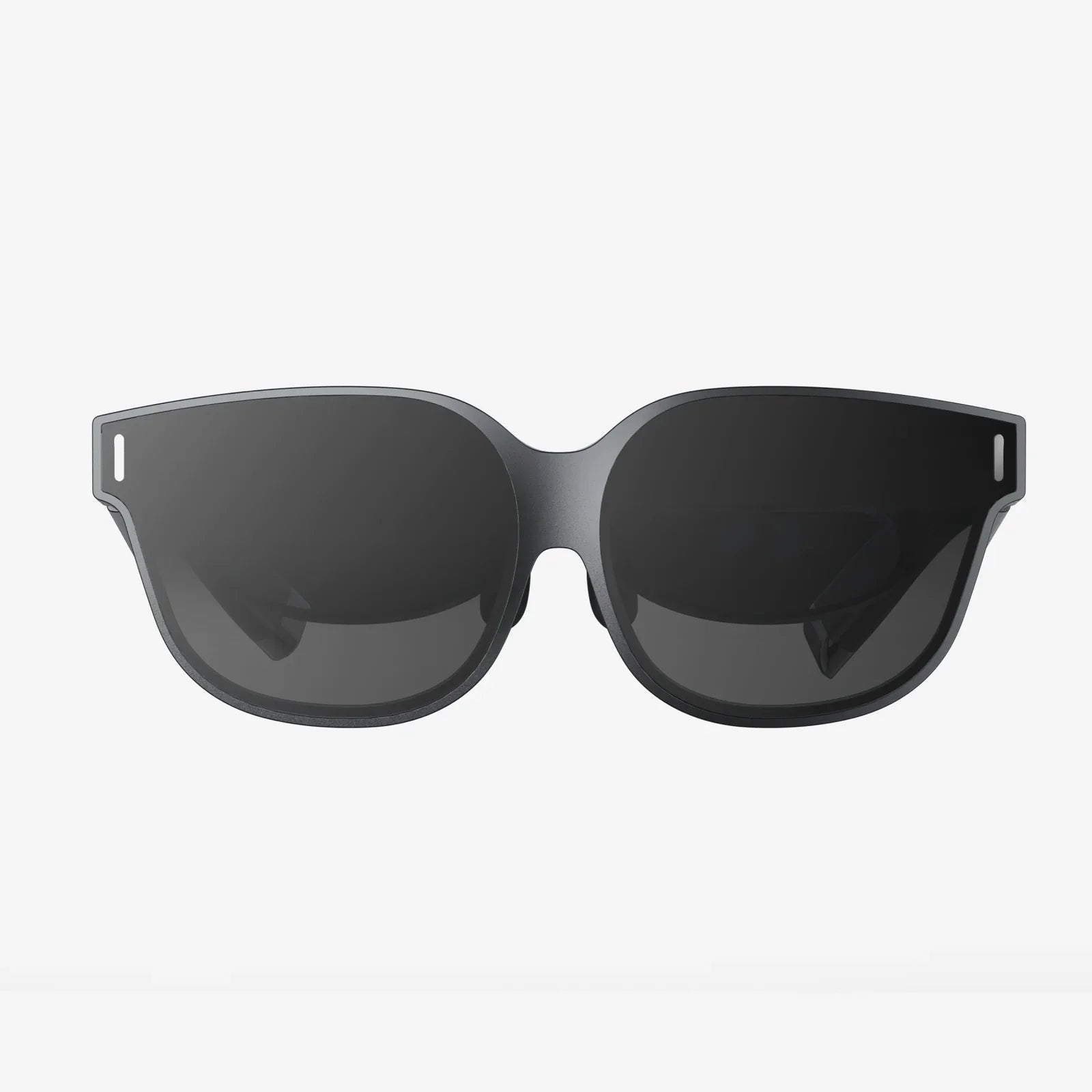
Imagine unlocking a portal to immersive virtual worlds, experiencing breathtaking 360-degree videos, and playing captivating games, all with a device you crafted with your own hands. The magic of virtual reality is no longer locked behind expensive, high-tech equipment. With your iPhone's powerful display and processing capabilities, you can embark on an exciting DIY journey to create your very own virtual reality goggles. This project is not only incredibly rewarding but also demystifies the technology, turning you from a passive consumer into an active creator of your entertainment experiences. Let's dive into the fascinating process of building a custom VR headset tailored for your iPhone.
The Core Principles of Mobile Virtual Reality
Before gathering your materials, it's crucial to understand the simple yet brilliant optical science that makes mobile VR possible. At its heart, a VR headset is a sophisticated housing for two key components: your smartphone and a pair of lenses.
The iPhone's high-resolution screen is split into two identical images, one for each eye. The lenses, typically known as bi-convex or aspheric lenses, are positioned between your eyes and the screen. Their primary job is to bend the light from the screen, focusing and widening the image to fill your entire field of view. This creates the stereoscopic 3D effect that gives VR its depth and immersion, tricking your brain into perceiving a vast, virtual space instead of a small screen just inches from your face. The housing itself blocks out all external light, ensuring you remain completely absorbed in the digital environment.
Gathering Your Materials and Tools
The beauty of this project lies in its accessibility. You likely have many of these items already, and the rest can be easily sourced from craft stores or online retailers.
Essential Components:
- Lenses: This is the most important part. You will need two identical bi-convex lenses with a diameter of 25mm (1 inch) to 45mm (1.75 inches) and a focal length between 30mm and 45mm. The focal length determines the distance the lenses must be from the screen. A shorter focal length requires the lenses to be closer to the phone.
- Cardboard or Foam Board: Sturdy, non-reflective cardboard from a shipping box is a classic choice, popularized by early DIY and commercial kits. For a more durable and professional finish, black foam board is highly recommended as it is rigid, easy to cut, and excellent at blocking light.
- Your iPhone: Any model from the iPhone 6 onwards will work, though newer models with higher-resolution screens and faster processors will provide a smoother, more visually stunning experience.
- A Ruler and Precision Cutting Tool: A sharp craft knife or a precision blade is essential for clean cuts.
- Strong Adhesive: A hot glue gun is ideal for its fast bonding time and strength. Super glue or strong craft glue can also work.
- Velcro Strips or a Strong Rubber Band: This will be used to securely fasten your iPhone into the headset.
- Optional but Recommended: A small piece of hook-and-loop fastener (like Velcro), felt or black fabric for lining, and a magnet or conductive material for a DIY trigger button.
Step-by-Step Assembly Guide
Now for the main event: constructing your headset. Follow these steps carefully for the best results.
Step 1: Design and Create a Template
Instead of cutting freehand, it's best to create a paper template first. Search online for "DIY VR headset template" or "Google Cardboard template v2." These templates are designed with all the necessary measurements and folds. Print the template at 100% scale and cut it out. This will be your blueprint. Trace this template onto your main material—cardboard or foam board. Be precise.
Step 2: Precise Cutting and Scoring
Using your craft knife and ruler, carefully cut out all the pieces from your traced template. For folds, do not cut all the way through. Instead, lightly score the lines on the inside of the fold. This creates a clean, sharp crease when you bend the material. Pay special attention to the openings for the lenses and the large slot for the iPhone.
Step 3: Installing the Lenses
This is the most critical step for optical clarity. Identify the circular holes meant for the lenses. From the inside of the headset, apply a generous ring of hot glue around the inside rim of one lens hole. Carefully press your first lens into place, convex side facing inward towards where the iPhone will sit. Ensure it is seated flush and straight. Repeat for the second lens. The goal is to have them perfectly parallel to each other and perpendicular to the base. Allow the glue to cool completely.
Step 4: Assembling the Housing
Begin folding your cut-out along the scored lines. Apply glue to the tabs as indicated on your template and press the pieces together to form the familiar box-like shape of the headset. The front should have the iPhone slot, the side will have an opening for your nose, and the back will be open for your face. Ensure all seams are glued tightly to prevent light leaks. Weigh it down while the glue sets for a strong bond.
Step 5: Adding the iPhone Retention System
Your iPhone needs to slide in and out easily but remain perfectly secure during use. The simplest method is to attach a strong rubber band across the front of the headset, over the phone slot. A more elegant solution is to glue a small strip of hook-and-loop fastener to the top flap of the headset and the corresponding strip to a small cardboard tab. This tab can then be folded over the top of your iPhone to hold it in place.
Step 6: Enhancing Comfort and Functionality (Optional)
To drastically improve the experience, consider these upgrades:
- Light Blocking: Line the inside edges of the headset, especially around the nose area, with soft black felt or foam. This prevents discomfort and seals out ambient light.
- Head Strap: For hands-free use, attach an old elastic headband from a hat or purchase a simple VR strap kit. Glue or tape the ends to the sides of the headset.
- Focus and IPD Adjustment: For a advanced build, you can create a mechanism that allows you to slide the lenses closer or further apart to match your inter-pupillary distance (IPD), ensuring a clear and comfortable image for your specific eyes.
Calibrating Your DIY Masterpiece
Assembly is only half the battle. Proper calibration is key to avoiding eye strain and achieving immersion.
Slide your iPhone into the holder and launch a VR app. Look through the lenses. If the image is blurry, you likely need to adjust the distance between the lenses and the screen. You can do this by adding or removing small spacers (like extra layers of cardboard) behind the lens mount. The goal is to have the virtual world appear sharp and cohesive. If you feel cross-eyed or dizzy, the lenses may be too close together; gently prizing them out and repositioning them slightly further apart can help.
Exploring the Virtual World: Apps and Content
Your homemade VR goggles are a key to a vast library of content on the App Store.
- VR Video Players: Apps like YouTube and dedicated VR players allow you to watch 360-degree videos, from music concerts to nature documentaries.
- VR Games:
Dive into simple but addictive games designed for use with a mobile VR headset. Many offer gaze-based controls or can use a connected Bluetooth game controller.
- Experiential Apps: Explore virtual museums, take a tour of international landmarks, or even experience simulations like flying or rollercoasters. These apps are perfect for showcasing your new creation to friends and family.
Troubleshooting Common Issues
If your experience isn't perfect, here are some quick fixes:
- Blurriness: Check lens placement and cleanliness. Ensure your iPhone screen is clean. Try adjusting the headset slightly on your face.
- Double Vision: The lens separation does not match your IPD. This requires physically adjusting the lens positions.
- Light Leaks: Use black electrical tape or felt to seal any gaps, especially around the nose bridge.
- Phone Overheating: VR is resource-intensive. Close all other apps and avoid using the headset while the phone is charging.
You've just transformed simple, everyday materials into a functional window to new dimensions. The sense of accomplishment that comes from using a device you built yourself is a unique thrill that enhances every virtual experience. This project proves that cutting-edge technology can be accessible, understandable, and, most importantly, fun. Your iPhone is now more than a communication device; it's a vehicle for adventure, limited only by your imagination and the content you can find. So put on your headset, start your favorite app, and enjoy the view from inside your own creation.
Share:
Upcoming AR Headset to Feature Three Revolutionary Technologies That Will Change Everything
Upcoming AR Headset to Feature Three Revolutionary Technologies That Will Change Everything