Imagine a world where digital information seamlessly blends with your physical surroundings, where instructions float over machinery, historical figures step out of monuments to tell their stories, and learning becomes an interactive, three-dimensional adventure. This is the promise of augmented reality (AR), a technology rapidly moving from science fiction to practical, powerful tool. For developers, entrepreneurs, and innovators, the question isn't if they should embark on an AR project, but how to start an augmented reality project on the right foot. The journey from a spark of an idea to a functional, impactful AR experience is complex, but with a structured approach, it's an incredibly rewarding endeavor that places you at the forefront of the next computing revolution.
Laying the Foundation: Defining Your AR Vision
Before a single line of code is written or a 3D model is created, the most critical phase of any AR project begins with a clear and compelling vision. This foundational stage determines the trajectory of your entire endeavor.
Identifying the Core Problem and Value Proposition
Ask yourself: what problem does my AR application solve? AR for the sake of AR is a common pitfall that leads to gimmicky and ultimately unused applications. The technology should be an enabling force, not the centerpiece. A strong value proposition might be:
-
Enhancing Efficiency: Providing workers with hands-free instructions and data overlays in an industrial setting.
-
Improving Education: Allowing students to interact with complex models, from human anatomy to ancient architecture.
-
Boosting Retail Sales: Enabling customers to visualize furniture in their home or try on clothes virtually.
-
Creating Novel Entertainment: Developing games and narratives that use the real world as a playground.
Precisely defining the user need ensures your project has a clear purpose and a measurable goal for success.
Understanding Your Target Audience
The capabilities of your audience's devices will heavily influence your technical decisions. Are you targeting:
-
Consumers with Smartphones: This offers the largest potential reach but is limited by device capabilities and screen-based interaction.
-
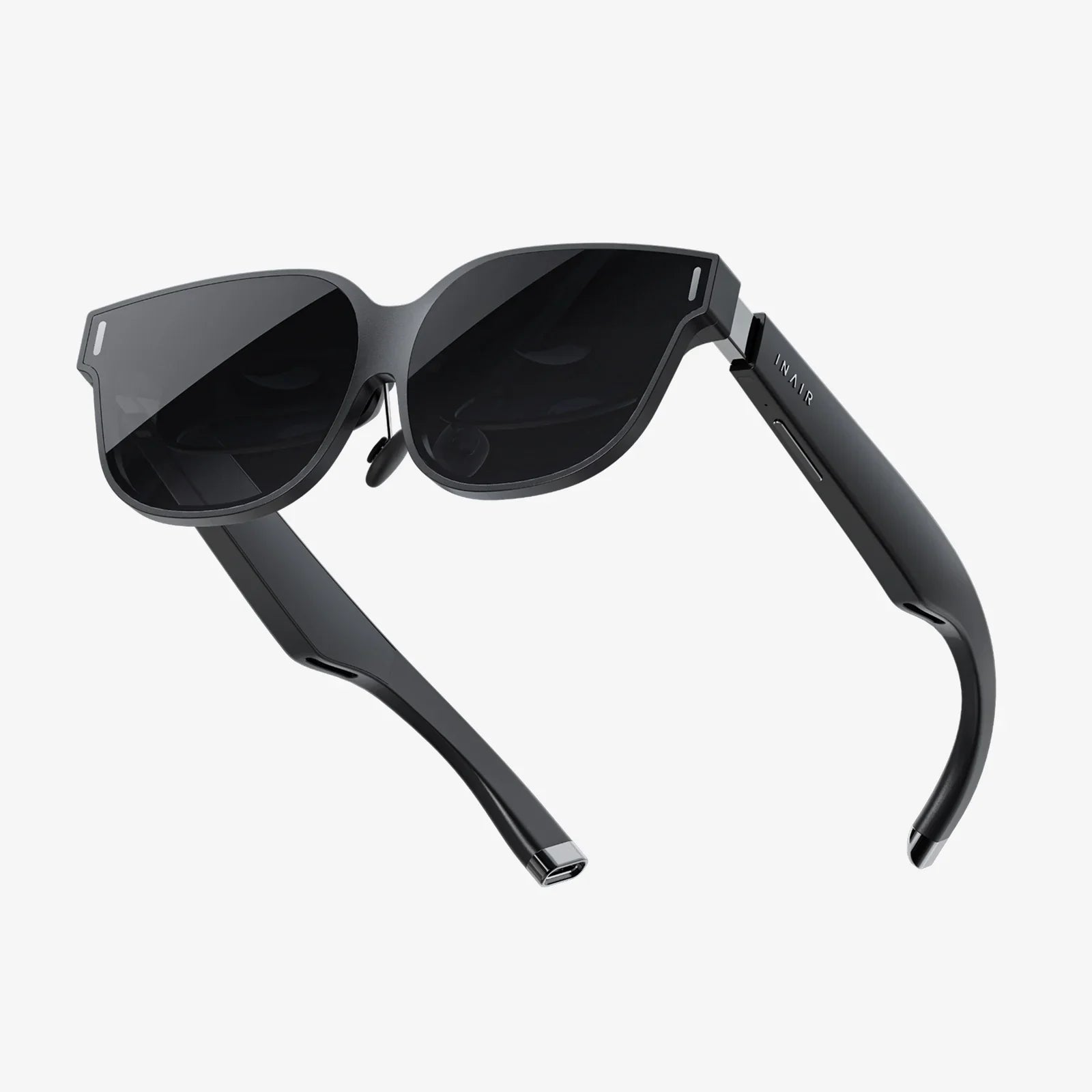
Enterprise Users with Dedicated Hardware: Such as AR glasses, which offer hands-free operation and greater immersion but at a higher cost and with more limited distribution.
-
A Niche Group with Specific Knowledge: This affects the design of your user interface and the learning curve of the application.
Defining Scope and Minimum Viable Product (MVP)
Ambition can be the enemy of execution in AR development. The complexity of blending the digital and physical worlds can lead to overwhelming scope creep. The solution is to ruthlessly define a Minimum Viable Product (MVP). Your MVP should include only the core functionality that delivers your primary value proposition. For instance, an AR furniture app MVP might focus solely on placing a single, high-quality 3D model of a chair in a room accurately, rather than offering a full catalog with complex customization and social sharing features. A well-scoped MVP allows for faster development, testing, and iteration based on real user feedback.
Choosing Your Technological Path
With a solid vision in place, the next step is to select the right technological approach. This is a multifaceted decision involving tracking methods, development platforms, and hardware considerations.
Types of AR Tracking and Experiences
How your application understands and interacts with the real world is governed by its tracking method. The main types include:
-
Marker-Based (Image Target) AR: Relies on a predefined visual marker (like a QR code or specific image) to trigger and anchor the digital content. This is highly reliable and easier to implement, making it excellent for prototypes, marketing materials, and educational tools where you can control the environment.
-
Markerless (World Tracking) AR: Uses SLAM (Simultaneous Localization and Mapping) technology to understand the environment without pre-set markers. This allows for placing content on horizontal surfaces like tables and floors. It's more complex but offers a much more natural and flexible user experience, essential for furniture apps, navigation, and games.
-
Location-Based AR: Uses GPS, compass, and accelerometer data to pin digital content to specific geographic locations. This is the technology behind experiences like Pokémon GO and historical tour apps.
-
Projection-Based AR: Projects artificial light onto physical surfaces, sometimes allowing for interaction through touch. This is less common for consumer mobile apps and more often used in specialized installations.
Selecting a Development Platform and Tools
The choice of software development kit (SDK) and game engine is crucial. The leading platforms offer robust features for cross-platform development.
-
Game Engines:
-
Unity: Arguably the most popular choice for AR development, especially for beginners. Its extensive asset store, large community, and user-friendly editor make it ideal for prototyping and building complex experiences. It supports all major AR SDKs.
-
Unreal Engine: Known for its high-fidelity graphics and rendering power. It's a strong choice for experiences where visual quality is paramount, though it can have a steeper learning curve.
-
AR SDKs (Software Development Kits):
-
ARCore (Android) & ARKit (iOS): The native SDKs provided by Google and Apple, respectively. They offer the deepest integration with their operating systems and access to the latest device features. For a project targeting a single mobile ecosystem, they are the gold standard for performance.
-
Cross-Platform SDKs: Tools like Vuforia, Wikitude, and Maxst provide a unified API to build apps that work on both iOS and Android, and sometimes even on AR glasses. They often include advanced features like 3D object tracking and cloud recognition services, which can simplify development but may come with licensing costs.
The best choice often involves using a game engine like Unity in combination with an AR SDK, leveraging the strengths of both.
Hardware and Device Considerations
Your target audience dictates the hardware, but your project's demands might refine it further. Consider the computational load of your experience. High-polygon 3D models, complex animations, and advanced shading can strain older smartphones, leading to a poor user experience. You must decide on the minimum specification your app will support and test rigorously on those devices. For enterprise projects, the choice of AR glasses involves weighing factors like field of view, battery life, connectivity, and comfort.
The Development Lifecycle: From Prototype to Polish
With technology chosen, the real work begins. Adopting an iterative development process is key to managing the unique challenges of AR.
Rapid Prototyping and 3D Asset Creation
Start by building a crude prototype as quickly as possible. Use simple geometric shapes (cubes, spheres) as stand-ins for your final 3D models. The goal is to test the core interaction loop and the feasibility of your tracking method. Is the content anchoring correctly? Is the user interaction intuitive? Answer these questions before investing in final assets.
For the final assets, you will need 3D models. These can be created by 3D artists using tools like Blender, Maya, or 3ds Max, or acquired from online marketplaces. Critical considerations for AR assets include:
-
Polygon Count: Optimize models to have as few polygons as possible while retaining visual quality to ensure good performance on mobile devices.
-
Textures and Materials: Use compressed textures and efficient shaders. PBR (Physically Based Rendering) materials help digital objects look like they belong in the real world by reacting realistically to environmental lighting.
-
Animation: Ensure any animations are optimized and correctly integrated into your engine.
Designing the User Experience (UX) and User Interface (UI)
AR UX is fundamentally different from traditional screen-based design. The user's physical environment is your canvas, and their movement is your input.
-
World-Locked UI: Instead of screen-locked buttons, consider placing interactive elements in the environment itself.
-
Minimalist Design: Avoid cluttering the user's view with excessive digital information. The magic of AR is its enhancement of reality, not its obstruction.
-
Intuitive Gestures and Interactions: Use common gestures like tap, pinch, and rotate. For complex actions, provide clear affordances and tutorials.
-
Environmental Considerations: Design for different lighting conditions, colors, and textures. A white digital object may be invisible against a white wall. Test in a variety of real-world settings.
Rigorous Testing and Iteration
Testing cannot be an afterthought. It must be continuous and conducted in the real world.
-
Device Fragmentation: Test on a range of devices with different cameras, processors, and sensors.
-
Environmental Testing: Take your app outside, into different rooms, under bright and dim light. Does the tracking break? Does the content remain stable?
-
User Testing: Observe real users (who are not familiar with the project) as they try your app. Where do they struggle? What delights them? Their unbiased feedback is invaluable for refining the experience.
Deployment, Maintenance, and Future-Proofing
Launching your app is a milestone, but the project's lifecycle continues.
App Store Deployment
Publishing on the Apple App Store and Google Play Store requires meeting specific guidelines. For AR apps, this often includes providing high-quality screenshots and videos that demonstrate the experience, as users cannot try it before downloading. Clearly communicate the required device capabilities in the description.
Analytics and Continuous Improvement
Integrate analytics to understand how users interact with your application. Track metrics like session length, most-used features, and points where users drop off. This data provides a roadmap for future updates and improvements, transforming your project from a one-off release into a living product.
Staying Current
The field of AR is evolving at a breakneck pace. New SDK features, hardware capabilities, and design patterns emerge constantly. Plan for ongoing maintenance to ensure compatibility with new operating systems and devices. Keep an eye on emerging trends like WebAR, which allows for AR experiences to run directly in a web browser without an app download, potentially vastly increasing your reach for certain types of projects.
The path to creating a compelling augmented reality project is a fusion of meticulous planning, creative problem-solving, and technical execution. It demands that you think not just as a developer or a designer, but as a pioneer mapping the uncharted territory between the digital and the physical. By starting with a user-centric problem, choosing the right tools for the job, and embracing an iterative process of build-measure-learn, you transform the daunting question of 'how' into a step-by-step journey of creation. Your unique vision, made tangible through this powerful technology, has the potential to change how people work, learn, play, and see the world itself—one digital layer at a time.


Share:
Real-Life Dangers of Augmented Reality: Navigating the Unseen Risks in Our Overlaid World
Real-Life Dangers of Augmented Reality: Navigating the Unseen Risks in Our Overlaid World