


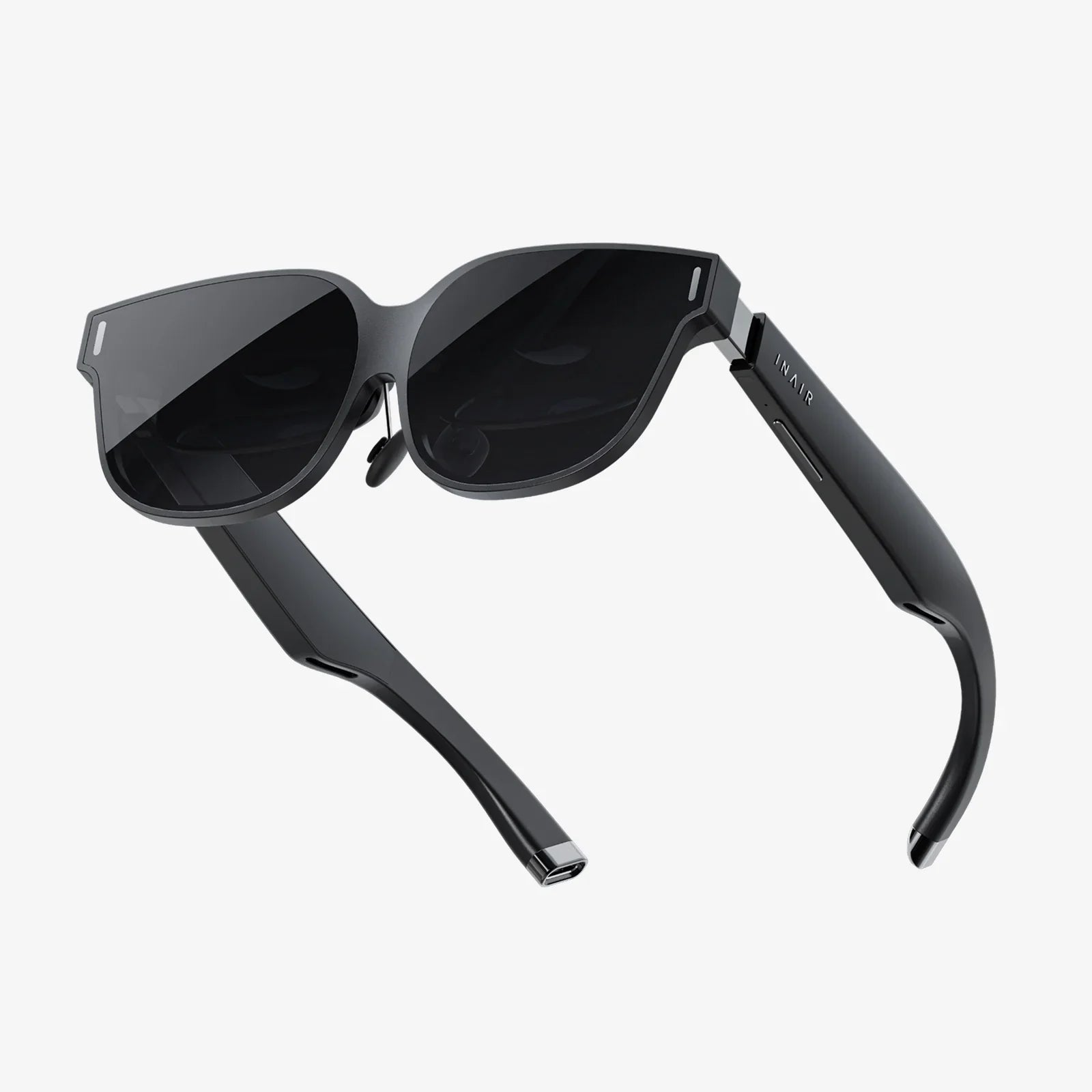
Imagine a world where digital information doesn't just live on a screen in your hand but is seamlessly painted onto the very fabric of reality around you. This is the promise of smart goggles, a piece of technology that feels like it’s leaped from the pages of science fiction into our present day. They are not merely a gadget; they are a portal, a powerful tool that can revolutionize how we work, learn, play, and connect. But to cross that threshold, you need to know the map. This guide is your first step into that expanded world, designed to transform you from a curious observer into a confident user, ready to harness the full, awe-inspiring potential of this wearable revolution.
First Steps: Unboxing and Initial Setup
The journey begins the moment you open the box. Before you even think about putting them on, take a moment to familiarize yourself with the physical components. You will typically find the goggles themselves, a charging cable and adapter, perhaps interchangeable nose bridges or light seals for a customized fit, and a controller. Your first task is to ensure the device is fully charged. While it's powering up, download the companion application on your smartphone or tablet. This app is your mission control; it's essential for the initial setup, managing device settings, installing updates, and discovering new software.
Once charged, put the goggles on. Adjust the head strap and any IPD (Inter-Pupillary Distance) sliders to ensure a clear and comfortable view. The goal is to have the display sharp across your entire field of view without strain. Now, follow the on-screen instructions, which will be mirrored and managed through the companion app. This process usually involves connecting to your Wi-Fi network, logging into or creating an account, and going through a brief tutorial on the device's core navigation methods. This is a critical phase—take your time. A proper setup prevents countless frustrations later.
Mastering the Interface: Your Digital Command Center
Smart goggles present a unique challenge: interacting with a digital interface that floats in your physical space. Most models utilize a combination of input methods:
- Hand Tracking: This is often the most magical and intuitive method. Cameras on the goggles track your hands, allowing you to point, pinch, and drag virtual elements. Practice by pinching your index finger and thumb together to select items and using a dragging motion to scroll. The system usually requires your hands to be in its field of view, so avoid resting them on your lap.
- Voice Commands: A powerful tool for efficiency. You can often launch applications, search for content, or control playback simply by saying, "Hey [Assistant]," followed by your command. Ensure the microphone permissions are enabled and speak clearly.
- Physical Controllers: Some systems come with or support a handheld controller. It functions like a laser pointer, offering precise control, which can be preferable for certain applications or for users who find hand tracking fatiguing over long periods.
Spend time in the system's settings menu. Here, you can calibrate the tracking sensitivity, adjust the audio balance, set up a digital boundary (a virtual fence that keeps you from bumping into real-world objects), and customize your virtual environment.
The Core Experience: Applications and Environments
The true power of smart goggles is unlocked through applications. The built-in app store is your gateway. Applications generally fall into several categories:
- Productivity: Imagine having multiple large virtual monitors for your laptop, accessible anywhere. Applications for remote collaboration allow you to share your virtual space with colleagues, manipulating 3D models together as if you were in the same room.
- Entertainment: This is a massive draw. You can watch movies on a screen that feels stories high in a virtual theater or play immersive games that blend your living room with digital gameplay elements. The sense of presence is unparalleled.
- Social: Platforms exist that allow you to meet friends as stylized avatars in virtual worlds to play games, watch videos, or just hang out, making distance irrelevant.
- Wellness: Guided meditation applications can transport you to a serene beach or a quiet forest, while fitness apps can turn your workout into an interactive game.
Don't just be a consumer; be a creator. Many goggles feature powerful spatial cameras. Learn to capture photos and videos in 3D. These "spatial memories" are profoundly more immersive than traditional flat photos, allowing you to truly relive a moment.
Advanced Usage: Professional and Creative Power
Beyond consumption, smart goggles are a revolutionary professional tool.
- Design and Architecture: Architects and engineers can import 3D models of their designs and walk through them at 1:1 scale, identifying issues long before ground is broken. Artists can sculpt and paint in 3D space using applications that feel both powerful and natural.
- Training and Education: Medical students can practice procedures on virtual anatomy. Mechanics can have a repair manual and diagram pinned to the physical engine they are working on. The applications for AR-assisted learning are endless.
- Remote Assistance: A field technician stuck on a complex problem can share their live view with an expert miles away. The expert can then draw arrows and diagrams directly into the technician's field of view, guiding them through the repair step-by-step.
To leverage this, you must become adept at multitasking in 3D space—pinning multiple application windows around your real-world workspace and efficiently switching your attention between them.
Etiquette, Safety, and Best Practices
With great power comes great responsibility. Using smart goggles in public requires a new kind of digital etiquette. Be aware of your surroundings; it's easy to become so engrossed that you inadvertently invade someone's personal space or block an aisle. If recording spatial video, be mindful of privacy—both your own and others'. Always assume that anything in the camera's view could be recorded.
Safety is paramount. Never use smart goggles while driving or operating any kind of machinery. Always set up your digital boundary clearly, especially if you plan to move around. Be cautious with immersive experiences if you are prone to motion sickness; start with shorter sessions and gradually build up your "VR legs."
From a device care perspective, keep the lenses clean with a microfiber cloth designed for optics. Avoid exposing the goggles to direct sunlight for prolonged periods, as the lenses can act like a magnifying glass and damage the internal screens. Store them in their provided case when not in use.
Troubleshooting Common Hurdles
Even the best technology can hiccup. Here are solutions to common problems:
- Blurry Display: Readjust the headset on your face and re-calibrate the IPD setting. Ensure the lenses are clean.
- Poor Hand Tracking: Check your lighting; tracking works best in well-lit environments (but avoid direct sunlight blinding the cameras). Ensure your hands are visible to the sensors.
- Wi-Fi Connectivity Issues: Restart the goggles and your router. Check for software updates that may include driver improvements.
- Battery Drain: Background applications can drain the battery. Make a habit of fully closing apps you are not using. Lowering display brightness can also extend battery life significantly.
If problems persist, a factory reset (through the companion app settings) is often a last resort that resolves deeper software glitches, but remember this will erase all your data.
The world through smart goggles is richer, more dynamic, and infinitely more connected. It’s a canvas waiting for your input, a workshop full of tools you’re now equipped to use. The knowledge you've gained here is more than a manual; it's an invitation. The line between the digital and the physical has blurred, and you are now standing squarely in the center of that exciting new frontier, ready to explore, create, and redefine what's possible. Your reality is about to get a lot smarter.
Share:
VR Headset Caution: Navigating the Immersive Frontier with Your Health and Safety in Mind
What to Look for in a Quality VR Headset: The Ultimate Buyer's Guide