


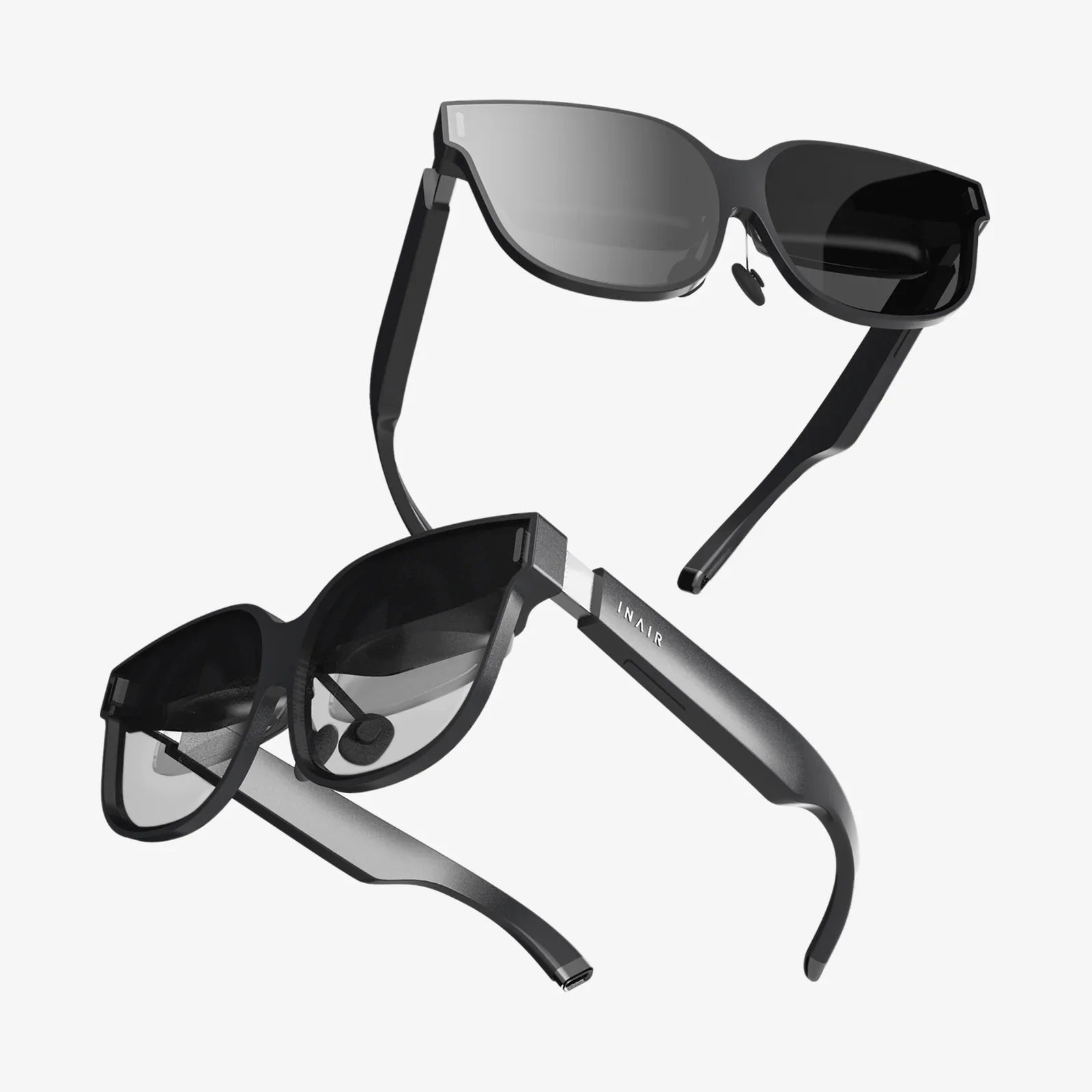
Imagine pointing your device at a seemingly ordinary city street and watching as a colossal, mythical creature rears up from the pavement, its movements synced to your own. Or opening a textbook to see a complex human heart model pulse and rotate above the page, ready for you to dissect it layer by layer with a simple touch. This is the magic promised by interactive AR in Unity, a technological frontier that is rapidly moving from science fiction to everyday reality, and it’s a frontier where developers and creators are the new pioneers.
The Foundation: Understanding the AR Toolkit in Unity
At its core, Augmented Reality is the art of superimposing computer-generated content onto the user's view of the real world. Unlike Virtual Reality, which creates a completely synthetic environment, AR enhances reality by adding digital layers to it. Unity, as one of the world's leading real-time 3D development platforms, provides a powerful and accessible suite of tools to make this happen. The engine doesn't work in isolation; it acts as the brain, coordinating between various software development kits (SDKs) that handle the heavy lifting of understanding the physical environment.
These AR SDKs provide Unity with critical functionalities. They enable plane detection, allowing the engine to identify horizontal surfaces like floors and tables, or vertical surfaces like walls. They handle feature point tracking, recognizing unique patterns and textures in the environment to maintain a stable digital anchor. Most importantly, they perform light estimation, analyzing the ambient light in the real world to adjust the shading and lighting of virtual objects so they don't look out of place. This seamless integration between the physics of our world and the physics of Unity's rendering engine is what sells the illusion, making a virtual cartoon character appear to be sitting authentically on a real wooden desk.
Beyond Visualization: The Leap to True Interactivity
Simply viewing a 3D model placed in your room is impressive, but it's merely the first step. The true revolution lies in interactive AR in Unity. This is where the user transitions from a passive observer to an active participant. Interactivity is what transforms a neat tech demo into a practical tool, an engaging game, or a revolutionary educational experience.
Unity's scripting API, primarily through C#, is the gateway to building this interactivity. Developers can write scripts that respond to a vast array of user inputs and environmental cues.
- Touch and Gesture Recognition: The most direct form of interaction. Using Unity's input management system, developers can script virtual objects to respond to taps, double-taps, pinches, and swipes. This allows users to rotate a product model, open a virtual door on a real-world building, or shoot a projectile at AR targets.
- Physics-Based Interaction: Unity's robust built-in physics engine, NVIDIA PhysX, is fully available in AR. This means virtual objects can have colliders and rigidbodies, allowing them to fall onto a real table with convincing gravity, roll across a surface, or bounce off each other. A user can physically "push" a virtual ball off a real ledge and watch it tumble to the floor.
- Environmental Interaction: This is where AR becomes truly magical. Using the spatial mapping data from the AR SDK, virtual objects can be programmed to occlude behind real-world objects. A digital character can run behind your sofa and reappear on the other side. A virtual river can appear to flow down your hallway, respecting the contours and obstacles of your physical space.
The Developer's Pipeline: From Concept to Deployment
Creating an interactive AR experience is a multi-stage process that blends technical skill with creative design thinking.
1. Concept and Storyboarding
Every successful project begins with a strong concept. What is the user's goal? What emotion should the experience evoke? Storyboarding is crucial, even for simple applications. Sketching out the user's journey—how they discover the AR content, what interactions are available, and how they progress—helps identify potential technical and design challenges early. This phase must consider the context: will the app be used in a wide-open space or a cramped room? Indoors with consistent lighting or outdoors with variable conditions?
2. Asset Creation and Optimization
3D models, textures, animations, and audio are the building blocks of the experience. For mobile AR, which is often constrained by processing power and battery life, optimization is not just a recommendation—it's a requirement. Models must have low polygon counts, textures must be compressed, and animations must be efficient. The goal is to maintain a high, stable frame rate to prevent user discomfort and break the immersion. Unity's Profiler tool is indispensable for identifying performance bottlenecks.
3. Coding the Interaction Logic
This is where the C# scripting brings everything to life. A typical script for an interactive AR object might:
- Listen for a touch input on the device's screen.
- Cast a ray from the touch point into the AR scene.
- Detect if the ray hits a collider on a virtual object.
- Trigger a response, such as playing an animation, spawning a new object, or updating the UI.
More complex interactions might involve managing state machines to handle different modes of interaction or using event systems to allow different GameObjects to communicate with each other seamlessly.
4. Testing, Testing, and More Testing
AR experiences are notoriously difficult to test because they are entirely dependent on unpredictable real-world environments. An app that works perfectly in a well-lit developer's office might fail in a dimly lit cafe with reflective surfaces. Rigorous testing on multiple devices and in a variety of environments is non-negotiable. This involves testing tracking stability, interaction clarity, UI readability, and overall performance to ensure a consistent and enjoyable user experience.
Designing for Delight: UX Principles for Interactive AR
The user experience in AR is unique. It's not confined to a screen; it occupies the user's personal space. This intimacy requires a thoughtful design approach.
- Clear Affordances: A virtual object should intuitively communicate how it can be used. A button should look pressible, a lever should look pullable. Using visual and auditory feedback is critical to confirm user actions.
- Spatial UI: Instead of traditional 2D UI overlays, consider designing user interfaces that exist in the world. A control panel can hover next to a machine being trained on, or information can be displayed on virtual billboards anchored in the environment.
- Comfort is King: Avoid interactions that require rapid or unnatural movements. For prolonged experiences, minimize the need to hold a device up (consider tripods) and be mindful of "text neck" and other ergonomic issues.
- Onboarding: Never assume the user knows what to do. Simple, clear instructions—preferably through integrated AR tutorials that show them the interactions in their own space—are essential for adoption.
The Future is Now: Emerging Trends and Possibilities
The field of interactive AR is advancing at a breathtaking pace. Several key technologies are poised to push the boundaries even further, all accessible through ongoing development in Unity.
Mesh Occlusion: This technology moves beyond simple plane detection to create a dense mesh of the environment. This allows virtual objects to be truly obscured by real-world geometry, dramatically increasing the sense of immersion. A virtual pet can now hide under a real chair.
Collaborative Multi-User AR: Cloud anchors and networking solutions are enabling shared AR experiences. Multiple users can now view and interact with the same persistent digital content in a real space simultaneously, opening vast possibilities for multiplayer games and remote collaboration where teams can manipulate 3D models together from different parts of the globe.
AI Integration: Combining AR with on-device machine learning unlocks context-aware interactions. An app could use object recognition to identify a real-world product and then overlay relevant instructions or information. It could recognize a user's gestures to control the experience without any touch input at all.
The journey into interactive AR in Unity is a journey of endless creativity and technical problem-solving. It challenges developers to think spatially and to design experiences that are not just on a device, but of the world. The tools are powerful, the community is vibrant, and the potential applications—from revolutionizing retail and manufacturing to redefining education and entertainment—are truly limitless. The barrier between our reality and the digital worlds we create is becoming thinner every day, and it is waiting for you to reach out and touch it.
Share:
Futuristic Fashion Wearable: The Dawn of a New Sartorial Era
AI Meets AR: The Invisible Revolution Reshaping Our Reality