


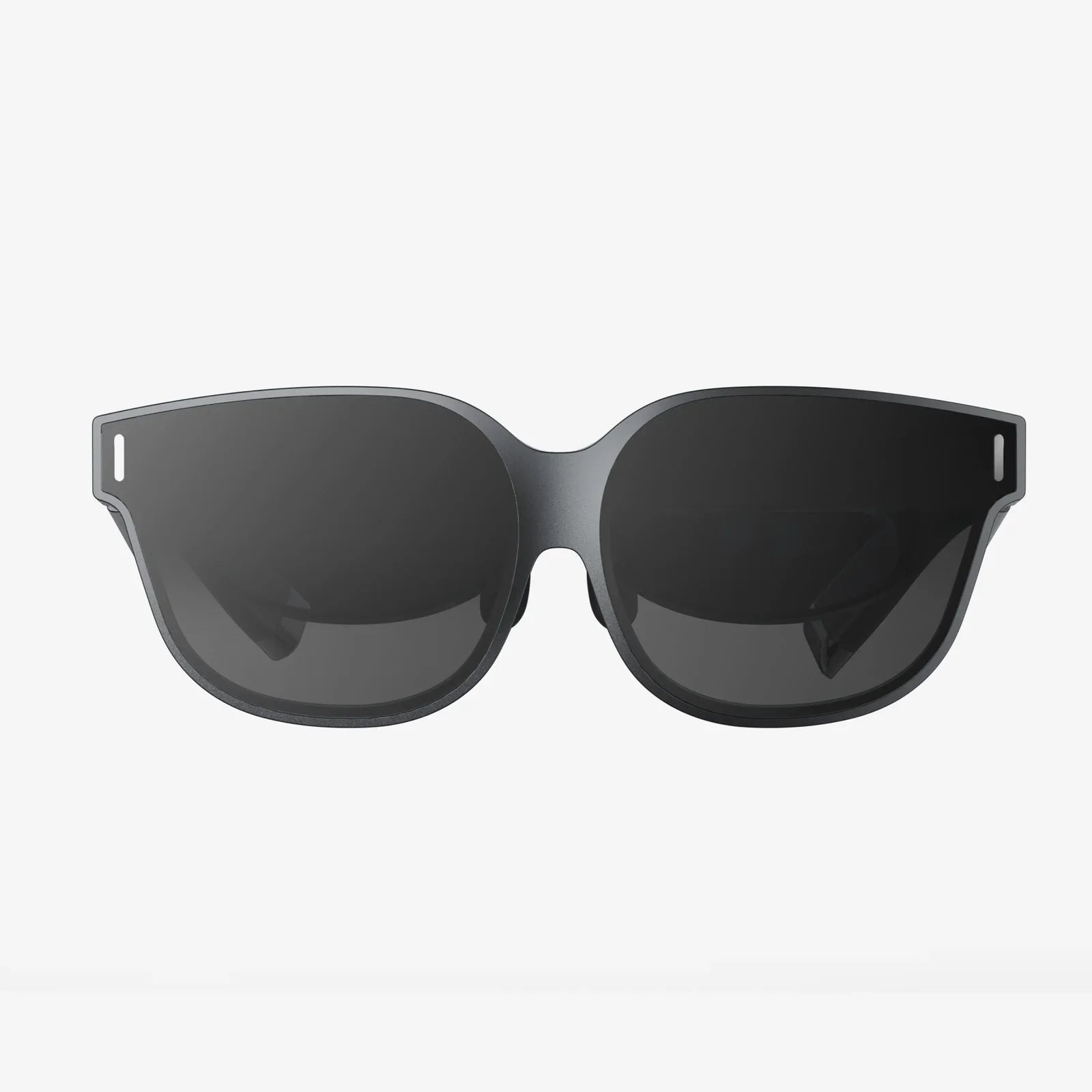
Low Latency AR Rendering is the invisible force that decides whether an augmented reality experience feels magical or makes people rip the headset off in frustration. If your virtual objects smear, lag, or drift as users move, no amount of beautiful 3D art or clever interaction design can save the experience. But when latency is crushed to just a few milliseconds, digital content locks to the real world, interactions feel instant, and users forget they are even looking through a device.
Augmented reality is brutally sensitive to delay. Every millisecond between a user moving and the image updating on the display is a chance for motion sickness, misalignment, or missed interactions. That is why low latency AR rendering has become a core discipline of modern immersive computing, blending graphics engineering, sensor fusion, human perception science, and network optimization into a single, demanding challenge.
Why Low Latency AR Rendering Matters So Much
Latency in AR is not just a technical metric; it directly shapes how the experience feels to the human brain. When virtual content does not keep up with head or hand movement, users instinctively notice that something is wrong, even if they cannot name the problem. Understanding why latency hurts immersion helps explain why so much engineering effort goes into reducing it.
How Human Perception Drives Latency Requirements
The human visual system is incredibly sensitive to timing. In AR, the critical metric is motion-to-photon latency: the time between a real-world movement (like turning your head) and the updated frame appearing on the display. Research and practical experience show:
- Motion-to-photon latency above roughly 50 ms feels obviously laggy and uncomfortable for many people.
- Between about 20–50 ms, users may tolerate the experience, but tracking feels loose or “floaty.”
- Below about 20 ms, virtual objects feel tightly anchored and responsive, especially for head-locked content.
AR is even more demanding than many VR scenarios because the real world is always perfectly low latency. Your brain constantly compares the instant feedback from your real environment with the delayed feedback from virtual overlays. Even small mismatches are noticeable and can cause discomfort or mistrust of the content.
The Cost of High Latency in AR Experiences
When latency is too high, several user-facing problems appear:
- Misalignment of virtual and real objects: A virtual label might “lag behind” the physical object it is supposed to annotate.
- Motion sickness and eye strain: The brain struggles to reconcile what the inner ear feels with what the eyes see.
- Reduced interaction accuracy: Hand tracking and gesture-based input become unreliable when the system responds late.
- Loss of immersion and trust: Users start to treat the AR content as unreliable, breaking the illusion and reducing engagement.
Low latency AR rendering is therefore not a luxury optimization. It is a foundational requirement for any serious AR application, whether it is used for gaming, industrial training, navigation, remote assistance, or design visualization.
Breaking Down the AR Latency Pipeline
To reduce latency, you need to understand where it comes from. The AR rendering pipeline is a chain of steps, and the total delay is the sum of the time each step takes. Optimizing one stage while ignoring others rarely delivers the best results.
Key Stages in the AR Rendering Path
A typical AR frame involves the following steps:
- Sensor capture: Cameras, inertial measurement units (IMUs), depth sensors, and sometimes external trackers capture raw data.
- Pose estimation and tracking: The system fuses sensor data to estimate head position, orientation, and sometimes hand or object positions.
- Scene understanding: Planes, surfaces, and anchors are updated; environment maps or meshes may be refined.
- Application logic: Game or app logic runs, updating virtual object positions, animations, and interactions.
- Rendering: The graphics engine draws the virtual content, often with real-world compositing, lighting, and shadows.
- Post-processing and distortion correction: Lens distortion, reprojection, and other display-specific adjustments are applied.
- Display scan-out: The frame is sent to the display, which refreshes pixels line by line.
Each of these stages adds milliseconds. Low latency AR rendering is about shrinking the time budget for each step, overlapping operations where possible, and using predictive techniques to hide the remaining delay.
Sources of Latency in AR Systems
Common contributors to latency include:
- Camera exposure and readout time: Cameras might introduce 5–20 ms of delay before frames are even available.
- Tracking computation: Visual-inertial odometry, SLAM, and depth processing can be computationally heavy.
- CPU–GPU synchronization: Poor pipeline design can force the GPU to wait on the CPU or vice versa.
- Rendering complexity: High polygon counts, expensive shaders, and heavy post-processing increase frame time.
- Display characteristics: Refresh rate, persistence, and scan-out behavior all affect perceived latency.
- Network transmission (for cloud rendering): Round-trip times and jitter can dominate latency if not carefully managed.
Understanding this breakdown is crucial before choosing specific optimization strategies. Low latency AR rendering is not just about faster graphics; it is about optimizing the entire end-to-end system.
Core Techniques for Low Latency AR Rendering
A wide range of techniques has emerged to combat latency in AR. Some are algorithmic, some are architectural, and some rely on exploiting how human perception works.
Asynchronous Timewarp and Reprojection
One of the most powerful tools for low latency AR rendering is asynchronous reprojection, often referred to as timewarp or spacewarp in immersive computing contexts. The idea is simple but effective: instead of waiting for a new fully rendered frame, the system takes the last rendered frame and warps it based on the latest head pose.
This works because small head rotations can be approximated by reprojecting the existing image, especially for distant objects. The benefits include:
- Reduced perceived latency: Even if the main rendering pipeline runs at a lower frame rate, the image can still be updated to track head motion more frequently.
- Graceful degradation: When the GPU is overloaded, reprojection helps maintain a sense of responsiveness.
However, reprojection has limits. It struggles with large positional changes, nearby objects, and dynamic scenes where objects move independently of head motion. Still, as part of a layered strategy, it is indispensable for low latency AR rendering.
Predictive Tracking and Pose Forecasting
Prediction is another crucial ingredient. Because there is always some delay between sensing and display, AR systems often predict where the head or hands will be at the time the frame is actually shown. This prediction uses recent motion data and models of human movement to estimate future poses.
Effective prediction can shave several milliseconds off perceived latency, but it must be carefully tuned:
- Short prediction horizons (a few milliseconds) are usually safe and reduce apparent lag.
- Long prediction horizons can overcorrect, causing overshoot or jitter when the user suddenly changes direction.
Low latency AR rendering often combines prediction with reprojection, using prediction for the main rendering pipeline and reprojection to adjust for residual error just before display.
Foveated Rendering and Perceptual Tricks
Foveated rendering takes advantage of the fact that human vision is sharpest in the center of gaze (the fovea) and much less detailed in the periphery. If the system knows where the user is looking, it can render that area at full resolution while reducing detail elsewhere, saving GPU time.
For low latency AR rendering, foveated rendering offers two key benefits:
- Higher effective frame rates: By reducing work in peripheral regions, the GPU can complete frames faster.
- Better use of bandwidth: In cloud or remote rendering scenarios, only the high-detail region needs full fidelity, reducing streaming load.
Other perceptual techniques include lowering detail for fast motion, subtly reducing the complexity of objects that are not in focus, and using motion blur or temporal filtering to mask minor latency artifacts.
Optimizing the Graphics Pipeline
At the core, low latency AR rendering still depends on classic rendering optimization. Strategies include:
- Efficient culling: Avoid drawing objects outside the field of view or behind occluders.
- Level of detail (LOD): Use simplified models at distance and dynamically adjust based on performance.
- Batching and instancing: Reduce draw calls by grouping similar objects and reusing geometry.
- Optimized shaders: Minimize branching and heavy operations; use simpler lighting models where acceptable.
- Asynchronous compute: Overlap compute tasks like tracking or post-processing with rendering when the GPU architecture allows it.
The goal is to keep frame times consistent and comfortably below the display’s refresh interval, leaving headroom for system overhead and occasional spikes.
Architectural Choices: On-Device vs Cloud Rendering
Where the rendering happens has a huge impact on latency. Two main architectures are common: fully on-device rendering and cloud-assisted or remote rendering. Each has trade-offs for low latency AR rendering.
On-Device Rendering
In on-device rendering, all major computations happen on the AR device itself: tracking, scene understanding, application logic, and graphics. The advantages for latency are clear:
- No network round-trip: Eliminates the largest unpredictable source of delay.
- Deterministic performance: Latency is mostly bounded by hardware and software, not external factors.
- Better offline reliability: Experiences work consistently, even without connectivity.
The main limitation is device power and thermal constraints. Mobile processors must balance performance with battery life and heat, which can restrict how complex your scenes and shaders can be. Low latency AR rendering on-device often means carefully budgeting every millisecond of compute.
Cloud and Edge Rendering
Cloud rendering offloads heavy graphics work to remote servers, streaming the resulting frames back to the device. This can enable higher-quality visuals and more complex simulations, but latency becomes the central challenge.
For low latency AR rendering over the network, several strategies are crucial:
- Use edge computing: Place servers physically close to users to minimize round-trip time.
- Exploit prediction: Predict both user movement and network conditions to prepare frames ahead of time.
- Adaptive streaming: Adjust resolution, bitrate, and frame rate in real time based on network quality.
- Client-side reprojection: Allow the device to reproject received frames to account for last-moment head motion.
Even with these techniques, cloud-based AR is usually best suited to scenarios where slight extra latency is acceptable or where the benefits of high-fidelity rendering outweigh the risks, such as guided training or remote collaboration in controlled environments.
Tracking, Sensors, and Their Impact on Latency
Tracking is the foundation of AR. The quality and speed of tracking strongly influence how low you can push latency and how stable virtual content appears in the real world.
Visual-Inertial Tracking
Most modern AR devices use visual-inertial odometry (VIO), which fuses camera data with IMU measurements (accelerometers and gyroscopes). IMUs have extremely low latency but drift over time, while cameras provide drift-free but slower and noisier measurements.
For low latency AR rendering, the fusion strategy typically looks like this:
- Use IMU data for rapid pose updates between camera frames, giving near-instant reaction to head movement.
- Use camera data to correct drift at a lower rate, ensuring long-term stability and alignment.
- Apply prediction on top of fused data to estimate pose at display time.
The fusion algorithm must be highly optimized to run within a tight time budget, often on dedicated hardware or low-level code paths.
Depth Sensing and Scene Reconstruction
Depth sensors and real-time scene reconstruction enable more realistic AR, including occlusion, physics, and accurate placement of virtual objects. However, they also add computational load and potential latency.
To maintain low latency AR rendering while using depth and scene understanding, developers often:
- Use multi-resolution representations, where coarse meshes are updated frequently and fine details are refined over time.
- Prioritize regions near the user’s focus for high-detail reconstruction.
- Offload heavy processing to dedicated hardware blocks when available.
The key is to avoid blocking the main rendering pipeline on slow scene updates. Virtual content can be placed and rendered using the best available information at each frame, improving as more detailed data arrives.
Display Technology and Perceived Latency
The display itself plays a surprisingly large role in perceived latency. Even if the pipeline delivers frames quickly, how the display refreshes and presents those frames affects what users feel.
Refresh Rate and Persistence
Higher refresh rates reduce the time between frames, shrinking the window in which latency can accumulate. For AR, refresh rates of 90 Hz or higher are common targets, but the effective benefit depends on the entire pipeline.
Persistence refers to how long each pixel remains lit. Low-persistence displays show each frame briefly, reducing motion blur and making motion feel crisper. This can make latency more noticeable if it is high, but when latency is low, it dramatically improves clarity and comfort.
Scan-Out and Display Modes
Most displays refresh line by line, not all at once. This means the top of the screen shows slightly earlier than the bottom. For AR, this can introduce subtle distortions during rapid motion.
Low latency AR rendering strategies sometimes account for this by:
- Timing pose sampling to align with scan-out.
- Using rolling-shutter-aware reprojection that warps different parts of the image based on when they will be shown.
These details are easy to overlook, but they can make a significant difference when chasing the last few milliseconds of perceived latency.
Designing AR Experiences for Low Latency
Low latency AR rendering is not just a systems problem; it is also a design problem. Thoughtful interaction and content design can amplify the benefits of technical optimizations and hide the remaining imperfections.
Interaction Patterns That Tolerate Latency Better
Certain types of interactions are more sensitive to latency than others. For example:
- Direct hand manipulation of virtual objects demands extremely low latency to feel natural.
- Gaze-based selection can tolerate slightly higher latency, as eye movements are fast but the act of selection is often slower.
- Voice commands are relatively latency-insensitive, as users expect some delay while the system “thinks.”
By choosing interaction patterns that align with the system’s latency profile, designers can create experiences that feel smoother and more responsive without requiring impossible technical performance.
Content Complexity and Performance Budgets
Every AR project should define a performance budget: how many milliseconds are available for each major task. For example, on a 90 Hz display, you have about 11 ms for everything. That time must be divided among tracking, application logic, rendering, and system overhead.
Design decisions that respect this budget include:
- Limiting the number of complex dynamic objects in view at once.
- Using stylized visuals that are cheaper to render than photorealistic ones.
- Gradually introducing heavy effects only when the system has spare capacity.
Low latency AR rendering thrives when designers and engineers collaborate closely, trading visual ambition for responsiveness where it matters most.
Testing, Measuring, and Iterating on Latency
It is impossible to improve what you do not measure. Reliable testing and instrumentation are essential for achieving and maintaining low latency AR rendering across devices and environments.
Measuring Motion-to-Photon Latency
Measuring end-to-end latency typically involves hardware setups that can detect both motion and the corresponding visual change. Common techniques include:
- Using high-speed cameras to film a device while moving it in a known pattern and analyzing frame-by-frame response.
- Attaching LEDs or markers that trigger when motion begins, then measuring the time until the display updates.
- Using built-in profiling tools and timestamps to estimate latency for each pipeline stage.
These measurements should be run under realistic conditions: different lighting, network quality, scene complexity, and user behaviors. Latency that looks acceptable in a lab can become problematic in the field.
Profiling and Continuous Optimization
Beyond raw latency measurement, developers need detailed profiling of CPU, GPU, and memory usage. Low latency AR rendering often depends on:
- Identifying bottlenecks in tracking or rendering and refactoring hot paths.
- Detecting frame time spikes caused by background tasks or resource loading.
- Implementing dynamic quality scaling that adjusts effects based on real-time performance metrics.
Continuous profiling and automated performance tests help ensure that new features do not silently degrade latency over time.
Future Directions in Low Latency AR Rendering
The landscape of AR technology is evolving quickly, and so are the methods for reducing latency. Several emerging trends promise to push low latency AR rendering even further.
Specialized Hardware and Accelerators
New generations of AR-focused hardware increasingly include dedicated blocks for:
- Sensor fusion and tracking, reducing CPU load and latency.
- Neural network inference, enabling faster scene understanding and hand tracking.
- Display-specific processing, such as on-the-fly reprojection and distortion correction.
These accelerators allow more work to be done in parallel with rendering, keeping motion-to-photon latency low even as experiences grow more complex.
Smarter Prediction and Learning-Based Techniques
Machine learning is increasingly being applied to prediction and perception tasks. For low latency AR rendering, this may include:
- Learning personalized motion models that better predict how individual users move.
- Adaptive prediction strategies that adjust based on current activity, such as walking vs. sitting.
- Intelligent resource allocation that predicts when the user is likely to need high-fidelity rendering.
These techniques must be carefully validated to avoid introducing instability, but they offer promising ways to squeeze more responsiveness from existing hardware.
Convergence of AR, VR, and Spatial Computing
As AR, VR, and mixed reality converge into broader spatial computing platforms, techniques developed in one domain often benefit the others. Advances in low persistence displays, ultra-high refresh rates, and predictive rendering are shared across devices, accelerating progress.
For developers and creators, this convergence means that investments in low latency AR rendering techniques are likely to pay off across a wide range of immersive applications.
Bringing It All Together: Building AR That Feels Effortless
Low latency AR rendering is the difference between an experience that feels like a gimmick and one that feels like a natural extension of reality. It is not achieved through a single trick or library, but through a disciplined approach that touches every layer of the stack: sensors, tracking, graphics, hardware, networking, and design.
When you treat latency as a first-class design constraint, you start making different choices. You trim unnecessary visual flourishes that cost precious milliseconds, prioritize tracking stability over flashy effects, and design interactions that align with what your system can deliver in real time. You test under real-world conditions, profile relentlessly, and embrace techniques like reprojection, prediction, and foveated rendering as standard tools rather than exotic optimizations.
The payoff is immense. Users stop thinking about the technology and start focusing on what they can do with it: learning faster, collaborating more naturally, navigating unfamiliar spaces, or simply enjoying play in a way that feels intuitively right. Low latency AR rendering is not just about speed; it is about trust, comfort, and the feeling that the digital world truly belongs in the space around you.
Share:
try on glasses virtually to Find Frames That Truly Fit You
Screen Eyeglasses For Modern Life: Protection, Comfort, And Clear Vision