


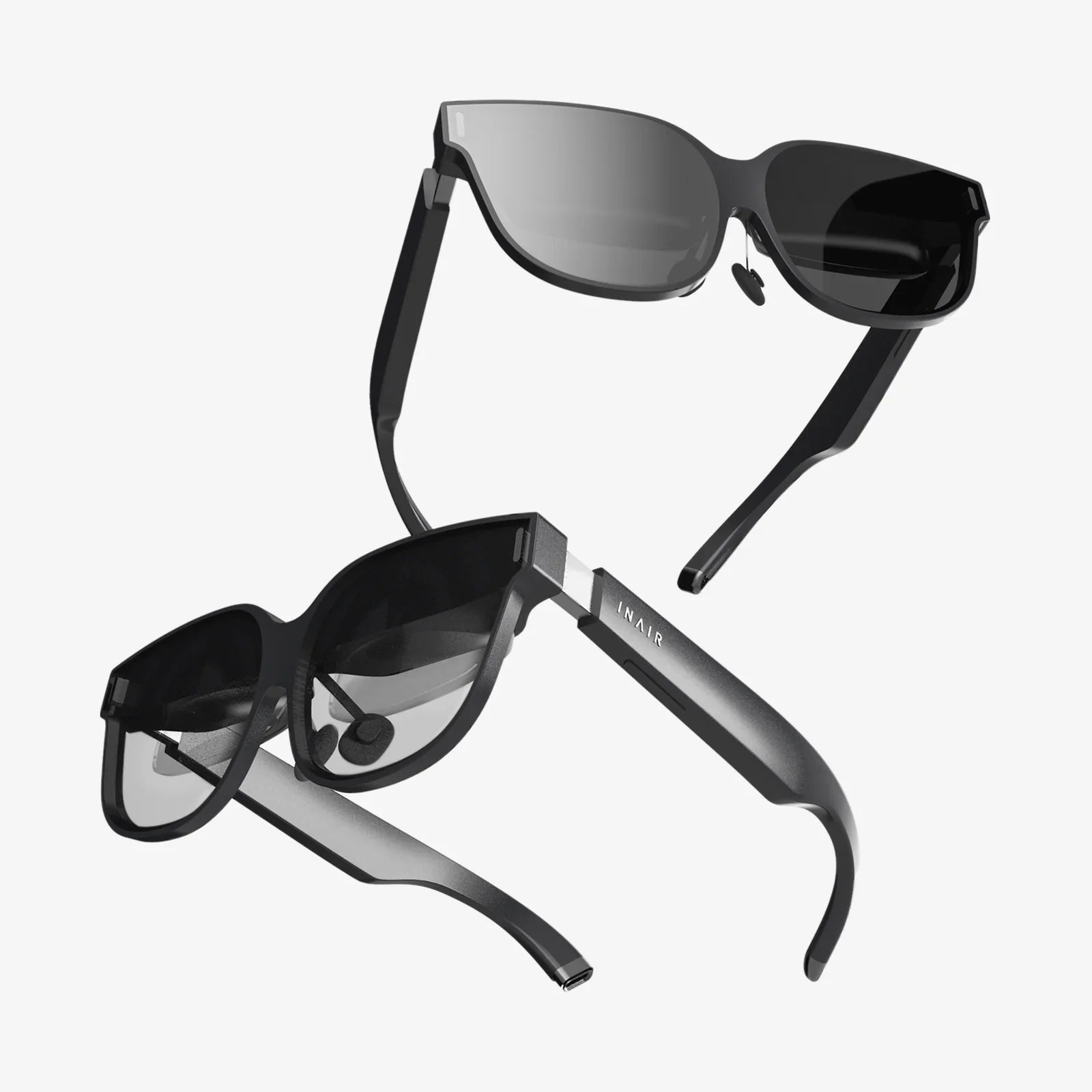
If you have ever wished for a powerful virtual reality setup that does not dominate your desk or living room, a mini vr pc might be exactly what you are looking for. These compact systems are rewriting the rules of immersive gaming and 3D experiences, offering desktop-class performance inside a chassis small enough to hold in one hand. Whether you want a clean, minimalist gaming space or a portable VR rig you can take anywhere, the right mini vr pc can deliver a surprisingly big punch in a very small box.
What Is a Mini VR PC and Why It Matters
A mini vr pc is a compact desktop computer designed to handle the demanding requirements of modern virtual reality headsets and VR applications. Unlike traditional full-tower gaming rigs, these systems prioritize a small footprint, lower power consumption, and quieter operation while still targeting the performance threshold needed for smooth VR.
Virtual reality demands much more from a computer than standard gaming. Your system must render two high-resolution images simultaneously, maintain high and stable frame rates, and keep latency extremely low to avoid motion sickness. A mini vr pc that meets these requirements lets you enjoy immersive environments without dedicating a large corner of your room to hardware.
Core Hardware Requirements for a Mini VR PC
Before investing in a mini vr pc, it is crucial to understand the hardware components that matter most for VR. While every part plays a role, some are absolutely critical for a smooth experience.
CPU: The Brains Behind the Experience
The processor is responsible for physics calculations, game logic, tracking input from controllers and sensors, and feeding data to the graphics card. For VR, a modern multi-core CPU is a must.
- Core count: Aim for at least 6 physical cores for modern VR titles and multitasking.
- Clock speed: Higher clock speeds help keep frame times low and stable.
- Architecture: Newer CPU generations generally deliver better performance per watt, which is critical in a compact chassis.
In a mini vr pc, the CPU often has to balance power and heat constraints. Choosing an efficient yet powerful processor ensures you get the performance you need without thermal throttling.
GPU: The Heart of VR Performance
The graphics card is the most important component for VR. Headsets require high frame rates at high resolutions, and the GPU carries most of that burden.
- VR-ready performance: Look for a GPU that comfortably exceeds the minimum VR requirements published by major headset manufacturers.
- Video memory (VRAM): 8 GB of VRAM is a practical baseline for modern VR titles, with more offering headroom for high-detail textures and future games.
- Form factor: Mini vr pc systems often use compact or mobile versions of desktop GPUs, which must fit into small enclosures while staying cool.
Many mini vr pc designs rely on carefully engineered cooling and power delivery to support powerful GPUs. When comparing models, check whether the graphics solution is a full desktop-class chip, a mobile variant, or an integrated solution, and align that with your performance expectations.
RAM: Keeping VR Worlds Loaded and Responsive
VR applications can be memory-intensive, especially open-world games and professional 3D tools. Insufficient RAM leads to stutters and long loading times.
- Capacity: 16 GB of RAM is a realistic minimum for VR gaming. For content creation, 32 GB or more is advisable.
- Speed: Faster memory can slightly improve frame pacing and reduce bottlenecks, though the GPU and CPU remain the primary performance drivers.
Because mini vr pc systems can be more difficult to upgrade compared to full-sized desktops, it is wise to choose a configuration with enough RAM to handle future titles and multitasking.
Storage: Fast Drives for Instant Immersion
Storage may not directly influence frame rate, but it affects how quickly games load and how responsive your system feels.
- SSD vs HDD: A solid-state drive is mandatory for a snappy VR experience. Mechanical drives introduce long load times and sluggish performance.
- NVMe SSD: Modern mini vr pc systems often support NVMe drives, which offer very high read and write speeds and shorten load times significantly.
- Capacity: VR titles can be very large. Consider at least 1 TB of storage if you plan to maintain a varied library of games and apps.
Many compact systems include a primary NVMe slot and, in some cases, space for an additional drive. Planning your storage at purchase time prevents headaches later.
Size, Form Factor, and Portability
The defining characteristic of a mini vr pc is its physical size. However, smaller does not always mean better for VR, and there is a balance between portability and performance.
Ultra-Compact vs Small Form Factor Designs
Mini vr pc systems generally fall into two broad categories:
- Ultra-compact units: Extremely small, often similar in size to a paperback book. These prioritize portability and minimal desk space but may have more limited GPU options.
- Small form factor towers: Slightly larger but still far smaller than traditional desktops. These can house more powerful cooling systems and GPUs while remaining easy to carry.
For VR, small form factor towers often strike the best balance. They remain portable but provide enough internal volume for effective cooling and higher-end graphics hardware.
Weight and Mobility
One of the most appealing aspects of a mini vr pc is the ability to move your entire VR setup easily. This is valuable for:
- Bringing VR demos to clients or events
- Using VR in different rooms without permanently installing a full rig
- Sharing a single VR-capable system among multiple users or locations
When evaluating a mini vr pc, consider not just the weight of the unit but also the power adapter size, required cables, and whether you need to transport a separate display or can rely on the VR headset alone.
Connectivity: Ports, Wireless, and VR Headset Compatibility
A mini vr pc must provide the right ports and connectivity options to support modern VR headsets and peripherals. Because space on the rear panel is limited, port selection is especially important.
Video Outputs
Most VR headsets require a high-bandwidth video connection. Common options include:
- DisplayPort: Widely used for PC VR headsets and high-refresh monitors.
- HDMI: Common for TVs and some headsets, but the version matters for bandwidth and refresh rate.
- USB-C with DisplayPort Alt Mode: Some compact systems offer VR-capable video output through USB-C, which can reduce cable clutter.
Ensure the mini vr pc provides at least one dedicated port that meets the requirements of your headset. If you plan to use multiple displays alongside VR, additional outputs are essential.
USB Ports and Peripheral Support
VR setups often require multiple USB connections for headsets, sensors, controllers, and accessories.
- USB 3.x ports: Necessary for high-bandwidth VR headset data and tracking.
- Front-facing ports: Convenient for plugging in temporary devices or switching between headsets.
- Powered USB hubs: May be useful if the mini vr pc has limited ports, but they should be high quality to avoid connection issues.
Some modern headsets rely more on inside-out tracking and fewer external sensors, reducing the number of USB ports needed. Still, planning for extra peripherals is wise.
Network and Wireless Connectivity
Reliable networking is important for downloading large VR games, streaming, and wireless VR modes.
- Gigabit Ethernet: Offers stable and fast downloads, ideal for large game libraries.
- Wi-Fi 6 or newer: Improves wireless performance, especially in congested environments.
- Bluetooth: Useful for connecting wireless controllers, keyboards, and audio devices.
If you plan to experiment with wireless VR streaming from your mini vr pc to a headset, prioritize strong Wi-Fi capabilities or consider wired networking for the PC and a high-performance wireless access point.
Cooling and Noise: Managing Heat in a Small Space
VR workloads push both CPU and GPU hard for extended periods. In a compact chassis, heat management is a central engineering challenge.
Cooling Solutions in Mini VR PCs
Mini vr pc designs use a variety of cooling strategies:
- Single or dual-fan air cooling: Common in ultra-compact units, optimized for quiet operation and efficiency.
- Custom heat pipe arrays: Help distribute heat to larger surface areas and out of the chassis.
- Small liquid cooling loops: Sometimes used in slightly larger small form factor systems to tame high-performance CPUs or GPUs.
Because VR can keep your system at high load, pay attention to how the mini vr pc handles sustained performance, not just short benchmarks. Reviews that test extended gaming or VR sessions are especially valuable.
Noise Levels During VR Sessions
Fan noise can break immersion, particularly in quieter VR experiences. However, some noise is inevitable when cooling powerful components in a tiny box.
- Look for systems with fan curves that ramp up smoothly rather than abruptly.
- Check whether the manufacturer mentions acoustic optimization or low-noise design.
- Consider positioning the mini vr pc at a distance from your primary play area if cable lengths allow.
The best mini vr pc solutions balance cooling performance with acoustics, keeping frame rates high without sounding like a small jet engine.
Power Consumption and Efficiency
One of the hidden strengths of a mini vr pc is energy efficiency. Carefully designed compact systems can deliver impressive performance while consuming less power than large gaming desktops.
- Lower electricity costs: Over time, efficient hardware can reduce operating costs, especially for users who spend many hours in VR.
- Reduced heat output: Less power consumed often means less heat generated, which helps with comfort in smaller rooms.
- Smaller power supplies: Compact external or internal power supplies are easier to transport and manage.
When evaluating options, check the rated power consumption and consider how it aligns with your usage patterns. If you plan long VR sessions daily, efficiency becomes more important.
Upgradability and Longevity
A mini vr pc is an investment, and VR hardware requirements evolve over time. Understanding what can be upgraded helps you extend the life of your system.
Common Upgrade Paths
Depending on the design, you may be able to upgrade:
- RAM: Many compact systems allow swapping or adding memory modules.
- Storage: NVMe and 2.5-inch drive bays are often accessible for expansion.
- Wi-Fi or network cards: Some models include replaceable wireless modules.
Upgrading the GPU is more challenging. Some mini vr pc units use soldered or proprietary graphics modules, while small form factor towers may support standard-sized or short-length graphics cards. If long-term GPU upgrades are important to you, prioritize models that use standard slots and offer enough physical space.
Planning for Future VR Demands
VR experiences continue to grow more complex, with higher resolutions, more detailed worlds, and advanced rendering techniques. To keep your mini vr pc relevant for years:
- Choose a CPU with enough cores and modern architecture to avoid becoming a bottleneck.
- Opt for more RAM and storage than you think you need today.
- Ensure the power supply and cooling solution can handle potential component upgrades.
Thoughtful planning at purchase time can keep your compact system performing well through multiple generations of VR content.
Use Cases Beyond Gaming
While gaming is the most visible application, a mini vr pc opens doors to many other immersive experiences and professional workflows.
VR for Creative Professionals
Artists, designers, and developers increasingly rely on VR tools for 3D modeling, animation, and environment design. A capable mini vr pc can serve as a portable workstation for:
- Virtual sculpting and painting
- Architectural walkthroughs
- Virtual set design for film and media
Because these tasks often combine VR with traditional desktop applications, the system must handle both GPU-heavy rendering and CPU-intensive tasks, reinforcing the importance of a balanced configuration.
Training, Education, and Simulation
Organizations use VR for training scenarios, simulations, and educational experiences. A mini vr pc can make deployment far easier by offering:
- Compact setups for classrooms or labs
- Portable demo stations for on-site training
- Quick installation and teardown at events or conferences
Because these environments may involve multiple users and frequent transport, durability, ease of setup, and reliable connectivity become as important as raw performance.
Social and Collaborative VR
VR is increasingly about shared spaces and collaboration. A mini vr pc can act as your gateway to social VR platforms, virtual offices, and remote collaboration tools. With a small system, it becomes easier to integrate VR into your daily routine without dedicating a permanent corner of your home to hardware.
Setting Up a Mini VR PC for the Best Experience
Once you have chosen a mini vr pc, the way you set it up can significantly influence your overall experience.
Physical Placement
Because the system is small, you have flexibility in where to place it:
- On the back of a monitor using compatible mounts
- On a shelf or media stand near your play area
- Under a desk with sufficient ventilation space
Avoid enclosing the mini vr pc in tight cabinets without airflow. Leave room around vents and fans to ensure proper cooling during extended VR sessions.
Cable Management
VR setups can quickly become cable-heavy. Good management improves safety and immersion.
- Use cable clips or channels to route headset cables away from your feet.
- Label cables for easy reconnection when moving your system.
- Consider ceiling-mounted cable management systems if you use room-scale VR frequently.
A compact system helps reduce clutter, but thoughtful cable management completes the clean, minimalist setup many users want.
Software Optimization
Even powerful hardware benefits from a tuned software environment.
- Keep graphics drivers and VR platform software up to date.
- Disable unnecessary background applications to free up resources.
- Adjust in-game VR settings to balance visual quality with smooth performance.
Because VR is sensitive to frame rate and latency, it is often better to lower some visual settings slightly to maintain consistent performance rather than chasing maximum graphics at the cost of smoothness.
Choosing the Right Mini VR PC for Your Needs
Different users have different priorities, and the ideal mini vr pc configuration depends on how you plan to use it.
For Dedicated VR Gamers
If your primary goal is immersive gaming:
- Prioritize a strong GPU and sufficient VRAM.
- Choose at least 16 GB of RAM.
- Ensure the system has the right video outputs for your headset and monitor.
Look for reviews that specifically test VR performance rather than only traditional benchmarks, as VR places unique demands on the system.
For Creators and Professionals
If you combine VR with content creation or professional tools:
- Balance CPU and GPU performance for both rendering and productivity.
- Opt for 32 GB of RAM or more if your applications are memory-intensive.
- Invest in fast, high-capacity NVMe storage for large project files.
A mini vr pc that doubles as a portable workstation can make it easy to move between offices, studios, and client sites.
For Events, Education, and Shared Spaces
If you need a system for demonstrations, training, or shared VR experiences:
- Emphasize reliability and ease of transport.
- Choose systems with multiple USB ports for varied peripherals.
- Consider pre-configuring software and profiles for quick setup.
A rugged, compact design that handles frequent moves and rapid deployments will be more valuable than squeezing out every last frame per second.
Common Mistakes to Avoid When Buying a Mini VR PC
It is easy to get caught up in specifications and overlook practical concerns. Avoid these common pitfalls:
- Ignoring port requirements: Make sure your headset and monitor connections are fully supported.
- Choosing insufficient RAM or storage: Underestimating your needs can lead to early upgrades or performance issues.
- Overlooking cooling: A powerful GPU in a poorly cooled chassis may throttle under sustained VR loads.
- Assuming easy upgradability: Verify which components are truly replaceable in your chosen model.
Taking a few extra minutes to match specifications with real-world needs can save you from frustration later.
Why a Mini VR PC Might Be the Smartest Way into VR
The appeal of a mini vr pc goes beyond its compact footprint. It represents a shift toward more flexible, accessible, and user-friendly immersive computing. Instead of dedicating an entire room to a bulky tower and cable jungle, you can enjoy high-end VR from a system that fits comfortably on a small shelf or travels with you in a backpack.
By combining thoughtful hardware choices, efficient cooling, and the right balance of ports and performance, a mini vr pc can deliver the kind of smooth, responsive VR experience that once required a massive desktop. Whether you are stepping into VR for the first time, refining a minimalist gaming setup, or equipping a portable professional rig, taking the time to understand these compact powerhouses can unlock a far more flexible and immersive digital life. The next time you put on a headset and lose yourself in a virtual world, do not be surprised if the engine driving that experience is a small, quiet box that barely takes up more space than a book.
Share:
Virtual Reality Electronic Experiences: How Immersive Tech Is Rewiring Daily Life
Smart Tech Work Strategies To Transform Your Daily Productivity