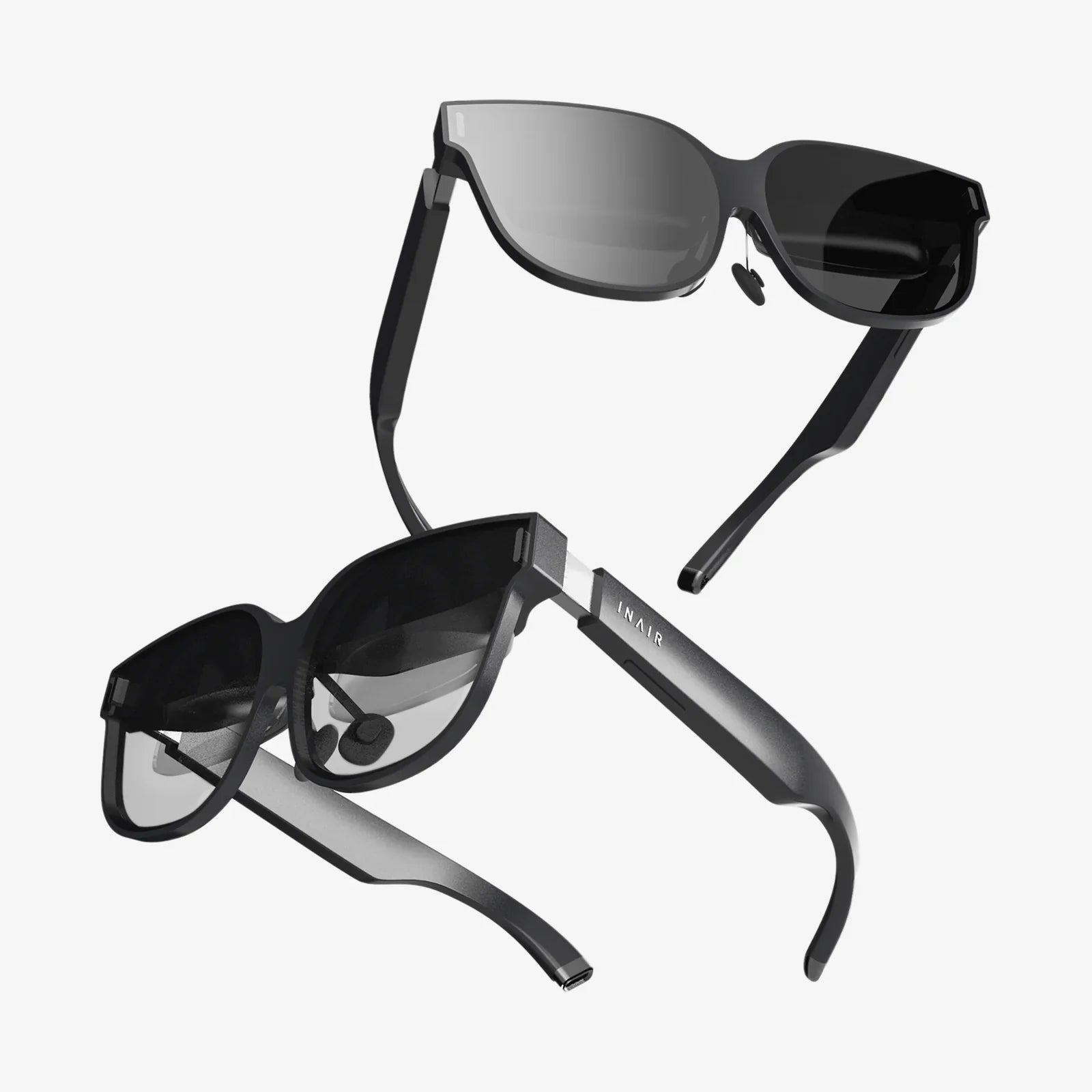
You’ve felt it—that gritty, tired sensation behind your eyes after a long day staring at screens, the subtle throb of a headache starting at your temples, the struggle to focus as the evening wears on. It’s the signature fatigue of our modern, digitally saturated lives, and it’s pushing millions to seek a solution. What if a simple, non-invasive tool could not only alleviate that discomfort but also protect your long-term visual health? The answer might be sitting right on the bridge of your nose.
The Digital Assault on Our Eyes: Understanding the Problem
Before we can appreciate the solution, we must first understand the problem. Human eyes were not designed to stare at high-energy visible (HEV) light-emitting boxes for hours on end. The average office worker now spends between 6 to 9 hours a day in front of a digital device, and that number skyrockets for those in tech, design, and gaming. This constant exposure leads to a well-documented condition known as Digital Eye Strain (DES) or Computer Vision Syndrome.
The symptoms are all too familiar: eyestrain, headaches, blurred vision, dry eyes, and even neck and shoulder pain. The root causes are threefold:
-
Blue Light Exposure: Digital screens emit significant amounts of blue light, a high-energy portion of the visible light spectrum. While not all blue light is bad (natural blue light from the sun regulates our circadian rhythm), prolonged, close-range exposure from artificial sources can penetrate deep into the eye, potentially causing retinal damage over time and disrupting sleep patterns by suppressing melatonin production.
-
Glare and Reflections: Harsh overhead lighting or window glare bouncing off a screen forces our eyes to work harder to maintain focus and contrast, leading to rapid fatigue.
-
Pixelated Focus: Unlike the continuous, smooth lines of printed text, digital characters are made of tiny pixels, the focal points of which are less distinct. Our eyes must constantly refocus and realign to maintain a clear image, a repetitive stressor that contributes significantly to strain.
How Monitor Glasses Work: More Than Just a Tinted Lens
Monitor glasses, often called computer glasses or blue light glasses, are specifically engineered eyewear designed to mitigate the specific challenges posed by screens. They are not a one-trick pony; rather, they employ a multi-faceted approach to provide relief.
The Blue Light Filter: Separating Fact from Fiction
The most touted feature is the blue light filter. This is achieved through one of two primary methods:
-
Tinted Lenses: These lenses have a subtle yellow, amber, or orange tint that acts as a passive filter. The tint works by blocking or absorbing a specific portion of blue light wavelengths before they reach the eye. The visible tint can range from almost imperceptible to quite noticeable, with darker tints typically blocking a higher percentage of blue light.
-
Blue Light Reflective Coatings: This is a clear coating applied to the lens that reflects blue light away from the eye. The advantage is the lack of color distortion, making them suitable for those who require accurate color perception for work like graphic design or photo editing. The effectiveness of clear coatings can vary between products.
It's crucial to understand that the goal is not to block all blue light, but to filter out the most potentially harmful portions while allowing beneficial light to pass through.
Anti-Glare and Anti-Reflective Coatings
Virtually all quality monitor glasses include an Anti-Reflective (AR) coating. This coating minimizes reflections from both the front and back surfaces of the lenses. This serves a dual purpose: it reduces distracting glare from ambient light sources hitting your lenses, and it allows more light to pass through the lens to your eye, improving visual clarity and reducing the need for squinting or straining. This is particularly beneficial in brightly lit offices or rooms with multiple light sources.
The Power of Precision: Computer-Specific Prescription
For individuals who already require vision correction, standard bifocals or progressive lenses are often ill-suited for computer work. They are designed for distance and reading, leaving an awkward zone for the intermediate distance of a computer monitor. This forces the wearer to tilt their head at an unnatural angle, leading to neck strain.
Dedicated monitor glasses can be made with a specific single-vision or occupational progressive prescription optimized for that exact screen distance. This eliminates the need for awkward posturing and provides a wide, comfortable field of view for the digital workspace, significantly reducing physical and visual strain.
The Tangible Benefits: What Can You Really Expect?
Investing in a pair of monitor glasses is not just about following a trend; it's about investing in your well-being and productivity. The benefits are both immediate and long-term.
-
Reduced Eye Strain and Fatigue: This is the most commonly reported benefit. By filtering disruptive light and reducing glare, your ocular muscles can relax, leading to less irritation and a feeling of freshness even after extended sessions.
-
Fewer Tension Headaches: Eye strain is a primary trigger for tension headaches. By alleviating the source of the strain, the frequency and intensity of these headaches often diminish dramatically.
-
Improved Sleep Quality: By blocking blue light in the evening, monitor glasses can help maintain your body's natural production of melatonin, the hormone responsible for sleep. Wearing them for a few hours before bed can lead to falling asleep faster and experiencing more restful sleep.
-
Enhanced Visual Comfort and Contrast: The reduction in glare and light scatter increases contrast perception, making text appear sharper and clearer on screen. This can reduce errors and improve reading speed.
-
Potential Long-Term Protection: While research is ongoing, some studies suggest that cumulative exposure to HEV blue light may contribute to the risk of age-related macular degeneration (AMD). Filtering this light could be a proactive measure in protecting retinal health over a lifetime.
Who Needs Monitor Glasses? It's Probably a Wider Audience Than You Think
While the obvious candidate is the office worker, the net of potential beneficiaries is cast much wider.
-
The Remote Professional: Anyone working from home, often with less-than-ideal lighting setups, is a prime candidate.
-
Gamers: Immersive gaming sessions can last for hours, involving intense visual focus and high exposure to blue light from monitors.
-
Students: From online learning and research to writing essays, students are glued to laptops and tablets more than ever.
-
Content Consumers: If your evening routine involves scrolling through social media, watching streaming services, or reading on a tablet, you are exposing your eyes to sleep-disrupting blue light at the worst possible time.
-
Individuals Post-Cataract Surgery: The natural lens of the eye offers some protection against UV and blue light. After cataract surgery, an artificial lens is implanted. While many modern lenses have a blue light filter built-in, some older models do not, making external protection via glasses especially important.
Choosing the Right Pair: A Buyer's Guide
Not all monitor glasses are created equal. Here are the key factors to consider when making your selection:
-
Lens Quality and Filtering Percentage: Look for information on the percentage of blue light blocked. A range of 30% to 50% filtering is common for everyday use. Higher percentages may be recommended for evening use or for those particularly sensitive to light.
-
Lens Color: Decide between a tinted lens for maximum filtering or a clear coating with AR for minimal color distortion. For all-day wear, a very light yellow tint is often the best compromise.
-
Fit and Comfort: You will likely be wearing these for long periods. Ensure the frame is lightweight, fits your face well without pinching, and has comfortable nose pads. The style should be something you don't mind being seen in.
-
Prescription vs. Non-Prescription (Plano): If you need vision correction, consult an eye care professional. They can provide a precise prescription tailored for your computer's distance and may even measure your workspace to get the measurements exactly right. For those without a prescription, high-quality plano (non-prescription) options are readily available.
-
Additional Coatings: Consider added features like scratch-resistant coating to prolong the life of your glasses or a hydrophobic coating that repels water, oil, and dust, making them easier to clean.
Integrating Monitor Glasses into a Holistic Eye Health Strategy
Monitor glasses are a powerful tool, but they are not a magic bullet. For optimal eye health, they should be part of a broader strategy:
-
The 20-20-20 Rule: Every 20 minutes, look at something 20 feet away for at least 20 seconds. This simple habit gives your focusing muscles a critical break.
-
Optimize Your Workspace: Position your monitor so that the top of the screen is at or just below eye level, about an arm's length away. Adjust brightness and contrast to comfortable levels and increase text size to avoid squinting.
-
Mind Your Lighting: Reduce overhead lighting to minimize glare and use task lighting instead. Position your desk so that windows are to the side, not directly in front or behind you.
-
Remember to Blink: People blink significantly less often when staring at a screen, leading to dry eyes. Make a conscious effort to blink completely and regularly.
-
Regular Eye Exams: Schedule comprehensive eye exams with a qualified professional. They can not only update your prescription but also check for early signs of eye disease that might be unrelated to screen use.
Imagine finishing your workday feeling the same visual clarity and comfort you started with. Picture diving into an evening of gaming or streaming without the nagging worry of sacrificing your sleep. This isn't a futuristic fantasy; it's an achievable reality for anyone willing to embrace a simple yet profoundly effective piece of technology. The evidence is clear, the benefits are tangible, and the time to take control of your digital well-being is now. Your eyes have been asking for a break—it’s time you gave them one.