


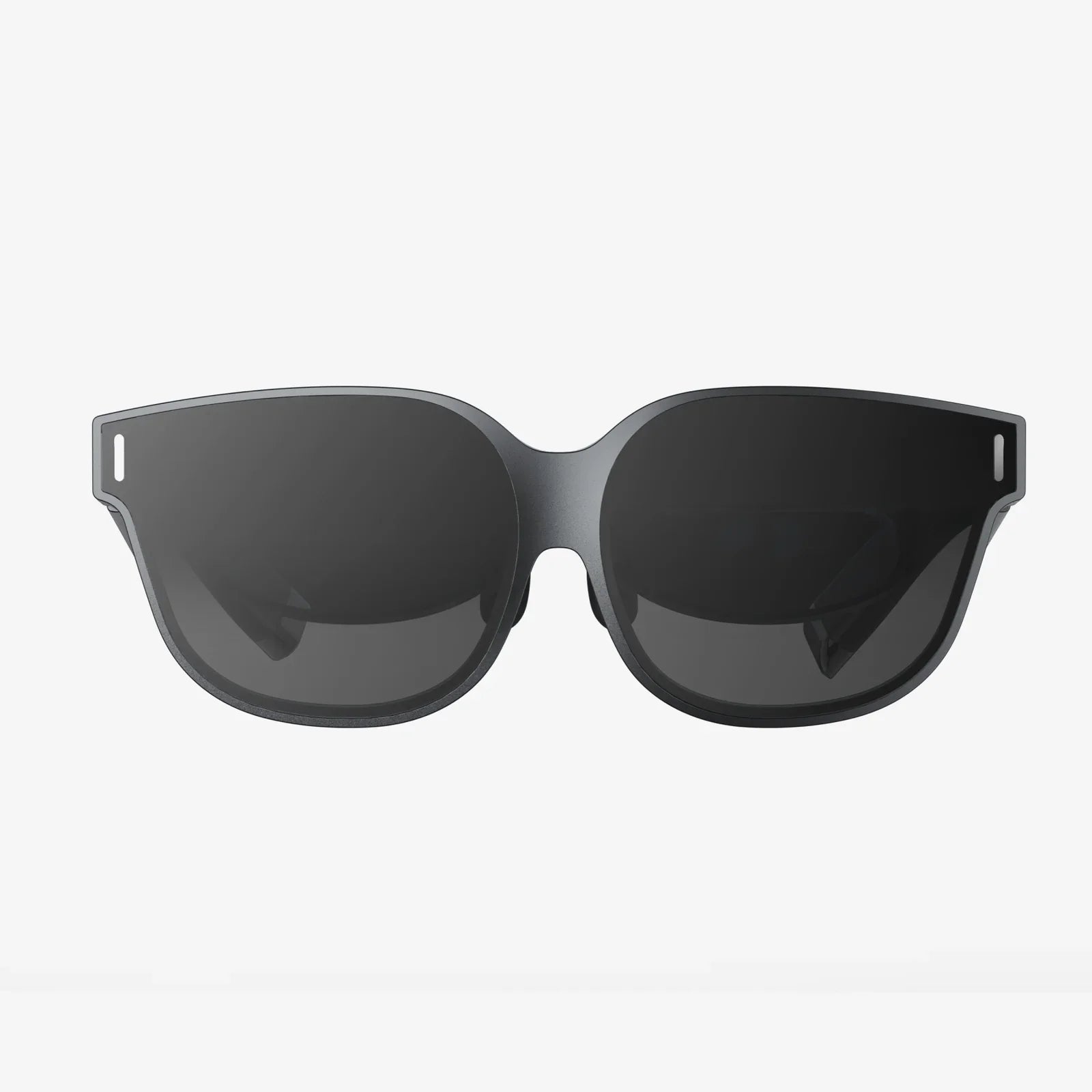
Imagine stepping through a portal into another world, a dimension so crisp, so detailed, and so breathtakingly real that the boundaries of your physical room simply dissolve. This isn't the pared-down, mobile-powered metaverse of science fiction simplifications; this is the raw, unfiltered potential of virtual reality, an experience exclusively delivered by the sheer computational might of a PC powered VR headset. For those who demand the absolute zenith of immersion, who crave every pixel, every physics-driven interaction, and every nuanced shadow, the journey begins not with a standalone device, but with a cable tethering them to a powerhouse of processing. This is the frontier of high-fidelity virtual reality, and it is an experience that redefines possibility.
The Heart of the Machine: Why a PC Delivers Unmatched Performance
At its core, a PC powered VR headset is a display peripheral, albeit an incredibly sophisticated one. It offloads the immense task of generating a virtual world to a dedicated computer, a setup that provides a monumental advantage in raw processing power. Unlike standalone headsets that must balance performance with battery life, thermal constraints, and cost, a PC VR setup has no such limitations.
The magic lies in the components of a capable gaming computer:
- The Graphics Processing Unit (GPU): This is the undisputed hero of the PC VR experience. A powerful GPU is responsible for rendering two high-resolution displays (one for each eye) at exceptionally high frame rates—typically 90Hz, 120Hz, or even 144Hz. This high refresh rate is non-negotiable for comfort and immersion; it ensures smooth, fluid motion that prevents the disorientation and nausea associated with lower, inconsistent frame rates. The GPU also handles complex shading, lighting, and texture filtering, which are the difference between a flat, cartoonish world and a convincing, tangible one.
- The Central Processing Unit (CPU): While the GPU paints the picture, the CPU directs the entire orchestra. It manages the game's logic, artificial intelligence, physics calculations, and audio processing. A powerful CPU ensures that the complex systems of a virtual world—from the behavior of non-player characters to the realistic scattering of objects—run smoothly without introducing lag or stutter, which can instantly break presence.
- System RAM and Fast Storage: Ample memory allows for the vast, detailed worlds of modern VR titles to be loaded and accessed quickly. Solid-state drives (SSDs) drastically reduce loading times, keeping you immersed in the experience rather than staring at a loading screen.
This division of labor allows a PC powered VR headset to achieve a level of visual fidelity, complexity, and scale that standalone devices simply cannot match. We're talking about experiences with photorealistic textures, advanced particle effects, vast draw distances, and sophisticated physics simulations.
The Hallmarks of High Fidelity: Resolution, Refresh Rate, and Field of View
The technical specifications of a PC VR headset read like a spec sheet for a high-end monitor, but with even greater importance. Three metrics are paramount:
- Resolution: Often quoted as a combined per-eye resolution or a total (e.g., 2880 x 1600), this determines the clarity of the image. A higher resolution directly combats the "screen door effect"—the faint grid-like appearance that was prevalent in early headsets. Modern PC VR headsets boast resolutions that make text sharp and distant objects clear, vastly enhancing realism.
- Refresh Rate: Measured in Hertz (Hz), this is how many times the image on the display refreshes per second. A higher refresh rate (90Hz and above) translates to smoother motion, which is critical for fast-paced games and overall comfort. It makes the virtual world feel stable and solid, rather than a juddery illusion.
- Field of View (FoV): This is the extent of the observable world seen at any given moment, measured diagonally. A wider FoV, often around 100-120 degrees, feels more natural and immersive, reducing the sensation of looking through a pair of binoculars or a diving mask.
Premium PC VR headsets push these specs to their limits, offering stunning clarity and buttery-smooth performance that serves as the canvas for the PC's rendering power.
Beyond the Screen: Tracking and Input Precision
A visually stunning world is worthless if you can't interact with it naturally. This is where PC VR's advanced tracking systems come into play. The two primary methods are:
- Outside-In Tracking: This method uses external sensors or base stations placed around the play area. These devices emit lasers or infrared light that is picked up by sensors on the headset and controllers. This creates a highly precise volumetric map of your space, allowing for incredibly accurate and low-latency tracking of your movements. It is considered the gold standard for competitive and experiential VR.
- Inside-Out Tracking: A more recent development, this method uses cameras mounted on the headset itself to observe the surrounding environment and track the controllers' positions relative to it. While slightly less precise for high-speed competitive play than outside-in, it offers fantastic convenience with a much simpler setup process, eliminating the need for external sensors.
This precise tracking, combined with ergonomic motion controllers that feature analog triggers, grips, buttons, and haptic feedback, allows for deep, intuitive interaction. You can aim a virtual bow with real-world steadiness, type on a virtual keyboard with individual fingers, or feel the subtle rumble of a virtual engine.
Setting Up Your Portal: A Guide to Getting Started
Embarking on the PC VR journey requires some initial setup, but the process is far more streamlined than it was in the early days.
- The PC: Ensure your computer meets or exceeds the recommended specifications for the headset you choose. This is the most critical step. Underpowered hardware will lead to a poor experience.
- The Space: Designate a clear, safe play area. PC VR offers both standing and room-scale experiences. Room-scale requires enough space to physically walk around, duck, and dodge, making the experience profoundly more engaging.
- The Hardware Setup: For outside-in systems, you'll need to mount the base stations in opposite corners of your play space, ensuring they have a clear line of sight. For inside-out systems, you simply need to plug the headset into your PC and define your play boundary by tracing its edges with your controller.
- The Software: You'll need to install the requisite platform software on your PC. This acts as the hub for your VR experiences, managing your library, friends, and settings.
- Calibration: Follow the on-screen instructions to calibrate your play space, set your floor height, and configure your interpupillary distance (IPD) for a clear and comfortable image.
Once set up, the platform store becomes your gateway to a vast library of content, from games and social apps to creative tools and educational experiences.
A Universe of Experiences: The PC VR Software Library
The software available for PC VR is its greatest asset. It is the deepest, most diverse, and most technically impressive catalog in the VR ecosystem.
- AAA Gaming: This is the domain of PC VR. Experience sprawling, narrative-driven adventures with production values that rival flat-screen AAA titles. These are games built from the ground up to leverage high-end hardware, featuring lengthy campaigns, full voice acting, and breathtaking worlds.
- Hardcore Simulations: From piloting realistic fighter jets and racing cars to conducting complex surgeries, PC VR is the only platform with the fidelity and precision for serious simulation enthusiasts. The combination of high resolution, precise tracking, and the ability to use additional peripherals like flight sticks and steering wheels creates an unmatched level of authenticity.
- Social and Creative Platforms: Step into social hubs where you can watch movies with friends, attend live events, or simply hang out. Creative applications allow you to sculpt, paint, and design in 3D space with professional-grade tools, all within an immersive environment.
- Mods and Experimental Tech: The PC platform is inherently open, leading to a vibrant modding community. Popular flat-screen games are often given new life with full VR mods, allowing you to experience them from within. Furthermore, PC VR is the testing ground for experimental technologies like full-body tracking, which uses additional sensors to track your legs and feet, and advanced haptic vests that let you feel in-game impacts.
The Future is Wired and Wireless: Evolving Connectivity
The traditional image of PC VR involves a thick, trailing cable connecting the headset to the computer. While this delivers maximum bandwidth and zero latency, it can be a tangibility hazard that reminds you of the real world. The industry has responded with two solutions:
- Dedicated Wireless Adapters: These kits use high-frequency radio bands to transmit data wirelessly from the PC to the headset with minimal latency. They require a clear line of sight and a dedicated PCIe card in your computer but offer incredible freedom of movement without a noticeable drop in visual quality.
- Integrated Wireless Solutions: The future points towards headsets with built-in wireless capabilities, leveraging technologies like Wi-Fi 6E to create a seamless, high-bandwidth connection without extra dongles or cards.
This evolution means users can now choose between the absolute fidelity of a wired connection for seated simulations or the unparalleled freedom of wireless for active room-scale games.
Weighing the Commitment: Considerations and Trade-offs
The path of the PC powered VR headset is not without its considerations. It represents a premium tier of virtual reality, both in experience and in investment.
- Cost: This is the most significant barrier to entry. The investment includes not only the headset itself but also the powerful computer required to run it. This is a commitment for serious gamers and technology enthusiasts.
- Complexity: While setup has improved, it still involves more steps than using a completely self-contained device. You are managing a multi-component system.
- Tethered Nature (Optional): Even with wireless options, the experience is inherently tied to a physical location—your computer room. You cannot take it to a friend's house or use it in the backyard as easily as a standalone headset.
However, for those who prioritize experience above all else, these trade-offs are not just acceptable; they are necessary. The unparalleled visual and interactive quality is the reward for this commitment.
The Road Ahead: The Enduring Niche of High-End VR
As standalone headsets become more powerful and accessible, some have questioned the future of PC VR. However, this misses the point. The relationship is not one of replacement but of symbiosis. Standalone VR excels at convenience, accessibility, and casual social experiences. PC VR, however, will always exist as the high-end niche, the performance tier.
It is the platform that pushes the boundaries of what is possible. It will be the first to adopt new display technologies like varifocal lenses and eye-tracking, the first to render hyper-realistic visuals powered by real-time ray tracing, and the first to create worlds of a scale and complexity we can barely imagine today. It is the testing ground, the enthusiast's playground, and the benchmark for true immersion.
Your living room is just a waiting area. The true adventure begins the moment you fire up your gaming rig, feel the hum of its fans, and strap that visor over your eyes. The cable isn't a chain; it's an umbilical cord, feeding a pure, uncut stream of reality into a headset designed to handle every byte. This is the call of the premium virtual experience, a siren song for those who refuse to compromise on immersion, detail, or the sheer awe of stepping into a world rendered with impossible clarity. The gateway is powered up and waiting—are you ready to log in?
Share:
VR Headset for Elderly: A New Frontier in Senior Wellness and Connection
Quality VR Headset - The Ultimate Guide to High-Fidelity Immersion