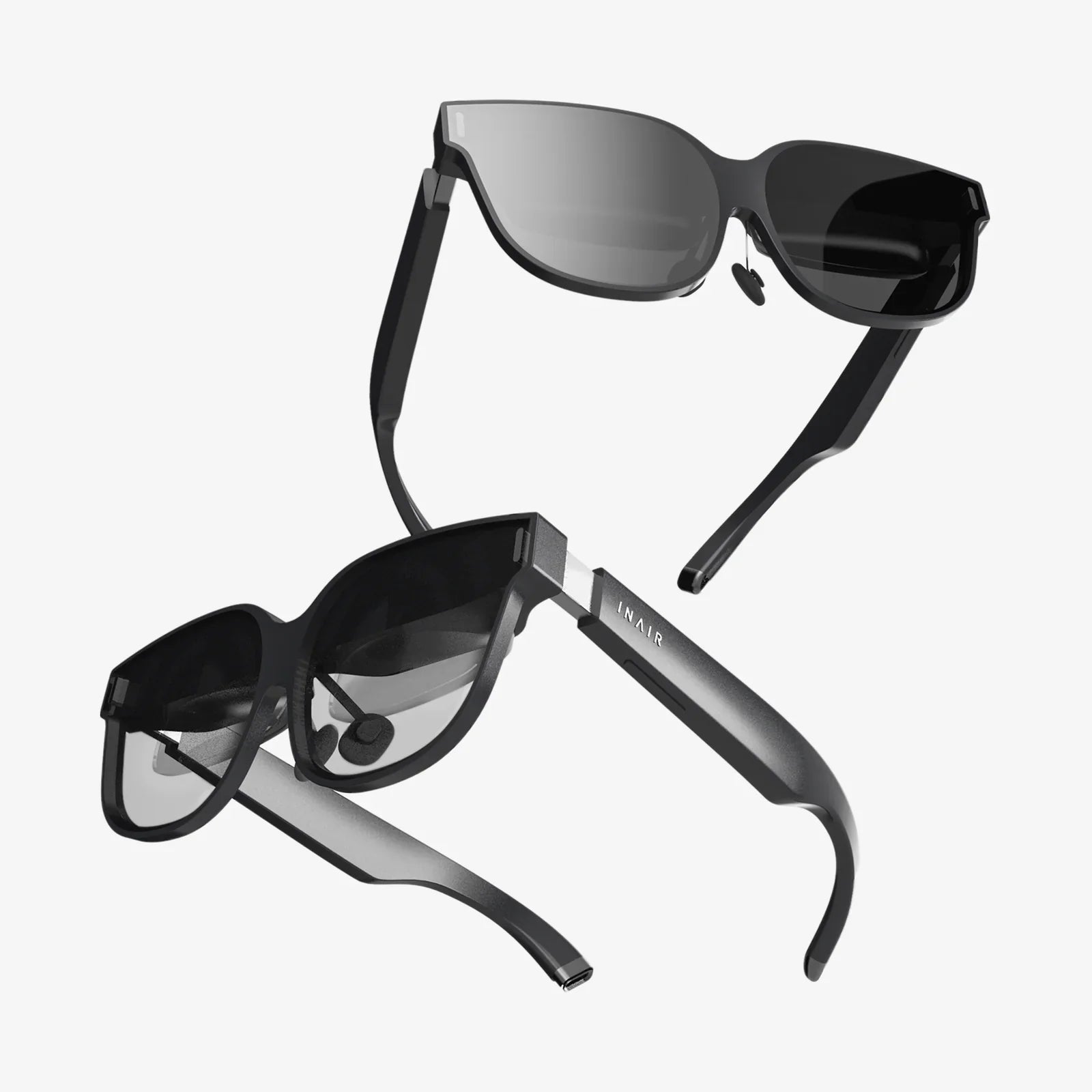
Imagine this: you’re at a crowded coffee shop, trying to finalize a complex spreadsheet while referencing a live data feed and keeping an eye on your communication platform. Or perhaps you’re nestled in a hotel room, attempting to code with only your laptop's cramped screen. The constant alt-tabbing, the frantic window resizing, the sheer frustration of a limited digital canvas—it’s a universal pain point for the modern mobile professional. But what if you could unfold a solution right from your backpack, instantly transforming your modest laptop into a command center worthy of a NASA mission? This isn't a glimpse into the future; it's the reality offered by the portable dual computer monitor, a device that has rapidly evolved from a niche gadget to an essential tool for anyone serious about productivity beyond the office walls.
The Unstoppable Rise of the Mobile Workspace
The traditional concept of an office has been fundamentally dismantled. Remote work, hybrid models, and the digital nomad lifestyle are no longer exceptions but mainstream realities. Professionals are no longer tethered to a single location, and their tools must adapt accordingly. The laptop is the undisputed champion of this mobility, offering incredible power in a slim package. However, for all its advancements, the laptop has one inherent, physical limitation: screen real estate. A single screen, typically between 13 and 16 inches, forces a constant compromise. You must choose between seeing your email or your document, your design software or your reference image, your code or your testing environment. This context switching is more than just an annoyance; cognitive science tells us it's a significant drain on mental resources, leading to decreased efficiency and increased error rates. The portable dual monitor directly addresses this core limitation, serving as a productivity multiplier that travels anywhere you do.
What Exactly Is a Portable Dual Monitor?
At its core, a portable dual monitor system is exactly what it sounds like: a setup that provides two additional screens for your primary computer, be it a laptop, a desktop, or even certain tablets and smartphones. Unlike traditional desktop monitors that require separate power cables, dedicated video ports, and a permanent spot on a desk, these devices are designed for ultimate portability. They are typically slim, lightweight panels that can easily slip into a laptop sleeve or backpack. They often come with a protective case that doubles as a stand, allowing for easy angle adjustment. Connectivity is streamlined, usually achieved through a single USB-C cable that handles both video signal and power, eliminating the need for a separate power brick. Some models may use a combination of USB and HDMI, but the trend is decisively toward single-cable simplicity. The defining characteristic is their purpose: to be deployed in minutes, anywhere, creating a seamless, multi-screen workflow that was previously confined to a static desk.
Key Features and Specifications to Decipher
Navigating the market for these displays requires understanding a few key terms. Knowing what to look for will ensure you choose a model that truly enhances your workflow rather than becoming a frustrating limitation.
Display Technology: IPS for the Win
The vast majority of high-quality portable monitors use In-Plane Switching (IPS) panels. This technology is preferred because it offers superior color accuracy and wide viewing angles compared to older TN (Twisted Nematic) panels. This means the image remains consistent and vibrant even if you're not looking at it dead-on, which is crucial for a screen that might be positioned at various angles throughout the day.
Resolution and Clarity: Beyond HD
While Full HD (1920x1080) is a common and perfectly adequate resolution, especially for screens in the 13 to 15.6-inch range, many models now offer higher resolutions like QHD (2560x1440) or even 4K (3840x2160). A higher resolution means a sharper image and more screen real estate, allowing you to fit more windows and text without everything becoming pixelated. For tasks like photo editing, video editing, or detailed data analysis, a higher resolution is a significant advantage.
Connectivity: The Simplicity of USB-C
This is arguably the most critical feature. A modern portable monitor should ideally support USB-C with DisplayPort Alternate Mode. This allows a single cable to transmit video, data, and power from your laptop to the monitor. It’s a clean, elegant solution that minimizes cable clutter. Ensure your laptop's USB-C port supports video output; most modern laptops do. Some monitors also include a mini-HDMI port as a backup option for older devices, which is a useful feature.
Touchscreen and Pen Support
An emerging and powerful feature in some portable monitors is touchscreen capability, often with support for an active pen or stylus. This transforms the monitor from a passive display into an interactive tablet-like device. For digital artists, graphic designers, architects, or anyone who benefits from direct manipulation, this feature is a game-changer, allowing for precise drawing, sketching, and note-taking on a secondary screen.
Build Quality and Protection
Since this device is meant to be mobile, its build quality is paramount. Look for models with a sturdy kickstand or a high-quality folio case that provides reliable stability on various surfaces. The screen should be protected by durable glass, often with an anti-glare coating to reduce reflections in brightly lit environments.
Transforming Workflows Across Professions
The utility of a portable dual monitor extends far beyond a simple convenience. It actively revolutionizes how different professionals approach their work.
The Software Developer and Coder
For a developer, this setup is transformative. One screen can be dedicated entirely to their integrated development environment (IDE) where they write code, while the second screen can simultaneously display API documentation, a local server terminal, and a communication app like Slack. This eliminates the need to constantly switch virtual desktops or obscure their code, leading to a deeper state of focus and faster debugging.
The Financial Analyst and Data Scientist
Working with complex spreadsheets, financial models, and data visualization tools is a nightmare on a single screen. A portable dual setup allows an analyst to have their raw data and modeling software open on one screen while their final charts, graphs, and report document are live on the other. Cross-referencing information becomes instantaneous, drastically reducing the time spent on data validation and presentation.
The Content Creator and Creative Professional
Whether you're a video editor, graphic designer, or writer, screen space is your canvas. A video editor can have their editing timeline and preview window on their laptop screen while placing their source footage bins and effects panels on the portable display. A writer can have their research material and outline open on the second screen while they write in their primary window, maintaining a continuous flow of thought.
The Remote Support and IT Professional
IT professionals often need to manage multiple remote sessions, server dashboards, and knowledge base articles simultaneously. A portable monitor allows them to keep critical monitoring tools and ticketing systems visible at all times on one screen while actively working on client machines or servers on the other, greatly improving response times and situational awareness.
The Tangible Benefits: Why It's Worth the Investment
The advantages of integrating a portable dual monitor into your setup are numerous and backed by both anecdotal evidence and broader studies on workplace productivity.
A Massive Boost in Productivity
Multiple studies have shown that adding a second monitor can increase productivity by 20-30%. This isn't just about doing the same work faster; it's about doing better work. The reduction in context switching allows for prolonged concentration, leading to higher-quality output and fewer mistakes.
Enhanced Multitasking and Workflow Streamlining
True effective multitasking isn't about doing two things at once; it's about seamlessly managing multiple streams of information. A second screen allows you to keep your primary task in focus while monitoring secondary, yet still important, information like email, calendars, or communication channels without minimizing your main work.
Ergonomic Advantages
While often overlooked, a well-positioned second monitor can improve posture and reduce neck strain. Instead of constantly looking down at a laptop screen or twisting to see a reference document, you can position the portable monitor at eye level, creating a more comfortable and ergonomic viewing angle.
Ultimate Flexibility and Freedom
The most profound benefit is liberation. You are no longer chained to a desk to access a powerful multi-screen setup. Your office can be a library, a park bench, a airport lounge, or your kitchen table, without sacrificing an ounce of efficiency. This freedom empowers a truly mobile and adaptable work style.
Potential Considerations Before You Buy
While the benefits are compelling, it's wise to consider a few potential drawbacks. The need to carry an additional device, albeit a slim one, adds a small amount of weight and requires space in your bag. You must also be mindful of your laptop's battery life, as powering a second display will draw more power, though this is less of an issue with efficient modern panels and laptops. Finally, setting up on an uneven or small surface can sometimes be tricky, though most included stands are designed for stability.
The era of being productive only at a dedicated desk is over. The portable dual computer monitor is more than just a piece of technology; it's a key that unlocks a new level of professional capability and freedom. It directly answers the central challenge of mobile work, transforming frustration into flow and limitation into limitless potential. It’s an investment not just in a gadget, but in your time, your focus, and ultimately, your success, no matter where your journey takes you.