


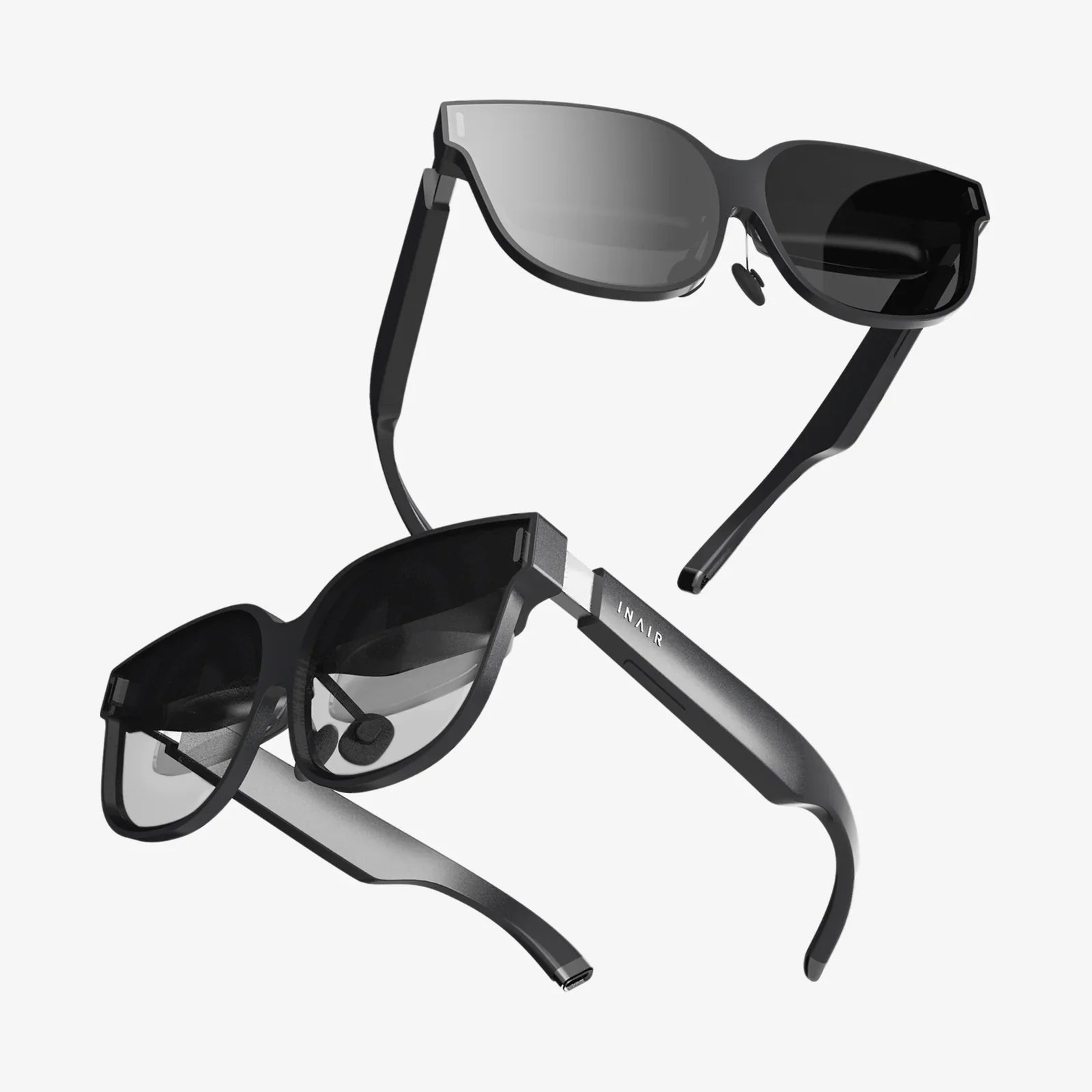
If you have ever wished your everyday eyewear could quietly record your world, answer your questions, and keep you connected without pulling out your phone, Ray-Ban Meta Smart Glasses are likely already on your radar. They sit at the intersection of fashion and futuristic tech, promising to turn something you already wear on your face into a powerful, always-available assistant. But what exactly can they do, how do they work, and are they really practical for daily life rather than just a tech demo?
This guide walks through how these smart glasses function, what makes them different from earlier attempts at connected eyewear, and how they fit into real-world scenarios like commuting, traveling, working, and creating content. By the end, you will have a grounded sense of their strengths, limitations, and whether they belong in your everyday carry.
What Are Smart Glasses And Where Do These Fit In?
Smart glasses are wearable devices that look like traditional eyewear but pack in electronics such as cameras, microphones, speakers, sensors, and wireless connectivity. Their goal is to add digital capabilities without demanding your full attention like a phone screen does.
Many earlier smart glasses struggled with either bulky designs or underwhelming features. The key shift with modern designs is the focus on:
- Discreet appearance that passes as normal eyewear
- Hands-free interaction via voice and touch controls
- Lightweight media capture for photos and videos
- Subtle audio for calls and notifications without earbuds
Ray-Ban Meta Smart Glasses are part of this new wave. Rather than trying to project a full virtual screen in front of your eyes, they focus on audio, cameras, and connectivity while keeping the design as close as possible to classic sunglasses or prescription frames.
Design And Comfort: Why A Familiar Look Matters
One of the biggest barriers to wearable tech adoption is aesthetics. People are far less likely to wear something every day if it looks obviously like a gadget. These smart glasses are designed to look and feel like conventional eyewear first, and like a computer second.
Key design considerations include:
- Traditional frame styles: The frames resemble popular, timeless shapes rather than futuristic helmets or bulky visors.
- Balanced weight distribution: The electronics are integrated into the arms and frame so they do not feel front-heavy on your nose.
- Comfort for all-day wear: Nose pads and frame materials are chosen to reduce pressure points, and the arms are shaped to sit comfortably over the ears.
- Lens options: Users can choose sun lenses, clear lenses, or prescription lenses depending on their needs, making them viable for daily wear indoors and outdoors.
This focus on familiar design means they can blend into your wardrobe without screaming “tech gadget,” which is especially important in professional or social settings where you do not want to stand out.
Core Features: What These Smart Glasses Actually Do
Beyond the look and feel, the real question is what these glasses bring to your daily life. Their capabilities generally fall into four main categories: camera, audio, connectivity, and smart assistant functions.
Camera And Media Capture
One of the signature features is the built-in camera on the front of the frame. It is designed for spontaneous, point-of-view capture rather than cinematic filmmaking.
- Hands-free photos: You can snap a picture with a voice command or a quick tap on the frame, capturing exactly what you are seeing.
- Short video clips: The glasses can record short videos from your perspective, which is ideal for travel moments, events, or quick updates.
- First-person perspective: Because the camera is aligned with your eyes, the footage and photos feel more natural and immersive compared to holding a phone at arm’s length.
The camera is intentionally subtle, but there are usually visual indicators such as small lights to signal when recording is active, which is important for transparency around others.
Audio: Speakers And Microphones Built Into The Frame
The glasses also function as an audio device. Instead of earbuds, they use tiny speakers built into the arms of the frame, directing sound toward your ears.
- Listening to music and podcasts: You can stream audio from your phone through the glasses, keeping your ears relatively open to the environment.
- Phone and video calls: Integrated microphones pick up your voice, and the speakers let you hear the other person without holding a phone.
- Notifications and alerts: You can receive subtle audio cues for messages, reminders, or navigation prompts.
The microphones are also crucial for voice commands, allowing you to talk to your digital assistant without touching your phone.
Connectivity And Companion App
The glasses pair with your smartphone via wireless connectivity. A companion app typically handles:
- Initial setup and pairing
- Firmware updates to improve performance and add features
- Media management for photos and videos captured on the glasses
- Settings control such as privacy options, notifications, and assistant preferences
Once paired, the glasses act as an extension of your phone, pulling in data and features without requiring you to look at a screen.
Smart Assistant And AI Features
A major selling point is the integration of a voice-controlled assistant powered by AI. You can trigger it with a wake phrase or a button press and then ask for help with tasks like:
- Checking the weather or time
- Setting reminders or timers
- Sending messages or making calls
- Getting quick answers to factual questions
- Translating phrases when traveling
This hands-free interaction is especially useful when your hands are busy, such as when cooking, cycling, or carrying bags.
Everyday Use Cases: How Smart Glasses Fit Into Real Life
To understand whether these glasses are more than a novelty, it helps to picture specific situations where they can replace or complement your phone.
Commuting And Daily Errands
During a commute, smart glasses can quietly streamline your routine:
- Navigation: Ask for walking or driving directions and get turn-by-turn audio prompts without staring at your phone.
- Messages on the go: Have your messages read aloud and dictate quick replies while keeping your hands free.
- Music and calls: Listen to playlists and take calls without pulling your phone from your pocket or bag.
Because the speakers keep your ears more open than sealed earbuds, you stay more aware of your surroundings, which is valuable in traffic or crowded spaces.
Travel And Exploration
Travel is one of the most compelling use cases for smart glasses. They can help you:
- Capture experiences effortlessly: Take photos and videos of landmarks, street scenes, and special moments from your perspective without constantly holding a camera.
- Use translation tools: Ask your assistant to translate phrases or help you understand signs and menus.
- Navigate unfamiliar cities: Get walking directions and transit information while keeping your eyes on the environment rather than your phone screen.
Instead of feeling like a tourist glued to a device, you can stay more present while still documenting your trip and accessing information.
Work, Productivity, And Collaboration
For work, smart glasses can act as a subtle assistant during busy days:
- Hands-free note-taking: Dictate quick notes or reminders during meetings or site visits.
- Remote collaboration: Capture first-person video of a process, setup, or issue so colleagues can see what you see.
- On-the-go scheduling: Ask your assistant to schedule meetings, check your calendar, or set follow-up reminders.
In roles like field service, construction, healthcare, or logistics, the ability to document and communicate without juggling a phone can be particularly valuable.
Content Creation And Social Sharing
For people who share content on social platforms, these glasses can become a creative tool:
- Point-of-view storytelling: Record what you see as you cook, build, travel, or perform, giving followers a more immersive perspective.
- Spontaneous capture: When something interesting happens, you are already wearing a camera, so you can capture it immediately.
- Less intrusive filming: You can document moments without holding a phone up between you and other people, which can feel more natural.
This does not replace dedicated cameras for high-end production, but it lowers the barrier to capturing authentic, in-the-moment content.
Privacy And Social Etiquette: Wearing A Camera On Your Face
Any device that includes a camera and microphone raises important privacy questions, especially when it is worn on your face. Responsible use is crucial to making smart glasses socially acceptable.
Visual Indicators And Transparency
Modern smart glasses are typically designed with clear indicators when recording is active, such as small lights near the camera. While these may be subtle, they are meant to signal to people nearby that a photo or video is being captured.
As a wearer, you can build trust by:
- Avoiding recording in sensitive spaces like bathrooms, locker rooms, or private offices.
- Letting friends, family, or colleagues know when you are recording.
- Respecting requests from others not to be filmed or photographed.
Data Handling And Permissions
Captured media and voice commands are typically processed through companion apps and cloud services. Within the app settings, you can often control:
- What data is stored locally on your phone versus in the cloud.
- Whether voice interactions are stored for improving services.
- Which apps can access your photos, videos, and microphone.
Taking the time to review these settings is important if you are concerned about privacy and data security.
Social Acceptance And Norms
Smart glasses are still relatively new in everyday life, so social norms are evolving. Some people may feel uneasy around them at first, especially if they are not familiar with how they work.
To make interactions smoother:
- Be ready to explain what the glasses can and cannot do.
- Use them thoughtfully in meetings, classrooms, and social gatherings.
- Consider removing them in situations where cameras would normally be discouraged.
Over time, as more people encounter and understand this type of wearable, the initial novelty is likely to fade, much like it did with smartphones and wireless earbuds.
Battery Life, Charging, And Durability
Since these glasses are meant to be worn for long stretches, battery life and durability are crucial practical factors.
Battery Expectations
Battery life depends heavily on how you use the glasses. Some typical patterns include:
- Light use: Occasional photos, short calls, and intermittent music can often last through most of a day.
- Heavy use: Continuous video recording or extended audio streaming will drain the battery more quickly.
Many smart glasses come with a charging case similar to wireless earbuds, allowing you to recharge on the go. Planning to top up during breaks can keep them ready throughout the day.
Charging Experience
Charging typically involves placing the glasses into a dedicated case that connects via cable to a power source. The case itself may hold multiple charges, so you can plug it in at night and then recharge the glasses from the case during the day.
This approach reduces wear on tiny ports on the glasses and keeps the charging process simple and portable.
Durability And Everyday Wear
Smart glasses need to handle real-world conditions like:
- Being taken on and off repeatedly.
- Exposure to sunlight, sweat, and occasional splashes of water.
- Being stored in bags or cases when not in use.
Frames are generally built from robust materials, and some models offer splash resistance. However, they are still electronics, so they should be treated with more care than a typical pair of inexpensive sunglasses.
Advantages Over Traditional Devices
It is fair to ask why you would choose smart glasses when you already own a smartphone, wireless earbuds, and perhaps a smartwatch. The answer lies in how they combine functions and change your interaction patterns.
Hands-Free Convenience
With smart glasses, you can interact with your digital life without constantly reaching for your phone or looking down at a screen. This matters in situations where your hands are busy or when you want to stay visually engaged with the world around you.
More Natural Media Capture
Because the camera is aligned with your eyes, photos and videos feel more like what you actually experienced. You are not interrupting the moment to frame a shot with your phone; you are simply tapping or speaking to capture what you are already seeing.
Subtle, Screen-Free Interaction
Audio-based responses and notifications mean you can stay informed without the visual distraction of a screen. This can reduce the temptation to get lost scrolling and help you maintain better presence during conversations and activities.
Limitations And Trade-Offs
Despite their appeal, smart glasses are not perfect and will not replace every device you own. Understanding the trade-offs helps set realistic expectations.
Battery And Performance Constraints
Because the glasses must remain lightweight and comfortable, battery size is limited. Heavy users will likely need to charge more than once per day, especially if recording video frequently.
Processing power is also constrained compared to a smartphone or laptop, so complex tasks still rely on your phone and cloud services.
Camera Quality Compared To Dedicated Devices
The built-in camera is optimized for convenience and perspective rather than maximum resolution or low-light performance. For professional photography or videography, dedicated cameras remain superior. Smart glasses shine in spontaneous, everyday capture rather than staged shoots.
Social And Privacy Sensitivities
Some people may be wary of being recorded without noticing, even with indicator lights. It will take time for social norms to catch up, and in some environments, wearing camera-equipped glasses may not be appropriate.
Dependence On A Smartphone
Most of the advanced features rely on a paired smartphone and a stable wireless connection. Without your phone nearby, the glasses may lose access to some assistant functions, notifications, and data services.
Who Are These Smart Glasses Best Suited For?
Not everyone will benefit equally from smart glasses. They are most compelling for people whose lifestyles align with their strengths.
Ideal Users
- Frequent travelers: People who explore new places and want quick access to navigation, translation, and hands-free capture.
- Active professionals: Those who move constantly during the day and benefit from hands-free communication and note-taking.
- Content creators: Individuals who share their daily life or behind-the-scenes processes and value first-person video.
- Tech enthusiasts: Early adopters who enjoy integrating new devices into their routines and experimenting with emerging interfaces.
Who Might Want To Wait
- People who rarely take photos or videos and prefer minimal tech.
- Those with strong privacy concerns who feel uncomfortable wearing or being around camera-equipped wearables.
- Users who expect all-day heavy use without access to charging.
If your main priority is battery life, camera quality, or cost-effectiveness, you may prefer to stick with your current combination of phone, earbuds, and perhaps a smartwatch for now.
Tips For Getting The Most Out Of Smart Glasses
If you decide to adopt smart glasses, a few habits can dramatically improve your experience and reduce friction.
Customize Your Settings Early
Spend time in the companion app to:
- Adjust notification preferences so you are not overwhelmed.
- Fine-tune privacy settings for voice recordings and media backups.
- Set up default behaviors for photos, videos, and assistant responses.
This initial setup ensures the glasses fit your lifestyle rather than constantly interrupting it.
Learn Core Voice Commands
Memorize a small set of commands you will use frequently, such as:
- Taking a photo or starting a video.
- Sending a message to a key contact.
- Checking your next calendar event.
- Starting navigation to a saved location.
Knowing these by heart keeps interactions smooth and fast, so the glasses feel like a natural extension of your routine.
Be Intentional About Recording
Because recording is so easy, it is tempting to capture everything. Instead, choose moments thoughtfully to avoid filling storage with forgettable clips and to remain considerate of people around you.
Use A Case And Charging Routine
Develop a habit of placing the glasses in their case when not in use. This protects them physically and helps ensure they are charged when you need them. Many users find it helpful to charge overnight and then top up during lunch or downtime.
The Future Of Everyday Wearables On Your Face
Smart glasses represent a significant step toward a world where computing fades into the background of daily life. Instead of pulling out a device and diving into an app, you simply speak, listen, and see through something you were already going to wear.
Ray-Ban Meta Smart Glasses showcase how far this concept has come: stylish frames, integrated audio, hands-free camera, and AI assistance, all in a package that looks like ordinary eyewear. They are not a replacement for your phone or your camera, but they can quietly reduce your dependence on screens and make certain interactions smoother, faster, and more natural.
If you are curious about the next stage of wearable technology, these glasses offer a glimpse you can actually live with day to day. Whether you are capturing life from your own eyes, navigating a new city, or staying on top of your schedule without staring at a screen, they hint at a future where your most powerful device might not be in your pocket at all, but resting lightly on the bridge of your nose.
Share:
Remote AR Assistance: Transforming Service, Training, and Collaboration
Remote AR Assistance: Transforming Service, Training, and Collaboration