


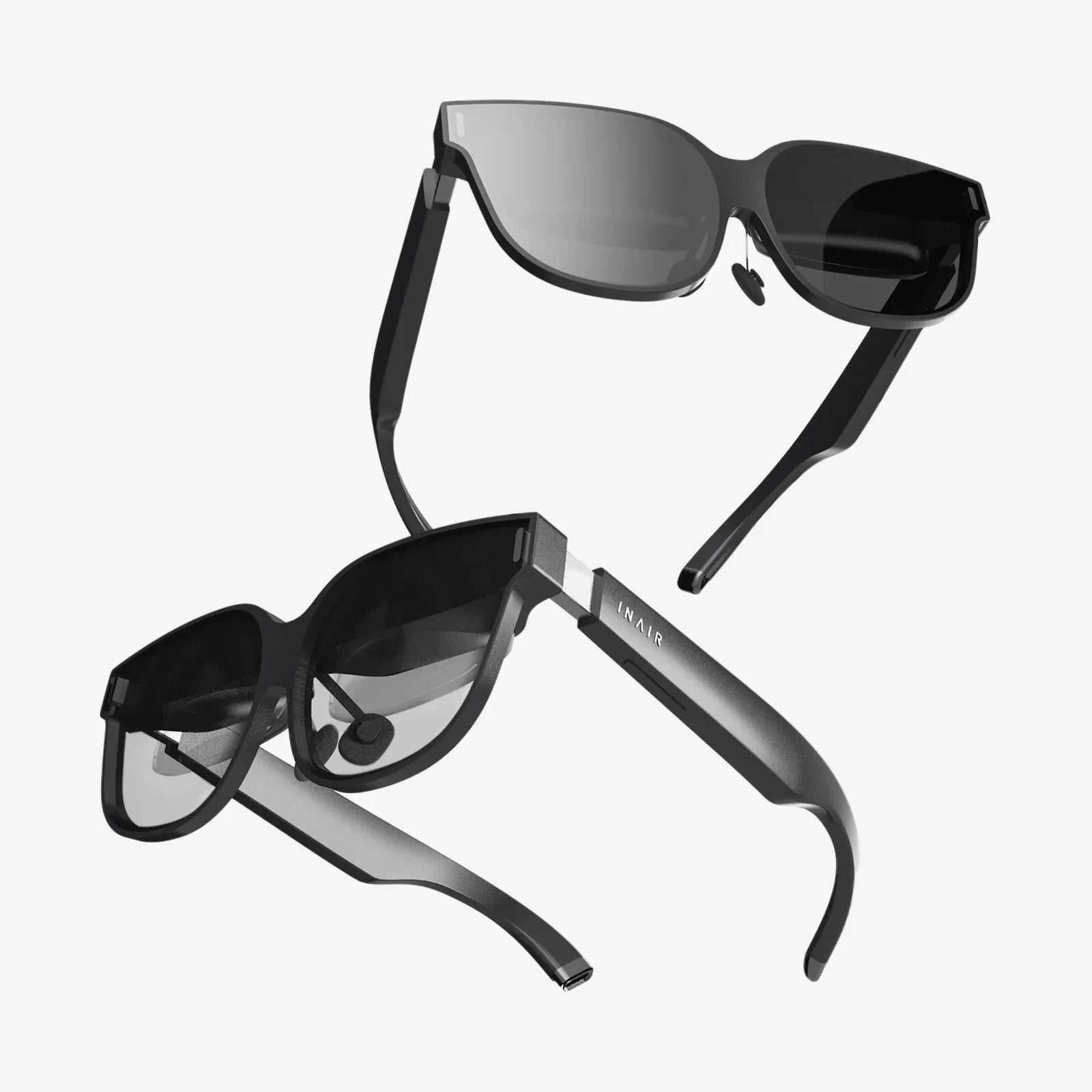
Remote AR Assistance is quietly becoming the secret advantage of organizations that solve complex problems faster, delight customers effortlessly, and keep experts productive instead of constantly traveling. If you have ever wished an expert could “look over your shoulder” from miles away and guide your hands as if they were in the room, this technology is exactly what turns that wish into a repeatable, scalable reality.
What Is Remote AR Assistance?
Remote AR Assistance combines real-time communication with augmented reality overlays so that an expert in one location can see what a user sees somewhere else and guide them visually. Instead of relying only on voice calls, emails, or text instructions, the remote expert can annotate the user’s live camera view, draw arrows, highlight components, or display step-by-step instructions directly in the user’s field of vision.
At its core, this approach merges three elements:
- Live video streaming from a smartphone, tablet, or AR headset.
- Two-way audio so the expert and on-site user can talk in real time.
- Augmented reality overlays that attach digital markers, text, or 3D guides onto the real-world view.
This turns remote help from a frustrating guessing game into a shared visual workspace, making complex tasks easier, faster, and much less error-prone.
How Remote AR Assistance Works in Practice
To understand the power of Remote AR Assistance, it helps to walk through a typical interaction. Imagine a technician on-site with a malfunctioning machine:
- The technician opens an AR assistance app on a mobile device or puts on AR glasses.
- The live camera feed is streamed to a remote expert, who sees exactly what the technician is seeing.
- The expert speaks with the technician, asking them to move closer, zoom in, or look at specific components.
- Using AR tools, the expert draws arrows, circles parts, or pins labels that stay anchored to physical objects even if the camera moves.
- The technician follows these visual cues, performing actions step by step while the expert monitors and corrects in real time.
In more advanced setups, the expert can also push 3D models, procedural checklists, or animated sequences into the technician’s view, turning the session into a guided, interactive tutorial tailored to the exact equipment and situation.
Key Technologies Behind Remote AR Assistance
Several technological building blocks make Remote AR Assistance possible and reliable:
- Computer vision and tracking: Algorithms identify surfaces and objects, allowing digital markers to stay locked in place as the camera moves.
- Low-latency video streaming: High-quality, real-time video is essential so that guidance is timely and accurate.
- Spatial mapping: The system builds a basic understanding of the environment, enabling 3D overlays that align with real-world geometry.
- Voice and gesture input: Experts can interact with the interface hands-free, and users can often trigger actions with simple gestures.
- Cloud connectivity: Sessions, annotations, and sometimes equipment data are stored and processed in the cloud for access and analytics.
As networks improve and devices become more capable, Remote AR Assistance continues to get smoother, more accurate, and more accessible to non-technical users.
Major Benefits of Remote AR Assistance
The advantages of Remote AR Assistance go far beyond the novelty of AR visuals. It directly impacts cost, speed, quality, and user satisfaction.
1. Faster Problem Resolution
When an expert can see the situation and point directly to what matters, troubleshooting time drops dramatically. Users no longer have to interpret vague instructions or send photos back and forth. Instead, they receive immediate, precise guidance, often turning what would have been a multi-day issue into a quick session lasting minutes or hours.
2. Reduced Travel and Operational Costs
Sending specialists to different sites is expensive and slow. Remote AR Assistance lets organizations centralize expertise while supporting multiple locations. One expert can handle several remote sessions a day, eliminating many trips and the associated costs of travel, accommodation, and downtime.
3. Higher First-Time Fix Rates
Traditional remote support often leads to misdiagnosis or incomplete fixes, requiring repeat visits. By bringing visual context into the conversation, Remote AR Assistance increases the likelihood that issues are fully resolved on the first attempt. This improves service metrics and reduces frustration for everyone involved.
4. Better Knowledge Transfer and Training
Remote AR Assistance doubles as a powerful training tool. Less experienced staff can perform complex tasks while being mentored in real time. Sessions can be recorded and reused as training scenarios, building a growing library of real-world examples and solutions.
5. Improved Safety and Compliance
In hazardous environments, the ability to keep experts off-site reduces exposure to risk. AR overlays can also include safety warnings, lockout-tagout reminders, and compliance checklists, helping ensure that procedures are followed correctly and consistently.
6. Enhanced Customer Experience
Customers appreciate quick, competent help. When they can show an expert exactly what is wrong and receive clear visual guidance, they feel supported and confident. This can turn stressful breakdowns into positive service experiences that strengthen long-term relationships.
Use Cases of Remote AR Assistance Across Industries
Remote AR Assistance is not limited to a single sector. Its core value—connecting expertise to problems visually—applies almost everywhere.
Manufacturing and Industrial Maintenance
Factories and industrial sites often rely on specialized equipment that is expensive to maintain and difficult to troubleshoot. Remote AR Assistance helps:
- Guide on-site technicians through complex repairs and calibrations.
- Support installations and commissioning of new machinery.
- Perform remote inspections and routine maintenance checks.
- Reduce production downtime by accelerating fault diagnosis.
By keeping machines running and minimizing delays, organizations protect revenue and avoid costly disruptions.
Field Service and Utilities
Field service teams working on telecom infrastructure, power systems, water networks, or building services often operate in remote or distributed locations. Remote AR Assistance allows:
- Junior technicians to handle more tasks with remote oversight from senior experts.
- Real-time collaboration on complex installations or emergency repairs.
- Visual documentation of work performed for compliance and quality assurance.
This not only improves efficiency but also helps organizations cope with skill shortages by extending the reach of experienced personnel.
Healthcare and Telemedicine Support
In healthcare, Remote AR Assistance can support clinicians and caregivers in multiple ways:
- Remote specialists guiding local staff during certain procedures or device setups.
- Support for home care, where caregivers receive visual guidance on equipment use or wound care.
- Training scenarios that simulate real clinical environments with AR overlays.
Because healthcare is highly regulated, implementations must prioritize data privacy, security, and compliance, but the potential to extend expertise to underserved areas is significant.
Construction and Architecture
Construction projects involve many stakeholders and complex plans. Remote AR Assistance can:
- Allow architects or engineers to review on-site conditions without traveling.
- Overlay design models onto the real environment to check alignment and detect conflicts.
- Guide teams through installations and inspections with visual cues.
This reduces rework, helps identify errors early, and keeps projects on schedule.
Retail, Logistics, and Warehousing
Retail and logistics operations rely on speed and accuracy. Remote AR Assistance can help:
- Train staff on picking routes, inventory management, and equipment operation.
- Support troubleshooting of point-of-sale systems or warehouse machinery.
- Guide staff through complex stockroom or back-of-house tasks.
Because these environments often have high staff turnover, the ability to train quickly and support workers visually can significantly boost performance.
Education and Technical Training
Remote AR Assistance is also a powerful tool for education, especially in technical and vocational fields. It enables:
- Remote instructors to guide students through lab exercises or practical tasks.
- Interactive demonstrations where students see annotations on real-world setups.
- Collaborative problem-solving sessions that mimic real workplace scenarios.
This hands-on, visually rich learning style can accelerate skill development and improve retention.
Designing an Effective Remote AR Assistance Strategy
Adopting Remote AR Assistance is not just about deploying a new tool; it requires a thoughtful strategy that aligns with business goals and user needs.
1. Identify High-Impact Use Cases
Start by mapping where visual remote support would create the most value. Look for situations where:
- Travel costs are high or experts are in short supply.
- Downtime is expensive and rapid response is critical.
- Tasks are complex, error-prone, or safety-sensitive.
- Training new staff is time-consuming and resource-intensive.
Prioritize a small number of high-impact scenarios to pilot first, then expand once you have proven results.
2. Choose the Right Devices
Remote AR Assistance can run on several device types, each with trade-offs:
- Smartphones and tablets: Widely available and easy to deploy, ideal for quick adoption.
- AR headsets or smart glasses: Provide hands-free operation and a more immersive experience, better for tasks requiring both hands.
- Ruggedized devices: Suitable for harsh environments such as factories, construction, or outdoor field work.
The best choice depends on your environment, safety requirements, budget, and how frequently workers will use the system.
3. Integrate With Existing Workflows
Remote AR Assistance is most effective when it fits naturally into how people already work. Consider:
- Integrating with maintenance management or ticketing systems.
- Linking to digital manuals, schematics, and knowledge bases.
- Defining clear triggers for when and how to launch a remote session.
- Standardizing documentation of each session for future reference.
Designing these workflows upfront prevents the technology from becoming a disconnected add-on that people forget to use.
4. Train Both Experts and Frontline Users
Even intuitive tools benefit from structured training. Experts need to learn how to:
- Communicate clearly using visual annotations and stepwise instructions.
- Balance real-time guidance with teaching, so users learn rather than just follow orders.
- Use standardized procedures and checklists within the AR environment.
Frontline users need practice with:
- Positioning the camera or headset for optimal visibility.
- Following AR cues safely and efficiently.
- Escalating issues and sharing context before sessions begin.
Short, scenario-based training sessions can quickly build confidence and adoption.
5. Measure Value and Iterate
To justify investment and refine your approach, track metrics such as:
- Average time to resolution before and after implementation.
- First-time fix rates and repeat visit rates.
- Travel cost reductions for expert staff.
- User satisfaction scores from technicians and customers.
- Training time and ramp-up speed for new employees.
Use these insights to adjust workflows, expand to new use cases, or refine training materials.
Security, Privacy, and Compliance Considerations
Because Remote AR Assistance involves live video and potentially sensitive environments, security and privacy must be treated as first-class requirements, not afterthoughts.
Protecting Visual and Operational Data
Video streams can reveal proprietary equipment, customer locations, or confidential processes. To protect this information:
- Use encrypted communication channels for audio and video.
- Restrict access to authorized personnel with strong authentication.
- Define clear policies on when sessions can be recorded and how recordings are stored.
- Mask or blur sensitive areas where appropriate.
Align these measures with your organization’s broader cybersecurity strategy.
Compliance With Industry Regulations
Different industries have specific regulatory requirements, particularly healthcare, finance, and critical infrastructure. Consider:
- Ensuring that data handling practices meet relevant standards.
- Documenting consent from customers or patients when video is captured.
- Maintaining audit trails of who accessed what and when.
Involve legal and compliance teams early to avoid costly redesigns later.
User Trust and Transparency
People are more likely to embrace Remote AR Assistance when they understand how it works and how their data is used. Communicate clearly about:
- What is visible during a session and who can see it.
- Whether sessions are recorded and for what purpose.
- How long data is retained and who can access it.
Transparent policies build trust and encourage consistent adoption.
Common Challenges and How to Overcome Them
Like any significant change, implementing Remote AR Assistance comes with hurdles. Being aware of them upfront helps you plan effective responses.
Connectivity and Bandwidth Limitations
Remote locations or crowded networks can cause lag or poor video quality. To mitigate this:
- Test connectivity at typical work sites before large-scale rollout.
- Provide offline or low-bandwidth fallback options, such as pre-loaded instructions.
- Use adaptive streaming that adjusts quality based on network conditions.
In some cases, investing in better network infrastructure becomes part of the long-term solution.
Change Management and User Adoption
Some staff may resist new tools, especially if they feel it threatens their expertise or adds complexity. Address this by:
- Involving frontline workers and experts in pilot projects and feedback loops.
- Highlighting success stories and quick wins that show real benefits.
- Making the system easy to access, with minimal steps to start a session.
When users see that Remote AR Assistance makes their work easier and more effective, resistance tends to drop quickly.
Scalability and Support
As adoption grows, demand on expert staff may increase. Plan for scalability by:
- Creating tiered support levels where simpler issues are handled locally.
- Documenting recurring problems and turning them into self-guided AR workflows.
- Using analytics to identify where additional training or resources are needed.
This ensures that experts remain focused on the most complex and high-value issues.
The Future of Remote AR Assistance
Remote AR Assistance is evolving quickly, driven by advances in hardware, software, and connectivity. Several trends are shaping its future:
- More intelligent guidance: Artificial intelligence can help identify objects, recognize patterns, and suggest solutions, reducing the cognitive load on human experts.
- Deeper integration with IoT and digital twins: Real-time data from sensors and virtual models of equipment can appear directly in the AR view, providing richer context.
- Improved ergonomics and comfort: Lighter, more comfortable headsets and better battery life will make extended sessions more practical.
- Standardized workflows and content: Organizations will build libraries of reusable AR procedures that can be adapted across sites and teams.
Over time, Remote AR Assistance will feel less like a special tool and more like a natural extension of everyday work, as common as video conferencing is today.
Practical Steps to Get Started With Remote AR Assistance
If you are considering adopting Remote AR Assistance, a structured approach can help you move from idea to impact efficiently.
Step 1: Define Objectives and Success Metrics
Clarify what you want to achieve, such as:
- Reducing downtime by a specific percentage.
- Cutting expert travel costs over a defined period.
- Shortening training time for new technicians.
- Improving customer satisfaction scores.
These goals will shape your pilot design and help you evaluate results.
Step 2: Select Pilot Teams and Use Cases
Choose a small group of motivated users and a handful of use cases with clear pain points. Ensure leadership support and communicate expectations clearly. Plan the pilot timeline, including training, active use, and review phases.
Step 3: Prepare Content and Procedures
Before launching, gather and organize relevant materials:
- Existing manuals, diagrams, and troubleshooting guides.
- Standard operating procedures and safety checklists.
- Frequently asked questions and common error patterns.
These can be referenced during sessions and later transformed into structured AR workflows.
Step 4: Train, Support, and Observe
Provide hands-on training for both experts and frontline users. During the pilot, monitor usage, gather feedback, and observe how people actually interact with the system. Note where they struggle, what they like, and what they ignore.
Step 5: Analyze Results and Plan Expansion
Compare your metrics before and after the pilot. Look at qualitative feedback as well as quantitative data. Use these insights to refine workflows, adjust training, and decide where to expand next. Gradually roll out to additional teams, sites, or use cases, building on the lessons learned.
Remote AR Assistance offers a rare combination of immediate, tangible benefits and long-term strategic value. It shortens the distance between expertise and need, turns every complex task into a teachable moment, and gives organizations a powerful lever to improve service, training, and collaboration. As more businesses quietly adopt it, the question shifts from whether to use it to how quickly you can make it part of your own competitive edge.
Share:
Ray-Ban Meta Smart Glasses: A Deep Dive Into Everyday Wearable Tech
Ray-Ban Meta Smart Glasses: A Deep Dive Into Everyday Wearable Tech