


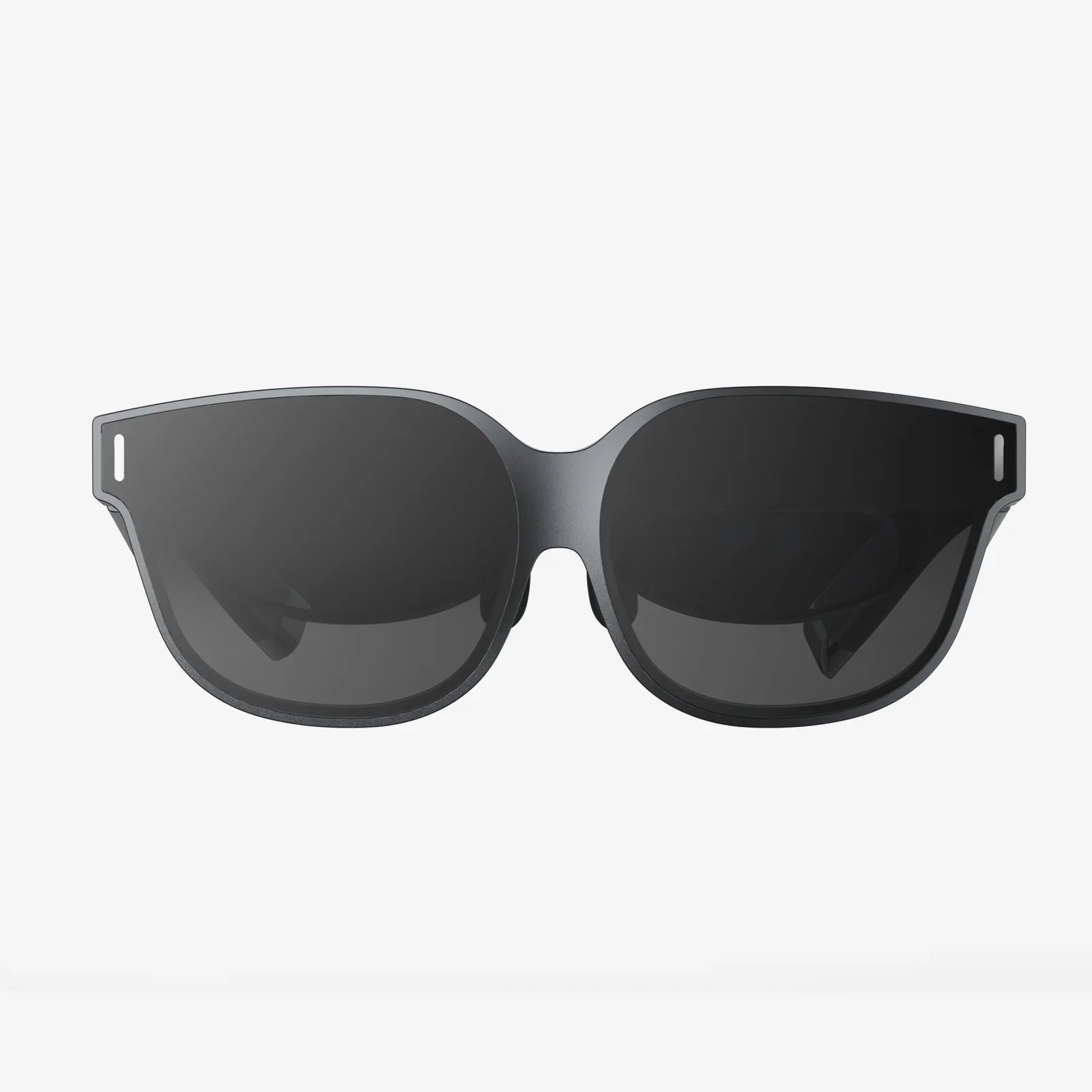
Imagine a place where your focus is razor-sharp, your creativity flows effortlessly, and your well-being is nurtured with every passing hour. This isn't a mythical corporate campus or a futuristic office; it's the potential of your own remote work space, a sanctuary of productivity waiting to be unlocked. In a world where the line between home and office has irrevocably blurred, the intentional design of where you work is no longer a luxury—it's the single most critical factor separating professional burnout from profound success. The journey to mastering remote work begins not with a better Wi-Fi signal, but with a fundamental reimagining of your environment.
The Foundational Pillars: More Than Just a Desk and Chair
The core of any effective remote work space rests on three non-negotiable pillars: ergonomics, technology, and environment. Neglecting any one of these can lead to a cascade of negative consequences, from physical pain to technological frustration and mental fatigue.
The Ergonomic Imperative: Investing in Your Physical Health
An ergonomic setup is the bedrock of sustainable remote work. It’s about aligning your environment with the natural movements and postures of your body to prevent strain and injury. The goal is to create a space that supports you, not one you must constantly fight against.
- The Chair: This is arguably the most important investment. A proper chair provides lumbar support to maintain the spine's natural curve, adjustable height to ensure your feet rest flat on the floor (or on a footrest), and armrests that allow your shoulders to remain relaxed.
- The Desk: Height-adjustable desks, often called sit-stand desks, have become a game-changer. They allow you to alternate between sitting and standing throughout the day, promoting circulation, reducing back pain, and boosting energy levels. The key is to have your monitor at or just below eye level when sitting, and your elbows at a 90-degree angle when typing.
- Monitor Positioning: The top of your screen should be at or slightly below eye level, about an arm's length away. This prevents you from craning your neck up or down, a common source of chronic pain.
- Accessories: An external keyboard and mouse prevent the hunched posture associated with laptops. A monitor stand or stack of books can achieve the correct height. Don’t underestimate the value of a supportive footrest.
The Technological Backbone: Ensuring Seamless Connectivity
Your technology is your conduit to the world. When it fails, your productivity plummets. A robust technological setup is invisible; it works so flawlessly that you never have to think about it.
- Internet Connection: A high-speed, reliable internet connection is the oxygen of remote work. Whenever possible, opt for a wired Ethernet connection over Wi-Fi for maximum stability and speed, especially for video calls. If Wi-Fi is your only option, ensure your router is modern and positioned centrally.
- Peripherals: A high-quality webcam, a noise-canceling microphone headset, and good speakers are essential for professional communication. They ensure you are seen and heard clearly, projecting competence and reducing meeting fatigue.
- Power and Cable Management: Invest in a quality surge protector to safeguard your equipment. Use cable trays, sleeves, or clips to tame the tangled mess of wires. A clean space visually translates to a calm mind.
Environmental Control: Crafting Your Atmosphere
This pillar addresses the sensory experience of your space—what you see, hear, and feel.
- Lighting: Natural light is the gold standard, proven to improve mood, focus, and sleep quality. Position your desk perpendicular to a window to avoid glare on your screen. Layer your lighting with a strong overhead light for general illumination and a focused, adjustable task light for detailed work.
- Acoustics: Control your auditory environment. If you are in a noisy area, consider sound-absorbing panels, a thick rug, or even bookcases to dampen echoes. For call clarity and focus, noise-canceling headphones are invaluable.
- Temperature and Air Quality: A small fan, heater, or air purifier can make a dramatic difference in your comfort and ability to concentrate for long periods.
The Psychology of Space: Designing for Focus and Well-being
Beyond the physical, your remote work space has a profound psychological impact. Its design can either drain your cognitive resources or replenish them.
The Sacred Boundary: Separating Work from Life
One of the biggest challenges of remote work is the dissolution of boundaries. When your home is your office, work can feel like it's always present. The physical delineation of space is the most powerful tool to combat this.
A dedicated room with a door you can close is the ideal scenario. This allows for a definitive "commute"—the act of entering the space to begin work and leaving it to end the day, a crucial ritual for mental separation. For those in smaller homes or apartments, this isn't always possible. Creativity is key. Use a room divider, a specific bookshelf, or even a distinct rug to visually and psychologically cordon off your work area. The rule is simple: when you are in that zone, you are "at work." When you step out of it, you are "at home." This prevents work from mentally contaminating your entire living environment and vice-versa.
Minimalism vs. Personalization: The Clutter Paradox
There is a delicate balance between a sterile, impersonal space and a cluttered, distracting one. Visual clutter competes for your brain's attention, leading to increased cognitive load and decreased focus. A clean, organized desk minimizes distractions.
However, this should not come at the expense of joy and inspiration. The goal is intentional personalization. Choose a few meaningful items—a plant, a piece of art, a photograph of loved ones—that spark positive emotions and make the space feel like yours. Plants, in particular, are dual-purpose: they improve air quality and add a vibrant, calming element of nature. This curated approach creates an environment that is both professionally functional and personally nourishing.
The Impact of Color and Aesthetics
The color palette of your remote work space is not merely decorative; it influences your mindset. While bright, energetic colors like red or orange might be overstimulating for a workspace, calming and focused hues are highly recommended.
Shades of blue are known to enhance productivity and calmness. Greens are refreshing and restful to the eyes. Earth tones and soft grays can create a sense of stability and sophistication. You can incorporate these colors through wall paint, an accent wall, furniture, or even your desk accessories. The aesthetics should reflect the professional tone you wish to set for yourself while promoting a sense of tranquility and concentration.
Advanced Strategies: Elevating Your Setup for Long-Term Success
Once the fundamentals are in place, you can explore advanced strategies to optimize your remote work space for specific types of work and well-being.
Zoning for Different Modes of Work
Just as an office has meeting rooms, focus pods, and breakout areas, your home office can benefit from micro-zoning. This is especially valuable if you have a larger room to work with.
- The Focus Zone: Your primary desk, optimized for deep work. This area is strictly for individual, heads-down tasks and should be free from distractions.
- The Collaboration Zone: A secondary, more comfortable seating area with a small table. This is for virtual meetings or brainstorming sessions where a different posture and environment can stimulate creativity. An armchair or a small sofa can work well.
- The Reading/Thinking Zone: A dedicated chair away from all screens, perhaps with a reading light, for reviewing documents, thinking, or making phone calls. This physical movement from your desk can trigger a different cognitive mode.
Incorporating Movement and Wellness
Sedentary behavior is a significant health risk of remote work. Your space should encourage movement.
As mentioned, a sit-stand desk is a primary tool. Place a yoga mat or a set of light weights in a corner as a visual prompt to take short movement breaks. Use a stability ball as an alternative chair for part of the day to engage your core. The simple act of having to walk to a different part of the house to get a glass of water can be beneficial. Design your environment to make movement an easy and natural part of your day, not an afterthought.
Future-Proofing with Scalability and Flexibility
Your needs will evolve. The technology you use will change. Your space should be adaptable. Choose furniture that is modular or on casters so it can be easily reconfigured. Use wireless technology where possible to reduce permanent fixtures. Leave some room to grow. This flexible mindset ensures your remote work space remains a asset that serves you for years to come, rather than a static setup that becomes obsolete.
Transforming Challenges into Opportunities
Not everyone has a spare room to convert into a pristine home office. The constraints of small spaces, shared accommodations, and limited budgets are very real. Yet, these challenges can often lead to more creative and efficient solutions.
A closet can be transformed into a stunning "cloffice" with a built-in desk and shelving, which can be closed off completely at the end of the day. A well-designed armoire can hide a entire workstation. A room divider can create the illusion of a separate room in a studio apartment. The principles remain the same—dedication, ergonomics, and environmental control—but they are applied with ingenuity. The key is to start with one element, perhaps the chair or the lighting, and build from there, making incremental improvements that collectively make a massive difference.
Your remote work space is far more than a simple location; it is the physical manifestation of your professional life and a direct investment in your health, happiness, and output. It is a dynamic project that evolves with your career, not a one-time setup. By applying the principles of ergonomic design, psychological awareness, and intentional personalization, you wield the power to shape not just your environment, but the quality of your work and the trajectory of your days. The perfect remote work space isn’t found in a catalog—it’s built by you, for you, one deliberate choice at a time.
Share:
Wearable Tech Integration: The Seamless Fusion of Human and Machine
3D Glasses on Normal Monitor: Unlocking a Dimension You Already Own