


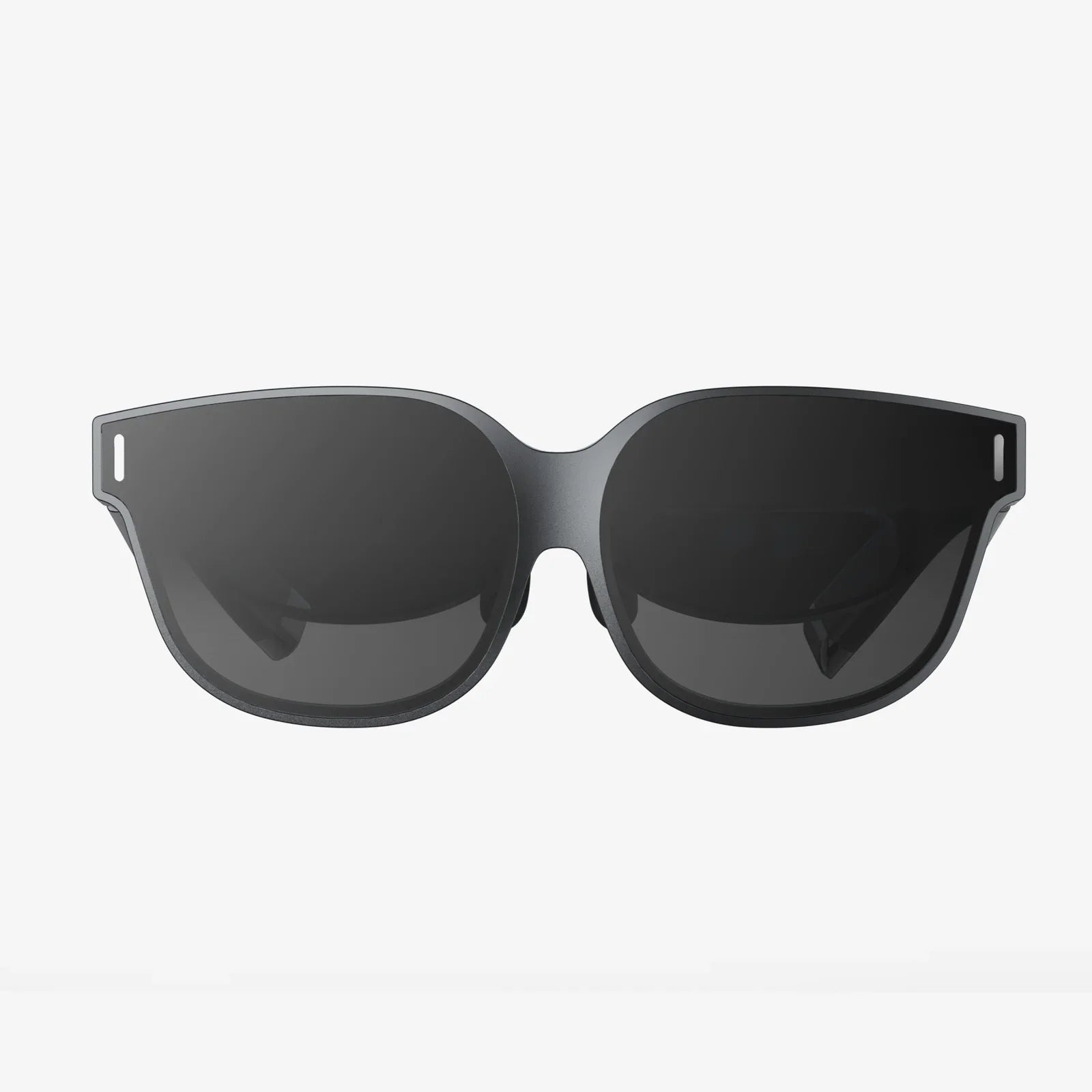
Imagine walking into a meeting room, pulling out your device, and with a single tap, your ideas, presentations, and data explode into life on a large, vibrant display—all without a single, tangled cable in sight. This is the promise and the power of the modern smart board ecosystem, a realm where the ability to smart board display stream wirelessly is not just a convenience but a fundamental shift in how we connect, collaborate, and create. The era of fumbling for dongles, tripping over wires, and wasting precious minutes on technical setup is rapidly receding into the past, replaced by an elegant, efficient, and profoundly empowering wireless reality. This seamless integration is revolutionizing boardrooms, classrooms, and creative studios, breaking down physical and technological barriers to unlock a new dimension of productivity.
The Wireless Revolution in Display Technology
For decades, the presentation display was a passive, one-way street. A single computer, physically tethered to a projector or monitor, dictated the flow of information. Collaboration was stilted, dynamic interaction was limited, and the presenter was often chained to a specific spot in the room. The advent of the interactive smart board began to change this, introducing touch and pen-based interactivity. However, the final frontier of true freedom was conquered with the integration of robust wireless streaming technology. This evolution represents a significant leap, transforming the smart board from a simple display into a dynamic collaboration hub.
Wireless streaming technology itself is not new; protocols for mirroring device screens have existed for years. However, early iterations were often plagued by lag, low resolution, unreliable connections, and complex setup procedures. They were novelties rather than professional tools. The critical change has been the maturation of these protocols and their deep, hardware-level integration into professional-grade smart boards. Manufacturers now embed dedicated processors and antennas designed specifically to handle high-bandwidth video and data streams with minimal latency, ensuring a experience that is not just wireless, but also superior to its wired predecessors in terms of flexibility and accessibility.
How It Works: The Magic Behind the Screen
To the end-user, the process is beautifully simple: tap, connect, and stream. But beneath this simplicity lies a sophisticated technological ballet. Several key technologies enable a smart board to display stream wirelessly seamlessly.
Core Wireless Protocols
Most modern systems support a suite of standard protocols to ensure broad compatibility across different device ecosystems.
- Miracast: An open industry standard for wireless display. Devices supporting Miracast can discover each other and establish a direct peer-to-peer Wi-Fi connection, often called Wi-Fi Direct, to stream audio and video. This is natively supported on most Windows, Android, and many Linux devices.
- Apple AirPlay: Apple's proprietary protocol for wireless streaming between Apple devices and compatible receivers. Known for its ease of use and high quality, AirPlay 2 added support for multi-room audio and more robust video handling.
- Google Cast: The technology behind Chromecast, which is increasingly built into smart displays. Unlike Miracast's screen mirroring, Cast often uses a more efficient method where the display itself pulls the content directly from the cloud based on instructions from your device, saving battery life and often providing a smoother experience.
Many enterprise-focused smart boards also utilize proprietary software applications that users install on their laptops or mobile devices. These apps create a secure, high-performance connection to the board, often offering additional features like multi-screen sharing, remote control, and annotation tools that go beyond basic mirroring. The board itself, or an accompanying receiver dongle, acts as the access point or connects to the local corporate Wi-Fi network to facilitate this connection.
The Tangible Benefits: Why Make the Wireless Leap?
The advantages of cutting the cord extend far beyond mere aesthetics. The impact on workflow, engagement, and security is profound.
Unprecedented Flexibility and Mobility
The most immediate benefit is freedom of movement. A presenter is no longer anchored to the front of the room. They can walk among their audience, fostering a more engaging and participatory environment. In a classroom, a teacher can wirelessly display a student's tablet screen to highlight a novel solution, encouraging peer learning. In a design review, an engineer can walk up to the board and annotate directly on a wirelessly streamed 3D model from their laptop. This mobility transforms the dynamic of the room, making collaboration more natural and fluid.
Accelerated and Inclusive Collaboration
Wireless streaming is the killer feature for true multi-user collaboration. Modern systems allow multiple users to connect to the smart board simultaneously. Participants can take turns presenting, or, even more powerfully, can project their screens side-by-side for instant comparison and synthesis of ideas. This democratizes the flow of information. Instead of one person controlling the narrative, a team can build it together in real-time. A meeting can pivot instantly from a financial spreadsheet on one person's laptop to a marketing graphic on another's, without any interruption for cable switching. This seamless flow keeps energy high and meetings focused on content rather than logistics.
Enhanced Hygiene and Reduced Clutter
In a post-pandemic world, the hygiene benefits are significant. Removing the need for shared cables and dongles reduces touchpoints and the potential spread of germs. Furthermore, conference rooms and classrooms are instantly decluttered. There are no cables to trip over, no expensive dongles to lose or break, and no unsightly cable trays. The space looks more modern, professional, and inviting.
Simplified IT Management
For IT departments, a standardized wireless ecosystem can simplify management and reduce support tickets. There's no need to stock and manage a vast inventory of compatibility dongles for different device ports (HDMI, USB-C, DisplayPort, etc.). With a wireless system, any device with the supported software or hardware can connect. IT can also manage these systems over the network, pushing updates, monitoring usage, and implementing security policies remotely.
Implementing Wireless Streaming: Key Considerations
Adopting this technology requires more than just purchasing a new display. A successful implementation hinges on a few critical factors.
Network Infrastructure: The Backbone of Performance
The performance of your wireless streaming is utterly dependent on your network. A congested or weak Wi-Fi signal will result in the dreaded lag, stuttering, and dropped connections that kill meeting momentum.
- Dedicated SSID: For large deployments, especially in enterprises or schools, creating a dedicated Wi-Fi network (SSID) specifically for display streaming is a best practice. This isolates the high-bandwidth video traffic from general web browsing and other network activity, ensuring consistent performance.
- Access Point Density: Ensure sufficient Wi-Fi access points are installed in meeting rooms and classrooms. Walls and distance degrade signals, so a strong, local connection is paramount.
- 5 GHz Band: Where possible, utilize the less congested 5 GHz Wi-Fi band for streaming, as it offers more channels and faster speeds than the crowded 2.4 GHz band.
Security: Protecting Your Data in the Air
Streaming sensitive company data over the airwaves rightly raises security questions. Reputable systems address this with robust measures.
- Encryption: All data transmitted between the device and the display should be encrypted using modern standards like WPA2 or WPA3 for Wi-Fi-based connections.
- Authentication and Access Control: Systems should require some form of authentication to connect. This could be a simple 4-digit PIN that appears on the display, ensuring only people in the room can project. More advanced systems can integrate with corporate directories (like Active Directory) for role-based access control, and provide detailed logs of who connected and when.
- Network Segmentation: As mentioned, placing the smart boards and connecting devices on a separate, locked-down VLAN prevents potential unauthorized access to the main corporate network if a device were ever compromised.
The Future is Wireless and Intelligent
The technology continues to evolve at a rapid pace. The future of wireless smart boards points towards even greater intelligence and integration. We are moving towards environments where your personal device will automatically discover and connect to the nearest display as you walk into a room, using ultra-wideband (UWB) or similar context-aware technologies. Artificial intelligence will play a larger role, potentially automatically transcribing meetings, translating content in real-time for global teams, and summarizing key action items generated during a collaborative whiteboarding session. The physical smart board itself may become less of a standalone object and more of a portal into a persistent, cloud-based collaboration space that persists before, during, and after a meeting, accessible from anywhere.
The ability to smart board display stream wirelessly has fundamentally altered the calculus of collaboration. It has shifted the focus from the mechanics of connection to the substance of the ideas being shared. By eliminating a simple piece of wire, it has unleashed a wave of creativity, efficiency, and human interaction. It is a classic example of technology done right: so intuitive and effective that it quickly becomes indispensable, fading into the background to let human genius take center stage.
Ready to experience the transformative power of seamless, cable-free collaboration for yourself? This isn't a distant future—it's a reality available today, waiting to supercharge your team's creativity, streamline your workflow, and turn every meeting and lesson into a dynamic, engaging, and truly productive event. The cord has been cut; your ideas have never been more free to fly.
Share:
Definition of Artificial Intelligence: Unpacking the Modern Marvel
Is It AI Commerce Tools: The Definitive Guide to AI-Powered E-Commerce