


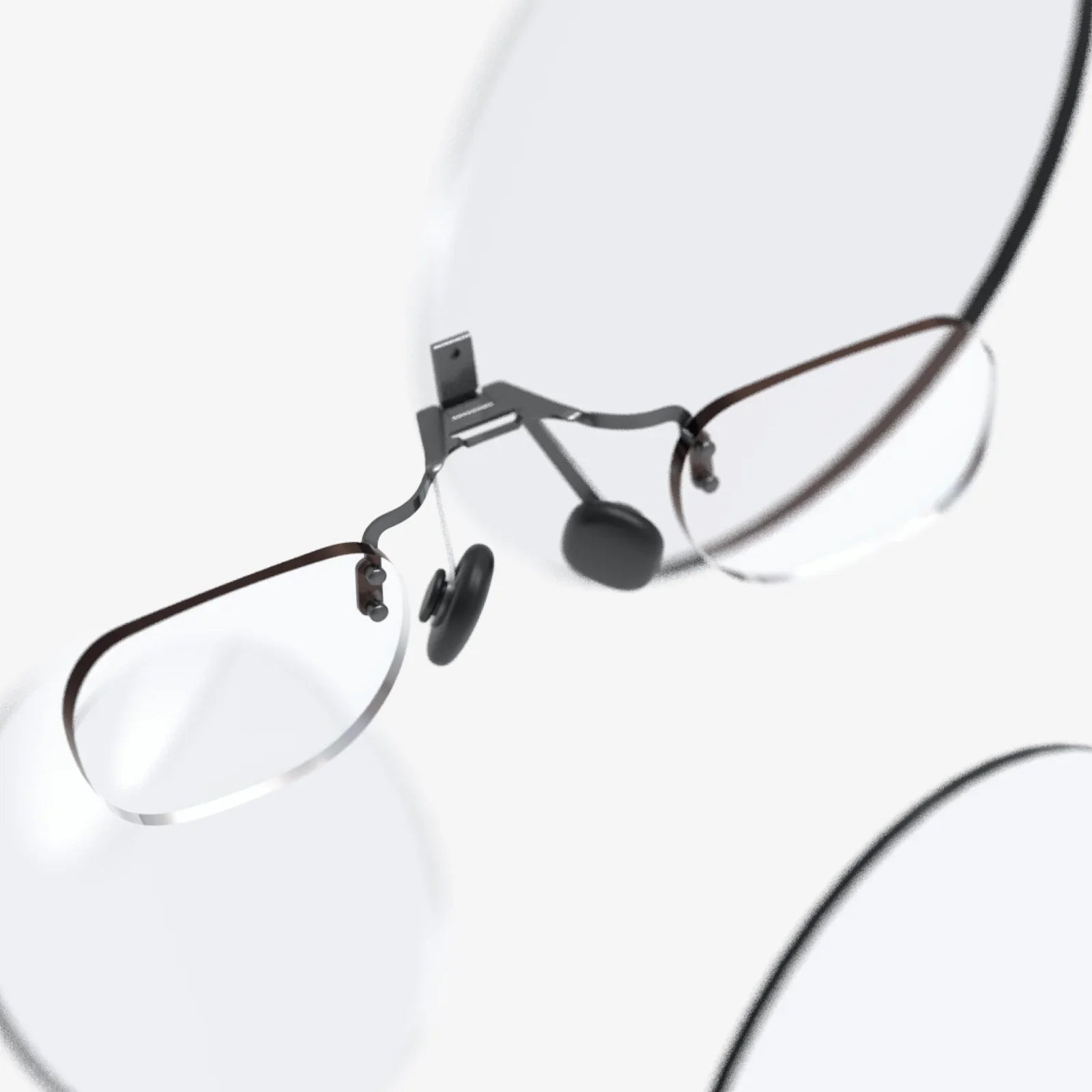
Stylish computer reading glasses have quietly become one of the most powerful secret weapons for anyone who lives in front of a screen. Whether you are working late on a laptop, scrolling your phone in bed, or binge-watching your favorite series, the right pair of glasses can make the difference between ending the day energized or exhausted. Even better, modern designs prove you do not have to sacrifice style to gain comfort and protection.
As digital screens dominate more hours of the day, more people are discovering that their eyes are not keeping up. Headaches, blurry vision, and that familiar gritty, dry feeling after a long day are all signals your eyes are working too hard. The right pair of stylish computer reading glasses can help relieve those symptoms, sharpen your focus, and complement your personal style at the same time. This guide will walk you through what they are, how they work, and how to choose a pair that truly fits your life.
What Are Computer Reading Glasses?
Computer reading glasses are specially designed eyewear optimized for viewing digital screens at intermediate distances, typically between 18 and 28 inches from your eyes. Unlike regular reading glasses that are meant for close-up tasks like reading a book, computer glasses take into account both the distance and the unique light emitted by screens.
They usually combine three key features:
- Magnification or vision correction tailored to your screen distance
- Coatings and filters that reduce glare and manage certain wavelengths of light
- Comfort-focused designs that encourage a natural posture and reduce strain
When style is added to the mix, these glasses become more than just a tool. They become part of your personal brand, a subtle but powerful accessory that can make you look more focused, confident, and put-together in any professional or casual setting.
Why Your Eyes Struggle With Screens
To understand why stylish computer reading glasses are so effective, it helps to know what screens are doing to your eyes over time. Several factors work together to create discomfort:
1. Digital Eye Strain
Digital eye strain, sometimes called computer vision syndrome, is a collection of symptoms caused by prolonged screen use. Common signs include:
- Tired, aching eyes
- Headaches or pressure around the eyes
- Blurry vision, especially at the end of the day
- Difficulty refocusing when you look away from the screen
- Neck and shoulder pain from leaning forward
Your eyes are forced to work harder when focusing on small, bright characters on a lit background at a fixed distance for long periods. Muscles in your eyes that control focus and alignment become overworked, leading to fatigue.
2. Reduced Blinking and Dryness
When you stare at a screen, your blink rate can drop by half or more. Fewer blinks mean less moisture spread across the surface of your eyes, which can lead to dryness, burning, and a gritty sensation. Over time, this makes your eyes more sensitive and more easily irritated.
3. Glare and Contrast Issues
Reflections from overhead lighting, windows, and glossy screens increase visual noise. Your eyes must constantly adapt to micro-changes in brightness and contrast, which creates more strain. Uncoated lenses or no lenses at all can allow more glare to reach your eyes.
4. Screen Distance and Posture
Many people lean forward or tilt their head to find a “sweet spot” where the screen appears clearer. This unnatural posture leads to neck, shoulder, and back tension. Glasses not optimized for screen distance can force you into awkward positions, compounding the problem.
Stylish computer reading glasses address these issues by sharpening your vision at the right distance, reducing glare, and encouraging a more natural posture, all while giving you a polished, intentional look.
Key Features That Make Computer Reading Glasses Effective
Not all glasses are created equal. When choosing stylish computer reading glasses, you want to pay attention to several technical features that affect both comfort and performance.
1. Lens Power and Focal Distance
Regular reading glasses are designed for close tasks at about 12 to 16 inches. Computer reading glasses, however, are optimized for the typical distance between your eyes and your monitor, usually 18 to 28 inches.
Important considerations include:
- Single-vision computer lenses: Provide one consistent prescription optimized for screen distance.
- Intermediate power: Slightly different from your standard reading power to match your monitor distance.
- Custom prescriptions: If you already wear glasses, a dedicated computer prescription can fine-tune clarity and comfort.
By matching the focal distance to your screen, you reduce the effort your eyes must expend to stay focused, especially during long sessions.
2. Coatings to Reduce Glare
Anti-reflective coatings are a major advantage of computer reading glasses. These coatings minimize reflections on the front and back of the lenses, allowing more light to pass through and reducing visual distractions.
Benefits include:
- Less glare from overhead lighting and windows
- Sharper, clearer vision of text and images
- Reduced halo effects around bright objects
- Less need to squint, which can reduce headaches
When combined with well-designed frames, these coatings help keep your eyes relaxed and focused, even in challenging lighting conditions.
3. Filters for Screen Light
Digital screens emit a high proportion of short-wavelength light. While research continues on the long-term impact of this light, many people report reduced eye fatigue and improved comfort when using lenses that manage specific parts of the spectrum.
Key points to consider:
- Subtle filtering can soften harsh screen light, especially in dim environments.
- Color balance matters; lenses that maintain natural color perception are often more comfortable for work and creative tasks.
- Evening use may benefit from slightly warmer lenses that create a more relaxing visual experience.
Stylish computer reading glasses can incorporate these filters without obvious tinting, maintaining a professional and polished appearance.
4. Lens Materials and Thickness
The material of your lenses affects clarity, weight, and durability. Lightweight materials are especially important if you wear your glasses for many hours each day.
Look for:
- Lightweight, impact-resistant lenses to reduce pressure on your nose and ears
- Thin profiles that look sleek and modern, especially with higher prescriptions
- Scratch-resistant coatings to keep your lenses clear longer
Thinner, lighter lenses not only feel better but also complement stylish frames, creating a clean, refined look.
The Style Factor: Turning Utility Into an Accessory
Function alone does not explain the growing popularity of stylish computer reading glasses. They are becoming a signature accessory in workplaces, home offices, and creative studios because they change how you look and how you feel about yourself while working.
1. Framing Your Face and Your Presence
Glasses draw attention to your eyes, which are the focal point of most face-to-face and video interactions. The right frames can:
- Make you appear more focused and engaged on video calls
- Add an air of professionalism or creativity, depending on the design
- Balance your facial features and highlight your best angles
In a world of remote work and virtual meetings, your glasses often become part of your signature look. Choosing a pair that reflects your personality can make you feel more confident every time you turn on your camera.
2. Expressing Personal Style
Stylish computer reading glasses come in a wide range of shapes, colors, and materials, making it easy to match them to your wardrobe and personality. Some people even maintain multiple pairs to switch up their look depending on the occasion.
Popular style directions include:
- Minimalist and modern: Clean lines, thin frames, and subtle colors for a sleek, professional vibe.
- Bold and artistic: Strong shapes, striking colors, or distinctive details that stand out on screen and in person.
- Vintage-inspired: Classic silhouettes that convey intelligence and timeless taste.
- Soft and understated: Gentle shapes and neutral tones that blend seamlessly with everyday outfits.
The beauty of computer reading glasses is that you can treat them as both a health tool and a fashion accessory, seamlessly integrating them into your daily life.
How to Choose Stylish Computer Reading Glasses That Truly Fit You
Finding the right pair is part science, part art. You want glasses that feel comfortable for hours, support your vision needs, and look like they were made for you. Here is a structured way to choose.
1. Understand Your Vision Needs
Before focusing on style, make sure you understand what your eyes need for screen work.
Consider the following steps:
- Measure your screen distance: Sit as you normally would and measure the distance from your eyes to your monitor.
- Note your existing prescription if you already wear glasses, especially any reading or progressive prescriptions.
- Pay attention to symptoms: Do you experience more fatigue, headaches, or blur when using a computer versus reading print?
With this information, you can determine whether you need non-prescription computer glasses, dedicated computer lenses with mild magnification, or a specific prescription tailored to your screen distance.
2. Choose the Right Frame Shape for Your Face
Frame shape has a major impact on both comfort and appearance. While there are no rigid rules, some general guidelines can help:
- Round or oval faces: Angular frames (rectangular or square) can add definition.
- Square faces: Rounded or oval frames can soften strong jawlines and angles.
- Heart-shaped faces: Frames that are slightly wider at the top can balance a narrower chin.
- Oval faces: Many frame shapes work well; this is a versatile face shape.
Also consider the size of the frames relative to your features. Oversized frames can make a bold statement, while smaller, more subtle frames offer a low-profile, refined look.
3. Consider Color and Finish
Color can dramatically change the personality of your glasses. When choosing colors, think about your wardrobe, skin tone, and how you want to be perceived in professional and social settings.
Options include:
- Neutral tones such as black, brown, gray, or clear for maximum versatility.
- Warm tones like tortoiseshell, amber, or soft gold that complement many skin tones.
- Cool tones such as navy, slate, or muted teal for a contemporary feel.
- Statement colors like red, deep green, or bold blue to stand out.
Finishes also matter. Matte frames can look modern and understated, while glossy frames draw more attention and can feel more polished or dramatic.
4. Prioritize Comfort and Fit
Even the most stylish computer reading glasses will end up in a drawer if they are uncomfortable. Since you may wear them for many hours, fit is crucial.
Check for:
- Proper nose bridge fit: Frames should rest comfortably without sliding down or pinching.
- Balanced weight: The glasses should not feel heavy on your nose or ears.
- Temple length: Arms should reach comfortably behind your ears without pressing too tightly.
- Lens height: Ensure the lenses are tall enough to cover your field of view while you look at the screen.
Adjustments can often be made to improve comfort, but starting with frames that match your face size and shape will make the process much easier.
5. Match Your Glasses to Your Lifestyle
Think about how and where you will use your computer reading glasses most often.
- Office professionals may prefer clean, minimalist designs that pair well with business attire.
- Creative workers might enjoy bolder frames that express personality and stand out on camera.
- Students may want lightweight, durable frames suitable for long study sessions and commuting.
- Gamers often look for comfortable frames that work well with headsets and extended play.
Many people find it helpful to own two pairs: one classic, understated pair for professional settings and one more playful or bold pair for casual use.
Practical Benefits You Will Notice Day to Day
When you start using stylish computer reading glasses consistently, the benefits often show up faster than expected. Some changes are subtle, while others are immediate.
1. Reduced Eye Fatigue
By matching your lenses to the distance of your screen and reducing glare, your eyes no longer need to strain to keep everything in focus. Many people notice they can work longer without feeling drained or unfocused.
2. Fewer Headaches and Less Tension
When your eyes are not struggling, you are less likely to squint or lean forward. This can reduce tension in your forehead, temples, neck, and shoulders. Over time, that can mean fewer end-of-day headaches and less stiffness.
3. Sharper Focus and Productivity
Clear, comfortable vision makes it easier to read small text, analyze detailed information, and stay engaged in complex tasks. You may find that you make fewer mistakes, read faster, and feel more in control of your workday.
4. Better Posture
With lenses tailored to your screen distance, you no longer need to lean in or crane your neck to see clearly. This encourages a more natural, neutral posture, which supports long-term spinal health.
5. A More Polished Appearance
Stylish computer reading glasses can subtly elevate your entire look. On video calls, they frame your face and make your eyes more prominent. In person, they can signal attention to detail and a thoughtful approach to your work and well-being.
Tips for Using Computer Reading Glasses Effectively
Owning a great pair is just the beginning. How you use and care for your glasses will influence how much benefit you get from them.
1. Reserve Them for Screen Time
If your computer reading glasses are optimized for intermediate distances, they may not be ideal for reading books up close or seeing far away. Use them specifically for screen work, and switch to other eyewear if needed for different tasks.
2. Combine With Healthy Screen Habits
Your glasses are one tool in a larger strategy for eye comfort. Other helpful habits include:
- Following a regular break routine, such as looking away from the screen at distant objects several times an hour.
- Positioning your monitor so the top of the screen is at or slightly below eye level.
- Keeping screens at a comfortable distance, not too close to your face.
- Adjusting brightness and contrast to match your environment.
When combined with well-chosen glasses, these habits can dramatically improve your daily comfort.
3. Keep Your Lenses Clean
Dust, fingerprints, and smudges scatter light and reduce clarity, forcing your eyes to work harder. Clean your lenses regularly with a soft cloth and appropriate cleaning solution. Avoid using rough fabrics or household cleaners that can damage coatings.
4. Store Them Safely
To protect your stylish computer reading glasses, store them in a case when not in use. This reduces the risk of scratches, bending, or accidental damage, especially if you carry them between home and office.
Who Can Benefit Most From Stylish Computer Reading Glasses?
Almost anyone who spends significant time on digital devices can benefit, but certain groups may notice the greatest improvements.
1. Office Workers and Remote Professionals
People who spend most of their day in front of a computer often experience cumulative eye strain. Dedicated computer reading glasses can make long workdays more comfortable and sustainable, especially in open offices or home setups with mixed lighting.
2. Students and Lifelong Learners
Online classes, digital textbooks, and research all add up to many hours of screen time. Comfortable, stylish glasses can help students stay focused through lectures, study sessions, and late-night assignments while also fitting into campus life and social settings.
3. Creatives and Designers
Designers, writers, editors, and artists often spend extended periods scrutinizing details on-screen. Clear, comfortable vision is essential for catching fine errors, judging color, and maintaining creative flow. Stylish frames also fit naturally into creative environments and personal branding.
4. Gamers and Streamers
Long gaming sessions can be demanding on the eyes and body. Computer reading glasses optimized for screen distance can enhance comfort, reduce fatigue, and support better posture. For streamers, stylish frames also become part of their on-camera identity.
5. Anyone Over 40 Experiencing Near-Focus Changes
As people age, it becomes harder to focus on close and intermediate distances. This makes computer work particularly challenging. Dedicated computer reading glasses can bridge the gap, providing clear vision at screen distance without constant head tilting or switching between different pairs of glasses.
Building a Small Collection for Different Moods and Settings
Because stylish computer reading glasses serve both functional and aesthetic roles, many people find value in owning more than one pair. A small rotation can cover all aspects of your digital life.
1. A Professional Everyday Pair
This is your reliable, go-to pair for workdays, meetings, and presentations. Neutral colors, classic shapes, and subtle detailing ensure they match most outfits and settings.
2. A Bold Statement Pair
For creative projects, social calls, or days when you want an extra boost of confidence, a bolder pair with distinctive color or shape can add energy and personality to your look.
3. A Lightweight, Comfort-First Pair
For marathon sessions, late-night work, or travel, a pair that prioritizes lightness and flexibility can keep you comfortable without distraction. These frames may be more understated but will feel almost invisible on your face.
Rotating among a few well-chosen pairs can also extend the life of each, as no single pair absorbs all the wear and tear.
Future Trends in Stylish Computer Reading Glasses
As digital life continues to evolve, so do the glasses designed to support it. Several emerging trends suggest where stylish computer reading glasses may be headed.
1. Smarter, More Adaptive Lenses
There is growing interest in lenses that adapt to different lighting conditions or tasks throughout the day. This could mean lenses that subtly adjust tint based on your environment or that are optimized for multiple screen types.
2. Integration With Digital Tools
Some advanced frames may begin to integrate subtle technology, such as sensors that track screen time or posture, offering gentle reminders to take breaks or adjust your position. While still emerging, this direction highlights how glasses can become active wellness tools.
3. Sustainable and Ethical Materials
More people are seeking eyewear made from responsibly sourced or recycled materials. Stylish computer reading glasses are increasingly available in eco-conscious designs that do not compromise on comfort or aesthetics.
4. Greater Customization
As demand grows, more options for customization are likely to appear, including personalized frame shapes, colors, and lens configurations tailored to specific professions or hobbies.
Transforming Your Daily Screen Time Experience
Every hour you spend in front of a screen is an opportunity to either drain your energy or protect it. Stylish computer reading glasses offer a rare combination of benefits: they can reduce eye strain, support better posture, sharpen your focus, and enhance your personal style all at once. Instead of accepting dry eyes, headaches, and fatigue as the price of modern life, you can choose a simple, elegant solution that works quietly in the background every day.
When you invest in a pair that truly suits your eyes, your face, and your lifestyle, you are doing more than buying another accessory. You are upgrading the way you work, create, and connect in a digital world. The next time you catch your reflection in a laptop screen or glance at yourself on a video call, imagine how much more confident and comfortable you could feel with glasses that both protect your vision and reflect your best self. That is the real power of stylish computer reading glasses: they do not just change how you see your screens, they change how you see yourself while using them.
Share:
Anti Reflective Glass Screen Protector Benefits, Drawbacks, and Buying Guide
apple watch series 2 42mm screen protector tempered glass buying and care guide