


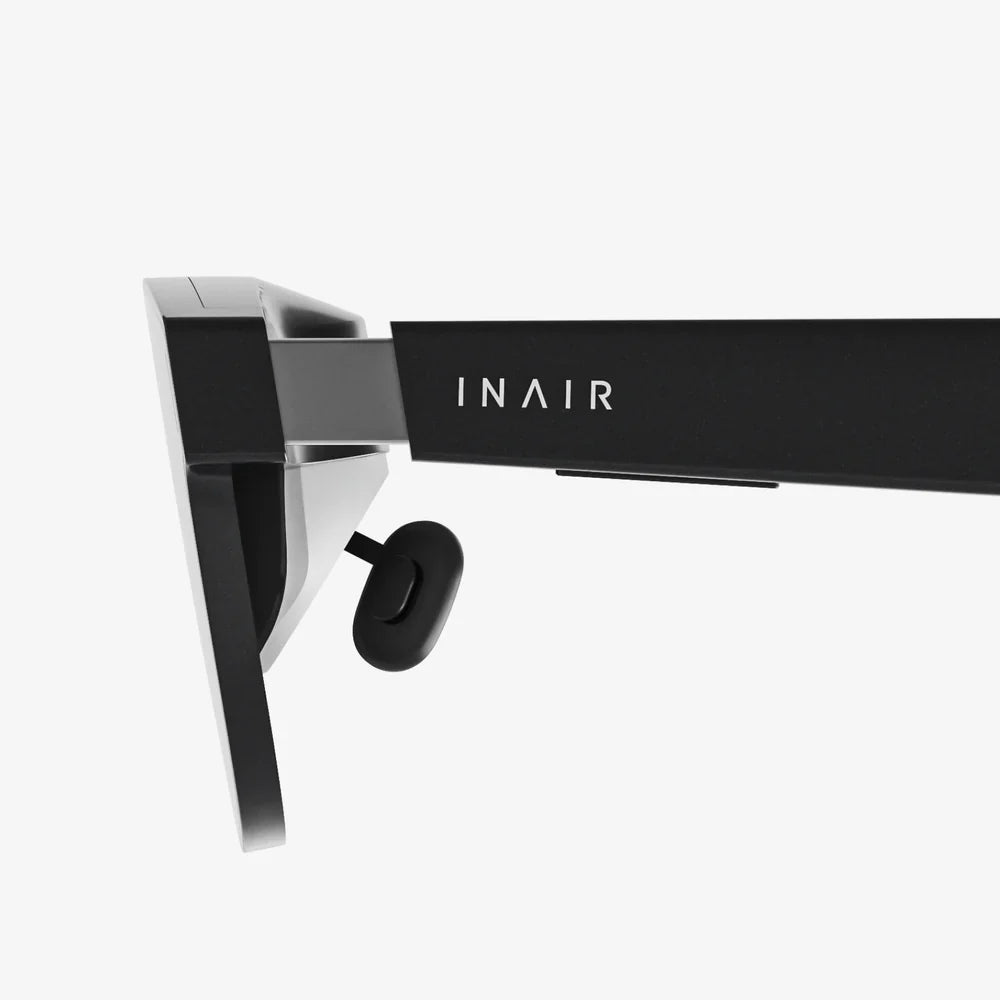
You've unboxed that sleek new piece of technology, charged it up, and are moments away from stepping into another world. The promise of virtual reality is intoxicating—exploring alien landscapes, scaling impossible mountains, or simply watching a movie on a screen the size of a skyscraper. But between that promise and a truly flawless experience lies a crucial gap: knowing how to use your hardware correctly. It’s not just about putting it on your head; it’s about mastering your environment, your body, and the software to unlock its full, breathtaking potential. Forget the frustration of blurry visuals and nagging discomfort; we're about to dive deep into the expert tips that will elevate your VR sessions from novel to unforgettable.
Laying the Foundation: Pre-Flight Checklist
Before you even think about powering on your headset, a little preparation goes an incredibly long way. Treat this like prepping for a journey, because that’s exactly what it is.
1. Crafting Your Virtual Space
Your physical environment is the canvas for your virtual adventures. A poorly chosen space can lead to broken controllers, bruised shins, and a truncated experience.
- Clear the Area: This is the golden rule. Create a play area that is completely free of furniture, toys, pets, and other obstacles. The recommended size varies, but a clear space of at least 6.5 x 5 feet (2 x 1.5 meters) is a good starting point for room-scale experiences. For standing or seated play, ensure you have ample room to extend your arms fully in all directions without hitting anything.
- Mind the Overhead and the Underfoot: We often look side-to-side but forget what's above and below. Check for low-hanging light fixtures, ceiling fans, or shelves. Place a small, tactile rug or mat in the center of your play space. The feeling of the rug under your feet provides a constant physical reminder of your real-world location, preventing you from wandering into a wall.
- Manage Cables (For Wired Headsets): Nothing shatters immersion faster than tripping over a cable or feeling it snake around your leg. Use simple solutions like retractable cable pulleys mounted to the ceiling or carefully route the cable behind you, away from your feet. For wireless headsets, ensure a strong, uninterrupted signal between the headset and your source device.
- Control Your Lighting: Most inside-out tracking systems (which use cameras on the headset to see the world) work best in a well-lit room. However, avoid direct sunlight or extremely bright light sources, which can interfere with the sensors and potentially damage the internal lenses. Conversely, infrared-based tracking systems might require less ambient light.
2. The Initial Setup: Patience is a Virtue
Rushing the initial configuration is a recipe for a subpar experience. Take your time.
- Guardian/Boundary System is Your Best Friend: This is the digital fence that keeps you safe. When setting up your Guardian (Oculus) or Boundary (SteamVR/others), be precise. Don't draw it tight against your walls; leave a comfortable buffer zone. Enable the visibility settings so the virtual wall fades into view as you approach it. This system is non-negotiable for safe play.
- Update Everything: Before your first session, connect to the respective platform's app (on PC or phone) and ensure your headset's firmware, controllers, and base stations (if applicable) are all running the latest software. These updates often contain critical performance improvements and bug fixes.
- Fit is Everything: A poorly fitted headset is uncomfortable and provides a blurry image. The goal is to align the lenses perfectly with your pupils (the sweet spot). Start by loosening all straps. Place the headset on your face and hold it with one hand where it feels clearest. With the other hand, tighten the top strap first—this should take most of the weight. Then, tighten the side straps until the headset is snug but not painful. The back of the strap should cup the base of your skull. Finally, use the IPD (Interpupillary Distance) adjustment if your headset has it. This slider physically moves the lenses closer or further apart to match the distance between your eyes, drastically improving clarity and reducing eye strain.
Optimizing the Experience: For Comfort and Clarity
Now that you're set up safely, let's fine-tune the experience for maximum enjoyment and minimum discomfort.
1. Winning the Battle Against VR Sickness
Simulator sickness is a common hurdle for many new users. It occurs when your eyes perceive motion that your inner ear does not feel. The good news is that most people can overcome it with practice.
- Start Slow and Choose Your Games Wisely: Do not begin your VR career with a fast-paced racing game or a space flight sim. Start with stationary experiences—puzzle games, artistic applications, or titles where you teleport to move. Gradually work your way up to games with smooth locomotion (using a thumbstick to move like a traditional game).
- Use Comfort Settings: Developers include these for a reason. Enable vignetting (a subtle darkening at the edges of your vision during movement), snap turning (instead of smooth turning), and always use teleportation if it's an option when you're starting out. These features reduce the sensory conflict that causes nausea.
- Listen to Your Body: The moment you start feeling even slightly warm, sweaty, or queasy, stop immediately. Do not try to "power through" VR sickness; it will only make it worse and create a negative association. Take the headset off, get some fresh air, and drink some water. Your tolerance will build over time with short, frequent sessions.
- Use a Fan: Having a gentle fan blowing on you during play does wonders. It helps keep you cool and, more importantly, provides a constant physical reference for your orientation in the real world, which significantly reduces nausea for many people.
2. Visual and Audio Perfection
A clear picture and immersive sound are the heart of the experience.
- Finding the Sweet Spot: We mentioned it in the fit section, but it's worth reiterating. Spend a full minute at the start of each session micro-adjusting the headset on your face. Look at text in a game's menu; move the headset up, down, left, and right until the text is perfectly sharp across the entire field of view. This is the single biggest factor in visual quality.
- Keep Your Lenses Pristine: Use only the provided microfiber cloth to clean the lenses. Never use window cleaner, alcohol wipes, or your shirt, as these can permanently damage the delicate anti-reflective coatings. Gently brush off any dust particles before wiping in a circular motion to avoid grinding them in.
- Embrace Good Audio: The built-in speakers on most headsets are decent, but for true immersion, a good pair of over-ear headphones is a game-changer. 3D spatial audio is a key feature of VR, and headphones allow you to hear precisely whether a sound is coming from behind, above, or to your left. This is crucial for both immersion and gameplay in titles like shooters or horror games.
Health, Safety, and Social Etiquette
VR is a physical medium, and using it responsibly ensures you and those around you stay happy and healthy.
1. Protecting Your Body
- Take Regular Breaks: Even experienced users should follow the 15-20 minute rule. Every quarter of an hour, take the headset off for a minute or two. Look at something in the distance to rest your eyes. This prevents eye strain, headaches, and disorientation. Set a timer if you have to.
- Hydrate: VR can be a workout, even in sedentary games. You will sweat. Keep a bottle of water nearby and hydrate during your breaks.
- Be Aware of Fatigue: Your arms and neck can get tired from holding up the headset and making gestures. Listen to your body and call it a day before you feel sore.
2. Protecting Your Mind and Others
- Supervise Children:
If you allow children to use the headset, their sessions must be strictly limited, supervised, and consist of age-appropriate content. The impact of long-term VR use on developing vision and brains is not yet fully understood. Adhere to the platform's age guidelines (usually 13+).
- Social VR Etiquette: When entering multiplayer social spaces, remember there are real people on the other end. Be respectful. Be aware of your avatar's movements and respect personal space. The anonymity of VR can sometimes lead to behavior people would never exhibit in real life—don't be that person.
- Reacclimating to Reality: After an intense session, especially for new users, it can feel strange to be back in the real world. You might feel a slight disconnect or even reach out to virtual objects. This is normal and fades quickly. Take a few minutes to sit down and reorient yourself before driving or operating machinery.
Advanced Tips for the VR Veteran
Once you've mastered the basics, these pro-tips will further enhance your time in VR.
- Experiment with Accessories: The aftermarket is full of products designed to increase immersion. VR covers made of silicone or pleather are easier to clean and more hygienic than the default foam. Prescription lens inserts are a must for glasses wearers, protecting both your glasses and the headset's lenses while providing perfect vision. For racing or flight sims, investing in a force feedback wheel or hotas controller is transformative.
- Master Performance Tweaks (PCVR): On a powerful computer, you can supersample your games. This means rendering the image at a higher resolution than the headset's display and then downsampling it, resulting in a dramatically sharper image with reduced "jaggies." Tools within platforms like SteamVR allow you to adjust this per application.
- Explore Non-Gaming Applications: VR is not just for games. Use it for fitness with dedicated apps that will give you a serious workout. Explore social platforms to attend live events and concerts. Use creative apps to sculpt, paint, or make music in 3D space. Use cinematic apps to watch movies on a giant private IMAX screen.
- Battery Management: For wireless headsets, battery life is key. Consider an external battery pack that you can slip into your pocket, connecting it to the headset with a short cable for hours of extended play. For controllers, invest in a good set of rechargeable batteries and a charging station so you're never caught out.
Maintenance and Longevity
Treat your headset well, and it will provide years of service.
- Proper Storage: When not in use, store the headset in its original box or a dedicated case. Keep it out of direct sunlight, as the lenses can act like a magnifying glass and potentially damage the internal screens. If you leave it out, use a lens cover to protect it from dust.
- Hygiene is Key: VR is a personal device. If multiple people use it, it's crucial to clean it. Use alcohol wipes on the plastic and rubber surfaces (but never on the lenses!). For the facial interface foam, if it's removable, gently hand-wash it with mild soap and let it air dry completely before reattaching. Many companies sell hygienic, washable silicone covers that are much easier to maintain.
- Controller Care: Always use the wrist straps. A flying controller is a broken controller. Be mindful of smacking the controllers together during intense gameplay. Consider purchasing protective silicone grips or bumpers to absorb impact.
The shimmering portal to countless realities sits waiting, not on your desk, but in your understanding of it. These tips are your key, transforming a complex piece of hardware into an intuitive extension of your imagination. It’s the difference between merely seeing a virtual world and truly living in it—without the fear of a rogue coffee table or a foggy lens breaking the spell. Mastering these simple yet profound techniques unlocks the true magic of VR: the effortless ability to forget the technology entirely and lose yourself in the pure, unbounded experience of adventure. Your next journey is now ready for you, clearer, more comfortable, and more incredible than you ever thought possible.
Share:
VR Headset Price Trends: From Luxury to Mainstream Affordability
Most Economical VR Headset - A Deep Dive into Affordable Immersion