


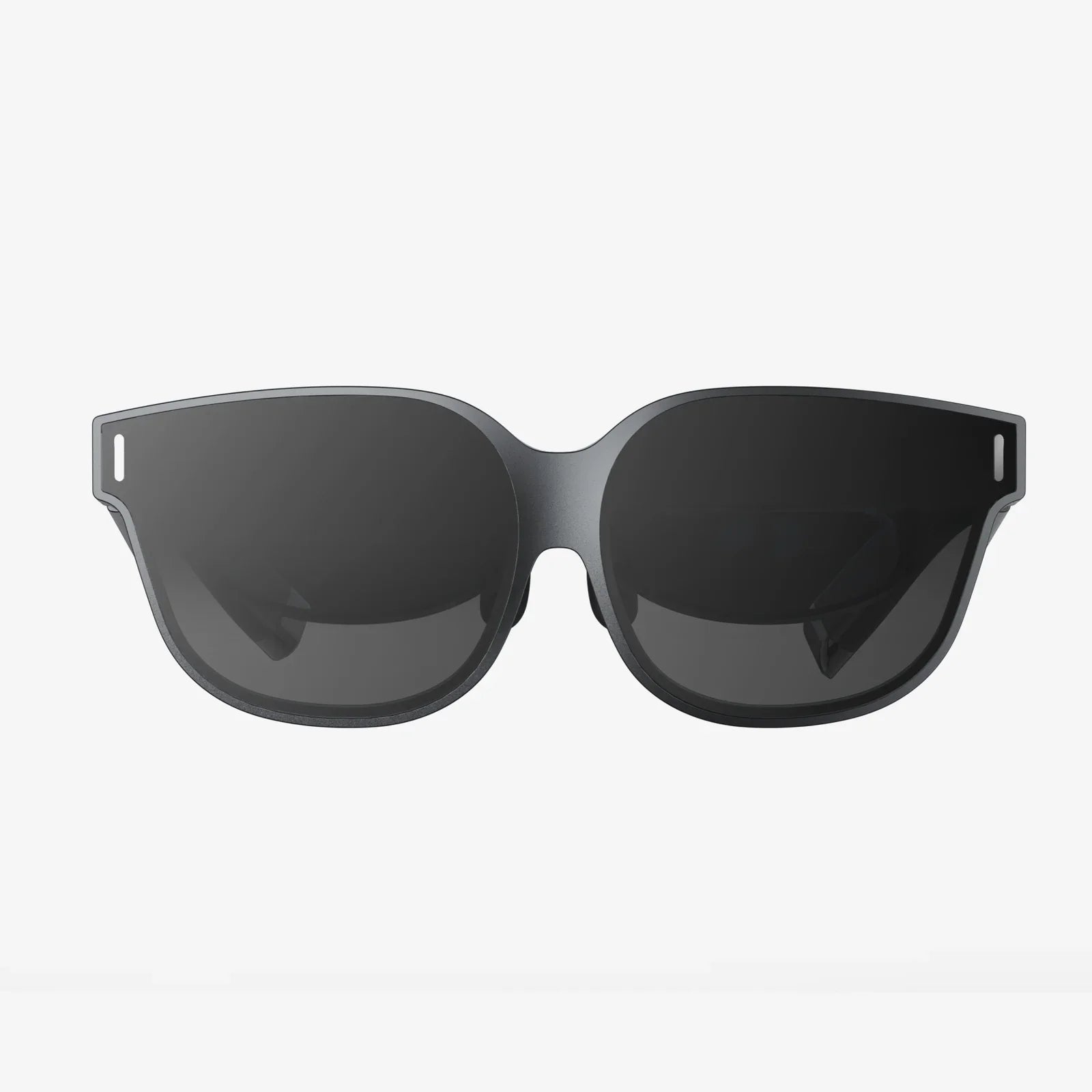
Top AR coding in glasses is no longer a distant sci-fi fantasy; it is rapidly becoming the next frontier for how developers build, test, and experience software. Imagine writing and debugging code while your entire workspace floats in front of your eyes, or stepping into a 3D data visualization that you just programmed, all without leaving your physical environment. This emerging shift is reshaping what it means to be a developer, an engineer, or a designer, and those who understand it early will have a powerful edge as immersive computing moves from novelty to necessity.
Augmented reality (AR) overlays digital content onto the real world, and glasses-based AR takes this concept even further by freeing you from handheld screens. For coders, this means the development environment itself becomes spatial, contextual, and interactive in ways traditional monitors cannot match. Yet to harness this potential, you need to understand the technologies, frameworks, workflows, and design principles that power top AR coding in glasses. This article dives deep into how AR glasses work, which tools to use, how to architect your apps, and where the most promising use cases are emerging.
Understanding the Core of AR Coding in Glasses
At its heart, AR coding in glasses is about creating software that interacts seamlessly with the physical environment while being delivered through wearable displays. Unlike building a simple mobile app, you are working with a layered reality where 3D objects, spatial audio, and user interaction must align with real-world geometry and context.
To build robust experiences, developers need to understand three foundational components:
- Spatial awareness: How the device perceives the world, including surfaces, depth, and motion.
- Rendering pipeline: How virtual content is drawn and composited onto the real-world view.
- Interaction model: How users select, manipulate, and navigate digital objects using gestures, voice, controllers, or gaze.
Top AR coding in glasses demands careful attention to each of these elements because shortcomings in any one area can break immersion or cause discomfort and fatigue.
How AR Glasses Work: The Technical Foundations
To code effectively for AR glasses, you need a basic understanding of how the hardware and software stack functions. While implementations differ, most modern AR glasses share several key components.
Optical Systems and Displays
AR glasses use specialized optics to blend digital imagery with the real world. Common approaches include:
- Waveguide displays: Light from micro-displays is routed through transparent waveguides to appear as floating content in front of your eyes.
- Reflective or refractive combiners: Semi-transparent mirrors or lenses combine real-world light with digital projection.
- Projection-based systems: Some designs project images directly onto the lens or a transparent surface in front of the eye.
The choice of optical system affects field of view, brightness, color accuracy, and how precisely digital content can be anchored in space. For developers, this translates into constraints on interface layout, text size, and where to place critical information.
Sensors and Spatial Mapping
Top AR coding in glasses relies heavily on sensor data to understand the environment. Typical sensors include:
- RGB cameras for capturing images of the environment.
- Depth sensors (time-of-flight, structured light, or stereo) for understanding distance and geometry.
- IMU (Inertial Measurement Unit) with accelerometers and gyroscopes for tracking head movement.
- Eye-tracking sensors in some devices for gaze-based interaction and foveated rendering.
These sensors feed into SLAM (Simultaneous Localization and Mapping) algorithms that build a 3D map of the environment and track the user’s position within it. As a developer, you access this information through the device’s SDK or AR framework, allowing you to place anchors, detect surfaces, or respond to user motion.
On-Device Processing and Cloud Offloading
AR glasses must balance performance, heat, and battery life. Many devices perform core tracking and rendering on-device while offloading heavy computation to the cloud or a nearby computer. This hybrid model influences how you architect your app:
- Latency-sensitive tasks like head tracking and immediate interactions typically run locally.
- Compute-intensive tasks such as large-scale scene understanding, AI inference, or complex simulations may run remotely.
Top AR coding in glasses requires designing for intermittent connectivity and graceful degradation when network conditions change.
Key Software Frameworks for AR Glasses Development
While the hardware is complex, frameworks and SDKs abstract much of the low-level detail so you can focus on building experiences. Several categories of tools are central to AR coding in glasses.
Cross-Platform 3D Engines
Most AR glasses apps are built on 3D engines that support real-time rendering, physics, animation, and scripting. Popular engines provide:
- Scene graph management for organizing objects and environments.
- Material systems for lighting, shading, and textures.
- Animation rigs and timelines for characters and UI elements.
- Scripting in languages like C#, C++, or visual scripting tools.
For top AR coding in glasses, you typically integrate the device’s AR SDK with these engines to gain access to spatial mapping, hand tracking, and other device-specific capabilities.
Native AR SDKs
Device manufacturers and platform providers usually offer SDKs that expose low-level features such as:
- Plane detection and spatial anchors.
- Hand, gesture, and controller tracking.
- Eye tracking and gaze raycasting.
- Spatial audio and microphone input.
These SDKs often provide sample scenes, prefabs, and utilities that simplify common tasks like placing objects on surfaces or handling occlusion. For top AR coding in glasses, mastering these SDKs is crucial for accessing advanced capabilities and optimizing performance.
Web-Based AR and Lightweight Experiences
Not all AR experiences require full native apps. Web-based AR can deliver lighter, more accessible experiences through standard browsers, especially when glasses support web runtimes. Technologies like WebXR and WebGL enable:
- Rendering 3D scenes in the browser.
- Accessing device pose and environment data.
- Building cross-platform AR experiences with HTML, CSS, and JavaScript.
For top AR coding in glasses that must reach a wide audience quickly, web-based approaches can be a powerful complement to native development.
Designing for AR Glasses: UX and Interaction Principles
Building AR glasses apps is not just about code; it is also about designing interfaces that feel natural in 3D space. Traditional 2D UI patterns do not translate directly, and naive designs can cause fatigue or confusion.
Spatial UI Layout
When creating interfaces for AR glasses, consider:
- Depth and distance: Place UI at comfortable viewing distances, typically around 1–3 meters, to reduce eye strain.
- Anchoring: Decide whether UI should be world-locked (stays in place in the environment) or head-locked (follows the user’s view).
- Field of view: Keep essential information within the central portion of the view to avoid forcing constant head movement.
Top AR coding in glasses often uses a mix of world-locked panels for persistent tools and floating, context-sensitive elements that appear near objects of interest.
Interaction Models: Hands, Voice, and Gaze
AR glasses free users’ hands, but they also introduce new interaction modalities:
- Hand and gesture input: Pinching, grabbing, and swiping in mid-air to manipulate objects.
- Gaze-based selection: Using head or eye direction to target UI elements.
- Voice commands: Triggering actions or entering text verbally.
- Controllers or clickers: Physical devices for precise selection or movement.
For top AR coding in glasses, combining these inputs can create fluid, ergonomic workflows. For example, a user might gaze at an object, confirm selection with a pinch gesture, and then adjust parameters via voice.
Comfort, Safety, and Accessibility
Immersive experiences can be intense. To keep users comfortable and safe:
- Avoid rapid camera movements or sudden visual changes.
- Maintain high frame rates to reduce motion sickness.
- Respect physical boundaries and avoid encouraging users to move blindly.
- Provide alternative input methods for users who cannot perform certain gestures or use voice.
Top AR coding in glasses should prioritize accessibility from the outset, ensuring that immersive experiences are inclusive and adaptable.
Architecting AR Glasses Applications
Beyond visuals and interaction, you need a solid architecture to handle state, networking, and performance. AR glasses apps often must operate in real time, in multi-user scenarios, and across physical locations.
Core Architectural Layers
A typical AR glasses app can be thought of in layers:
- Device and OS layer: Handles sensors, tracking, and rendering primitives.
- AR framework layer: Provides spatial mapping, anchors, and input abstractions.
- Application logic layer: Implements domain-specific behavior and workflows.
- UI and experience layer: Defines how users see and interact with content.
For top AR coding in glasses, clean separation between these layers makes it easier to adapt to new hardware, integrate cloud services, or pivot to different use cases.
State Management in a Spatial Context
State management is more complex when your app spans both physical and digital worlds. You must track:
- Positions and orientations of virtual objects.
- User location and orientation.
- Persistent anchors tied to real-world locations.
- Multi-user shared state in collaborative scenarios.
Techniques from traditional app development, such as unidirectional data flow or reactive programming, can still apply, but you must extend them to handle continuous spatial updates and asynchronous sensor data.
Handling Networking and Collaboration
One of the most compelling aspects of AR glasses is the ability for multiple users to see and interact with the same digital content in the same physical space. Achieving this requires:
- Shared coordinate systems or anchor synchronization.
- Real-time networking for object positions, gestures, and voice.
- Conflict resolution strategies when multiple users manipulate the same object.
Top AR coding in glasses often involves building robust synchronization layers that can tolerate latency and partial connectivity while still feeling responsive and coherent.
Performance Optimization for AR Glasses
Performance is critical in AR because visual hiccups or input lag can break immersion and cause discomfort. Glasses have limited compute and thermal budgets, so optimization is not optional.
Rendering and Graphics Optimization
Key techniques include:
- Level of detail (LOD): Using lower-resolution models when objects are distant.
- Culling: Avoiding rendering objects outside the field of view or behind other objects.
- Efficient shaders: Reducing complexity in materials and avoiding expensive operations.
- Foveated rendering: When eye tracking is available, rendering at high resolution only where the user is looking.
Top AR coding in glasses involves profiling and iterating on these aspects to maintain consistent frame rates under diverse lighting and environmental conditions.
Minimizing Latency
Latency from sensor input to visual output must be low to keep virtual objects stable in the environment. Strategies include:
- Running tracking and pose updates at high frequency.
- Predictive tracking to compensate for processing delays.
- Local handling of critical interactions rather than relying on the network.
For cloud-assisted apps, top AR coding in glasses uses hybrid architectures where non-critical tasks are offloaded, but the core loop stays on-device.
Battery and Thermal Considerations
AR glasses are constrained by battery size and heat dissipation. To keep devices comfortable and usable:
- Throttle background tasks and avoid unnecessary polling.
- Use adaptive quality settings that scale down when resources are limited.
- Batch network calls and resource loading where possible.
Top AR coding in glasses must be resource-aware, balancing visual fidelity with practical usage time.
Top Use Cases for AR Coding in Glasses
While the technology is still maturing, several domains are already benefiting from AR glasses development. Understanding these use cases can inspire your own projects and help prioritize features.
Immersive Software Development Environments
One of the most exciting applications is using AR glasses to transform how developers themselves work. Imagine:
- Floating multiple code windows around your workspace, pinned to different physical locations.
- Visualizing data structures as 3D graphs you can walk around and inspect.
- Debugging spatial apps by stepping into the scene and interacting with objects directly.
Top AR coding in glasses can enable new integrated development environments where code, documentation, logs, and visualizations coexist in a shared spatial canvas. This is particularly powerful for debugging complex simulations, robotics, or IoT systems.
Education and Training
AR glasses are well-suited for teaching both coding and domain-specific skills:
- Interactive programming lessons where learners see code side-by-side with real-world outcomes.
- Step-by-step guidance overlaid directly onto equipment for technical training.
- Collaborative coding workshops where instructors can annotate a shared AR environment.
For top AR coding in glasses aimed at education, the focus is on clarity, feedback, and scaffolding, allowing learners to gradually take control of more complex spatial logic.
Field Service and Remote Assistance
Technicians in the field can benefit tremendously from AR glasses:
- Overlaying repair instructions directly onto machinery.
- Receiving real-time guidance from remote experts who can draw annotations in the technician’s view.
- Logging work by capturing spatial snapshots and notes without breaking workflow.
Top AR coding in glasses for field service must handle variable lighting, unreliable connectivity, and safety considerations, making robustness and usability top priorities.
Design, Architecture, and Visualization
Designers and architects can use AR glasses to see digital models at real-world scale:
- Previewing building layouts on-site before construction.
- Experimenting with interior design by placing virtual furniture and fixtures.
- Collaborating with clients who can walk through proposed designs in real time.
Top AR coding in glasses for design focuses on accurate spatial alignment, realistic lighting, and intuitive tools for scaling, rotating, and editing 3D objects in context.
Healthcare and Medical Simulation
In healthcare, AR glasses can assist with both training and real procedures:
- Overlaying anatomical information during simulations or practice sessions.
- Guiding procedures with step-by-step visual cues.
- Facilitating remote consultations where specialists see what the practitioner sees.
Top AR coding in glasses for healthcare must meet strict reliability and privacy requirements, making careful data handling and rigorous testing essential.
Best Practices for Top AR Coding in Glasses
To consistently deliver high-quality AR glasses experiences, developers should adopt a set of best practices that span design, engineering, and testing.
Prototype Early and Often
Concepts that seem brilliant on a flat screen can fail in 3D space. Build quick prototypes and test them directly on the device:
- Validate comfort and usability with real users.
- Experiment with different UI layouts and interaction patterns.
- Iterate based on observed behavior, not just assumptions.
Top AR coding in glasses thrives on rapid iteration, as subtle changes in depth, scale, or timing can dramatically improve the experience.
Design for Context and Environment
AR experiences are deeply tied to the user’s surroundings. Consider:
- Lighting conditions that may affect tracking or visibility.
- Noise levels that impact voice recognition.
- Physical obstacles and safety hazards.
Top AR coding in glasses should adapt interfaces dynamically based on context, such as switching to high-contrast modes in bright sunlight or minimizing unnecessary movement cues in cramped spaces.
Embrace Progressive Enhancement
Not all users will have access to the same hardware capabilities. Some glasses may lack eye tracking, advanced hand tracking, or high-end processors. Design your app so that:
- Core functionality works on basic devices.
- Advanced features are enabled when hardware supports them.
- Users are not blocked by missing sensors or capabilities.
This approach ensures that your top AR coding in glasses remains future-friendly while still delivering value today.
Test in Real-World Conditions
Lab conditions rarely reflect actual usage. To ensure reliability:
- Test in different lighting, from dim indoor spaces to bright outdoors.
- Evaluate performance in cluttered environments with moving people and objects.
- Simulate network variability, including low bandwidth and intermittent connectivity.
Top AR coding in glasses depends on robustness in the messy, unpredictable real world, not just in controlled demos.
Respect Privacy and Data Security
AR glasses capture sensitive information, including video of surroundings, audio, and potentially biometric data. Developers must:
- Minimize data collection to what is strictly necessary.
- Encrypt sensitive data in transit and at rest.
- Provide transparent controls for users to manage permissions and stored data.
Top AR coding in glasses recognizes that trust is essential; without it, adoption will stall regardless of how impressive the technology is.
Skills and Tools for Aspiring AR Glasses Developers
Stepping into AR development can seem daunting, but many skills transfer from traditional software and game development. To position yourself for top AR coding in glasses, focus on a blend of technical and creative capabilities.
Core Technical Skills
Important areas include:
- 3D math and graphics: Understanding vectors, matrices, transformations, and basic rendering.
- Programming languages: Proficiency in languages commonly used with 3D engines and AR SDKs.
- Real-time systems: Familiarity with event loops, concurrency, and performance profiling.
- Networking: Knowledge of real-time communication for multi-user experiences.
These form the backbone of top AR coding in glasses, enabling you to build efficient, responsive applications.
Design and Storytelling Skills
Technical prowess alone is not enough; you also need:
- Interaction design: Crafting intuitive gestures, flows, and feedback.
- Spatial thinking: Visualizing experiences in 3D and understanding how users move through space.
- Narrative skills: Guiding users through complex experiences with clear cues and progression.
Top AR coding in glasses blends engineering with design and storytelling to create experiences that are not only functional but also engaging and memorable.
Recommended Learning Path
If you are just getting started, a practical path might look like this:
- Learn a 3D engine and build simple scenes on desktop or mobile.
- Explore AR frameworks on phones or tablets to understand plane detection and anchors.
- Transition to AR glasses SDKs and port a simple AR app to wearable form.
- Iterate on interaction models using hands, gaze, and voice.
- Experiment with multi-user scenarios and cloud integration.
By progressing through these stages, you gradually build the foundation needed for top AR coding in glasses without being overwhelmed.
The Future of Top AR Coding in Glasses
As hardware advances, the line between physical and digital workspaces will continue to blur. Future AR glasses are likely to feature wider fields of view, higher resolutions, better battery life, and more sophisticated sensors. For developers, this means:
- Richer, more detailed visuals that demand advanced rendering techniques.
- More precise tracking enabling fine-grained interactions and subtle gestures.
- Deeper integration with AI for context-aware assistance and automation.
Top AR coding in glasses will increasingly involve orchestrating complex systems where AI, cloud services, and local hardware collaborate to deliver seamless, personalized experiences. The development environment itself may become spatial and collaborative, with teams co-editing and debugging in shared virtual spaces anchored to their physical offices or homes.
For those willing to invest in the skills and mindset required, AR glasses development offers a rare opportunity: to help define the next major computing platform from the ground up. Whether you are building tools for developers, immersive training systems, collaborative design environments, or entirely new categories of applications, the decisions you make today will shape how millions of people work, learn, and create tomorrow. Top AR coding in glasses is not just a technical challenge; it is a chance to reimagine how software lives in the world, and the best time to start experimenting is before the rest of the world fully catches on.
Share:
Top 20 AI Tools for Productivity That Will Transform Your Workday
ai based automation Strategies to Transform Work and Life