


Imagine a world where your next critical business decision, your most innovative brainstorming session, or your most impactful company-wide announcement doesn't happen in a glass-walled conference room but in a dynamic digital space tailored for that exact purpose. The era of the one-size-fits-all video call is over. The digital revolution has ushered in a sophisticated array of meeting formats, each designed to conquer distance and unlock new potentials for collaboration, communication, and connection. Understanding this new taxonomy is no longer a luxury for the tech-savvy; it is a fundamental requirement for anyone looking to thrive in the modern professional landscape. The tools are here, and they are powerful, but their power is only unlocked when we move beyond simply seeing them as a video feed and start recognizing them as distinct, strategic environments for human interaction.
The Foundation: Synchronous Face-to-Face Connections
This category represents the most familiar territory for most professionals. These are meetings that happen in real-time, with participants interacting simultaneously, mirroring the traditional in-person meeting model but through a digital lens.
The Standard Video Conference
This is the workhorse of the virtual meeting world. It's the default choice for team check-ins, client calls, and project updates. The primary goal is real-time verbal and visual communication, often supported by screen sharing for presentations or demonstrations. Its strength lies in its immediacy and the richness of non-verbal cues it can convey—facial expressions, gestures, and tone of voice—which are often lost in purely text-based communication. Effective video conferences require a clear agenda, a strong facilitator to manage the digital floor, and a set of ground rules to mitigate common pitfalls like talking over one another or technical glitches.
The Large-Scale Webinar
When the meeting dynamic shifts from a collaborative exchange to a one-to-many presentation, the webinar format takes center stage. Types of virtual meetings include webinars for a very specific purpose: dissemination of information to a large audience. They are typically characterized by a clear distinction between presenters and attendees. Features like Q&A modules, live polls, and hand-raising functionalities allow for a controlled level of interaction without derailing the primary flow of information. Webinars are ideal for product launches, educational lectures, training sessions, and thought leadership events where the primary objective is to inform or educate a large group efficiently.
The Interactive Workshop or Training Session
This format takes the webinar a step further by prioritizing attendee participation and hands-on learning. While it may begin with a instructional presentation, the core of the meeting is built around activities. This is where breakout rooms become an indispensable tool. Facilitators can split a large group into smaller, more manageable teams for discussions, exercises, or problem-solving activities before reconvening to share insights with the entire group. Digital whiteboards, collaborative document editing, and real-time polling are essential features for this dynamic and engaging meeting type, transforming passive listeners into active participants.
Beyond the Camera: Asynchronous and Specialized Formats
Not all valuable collaboration requires everyone to be online at the same time. The modern workplace recognizes that deep work and flexible schedules are vital, leading to the rise of innovative meeting formats that break the synchronous mold.
The Asynchronous Video Huddle
This is perhaps one of the most transformative types of virtual meetings. Instead of scheduling a live call, team members record short video or audio updates using dedicated platforms. They can share their screen to demonstrate a progress, talk through a challenge, or provide a status update. Colleagues can then view these updates on their own time and respond with their own videos or comments. This format eliminates scheduling headaches across time zones, allows individuals to articulate their thoughts without interruption, and creates a searchable archive of project updates. It respects deep work periods while maintaining a human connection that text-based updates lack.
The Quick-Fire Messaging Stand-Up
Inspired by the agile methodology's daily stand-up, this meeting is designed for extreme brevity and focus. Often conducted via a dedicated channel in a team messaging application, the format is simple: each participant posts a concise message answering three questions: What did I accomplish yesterday? What will I do today? What obstacles are blocking me? This takes mere minutes per person, provides immediate visibility into the team's pulse, and flags issues early, all without requiring a single video stream to be turned on. It’s a meeting stripped down to its most essential informational core.
The All-Hands or Town Hall Meeting
This is a company-wide webinar, typically led by leadership. Its purpose is strategic alignment, major announcements, and fostering a unified culture, especially in distributed organizations. To combat the passive nature of large webinars, successful virtual town halls incorporate high levels of production value, compelling storytelling, and interactive elements like live Q&A with leadership, company-wide polls, and recognition of employee achievements. It’s less about collaboration and more about communication, transparency, and building community at scale.
The Cutting Edge: Immersive and Forward-Looking Environments
The frontier of virtual meetings is pushing beyond the flat screen into more immersive and integrated digital experiences that aim to replicate the serendipity and nuance of physical presence.
The Virtual Reality (VR) Meeting
This is where the line between physical and digital begins to blur. Participants, represented by avatars, gather in a simulated 3D environment. The sense of shared space is profound; you can naturally turn your head to speak to someone next to you, gather around a virtual prototype, or write on a 3D whiteboard. Types of virtual meetings include these immersive sessions for highly collaborative design reviews, complex data visualization, and training simulations for high-risk professions. While currently requiring specialized hardware, VR meetings offer a glimpse into a future where geography is truly meaningless for collaborative work.
The Augmented Reality (AR) Session
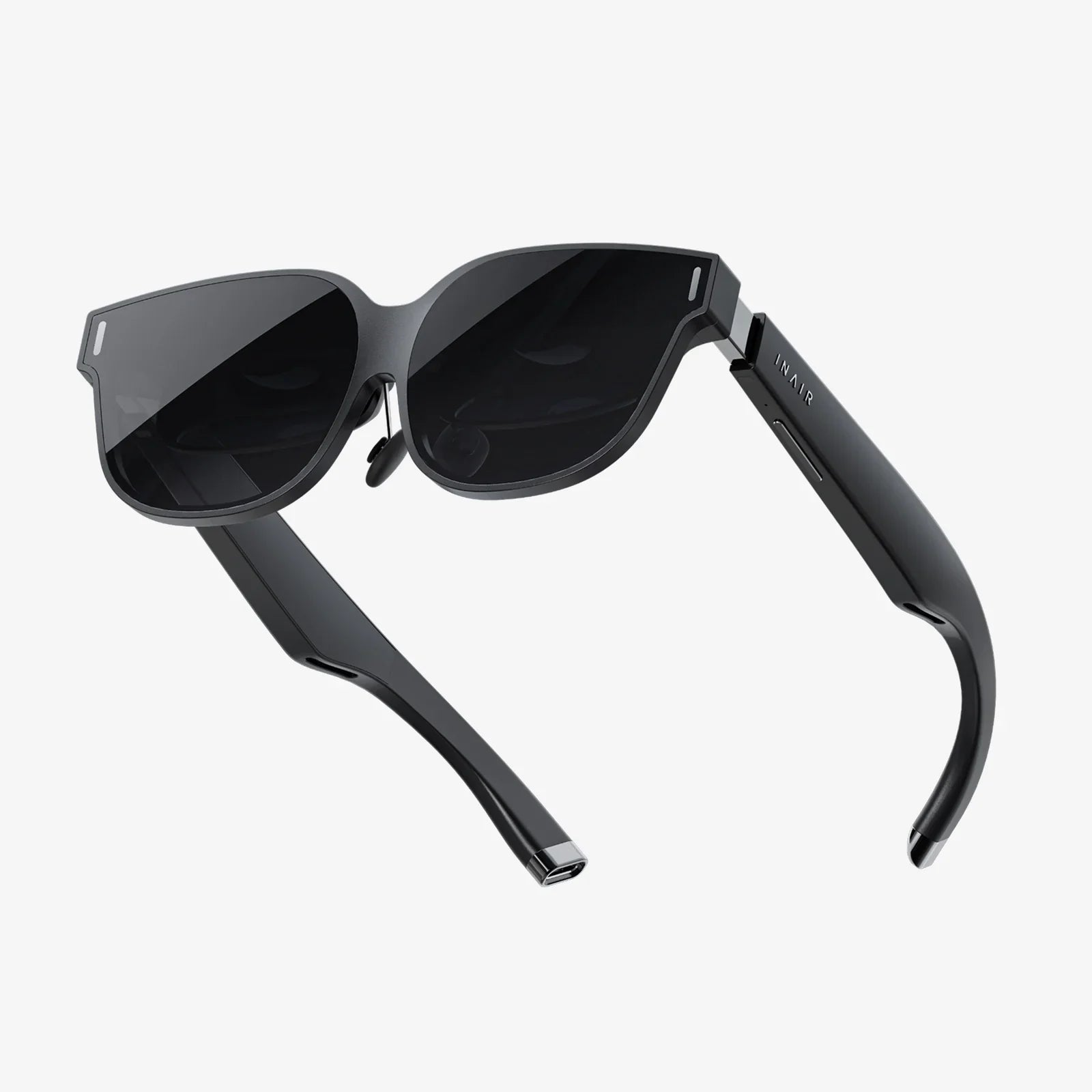
Unlike VR, which creates a fully digital world, Augmented Reality overlays digital information onto the user's real-world environment. Imagine a remote expert being able to see what a field technician sees through smart glasses and then drawing arrows or highlighting components right in the technician's field of view to guide a repair. This type of meeting is highly specialized but incredibly powerful for fields like manufacturing, healthcare, and maintenance, enabling expert guidance and collaboration in a specific physical context without the expert being physically present.
The Metaverse Gathering
Building on VR and gaming concepts, metaverse platforms envision persistent digital worlds where work and socializing converge. A meeting here might involve wandering through a virtual office, having an impromptu conversation by a digital water cooler, or attending a keynote speech in a custom-built auditorium. These environments aim to replicate the unstructured, serendipitous interactions of a physical workplace that are often missing from structured video calls. While still emergent, this format points toward a holistic digital work experience that goes beyond scheduled meetings.
Choosing the Right Tool for the Task
With this expansive menu of options, the critical skill is no longer just knowing how to use the technology, but knowing which technology to use and when. The choice should be dictated by the meeting's core objective.
For quick alignment and daily updates: An asynchronous video huddle or a messaging stand-up is often the most efficient, least disruptive choice.
For complex problem-solving and brainstorming: A synchronous video conference with robust collaboration tools like a digital whiteboard is essential for real-time ideation.
For training and skill development: An interactive workshop with breakout rooms allows for practice and application, making the learning stick.
For disseminating information to a large group: A well-produced webinar is the scalable and effective solution.
For building culture and alignment: A town hall meeting with opportunities for interaction with leadership fosters transparency and community.
For designing in 3D or simulating real-world scenarios: A VR meeting provides an unparalleled level of immersion and collaboration.
The most successful organizations are those that empower their teams with this full spectrum of tools and the literacy to use them effectively. They establish meeting protocols that match the format to the purpose, ensuring that every minute spent in a digital space is productive, engaging, and valuable. They recognize that a forced video call for a simple status update is as much a mismatch as an email thread for a complex design critique.
The future of work is not about replacing human connection; it's about augmenting it with a new layer of digital possibility. The profound shift we are experiencing is the move from a monolithic view of virtual meetings—the video call—to a nuanced ecosystem of digital interaction. This new world offers a format for every purpose, a tool for every task, and an opportunity to connect and collaborate in ways that were once the domain of science fiction. The power to choose the right environment is now in your hands, and mastering this choice is the key to unlocking unprecedented levels of productivity, creativity, and global teamwork. The next time you schedule a meeting, challenge yourself to think beyond the default video link—your agenda, your attendees, and your outcomes will be all the better for it.
Share:
Newest Web AR Technology: The Future of Digital Interaction is Here and It's Browser-Based
Can Virtual Desktop Use Multiple Monitors? The Ultimate Guide to a Seamless Multi-Screen Setup