


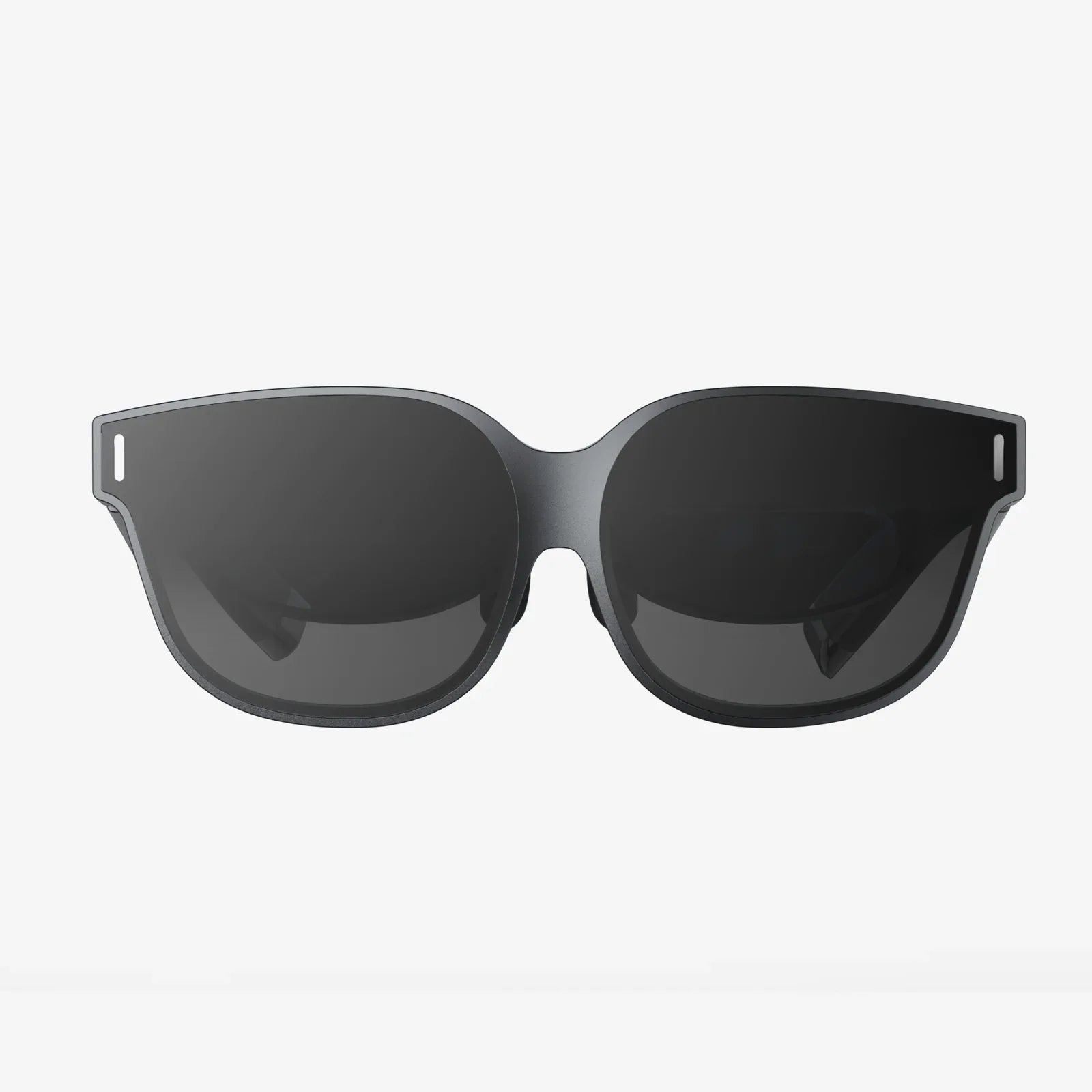
Imagine stepping into a virtual world, exploring distant planets, walking through ancient ruins, or sitting front row at a concert, all powered by a device already in your pocket. The dream of high-quality virtual reality is no longer locked behind expensive, dedicated hardware. Your iPhone, with its stunning Retina display, powerful processor, and sophisticated motion sensors, is a capable portal to these incredible experiences. This comprehensive guide will unveil everything you need to know about using your iPhone as a VR headset, turning science fiction into your everyday reality.
The Foundation: Understanding the Tech Behind the Magic
Before we dive into the ‘how,’ it’s crucial to understand the ‘what.’ Using your iPhone for VR primarily falls into two categories: mobile VR and standalone VR experiences.
Mobile VR leverages the iPhone’s internal hardware to create a stereoscopic 3D environment. The phone’s high-resolution screen is split into two images, one for each eye. The gyroscope and accelerometer inside your phone track your head movements with remarkable precision, allowing you to look around the virtual space naturally. This method requires a head-mounted viewer, often called a viewer, which holds the phone and uses lenses to magnify and focus the image, creating a sense of depth and immersion.
Standalone VR experiences, while still using the phone for processing, often incorporate additional external sensors or controllers for a more interactive and room-scale experience, blurring the lines between mobile and high-end VR.
Gearing Up: Choosing Your Portal to Virtual Worlds
The single most important purchase you’ll make on this journey is the headset itself. This is the physical apparatus that will house your iPhone. The market offers a spectrum of options, broadly categorized into three types.
Basic Cardboard Viewers
These are the entry point. Constructed from literal cardboard or simple plastic, these viewers are incredibly affordable and often come as DIY kits. They contain two lenses and a magnetic or capacitive trigger button for basic interaction. Their primary advantage is cost, making VR accessible to virtually anyone. The significant drawbacks are a lack of comfort for extended use, minimal adjustability, and no head strap, meaning you must hold it to your face.
Mid-Range Plastic Viewers
This is the recommended starting point for most users. These viewers are made from more durable plastic and fabric materials. They almost always include an adjustable head strap, relieving you from holding the device. Features often include adjustable lenses to match your pupillary distance (IPD), a wider field of view, and built-in controls or a Bluetooth remote. They offer a vastly superior comfort and immersion level for a reasonable price.
Advanced Standalone Units
These are the premium tier of mobile VR headsets. They often include their own internal electronics, such as additional motion sensors, improved positional tracking, and integrated headphones. They might connect to your iPhone via a dedicated app for a more refined experience. While offering the best possible mobile VR experience, they come at a significantly higher cost, approaching the price of some dedicated VR systems.
The Software Soul: Apps and Experiences That Bring VR to Life
A viewer is just a shell without content. The true magic happens within the apps available on the App Store. The ecosystem is rich and diverse, catering to every interest.
Immersive Gaming
Gaming is a primary driver of VR. The App Store hosts a variety of titles, from simple roller coaster simulators that are great for first-time users to more complex adventure and puzzle games. Many games utilize the phone’s gyroscope for head aiming or pair with a simple Bluetooth game controller for traditional input. You can find yourself dodging obstacles in a futuristic runner, solving intricate environmental puzzles in a mysterious room, or even experiencing thrilling horror scenarios.
360-Degree Videos and Films
This is one of the most compelling uses for mobile VR. Platforms dedicated to VR content host thousands of 360-degree videos. You can stand on the edge of a volcano, swim with whales, attend a music festival, or watch a short film where you are literally in the scene. The sense of presence is profound. Major content creators and news organizations are also producing VR documentaries, placing you in the heart of the story for a powerful, empathetic experience.
Virtual Travel and Exploration
Never has the phrase “armchair traveler” been more literal. Dedicated apps allow you to take virtual tours of the world’s most famous museums, historical sites, and natural wonders. You can stroll through the streets of Paris, explore the International Space Station, or walk on the Martian surface—all from your living room. It’s an incredible tool for education and satisfying wanderlust.
Social and Creative Experiences
The social aspect of VR is growing rapidly. Some apps allow you to create a cartoonish avatar and enter virtual chat rooms to meet and interact with people from around the globe. Creative apps let you paint and sculpt in 3D space, creating art that you can walk around and view from every angle. The potential for collaboration and shared experiences is vast.
A Step-by-Step Guide to Your First Virtual Journey
Ready to take the plunge? Here’s a simple step-by-step process to get you started.
- Acquire a Viewer: Based on your budget and desired experience, select and purchase a compatible headset.
- Prepare Your iPhone: Ensure your phone’s operating system is up to date. Clear some space on your device; high-quality VR videos and apps can be large. Fully charge your phone; VR is a power-intensive activity.
- Explore the App Store: Search for “VR,” “virtual reality,” or “360 video.” Download a few free apps to start. A video platform and a simple game are excellent first choices.
- Assemble the Headset: Follow the instructions to insert the lenses and adjust any straps. If it includes a remote, pair it via Bluetooth in your iPhone’s Settings.
- Calibrate (If Necessary): Some apps will guide you through a quick calibration to set your IPD for the sharpest image.
- Insert Your iPhone: Carefully place your phone into the designated slot or tray on the viewer. Ensure it is centered and secure.
- Start Your Adventure: Put the headset on, adjust the straps for comfort, and launch your chosen app. Remember to look around slowly at first to get your “VR legs.”
Optimizing Your Experience: Pro Tips and Tricks
To move from a novice to a VR connoisseur, consider these expert tips.
- Embrace Headphones: Spatial, 3D audio is half of the immersion. Using a good pair of headphones will dramatically increase the sense of presence, making sounds feel like they are coming from specific directions around you.
- Manage Your Environment: VR is best experienced while seated in a swivel chair or standing in a clear, open space. Be mindful of your surroundings to avoid bumping into furniture.
- Combat Fogging: The heat from your face can fog the lenses. Some viewers include anti-fog vents. If not, you can apply a small amount of anti-fog solution used for swim goggles before you start.
- Control Brightness: Running your screen at full brightness drains the battery quickly and can cause the phone to overheat, potentially triggering a performance throttle. Start at medium brightness and only increase if necessary.
- Take Breaks: Especially when starting out, limit your sessions to 15-30 minutes. This helps prevent eye strain, disorientation, or motion sickness (cybersickness). If you feel unwell, stop immediately.
Weighing the Reality: The Pros and Cons
Like any technology, using your iPhone for VR has its strengths and limitations.
Pros:
- Extremely Accessible: It’s a low-cost entry into VR if you already own a compatible phone.
- Portable and Convenient: The entire setup is lightweight and easy to transport and share with friends.
- Powerful Hardware: Modern iPhones have displays and processors that rival some dedicated VR systems.
- Massive Content Library: A wide array of apps, games, and videos are available for free or low cost.
Cons:
- Limited Tracking: Most viewers only offer rotational tracking (looking around). Without external sensors, they lack true positional tracking (leaning, ducking, moving through space).
- Battery Drain: VR applications will deplete your phone’s battery very quickly.
- Potential for Discomfort: The weight of the phone can make some viewers front-heavy, and the “screen door effect” (seeing the pixels) can be more noticeable than on dedicated devices.
- Performance Variability: Older iPhone models may struggle with more demanding VR applications, leading to lag or a less smooth experience.
The Horizon of Mobile VR: What Does the Future Hold?
The future of using smartphones for VR is incredibly bright and is being shaped by several key technological trends. The development of more powerful and energy-efficient chipsets will allow for even more complex and photorealistic experiences. Advancements in display technology, such as micro-LED and higher refresh rates, will make the virtual image indistinguishable from reality. The most significant leap will come from the integration of advanced augmented reality (AR) frameworks. This will enable mixed reality (MR) experiences, where digital objects are seamlessly anchored and interact with your real-world environment, all viewed through a simple viewer. Furthermore, the potential for cloud-based VR streaming could eventually allow your phone to access vast, graphically intense virtual worlds without being constrained by its local processing power.
Your iPhone is far more than a communication device; it's a key to countless realities waiting to be explored. From the awe-inspiring spectacle of a 360-degree nature documentary to the simple joy of a VR game, the power to escape, learn, and play is literally at your fingertips. The barrier to entry has never been lower, and the world of virtual reality has never been more eager to welcome you. All you need to do is take the first step and look inside.
Share:
Future of Workplace with Extended Reality XR: Redefining Collaboration and Productivity
Future of Workplace with Extended Reality XR: Redefining Collaboration and Productivity