


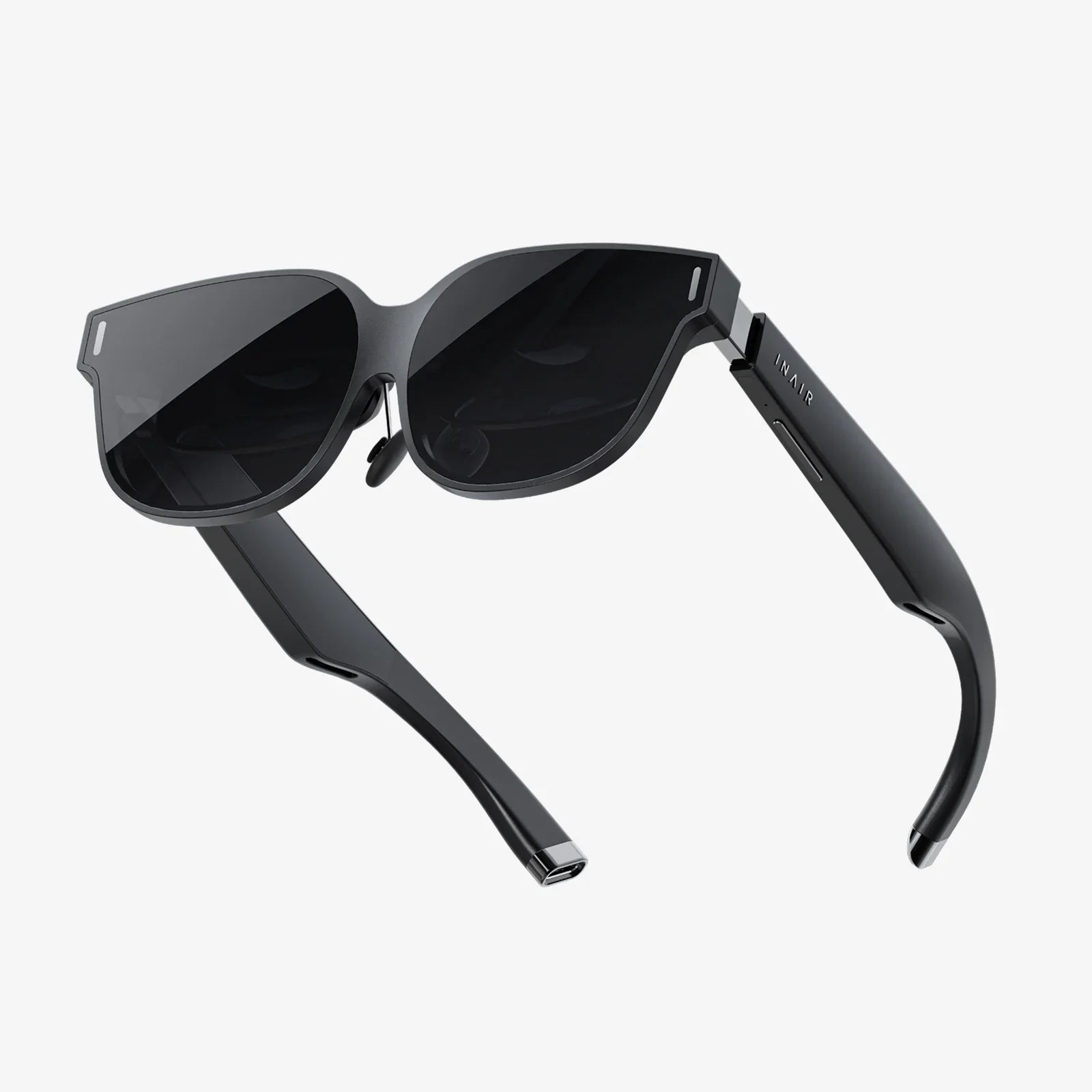
Imagine a digital workspace so vast and fluid that the edges of your physical monitor become meaningless, a realm where your applications and projects are not confined to a single pane of glass but can be effortlessly organized across boundless virtual landscapes. This is the promise and the power of the virtual desktop move screen concept, a technological evolution that is quietly revolutionizing productivity, creativity, and digital organization for millions. It’s not just about having more space; it’s about fundamentally changing your relationship with your computer, breaking free from the cluttered chaos of a single screen, and stepping into a new dimension of workflow efficiency. The journey beyond the bezel starts here.
Beyond the Physical: Defining the Virtual Workspace
At its core, the virtual desktop move screen functionality is a sophisticated software feature that decouples your digital workspace from the physical constraints of your hardware. It allows users to create multiple, distinct desktop environments on a single computer. Think of it not as a single desk, but an entire office building. Each virtual screen is a new floor or room, dedicated to a specific task, project, or mindset. You can then seamlessly move—or 'drag'—application windows between these virtual spaces, effectively creating a panoramic digital canvas that extends far beyond what any single monitor can display.
The Architecture of Infinite Space: How It Works
The magic behind this technology lies in a clever interplay between the operating system's window manager and the graphics subsystem. When you initiate a virtual desktop move screen action, you are not literally moving a pixel buffer to a new physical location. Instead, you are instructing the OS to change the spatial context of an application window. The operating system maintains a registry of all open windows and their assigned virtual desktop. When you switch between these desktops, the OS simply stops rendering the windows that do not belong to the current context and begins rendering those that do. This process is incredibly efficient, leveraging system memory and GPU resources to create a seamless and instantaneous transition for the user, making it feel as though you are genuinely panning across a vast, continuous digital landscape.
Key Technical Components:
- The Window Manager: The core software responsible for keeping track of every open window, its position, size, and, crucially, its assigned virtual desktop.
- Graphics Pipeline: The system that takes the instructions from the window manager and renders the final image to your display. It handles the rapid switching of visual contexts.
- User Interface Layer: The visual controls—such as gestures, keyboard shortcuts, or on-screen buttons—that allow you to command the window manager to move windows or switch desktops.
A Symphony of Productivity: Transformative Use Cases
The true value of the virtual desktop move screen paradigm is revealed in its practical application across various professions and hobbies. It transforms workflow from a linear, crowded experience into a multi-threaded, organized symphony of productivity.
For the Creative Professional
Visual artists, video editors, and musicians can dedicate entire virtual screens to different aspects of their craft. One desktop can host the main editing timeline, completely free of clutter. With a simple move screen command, they can shuttle a reference image browser or a sound mixing console to a second desktop, keeping it instantly accessible yet out of sight when focus is paramount. This eliminates the constant minimizing and tab-switching that can murder creative momentum, allowing for a state of deep, uninterrupted flow.
For the Software Developer
Development work often requires a complex toolkit: an integrated development environment (IDE), a terminal window, a web browser for documentation, and a communication app. Instead of cramming all these onto one monitor or wrestling with tabs, a developer can organize them logically. Desktop 1: the IDE in full-screen glory. Desktop 2: terminal windows and build tools. Desktop 3: API documentation and research tabs. Desktop 4: team chat and email. Context switching becomes a physical action of moving between desktops, which helps the brain compartmentalize different modes of thinking.
For the Multi-Tasking Power User
Even outside specialized fields, the benefits are profound. One virtual screen can be dedicated to your primary work task—a document or spreadsheet. Another can host your personal communication apps, preventing distracting notifications from popping up over your work. A third could be a entertainment space for music or video, and a fourth could be临时用于 a quick personal task like online banking. This spatial separation creates healthy digital boundaries, reducing cognitive load and making it easier to focus on the task at hand.
The Ergonomic and Cognitive Payoff
The advantages of adopting a virtual desktop move screen strategy extend beyond mere convenience into the realms of ergonomics and cognitive science.
- Reduced Mental Clutter: Visual clutter directly contributes to cognitive load. By spatially separating tasks, your brain has an easier time processing the information in front of it. Each virtual screen becomes a dedicated mental mode, reducing the effort required to switch gears.
- Enhanced Focus: The ability to hide distracting applications—not just minimize them, but banish them to another desktop—is a powerful tool for combating the allure of constant interruption and fostering deep work.
- Streamlined Navigation: Instead of a chaotic Alt-Tab dance through dozens of windows, you can develop a muscle-memory-driven system. 'I need my browser; that's two swipes to the left.' This spatial memory is often faster and more reliable than scanning through a linear list.
- Ergonomic Relief: While multi-monitor setups are popular, they can lead to excessive head turning and neck strain. A virtual desktop system on a single, large monitor allows for organization without the physical exertion, as your eyes and cursor do the moving instead of your entire head.
Mastering the Flow: Tips and Best Practices
To truly harness the potential of this technology, a strategic approach is required. Mindless moving of windows will only create virtual clutter.
- Develop a Logical System: Assign a specific purpose to each virtual desktop and stick to it. For example, always keep communication apps on Desktop 2 and reference material on Desktop 3. Consistency is key to building spatial memory.
- Leverage Keyboard Shortcuts: The true power users navigate almost exclusively with the keyboard. Learn the shortcuts for creating new desktops, moving windows between them, and cycling through spaces. This is far faster than reaching for a mouse or trackpad.
- Name Your Desktops: If your OS supports it, give your desktops descriptive names like "Writing," "Research," "Comms," or "Project Alpha." This provides an at-a-glance overview of your digital workspace structure.
- Use Full-Screen Wisely: Combining the full-screen mode of applications with virtual desktops is incredibly powerful. It creates a completely immersive, distraction-free environment for that single task.
- Don't Overdo It: The goal is organization, not confusion. There is a point of diminishing returns. If you find yourself constantly lost across fifteen different desktops, you've likely created too many. Five to seven dedicated spaces are often more than enough for even the most complex projects.
The Future is Virtual and Spatial
The virtual desktop move screen feature is more than just a handy tool; it is a precursor to the next major shift in human-computer interaction. As we move towards augmented reality (AR) and virtual reality (VR) interfaces, the concept of a physical screen will dissolve entirely. Our workspaces will become truly three-dimensional and infinite. The skills learned today—organizing digital assets in virtual space, using gesture and voice commands to manipulate them, and thinking spatially about information—are the foundational skills for the computing paradigms of tomorrow. We are currently training our minds to work in a realm without borders.
Stepping into a well-organized virtual workspace is like opening a door to a quieter, more focused mind. The constant background anxiety of a messy digital environment fades away, replaced by a sense of control and clarity. The simple act of moving a screen to its designated virtual home is a declarative statement: 'This task has its place, and now, so does my attention.' It is the ultimate antidote to digital overload, a way to carve out sanctuaries of focus in an ocean of potential distractions. The boundaries of your monitor are an illusion; your potential to organize and create within the infinite digital expanse is waiting to be unlocked.
Share:
Virtual Reality Real: Blurring the Lines Between Digital Illusion and Tangible Experience
Virtual Reality Technology Advancements Are Redefining Reality Itself