


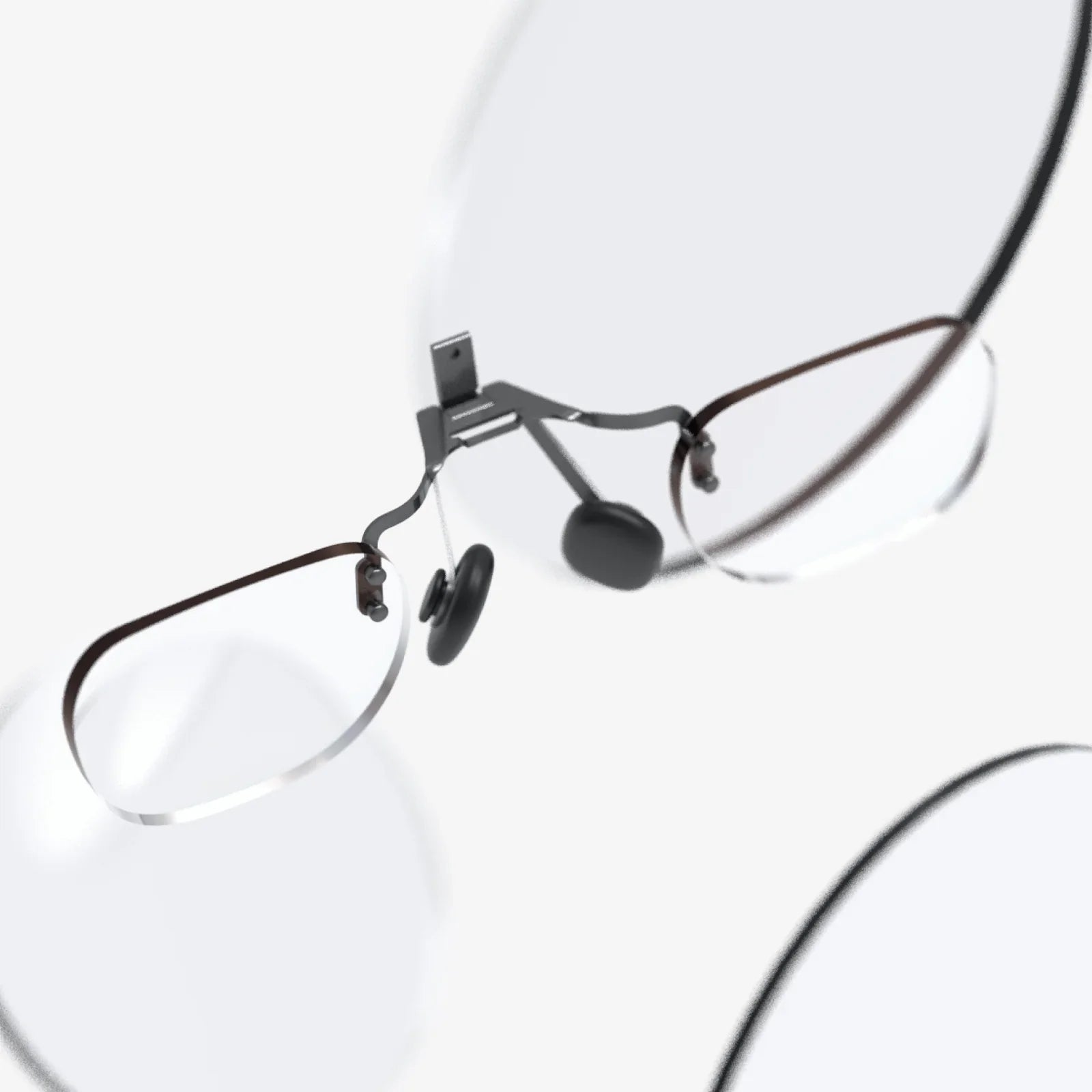
Imagine slipping a compact, futuristic visor over your eyes and instantly being transported from your living room to the edge of a volcano, the front row of a concert, or the cockpit of a starship. This isn't a glimpse into a distant technological utopia; it's the reality available today with a virtual headset for iPhone. This ingenious piece of technology leverages the powerful computer already in your pocket, transforming it into a window to boundless digital worlds. The barrier to entry for immersive experiences has never been lower, inviting millions to explore, learn, and play in ways previously confined to science fiction. The journey begins with a simple click into a headset, and the possibilities are limitless.
The Anatomy of an Affordable Portal
At its core, a virtual headset for iPhone is a marvel of elegant, minimalist design. Unlike their more expensive, standalone counterparts, these devices are often constructed from lightweight materials like high-density plastics or even reinforced cardboard. Their primary function is not to compute but to host and enhance. The design consists of a comfortable head strap system and a chassis that holds your iPhone securely in place, positioning the device's high-resolution screen mere centimeters from your eyes.
The true magic lies in the optics. Each headset features a pair of specialized lenses that sit between your eyes and the iPhone's display. These lenses perform two critical functions: they magnify the image to fill your entire field of view, and they warp the picture to correct for the perspective, creating a convincing stereoscopic 3D effect. This clever optical trickery is what turns the flat, rectangular screen of your phone into a vast, immersive panorama. Built-in adjustments for interpupillary distance (IPD) and focus allow users to fine-tune the view for maximum clarity and comfort, ensuring a sharp image whether you're nearsighted or farsighted.
The Symbiotic Relationship: Hardware and Software
The experience is only as good as the partnership between the headset hardware and the iPhone itself. Modern iPhones are perfectly suited for this task, boasting features that are critical for a high-quality VR experience.
- High-Resolution Retina Displays: The crisp, pixel-dense screens provide the visual fidelity needed to prevent the "screen door effect," where users can discern the gaps between pixels, thus breaking immersion.
- Powerful Processors: The advanced chipsets are capable of rendering two high-frame-rate videos simultaneously (one for each eye) and handling complex 3D environments without lag, which is essential for preventing motion sickness.
- Advanced Sensors: The gyroscope, accelerometer, and magnetometer inside every iPhone work overtime in VR. They track the precise movement and rotation of your head in real-time, allowing the virtual world to respond instantly as you look around, lean in, or turn your body.
This sensor data is processed by sophisticated software development kits (SDKs) that developers use to create apps. This synergy creates the fundamental VR experience: you move, and the digital universe moves with you in perfect unison.
A Universe of Experiences at Your Fingertips
The content ecosystem for mobile VR is vast and surprisingly diverse. Unlocking your iPhone and slotting it into a headset opens the door to a multitude of applications across several key categories.
Gaming and Interactive Entertainment
This is often the first and most popular destination for new users. VR gaming on an iPhone is a transformative step up from traditional mobile gaming. Instead of swiping a screen, you are inside the game. You navigate by looking where you want to go, aim weapons by turning your head, and interact with environments using a simple Bluetooth controller or on-screen gaze-based controls. From heart-pounding horror titles where you must explore eerie environments to exhilarating space simulators and intricate puzzle games that surround you, the level of engagement is unparalleled.
Educational and Cultural Exploration
Perhaps the most profound application of a virtual headset for iPhone is in education and cultural enrichment. Imagine taking a history class and instead of reading about ancient Rome, you can take a guided, 360-degree tour of the Colosseum, standing in the center of the arena and looking up at the towering stands. Students can explore the human body from the inside, walk on the surface of Mars through data collected by rovers, or dive into the Great Barrier Reef—all from their classroom or home. Museums and cultural institutions worldwide now offer virtual tours, making art, history, and science accessible to anyone with a smartphone.
Social Connection and Virtual Travel
VR has evolved into a social platform. Numerous apps allow users to create avatars and meet friends or strangers in virtual spaces to play games, watch movies on a giant virtual screen, or simply chat. During times when physical travel was restricted, these platforms saw a massive surge in use, demonstrating a deep human desire for shared experiences. Furthermore, 360-degree videos and photospheres allow for a potent form of armchair travel. You can experience the thrill of skydiving, attend a famous music festival, or visit iconic global landmarks, all in immersive first-person perspective.
Beyond Entertainment: Practical and Therapeutic Uses
The utility of these headsets extends far beyond fun and games. In the professional realm, architects and designers use them for virtual walkthroughs of building plans long before ground is broken. Estate agents can offer virtual property tours to international clients. The therapeutic potential is also being explored, with applications in exposure therapy for phobias, guided meditation and mindfulness in calming virtual environments, and even motor skills rehabilitation through engaging VR exercises.
Setting Up for Success: A User's Guide
Getting started is remarkably straightforward. First, select a headset that aligns with your desired level of comfort and features. Options range from basic models to more advanced versions with improved comfort, built-in controllers, or better ventilation. Next, ensure your iPhone is compatible; generally, models from the last several years work well. Then, explore the App Store—search for "VR," "virtual reality," or "cardboard" to find a trove of compatible apps. It's crucial to download the apps before placing your phone in the headset. Finally, find a clear, safe space free of obstacles to enjoy your experiences without risk.
Navigating the Limitations and Looking Ahead
It's important to understand that a mobile-based headset represents the accessible entry point into VR, not its ultimate expression. Compared to high-end dedicated systems, they lack positional tracking (the ability to move your head physically through space, not just rotate it) and sophisticated hand controllers. The graphical fidelity, while impressive, is still bound by the thermal and battery limitations of a phone. Users may also experience discomfort or motion sickness during extended sessions, especially in experiences with artificial locomotion.
However, the technology is constantly evolving. The future likely holds even tighter integration between iPhone hardware and VR software. Advances in augmented reality (AR) may blend with VR, and we can expect ever more lightweight, comfortable, and feature-rich headset designs. The goal is a seamless, all-day wearable that feels as natural as putting on a pair of sunglasses.
The true power of the virtual headset for iPhone lies in its democratization of virtual reality. It has taken a technology once considered niche and expensive and placed it directly into the mainstream. It asks a simple question: what if your phone, the device you use to connect with the world, could do more? What if it could become a gateway to any world you can imagine? That gateway is here, it's affordable, and it's waiting in your app store. The next adventure is just a download away, ready to unfold from the screen in your hand to a universe all around you.
Share:
Virtual Office Rentals: The Ultimate Guide to Professional Presence and Operational Freedom
AR in Mobile Devices: The World Remade Through Your Smartphone Screen