


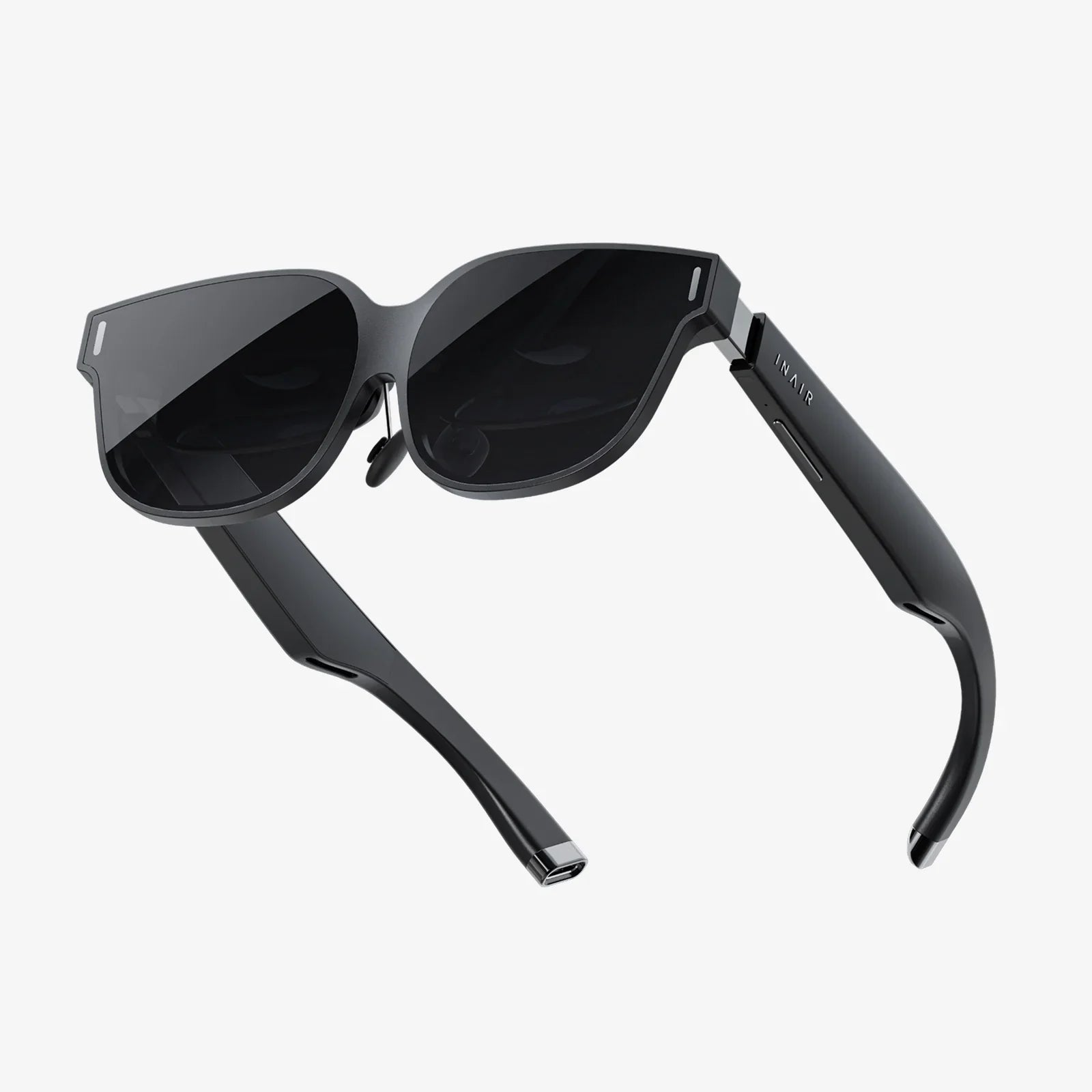
The digital frontier is calling, and the gateway is closer than you think. With a dizzying array of virtual headsets for sale, the promise of entire universes waiting to be explored is no longer science fiction but a reality you can hold in your hands. This isn't just about a new gadget; it's about purchasing a passport to unimaginable experiences, from the comfort of your living room. The question is no longer if you should step through, but how to choose the right vessel for your journey. The market is bustling, the technology is advancing at a breakneck pace, and this guide is your essential compass to navigate it all.
The Spectrum of Immersion: Understanding Headset Types
Not all virtual headsets are created equal. The landscape is broadly divided into three distinct categories, each offering a different balance of convenience, performance, and price. Understanding this fundamental split is the first step in making an informed decision.
Standalone VR: The All-in-One Powerhouse
Standalone headsets represent the most accessible entry point into high-quality VR. These are self-contained systems with all the necessary computing power, sensors, and displays built directly into the unit. There are no wires tethering you to a powerful computer, granting you unparalleled freedom of movement.
The primary advantage of this category is its sheer convenience. Setup is often as simple as putting on the headset and configuring your play space. They are perfect for media consumption, social VR applications, fitness games, and a vast library of mobile-optimized experiences. For many, a standalone device is the ideal first foray into virtual reality, offering a compelling and hassle-free experience.
PC-Connected VR: The Apex of Fidelity
For those seeking the absolute pinnacle of visual quality, graphical complexity, and performance, PC-connected (or tethered) headsets are the undisputed champions. These devices act as ultra-high-resolution displays, relying on the raw processing power of a capable gaming computer to render incredibly detailed and immersive worlds.
This category is synonymous with deep, immersive simulation games, expansive RPGs, and cutting-edge experimental applications. The trade-off for this supreme fidelity is the literal tether—a cable connecting the headset to the PC—which can slightly inhibit movement. It also requires a significant investment in both the headset and the computer hardware to power it. This is the domain of the enthusiast and the hardcore gamer.
Smartphone-Based VR: The Entry-Level Experience
While less prevalent than a few years ago, smartphone-based headsets still exist as an ultra-budget-friendly option. These are essentially sophisticated holders for your smartphone, which acts as both the display and the brain of the operation.
While they can provide a fun and inexpensive glimpse into VR, the experience is significantly limited by the phone's processing power, sensors, and screen resolution. They often lack positional tracking (the ability to move forward/backward and side-to-side in virtual space) and high-quality controllers. For a casual, low-cost introduction, they can be interesting, but they fall far short of the immersion offered by the other two categories.
Key Specifications to Decipher Before You Buy
When browsing virtual headsets for sale, you'll be bombarded with technical jargon. Cutting through the marketing speak is crucial. Here are the core specifications that truly define the experience.
Display Resolution and Clarity
Often quoted as a single number like "1832 x 1920 pixels per eye," resolution is paramount. A higher resolution means a sharper, clearer image with less of the "screen door effect" (the visible gap between pixels). However, resolution isn't the whole story. The quality of the lenses, the display technology (LCD vs. OLED), and the pixel density (pixels per degree) all contribute to the overall visual clarity.
Field of View (FoV)
Measured in degrees, the Field of View is how much of the virtual world you can see at once. A narrow FoV can feel like looking through binoculars, while a wider FoV (110 degrees or more) is far more immersive, filling your peripheral vision and making the virtual environment feel vast and real.
Tracking: Inside-Out vs. Outside-In
How does the headset know where it is in your room? This is done through tracking.
- Inside-Out Tracking: Cameras on the headset itself look outward to map the environment and track the controllers. This is the modern standard for standalone and most new PC headsets. It requires no external sensors, making setup effortless.
- Outside-In Tracking: External sensors or base stations placed around the room track the position of the headset and controllers. This method is renowned for its ultra-precise, millimetric accuracy, especially important for competitive gaming or professional applications, but it adds complexity to the setup process.
Refresh Rate
Measured in Hertz (Hz), the refresh rate is how many times the image on the screen updates per second. A higher refresh rate (90Hz and above) leads to smoother motion, which is critical for comfort. Low refresh rates can cause motion sickness and make fast-paced action appear blurry.
Controllers and Hand Tracking
The way you interact with the virtual world is just as important as how you see it. Most systems come with a pair of ergonomic motion controllers, equipped with buttons, triggers, and joysticks. They are tracked in 3D space, allowing you to reach out and manipulate objects. The latest innovation is hand tracking, where cameras on the headset see your bare hands and translate their movements into the game, eliminating the need for controllers for certain tasks and creating a profound sense of presence.
Beyond Gaming: The Expansive Universe of VR Applications
While gaming is the engine that has driven VR adoption, the potential of this technology stretches into nearly every facet of modern life.
Revolutionizing Social Connection
VR is evolving into a powerful social platform. Instead of flat video calls, you can don a headset and meet friends, family, or colleagues in a shared virtual space as lifelike avatars. You can watch movies together on a giant virtual screen, attend live concerts with thousands of other fans, play board games, or simply hang out in environments that defy the laws of physics. This creates a sense of "co-presence" that traditional digital communication lacks.
Transforming Education and Training
Imagine medical students practicing complex surgery on a virtual patient, history students walking through ancient Rome, or mechanics trainees disassembling a virtual engine. VR provides a safe, scalable, and incredibly effective environment for experiential learning. It allows for the practice of high-risk procedures without consequence and the visualization of abstract concepts in a tangible way.
The Future of Fitness
VR fitness has exploded in popularity. A new genre of games and applications turns a workout into an engaging adventure. You might find yourself boxing to the rhythm of music, slashing flying cubes in a neon dojo, or climbing icy mountains. By making exercise fun and immersive, VR has proven to be a powerful tool for motivation, with many users reporting they forget they're even working out.
A New Canvas for Creativity and Design
Artists, architects, and designers are using VR as a revolutionary medium. They can step inside their creations, sculpting 3D models in mid-air, painting with light in a three-dimensional space, or walking clients through an architectural design long before the first brick is laid. This hands-on, immersive approach to creation unlocks new forms of expression and problem-solving.
Navigating the Marketplace: A Buyer's Checklist
Ready to browse the virtual headsets for sale? Keep this checklist handy to ensure you find the perfect match.
- Define Your "Why": Are you a hardcore gamer, a fitness enthusiast, a creative professional, or a curious newcomer? Your primary use case will immediately narrow your options.
- Audit Your Hardware: If considering a PC-connected headset, does your computer meet or exceed the recommended specifications? Check the GPU, CPU, and USB port requirements carefully.
- Set a Realistic Budget: Factor in the total cost. For a PC headset, remember the cost of the PC itself. For any headset, consider the potential cost of software, accessories (like extra face foams or battery straps), and potential subscription services.
- Research the Software Ecosystem: The hardware is useless without great software. Explore the platform's store (App Lab, SteamVR, etc.) to see if the games and apps you want are available and well-reviewed.
- Consider Comfort: You'll be wearing this device on your head. Look for reviews that discuss weight distribution, padding, and adjustability. Comfort is critical for long sessions.
- Read Expert and User Reviews: Look beyond the marketing materials. Trusted tech reviewers and user testimonials provide invaluable real-world insights into performance, reliability, and the nuances of daily use.
The array of virtual headsets for sale today represents more than just consumer electronics; they are the early prototypes of the next major computing platform. This technology is maturing at an astonishing rate, becoming more powerful, affordable, and comfortable with each generation. We are standing at the precipice of a fundamental shift in how we work, learn, play, and connect. The virtual world is no longer a distant dream—it's a vibrant, evolving landscape waiting to be shaped. Your journey into this new dimension begins with a single choice, a single step through the headset's looking glass. What will you create when the only limit is your imagination?
Share:
What's The Best VR System? A Deep Dive into Finding Your Perfect Virtual Reality
Heads Up Display The Future of Information is Right Before Your Eyes