


- by wangfred
Virtual Meeting Collaboration Tools Are Reshaping the Modern Workplace Forever
- by wangfred
Remember the frantic scramble of dialing into a crackly conference call, the endless email chains trying to decipher a colleague's scribbled whiteboard, or the sheer impossibility of gathering a globally dispersed team for a spontaneous brainstorming session? That world feels like a distant memory, a relic of a bygone professional era. The rapid, unprecedented adoption of virtual meeting collaboration tools has not just changed how we meet; it has fundamentally rewired the very DNA of workplace collaboration, shattering geographical barriers and creating a new, dynamic, and infinitely more connected digital workspace. This isn't merely a story about video conferencing; it's a revolution in how we connect, create, and innovate together.
The journey of virtual collaboration began with rudimentary tools designed for a single purpose: voice communication. Early digital meetings were often one-dimensional, audio-only experiences plagued by poor quality and limited participation. The advent of affordable, high-quality video technology marked the first major leap forward, adding a crucial visual layer that restored non-verbal cues and fostered a greater sense of presence.
However, the true transformation occurred with the integration of these video capabilities into comprehensive collaboration suites. Today's platforms are not isolated applications but rather centralized hubs. They seamlessly blend high-definition video and audio with a powerful suite of synchronous and asynchronous tools, including:
This evolution from a standalone tool to an integrated ecosystem is what distinguishes modern virtual collaboration. It acknowledges that a meeting is not an isolated event but a part of a continuous workflow, and these tools are designed to support that entire lifecycle, from preparation and execution to follow-up and action.
To understand their impact, one must examine the core features that make these tools so powerful. Video conferencing remains the heart, providing the face-to-face interaction that builds trust and rapport. High-definition video, noise suppression, and virtual backgrounds have become standard, ensuring professional and distraction-free communication.
Screen sharing is the workhorse, allowing presenters to showcase anything on their monitor. The advancement to application-specific sharing, where one can share just a single window rather than an entire desktop, enhances security and focus. Beyond mere sharing, real-time co-editing features allow multiple participants to work on the same document simultaneously. This transforms a presentation from a one-way broadcast into an interactive, collaborative workshop, drastically accelerating decision-making and project momentum.
Digital whiteboards have digitally recreated the magic of a physical whiteboard session, but with superpowers. Teams can brainstorm, diagram processes, and create mind maps together, regardless of location. Sticky notes, drawing tools, and templates facilitate structured creativity, and these sessions can be saved, shared, and revisited indefinitely, preserving valuable institutional knowledge that would have previously been erased at the end of a meeting.
Perhaps the most profound social impact of these tools is their role in fostering greater inclusivity and democratizing participation. In a physical meeting room, dynamics can be dominated by the most vocal personalities or those with the highest seniority. Virtual tools offer features that help level the playing field.
Raised hand features, reaction emojis, and structured Q&A panels provide quieter team members with less intimidating channels to contribute. Chat functions allow for parallel conversations where ideas can be shared without interrupting the speaker. Furthermore, these tools are a cornerstone of accessibility. Live captioning and transcription services make meetings accessible to participants who are deaf or hard of hearing, while recording features allow those in different time zones to participate asynchronously without missing critical information.
This inherent flexibility is the key to unlocking a truly global talent pool. Organizations are no longer constrained by their immediate geographic location when recruiting. They can hire the best person for the role, whether they live across the city or across the globe. This not only enhances the diversity of thought within a company but also builds more resilient and culturally aware teams capable of operating in a global marketplace.
Despite the immense benefits, the shift to a virtual-first model is not without its challenges. Virtual meeting fatigue, often dubbed 'Zoom fatigue,' is a well-documented phenomenon. The constant gaze of a camera, the cognitive load of processing non-verbal cues on a grid of faces, and the lack of physical movement can be mentally exhausting.
Combating this requires intentional effort. Encouraging camera-off breaks, promoting shorter and more focused meetings, and building in time for informal social interaction can help mitigate burnout. The 'asynchronous first' mindset is also gaining traction, where defaulting to recorded updates or collaborative documents is preferred over scheduling a live meeting for every minor update.
Security remains another critical concern. The virtual meeting room is a new vector for cyber threats, including unauthorized access ('zoom-bombing'), data interception, and phishing attacks. Robust security features are non-negotiable. This includes end-to-end encryption, waiting rooms and host controls, password protection for meetings, and secure user authentication methods. Organizations must prioritize platforms that demonstrate a strong commitment to data privacy and provide administrators with granular control over security settings.
The evolution of virtual collaboration tools is accelerating, driven by artificial intelligence and a desire for even greater immersion. AI is already powering features like smart noise cancellation, automatic meeting summaries, and highlight reels that identify key moments and action items. In the near future, AI could act as a true meeting assistant, providing real-time data during discussions, translating languages seamlessly, and even analyzing participant sentiment to guide the conversation.
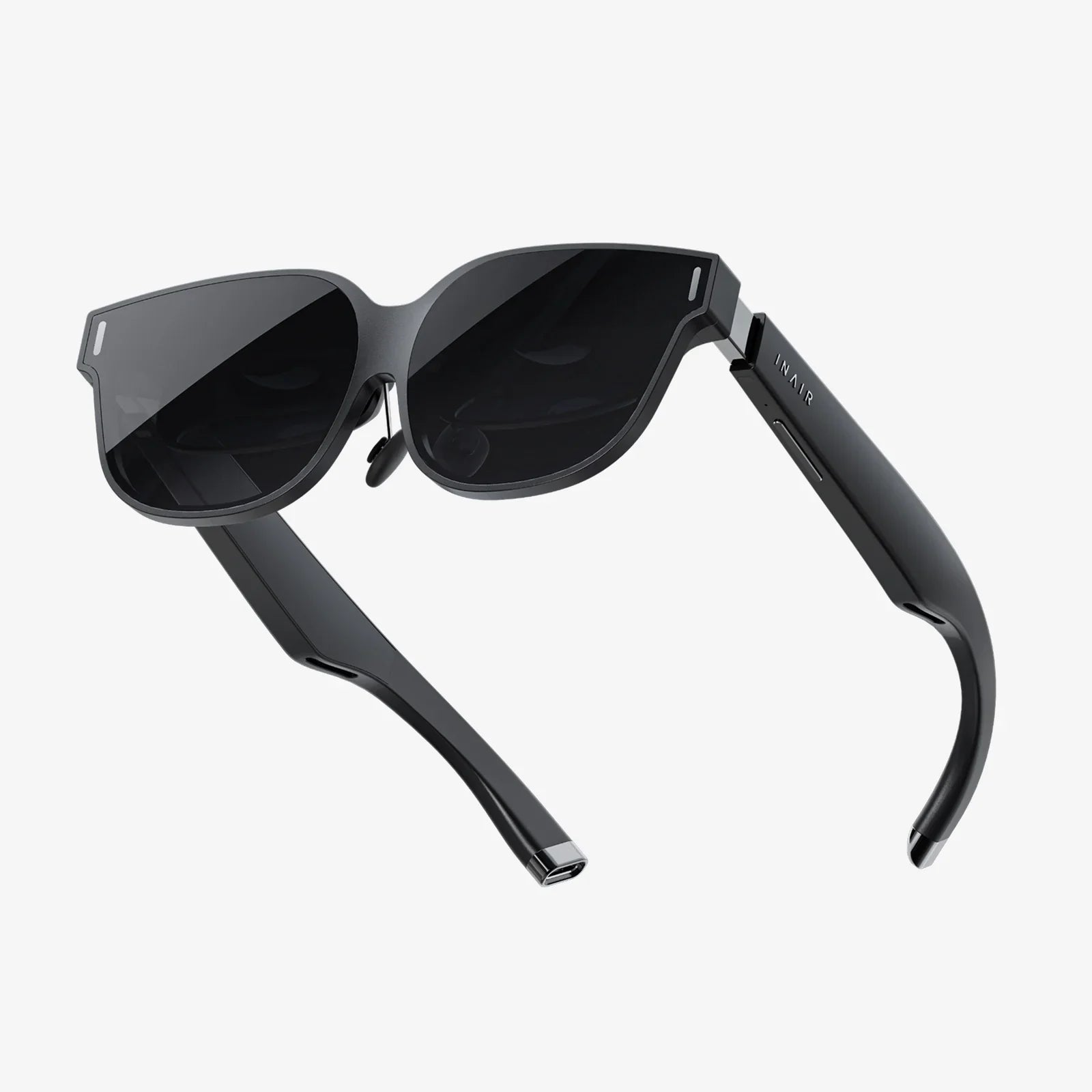
The concept of the metaverse and immersive meeting spaces using virtual and augmented reality is also on the horizon. While still in its early stages for mainstream business use, the potential for conducting meetings in a persistent 3D virtual office, complete with spatial audio that mimics a real room, promises to bridge the gap between physical and digital presence in ways we are only beginning to imagine.
Finally, the future will see a continued blurring of the lines between synchronous and asynchronous work. Tools are increasingly designed to support both modes, allowing a collaborative document or whiteboard to be a living artifact that team members contribute to on their own schedules, with live meetings reserved for moments that truly require real-time, dynamic interaction.
The static, one-way conference call is dead, replaced by a dynamic, interactive, and deeply integrated digital hub that empowers teams to do their best work from anywhere on Earth. The future of work isn't just remote; it's brilliantly, seamlessly, and intelligently connected, and it's waiting for you to log on.